Article
Figma Sites: the future of no-code web design? (Config 2025)
Webflow7 min read

James BrunettoCo-fondateur & CEO
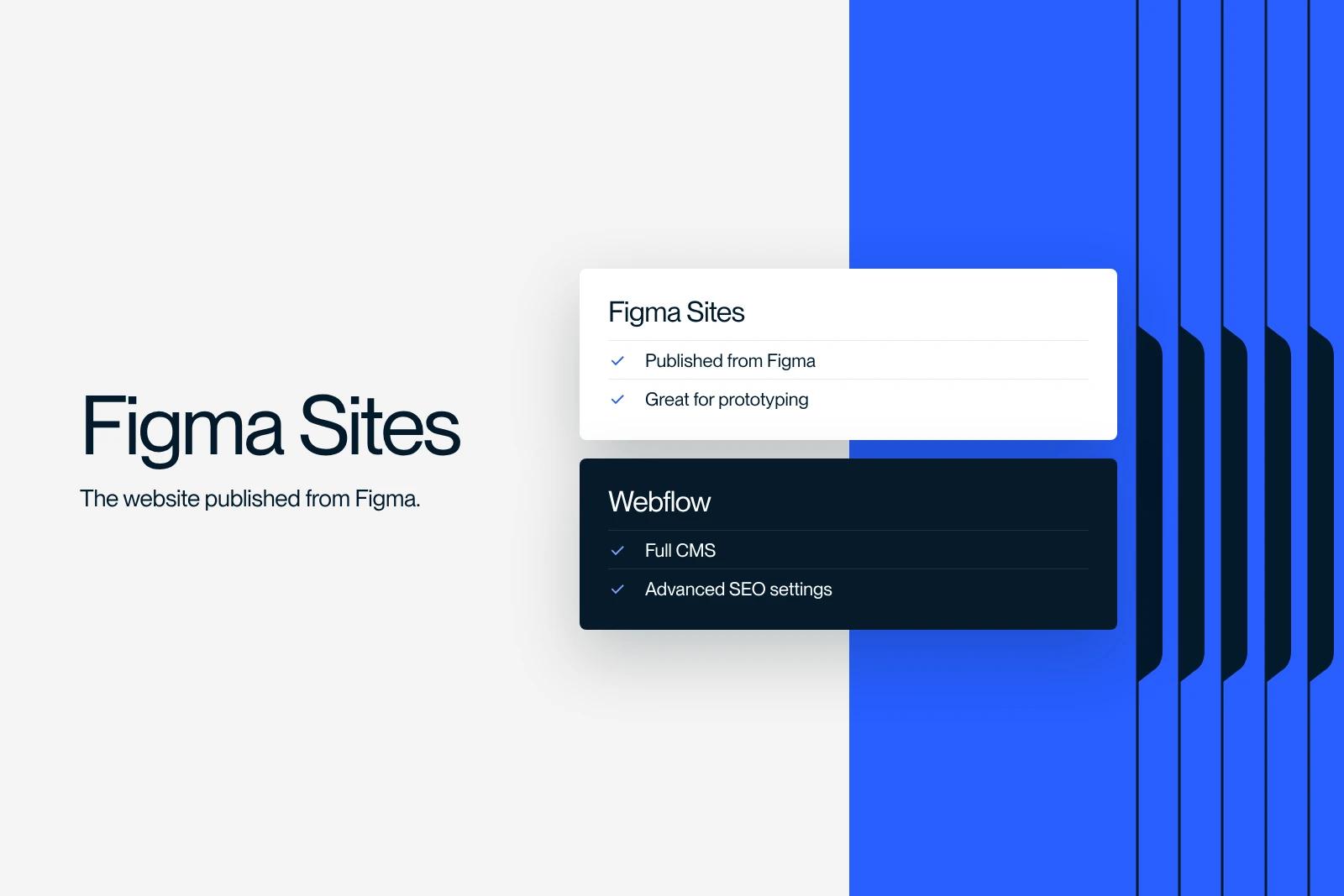
What if Figma became a full website building tool? We look at this no-code trend that could change everything. The 2025 outlook.
Explore this post with…
Figma's Config 2025 conference marked a major turning point in digital design. Among the most notable announcements, Figma Sites drew particular attention: a tool that promises to turn your mockups into real responsive, interactive, publishable websites, without writing a single line of code.
But is this shift ready to dethrone no-code leaders like Webflow or Framer? Here is a full analysis of Figma's new take on design, reviewed by our Webflow agency.
What is Figma Sites?
Figma Sites is the new tool built into Figma for designing, customizing and publishing websites directly from your design files. What used to be a prototyping space now becomes a real web publishing environment.
Photo from Figma's Figma Sites keynote
Key features announced
- 🎨 Built-in responsive design: using auto layout, grids and breakpoints.
- ⚙️ No-code interactions: add animations and user behaviors directly in your components.
- 🧠 Code generation with Figma Make (AI): turn your mockups into code with natural language prompts.
- 🧩 Native plugin ecosystem: extend your sites with visual and functional add-ons.
- 📱 Automatic mobile optimization: your designs are ready for every screen from the start.
- 🔜 Built-in CMS in the works: announced as a future addition for managing dynamic content.
Figma Sites vs Webflow: which one should you choose?
Even though Figma Sites promises designers a lot of freedom, it still has a long way to go before it reaches the maturity of Webflow, today's reference for no-code websites.
| Feature | Figma Sites (2025) | Webflow (2025) |
|---|---|---|
| Built-in CMS | ■ In development | ■ Complete and mature |
| SEO & hosting | ■ Not specified | ■ SEO tools + native hosting |
| Advanced animations | ■■ Limited for now | ■ Very advanced |
| Business logic | ■ None for now | ■ Logic integration possible |
| Ease of use for designers | ■ Excellent | ■ Excellent as well |
Practical use cases for Figma Sites
Figma Sites opens up new possibilities for designers and digital teams. Here are a few scenarios where the tool can already make a difference.
1. Building a freelance portfolio
An independent designer can now publish a site directly from their mockups, without going through a developer or a platform like Webflow. Time saved and full autonomy.
2. A landing page for a marketing campaign
For a one-off campaign, Figma Sites lets you create and launch a dedicated page in a few hours, while staying in an environment designers already know and master.
3. A temporary brochure site or MVP
Useful for a startup or a project in its test phase, Figma Sites lets you publish a lightweight version of a site, without technical overhead or a back-end dependency.
4. Prototypes you can test in real conditions
Instead of presenting a static mockup, Figma Sites lets you share a working version, reachable at a URL and testable on desktop and mobile. A real advantage for getting concrete user feedback.
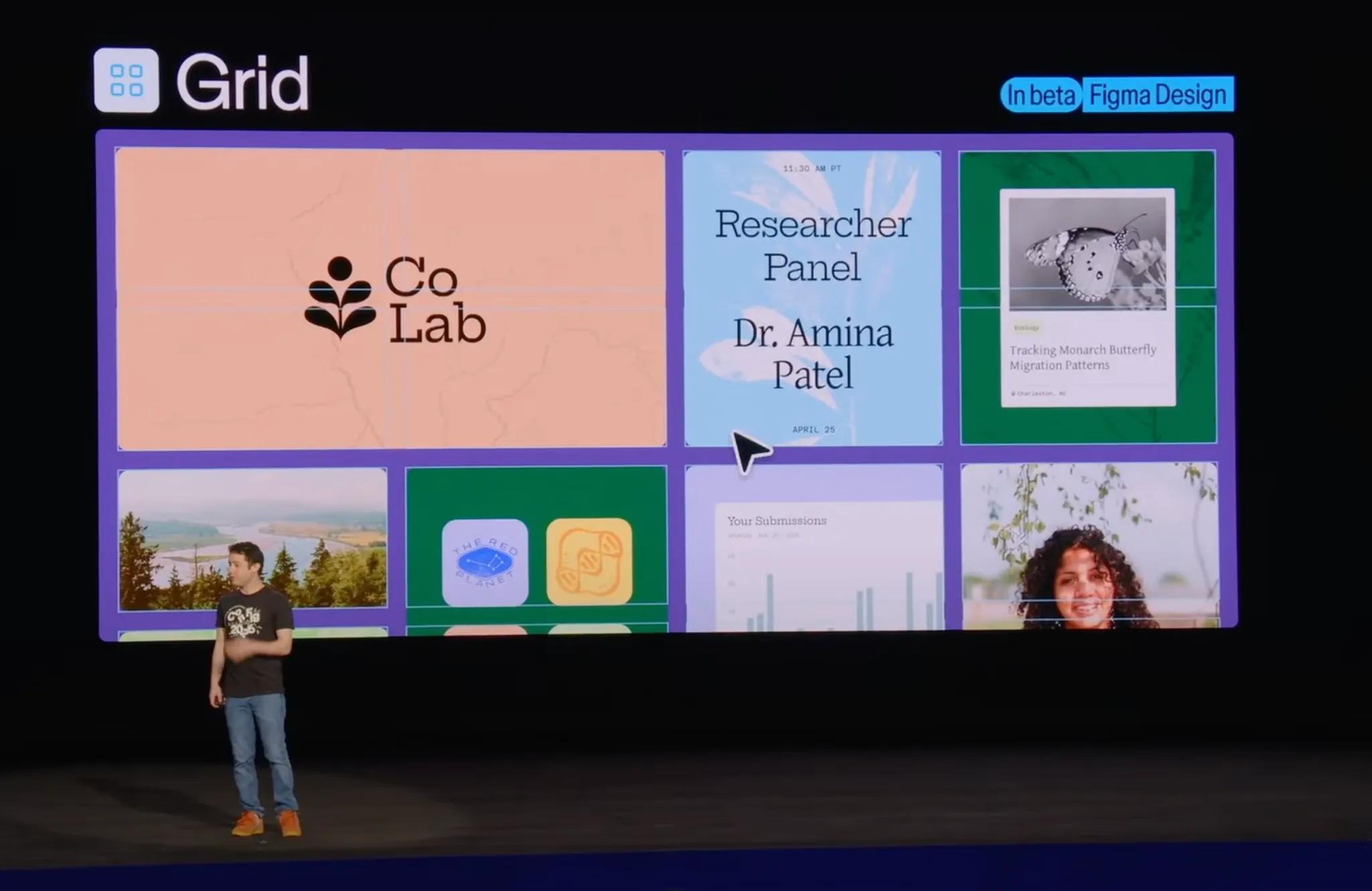
Ecosystem and compatibility: Figma in a broader no-code workflow
Figma Sites does not replace existing no-code platforms. It fits in alongside them.
Working alongside Webflow or Framer
A project started in Figma Sites can be taken further in Webflow (to get an advanced CMS, full SEO control or custom animations) or in Framer for more advanced interactions.
Part of an automated workflow
Figma Sites can be paired with Make (formerly Integromat) or Zapier to build dynamic flows: database integrations, syncing with marketing tools, forms connected to CRMs.
Toward a 100% Figma stack
With the arrival of Figma Make, Figma is laying the groundwork for a complete environment: design, content, publishing. If the SEO and CMS features mature, we can imagine a workflow entirely in Figma, from idea to live site.
Figma Sites and artificial intelligence
The integration of AI through Figma Make is one of the major advances presented at Config 2025.
Figma Make at Config 2025
Generating visual components
From a simple text prompt, Figma Make can generate ready-to-use blocks: headers, buttons, product grids, without building them by hand.
Suggested HTML
Figma Make can analyze a mockup and suggest an optimized code structure, ready to use in Figma Sites.
Automated responsive layouts
The AI automatically adapts blocks to different screen sizes, making it easier to create adaptive designs with no extra effort.
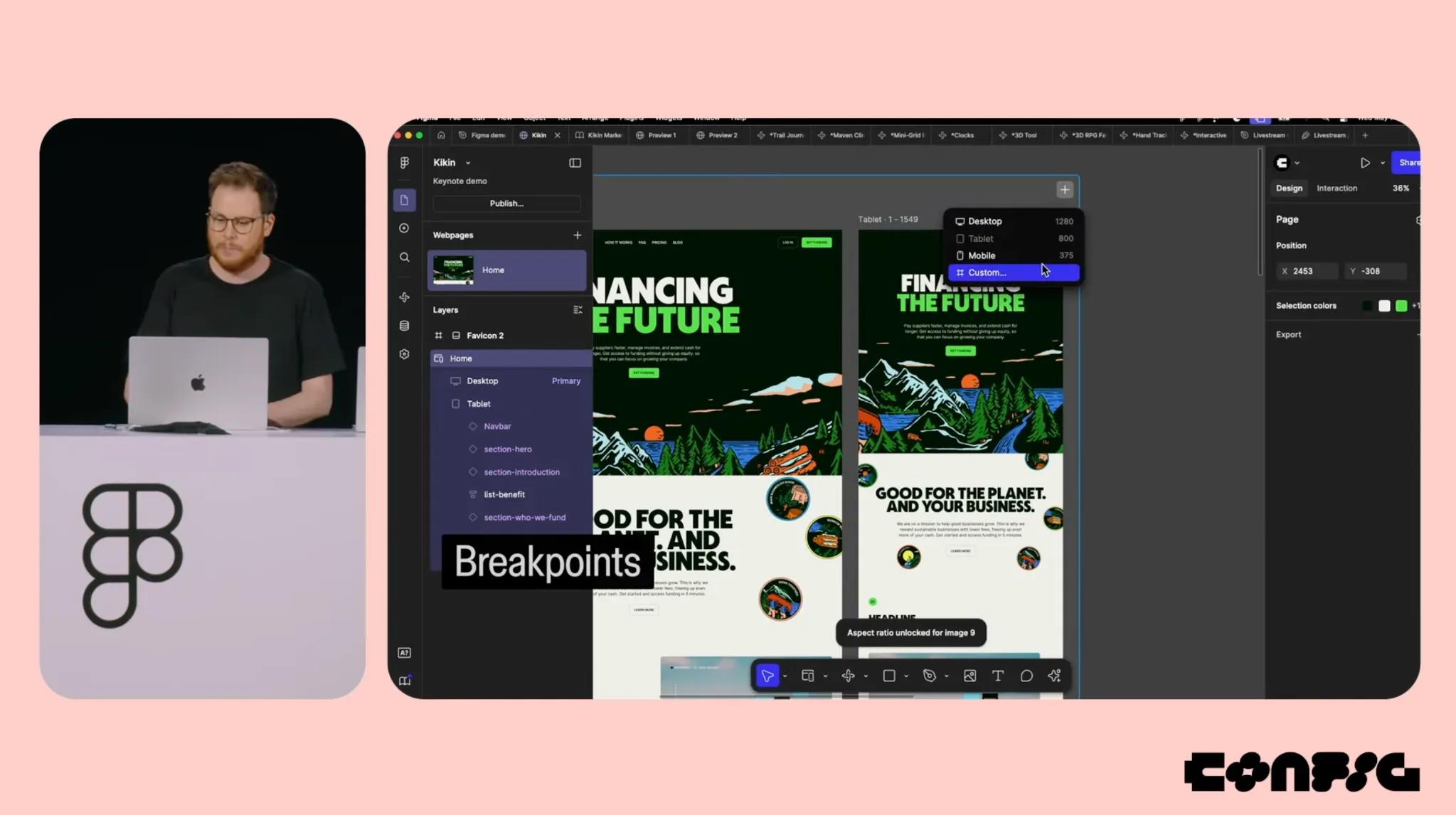
A responsive example with Figma Sites
Figma Sites and SEO: what are the limits today?
Current limitations
Figma Sites does not yet offer the essentials of an effective SEO strategy:
- No customizable semantic tags (H1, H2...)
- No management of meta tags (title, description)
- No way to edit the alt text of images
- No tool to generate a sitemap
- No management of redirects or canonical tags
Use cases that still make sense
Figma Sites can work for sites where SEO is not a priority:
- Time-limited campaign pages
- Landing pages promoted through paid ads
- Prototypes or internal tests
Comparison with Webflow
Webflow remains far ahead for organic search:
- Fine-grained technical SEO control
- Automatic generation of sitemap.xml
- Optimization of tags, headings and performance
- Simple integration with Google Analytics, Meta Pixel and other tracking tools
What future for Figma Sites?
With Figma Sites, Figma is not just trying to compete with no-code tools. It offers a unified experience where design, collaboration and publishing live in one place.
If the promises of a robust CMS, better SEO support and business logic are kept, Figma could become a central player in no-code, especially for designers who want to move fast and go far without depending on a developer.
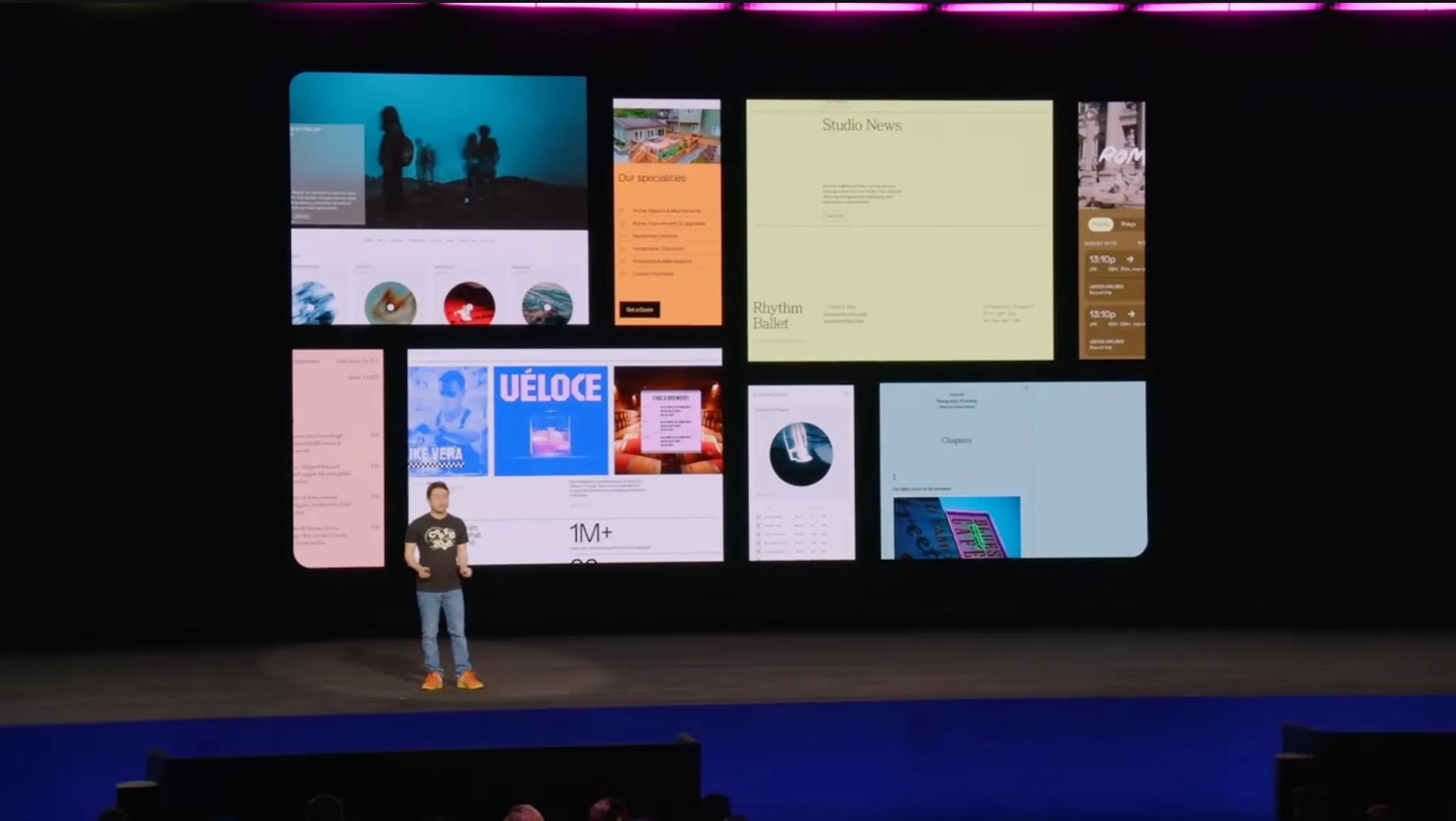
A look back at the key Config 2025 announcements
Here are the other major announcements from the conference, to place Figma Sites in its wider context:
- Figma Make (AI): an AI code generator built into Figma, with a direct effect on team productivity.
- Improved Auto Layout: smoother, more precise, with advanced breakpoint handling.
- Global variables: colors, typography and styles reusable across a whole project.
- Improved Dev Mode: to ease the handoff between design and development.
- GitHub integration: for better tracking of design and dev versions.
- Figma Slides: a tool for building collaborative presentations directly in Figma.
👉 The takeaway: Figma is becoming an all-in-one platform, well beyond a design tool.
Conclusion
Figma Sites is a major step forward for designers who want to go from design to finished product without depending on development. While it does not yet replace Webflow for complex projects, it is already an essential tool for creatives, with a promising future.
👉 Keep a close eye on Figma Sites: everything suggests it is one of the platform's most ambitious projects to date.
Frequently asked questions
Figma Sites is a Figma feature for building and publishing websites from design files, without code. It is a direct answer to the growing demand of the no-code market.


