Article
Free Webflow training: the complete 2026 guide to learn it
Webflow14 min read

James BrunettoCo-fondateur & CEO
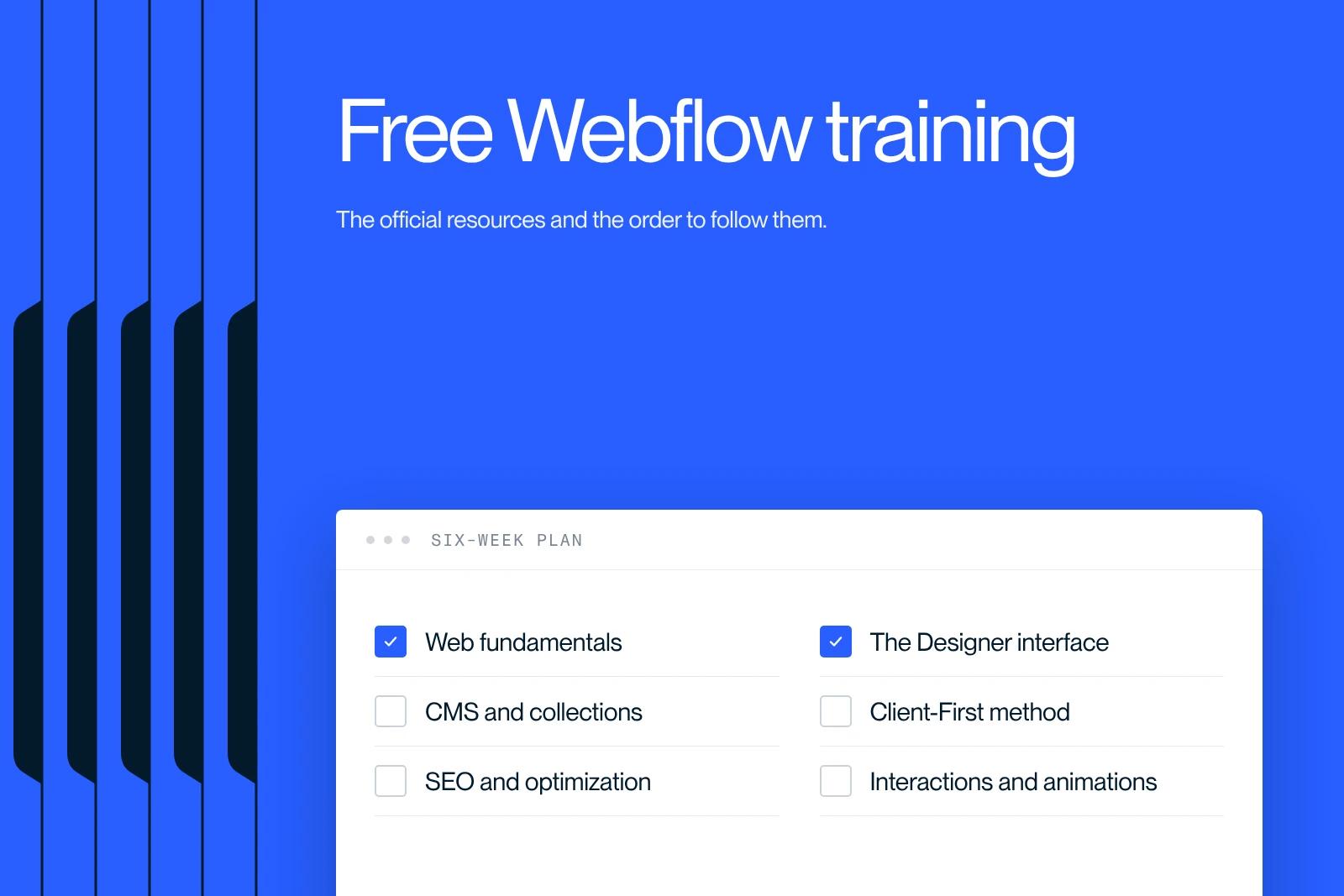
Yes, you can learn Webflow for free in 2026, with no credit card and no CPF funding (France's personal training account). Four resources are enough to get up and running: Webflow University (official, in English), Digidop / Les Tips de Thib'z (live training in French on YouTube), Coriace (free introduction in French) and Finsweet Client-First (a structuring methodology).
Plan on 40 to 60 hours of self-study to build your first professional site. Paid courses are only useful once you are aiming for a certification or personal coaching.
Explore this post with…
At Synqro, a French Webflow studio with more than 150 B2B projects delivered since 2019, we regularly train our clients' marketing teams after their site goes live. This guide shares what we actually recommend, without trying to sell you a €5,000 bootcamp.
Can you really learn Webflow for free in 2026?
Yes, and it is actually the path most experienced Webflow designers have taken. The reason is simple: Webflow built its ecosystem on open documentation and community. The official free resources cover 90% of what a self-sufficient user needs to know.
In 2026, three factors make free learning more viable than it was two years ago:
- French-language resources have exploded since 2023, thanks in particular to Digidop (the leading French Webflow agency) and Coriace.
- Generative AI speeds up learning: ChatGPT, Claude and the assistants built into Webflow answer your technical questions in real time.
- Free templates and open projects let you reverse-engineer professional sites instead of starting from a blank page.
So the real question is no longer "can I do it for free?" but "do I have the time and discipline to do it alone?".
4 free resources to know for learning Webflow
1. Webflow University: the official reference
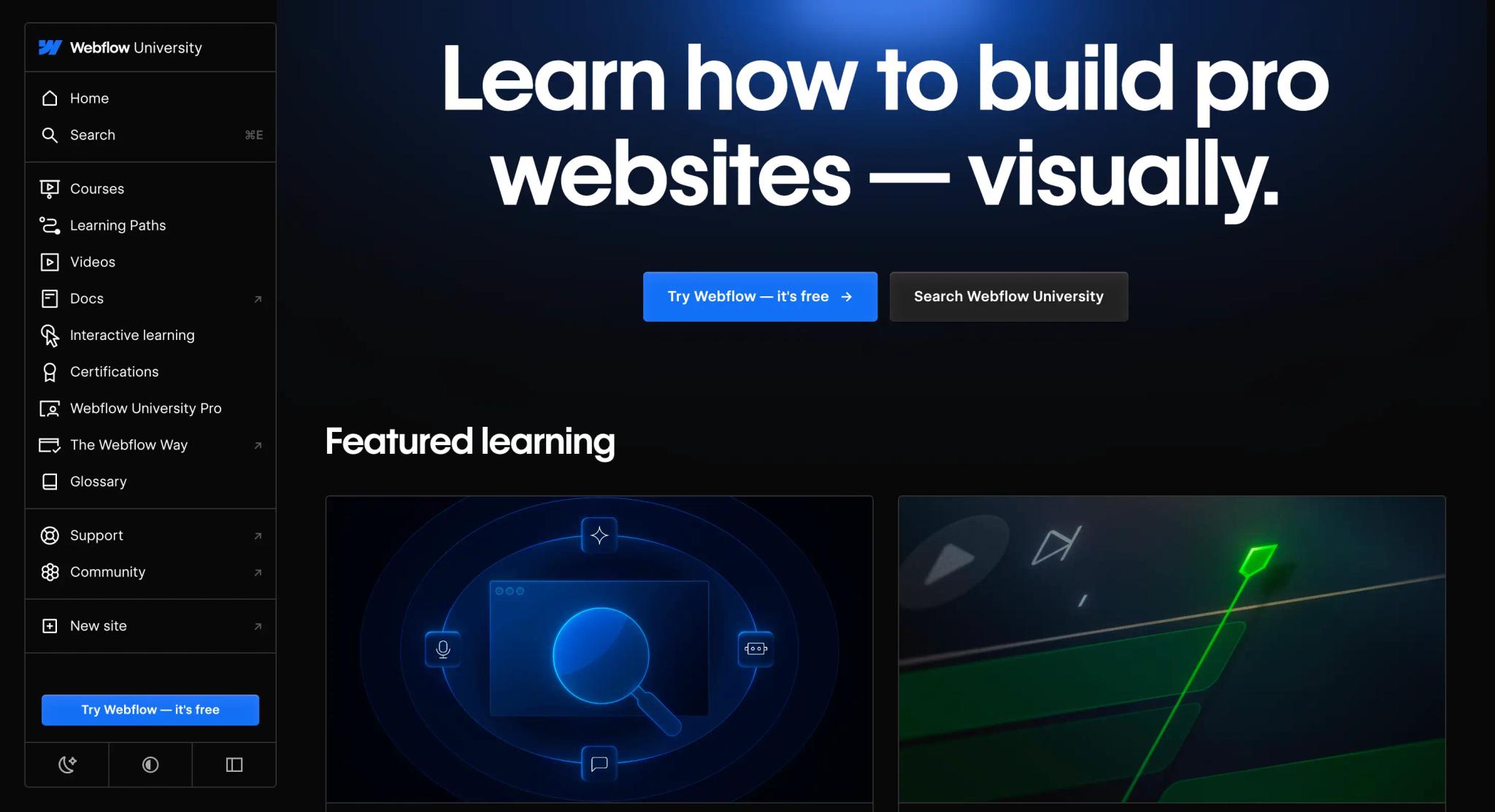
Format: online video platform, in English.
Price: €0
Estimated time: 20 to 40 hours for the fundamentals.
Webflow University is the official learning platform created by Webflow. It brings together hundreds of video tutorials, interactive games (notably to master Flexbox and Grid) and structured courses from beginner to advanced level. It is the only resource that gives you an official Webflow certification.
Access: university.webflow.com
Who is it for? Self-learners who are comfortable in English. The videos are very well produced and the technical explanations are precise.
Limitation: everything is in English. If language is a barrier, start with a French-language resource, then come back to Webflow University for advanced topics.
2. Digidop and Les Tips de Thib'z: the French-language reference
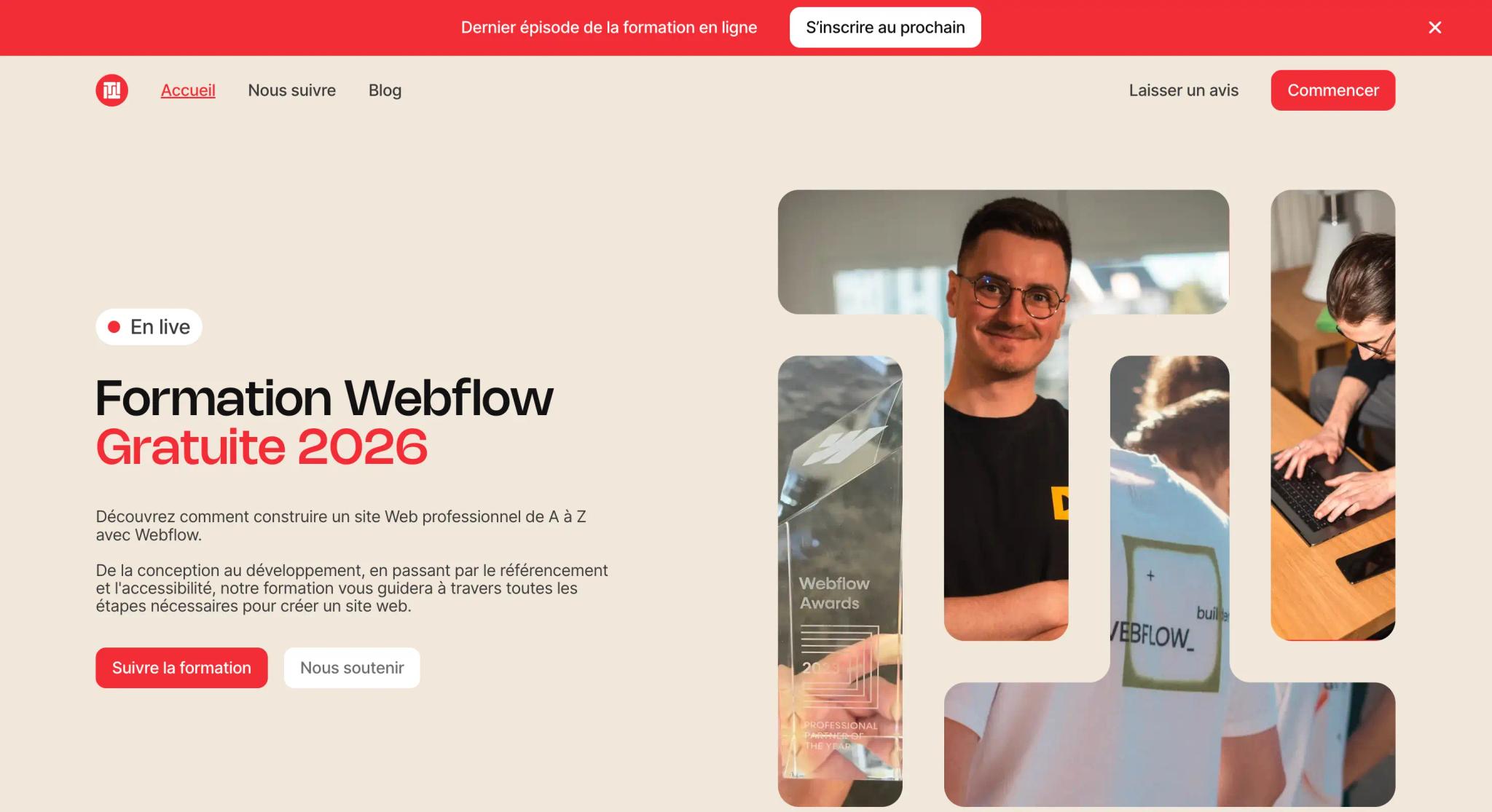
Format: weekly YouTube live sessions + replays.
Price: €0
Length: live sessions of about 1h30, replays available.
Digidop is the leading French Webflow agency and the first to earn Webflow's Professional Partner of the Year status. Their free training, led mainly by Thibaut Legrand (Thib'z), covers the entire process of building a Webflow site: design, development, CMS, SEO, accessibility, GDPR and custom code.
The live format is its main teaching strength: you can ask questions in real time. Replays stay available for free on YouTube and on the webflow-formation.fr website.
Who is it for? French-speaking beginners, freelancers changing careers, and marketing teams that want to become more self-sufficient.
Bonus: Digidop also translated Finsweet's Client-First documentation into French, a key resource (see point 4).
3. Coriace: a structured free introduction in French
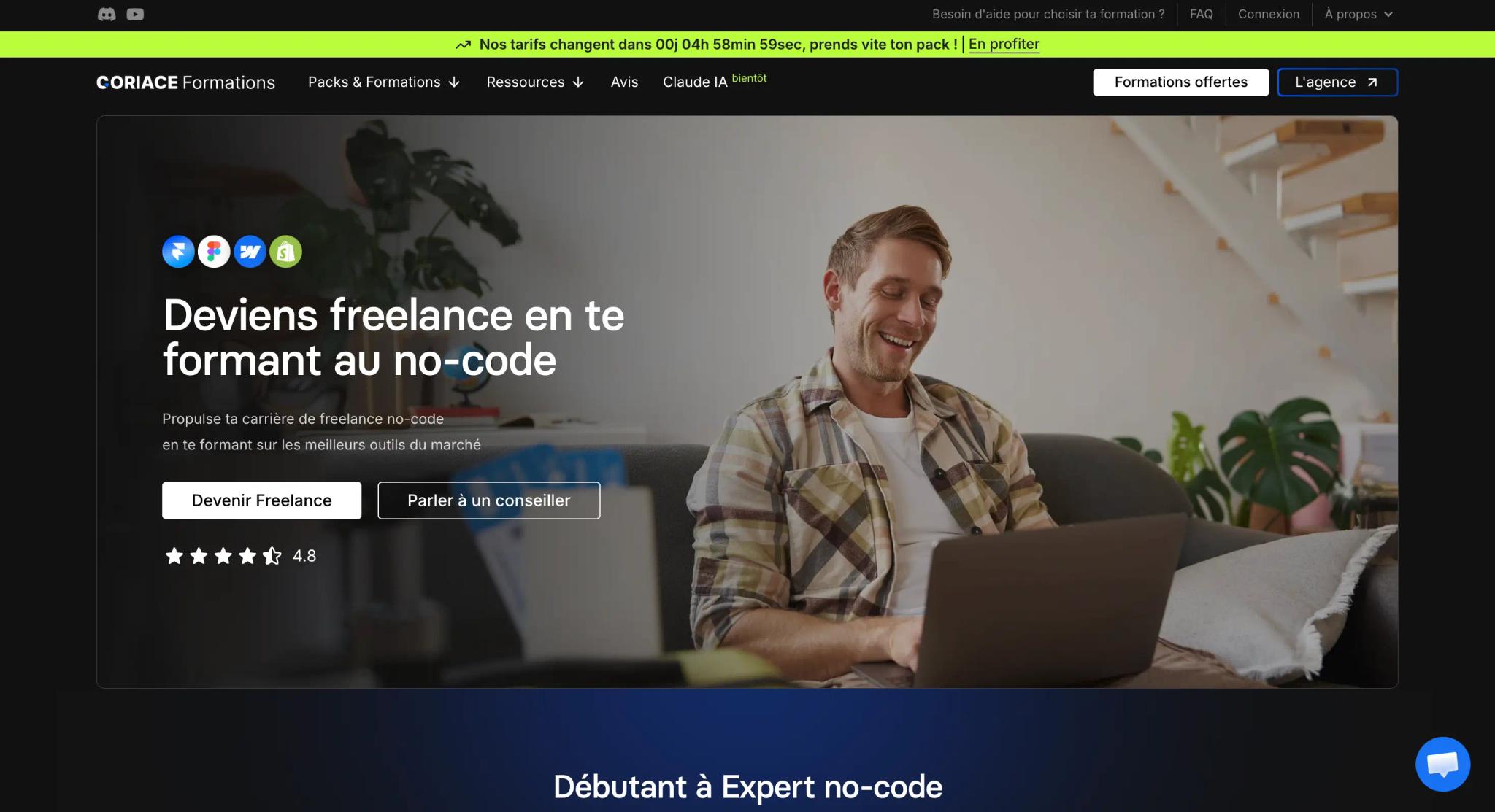
Format: dedicated platform, in French.
Price: €0 for the introduction (advanced modules are paid).
Access: formation-webflow-gratuite.fr
Coriace, run by Adrien Gallier, offers a free Webflow introduction that is more structured than a typical YouTube channel. You follow a linear path with short, focused lessons and concrete examples. The platform also covers Figma, Make, Spline, Memberstack and GSAP.
Who is it for? People who need a pre-recorded learning framework (no fixed schedule like the Digidop live sessions) and prefer to learn in French.
4. Finsweet Client-First: the structuring methodology
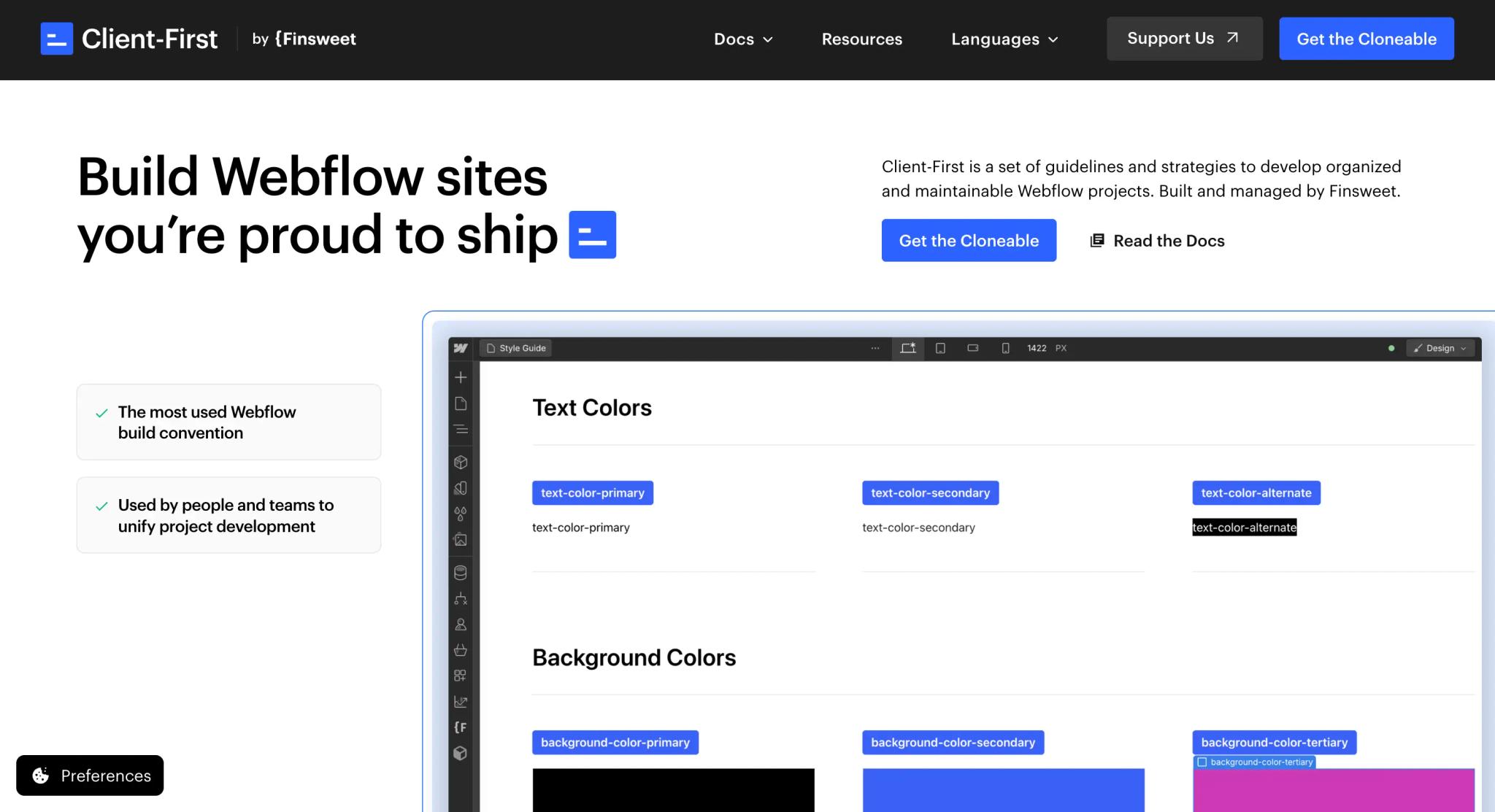
Format: written documentation + videos, available in French.
Price: €0
Access: finsweet.com/client-first
Client-First is not a course in the classic sense. It is an open-source methodology for naming classes and structuring Webflow projects, and it has become the de facto industry standard. Mastering it from the start helps you avoid 80% of beginner mistakes: classes named on a whim, technical debt and sites that cannot be maintained.
At Synqro, all our projects follow Client-First. That is what lets our clients take back control of their site without depending on us for every change.
Comparison table of free Webflow resources
Comparison of free Webflow resources
| Resource | Language | Format | Time for the basics | Mentoring |
|---|---|---|---|---|
| Webflow University | English | Videos + interactive games | 20-40 h | No |
| Digidop / Thib'z | French | YouTube live sessions + replays | 15-30 h | Live chat |
| Coriace | French | Structured platform | 10-20 h | Discord |
| Finsweet Client-First | FR / EN | Documentation | 3-5 h | Forum |
Webflow University
Language: English
Format: Videos + interactive games
Time: 20-40 h
Mentoring: No
Digidop / Thib'z
Language: French
Format: YouTube live sessions + replays
Time: 15-30 h
Mentoring: Live chat
Coriace
Language: French
Format: Structured platform
Time: 10-20 h
Mentoring: Discord
Finsweet Client-First
Language: FR / EN
Format: Documentation
Time: 3-5 h
Mentoring: Forum
A free 6-week Webflow learning plan
Here is the path we recommend to our clients' marketing teams who want to become self-sufficient after their site goes live.
Free 6-week Webflow learning plan
Week 1
Web fundamentals
Goals
Box Model, Flexbox, Grid.
Resource
Webflow University, Ultimate Web Design course (sections 1 to 3).
Exercise
Recreate a simple landing page.
Week 2
The Webflow Designer interface
Goals
Style panels, Navigator, responsive breakpoints.
Resource
Digidop, Introduction to Webflow episode.
Exercise
Clone a free template from Webflow Showcase and modify it.
Week 3
The CMS and dynamic Collections
Goals
Create a blog Collection, connect dynamic fields, generate templates.
Resource
Webflow University, CMS course.
Exercise
Publish 3 blog posts with images, author and categories.
Week 4
Client-First and professional structure
Goals
Class naming, utility classes, components.
Resource
Finsweet Client-First (French version).
Exercise
Rebuild your week 1 exercise using the methodology.
Week 5
SEO and optimization
Goals
Meta tags, structured data, sitemaps, alt text, load times.
Resource
Digidop, SEO episodes.
Exercise
Audit an existing site with Lighthouse and fix 3 errors.
Week 6
Interactions and animations
Goals
Interactions 2.0, scroll animations, microinteractions.
Resource
Webflow University, Webflow Interactions 101 course.
Exercise
Add 3 subtle animations to an existing project.
By the end of these 6 weeks (about 40 to 60 hours of practice), you can build a simple marketing site, manage a CMS and apply SEO best practices. You are not an expert yet, but you have a solid foundation.
5 mistakes to avoid when you learn on your own
Mistake 1: skipping CSS fundamentals
It is tempting to start straight from a template and modify it. Bad idea. Without understanding the Box Model, Flexbox and Grid, every responsive change breaks your site. Spend a full week on these three concepts and you will save dozens of hours of debugging.
Mistake 2: naming classes "on a whim"
Naming a class title-blue-bold-big is the best way to create a site no one can maintain. Adopt Client-First from your very first project. Utility and semantic classes let you reuse your work and evolve the site without breaking everything.
Mistake 3: building flashy animations too early
Webflow's Interactions 2.0 are powerful, but using them before you master layouts produces heavy, confusing sites that crash on mobile. Stick to microinteractions (hover, focus) until your foundations are solid.
Mistake 4: structuring your CMS poorly
A poorly planned Collection leads to incomplete data, painful updates and duplicated templates. Before creating your first CMS, sketch your content structure on paper: which fields? Which relationships between Collections? Which filters?
Mistake 5: learning in isolation, without feedback
Completion rates for online courses without mentoring are very low. Join a community: the Coriace Discord, Digidop's live sessions, the Webflow forums. Show your projects and ask for critiques. One hour of outside feedback is worth ten hours of passive tutorials.
Free or paid training: how to choose?
Paid courses (Udemy, Le Wagon, One Learn, École Cube, M2I, Orsys) have their place, but not for everyone. Here is our framework after helping dozens of clients with this question.
Free, paid or agency: how to choose?
Recommended
Stick with free
€0: Webflow University + Digidop + Coriace
- Personal use or internal use within your company.
- You already have a web background (HTML, CSS, design).
- You have the time and discipline to learn on your own.
- Goal: handle updates to an existing site on your own.
Go paid
€500 to €5,000: certified bootcamps
- You want a recognized certification to change careers.
- You need personal coaching on a real project.
- You want to compress 60 hours of learning into 5 days.
- You can fund it through the CPF, France's personal training account (check eligibility on moncompteformation.gouv.fr).
Hand it to an agency
€5,000 to €50,000: turnkey project
- Your site has a direct business impact (acquisition, conversion, SEO).
- You have neither the time nor the desire to train.
- You want a professional result from V1.
- You are looking for strategic expertise and fast execution.
Stick with free if:
- You are learning for personal use or internal use within your company.
- You already have a web background (HTML, CSS, design).
- You have the time and discipline to learn on your own.
- Your goal is to handle updates to an existing site on your own.
Go paid if:
- You want a recognized certification to change careers.
- You need personal coaching on a real project.
- You want to speed up and compress 60 hours of learning into 5 days.
- You can fund the training through the CPF (check eligibility on moncompteformation.gouv.fr before committing).
Hand it to an agency if:
- Your site has a direct business impact (acquisition, conversion, SEO).
- You have neither the time nor the desire to train.
- You want a professional result from V1.
In practice, at Synqro, the hybrid model works very well: we deliver V1 of the site with the full SEO strategy, then train the marketing team over 2 to 3 half-days. The client becomes self-sufficient on updates and landing pages, while keeping a technically solid foundation.
How do you know you are ready to build a real site?
After your learning phase, ask yourself these questions. If you answer yes to all of them, you are ready:
- I can build a responsive layout that holds up on mobile, tablet and desktop without breaking.
- I understand the difference between a utility class and a component class.
- I can create a CMS Collection, connect dynamic fields to it and generate a template.
- I know how to fill in meta tags and alt text and generate an XML sitemap.
- I can publish a site on a custom domain and set up SSL.
If you get stuck on one of these points, go back to the matching resource in the 6-week plan. It is not a failure, it is a sign you need to consolidate before going further.
Our final recommendation
Learning Webflow for free in 2026 is not only possible, it is the smartest path for 80% of profiles. Four resources are enough: Webflow University, Digidop, Coriace, Finsweet Client-First. A structured 6-week plan gets you to an operational level. Paid courses at €2,000 and up only make sense if you want a certification, personal coaching or a fast career change funded by the CPF.
If you need to manage your marketing site in-house, the free route is clearly the most cost-effective. If your site has a direct business impact (acquisition, SEO, conversion), the hybrid model is unbeatable: have an expert agency build V1, then train yourself to handle updates on your own.
At Synqro, we work with B2B clients (SaaS, consulting, industry) who want a high-performing site without sacrificing their long-term independence. Our approach combines high-end Webflow development, SEO/GEO strategy and marketing team training.
Explore our Webflow services or let's talk about your project for a personalized assessment.
Author
James Brunetto is co-founder and CMO of Synqro, a French Webflow Premium Partner studio with more than 150 B2B projects delivered since 2019. He has helped dozens of marketing teams build their Webflow skills.
Frequently asked questions
Yes. Webflow University is completely free. You just need to create a Webflow account (also free) to access the courses, tutorials and certifications. No credit card required.


