Article
GDPR-Compliant Webflow Site: The Complete Guide
Webflow13 min read

Guillaume SchluppConsultant SEO
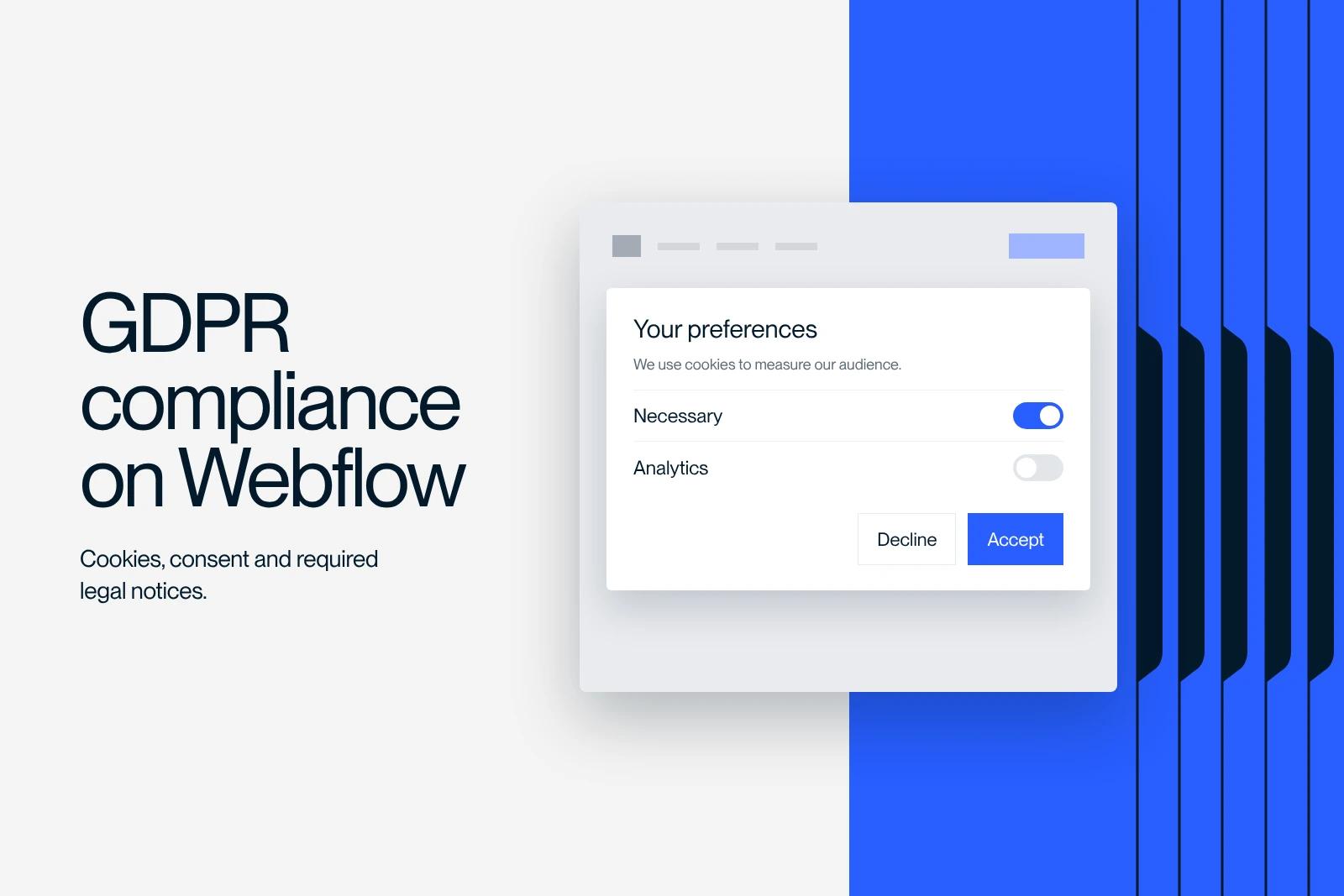
Make your Webflow site GDPR compliant. Manage cookies and consent, and follow the regulations that apply to your website.
Explore this post with…
The General Data Protection Regulation (GDPR), in force since May 2018, applies to every company that collects or processes the personal data of people in the European Union. If your Webflow site is not yet GDPR compliant, you risk fines of up to 4% of your annual worldwide revenue.
At Synqro, an agency specializing in Webflow website development and SEO strategy, we help startups and SMBs bring their digital platforms into compliance. From managing cookies to collecting consent and writing a clear privacy policy, every step matters to protect the personal data of your visitors and comply with the regulations in force. In this article, we explain in practical terms how to make a Webflow site GDPR compliant, step by step.
Understanding the GDPR and what it means for a Webflow site
Before taking corrective action, you need to understand what the GDPR actually requires. This European regulation sets a strict framework around data collection, data processing and respect for user rights.
The GDPR defines personal data as any information relating to an identified or identifiable natural person. In practice, this includes email addresses collected through a form, IP addresses, browsing data gathered by cookies and trackers, and information entered during an online purchase.
For a Webflow site, the implications are direct:
- Every form on your site collects users' personal data
- Analytics tools like Google Analytics place cookies in the browser of the user
- Third-party integrations (chat, CRM, ad pixels) can collect data without you realizing it
- The explicit consent of the user is required before any collection
The CNIL, France's data protection authority, actively checks the compliance of websites and does not hesitate to fine companies that fall short. So bringing your site into compliance is not optional: it is a legal obligation.

Identifying the personal data your website collects
The first step in making a Webflow site compliant is to identify exactly which personal data your website collects. Without this inventory, no serious compliance work is possible.
Mapping the collection points
Go through every page of your site and list every element that gathers information. Make sure you do not miss any touchpoint:
- Forms for contact, newsletter sign-up or quote requests
- Cookies for audience measurement (Google Analytics, Hotjar, Plausible)
- Advertising trackers (Meta Pixel, Google Ads, LinkedIn Insight Tag)
- Live chat tools (Crisp, Intercom, Drift)
- Built-in payment solutions that store banking data
- Comment features or member areas
Documenting the record of processing activities
The GDPR requires every data controller to keep a detailed record. This document must identify the nature of the personal data collected, the purpose of each processing activity, the retention period and any transfers to a country outside the EU.
Also, if your website uses services hosted in the United States, you need to check that these providers offer safeguards that comply with the regulations in force. Webflow hosts its data on servers managed by AWS, mainly in the United States. This point deserves special attention to ensure GDPR compliance for your platform.
Publishing a clear, accessible privacy policy
Once you have identified your collection points, the next step is to write and publish a complete privacy policy. This policy is the legal foundation of your GDPR compliance.
What should this policy include?
This policy must inform every user transparently about how their data is used. Here are the mandatory items:
- The identity and contact details of the data controller
- The purpose of each collection (prospecting, analytics, targeted advertising)
- The legal basis for processing (consent, legitimate interest, contractual obligation)
- The categories of personal data collected
- The retention period for user data
- User rights: right of access, rectification, erasure, portability and the right to be forgotten
- Any transfers to a country outside the EU
Making the policy visible on your Webflow site
In Webflow, add a link to your privacy policy in the footer of every page. This policy must be accessible in one click from any page of the website. Make sure you also add a direct link below every data collection form.
This can include a short line such as: "By submitting this form, you agree to our privacy policy," along with an unchecked checkbox. The checkbox ensures you collect explicit consent before any data is sent.
At Synqro, when we build Webflow sites, we always include a compliant privacy policy and native consent mechanisms from the development phase.

Setting up cookie management and user consent
Managing cookies is one of the most visible parts of GDPR compliance. Every user who visits your website must be able to accept, refuse or customize the cookies placed in their browser.
Installing a cookie management solution
On a Webflow site, several tools let you set up a compliant consent banner:
- Cookiebot: a complete solution that automatically scans the cookies and trackers on your Webflow site
- Axeptio: a clean interface that follows the recommendations of the CNIL
- Tarteaucitron.js: a free, customizable open source solution
- Iubenda: an all-in-one tool combining a cookie banner, a privacy policy and legal notices
Set up your cookie management solution before publishing your site. The script must load before all other trackers so it can block cookies until user consent has been collected.
Following CNIL rules on consent
The CNIL sets specific rules for cookies and trackers. Consent must be freely given, specific and informed. In other words, you must obtain active agreement from the user before placing any non-essential cookie.
The banner must offer a real choice: accept, refuse or set their preferences. A simple "By continuing, you accept" banner is no longer enough. Also, users must be able to withdraw their consent at any time and change their preferences through cookie settings that are always accessible.
Cookies that are strictly necessary for the website to work (cart, session, security) do not require consent. However, any tracker linked to targeted advertising, audience analytics or social networks requires explicit agreement.
Securing your users' personal data
Data security is a core pillar of the GDPR. Bringing your Webflow site in line with security requirements not only helps you protect personal data, it also builds trust with your visitors.

Enabling HTTPS
First essential step: make sure your Webflow site uses HTTPS. Webflow automatically provides a free SSL certificate for every published site. This encryption protects the data exchanged between the user's browser and the server, preventing any interception by a third party.
Check that all your pages use HTTPS and that no mixed content (HTTP) breaks the security chain.
Additional data protection measures
Beyond HTTPS, several best practices strengthen data protection on your website:
- Limit collection to the personal data you strictly need (data minimization principle)
- Regularly delete outdated data stored in the Webflow CMS or connected tools
- Use strong passwords and two-factor authentication to access your Webflow account
- Restrict back-office access to authorized team members only
- Check the compliance of every third-party integration (email marketing tool, CRM, analytics tool)
- Allow users to exercise their right of access to their own data and to request its deletion
This can include setting up an internal process to answer requests to exercise their rights within one month at most, as the GDPR requires.
Adding a legal notice and respecting user rights
A GDPR-compliant Webflow site is about more than managing cookies. The legal notice (called "mentions légales" in France) is a separate obligation that complements the privacy policy.
Writing a complete legal notice
Here are the mandatory items for any professional website in France:
- Company name, legal form, registered office address, SIRET number (French business registration number)
- Name of the publication director
- Host contact details (for Webflow: Webflow Inc., San Francisco, United States)
- EU VAT number, where applicable
- Terms of use and terms of sale, if applicable
The legal notice must be accessible from the footer of your Webflow site, just like the privacy policy.
Guaranteeing users can exercise their rights
The GDPR gives every user fundamental rights over their personal data. Your website must allow users to exercise these rights easily:
- Right of access to all of their personal data that you hold
- Right to rectification to correct inaccurate information
- Right to be forgotten to request the deletion of their own data
- Right to data portability to retrieve their data in a usable format
- Right to object to refuse the use of their data for marketing purposes
Set up a dedicated email address (for example: rgpd@agence-synqro.fr) or a specific form to centralize these requests. The GDPR requires you to allow users to easily contact the data controller.
How Synqro helps you make your Webflow site compliant
Making a Webflow site compliant takes both technical skills and in-depth knowledge of the regulations. At Synqro, we build GDPR compliance into every project from the design phase.
Our approach covers every requirement:
- A full audit of the personal data collected and the active cookies
- Setup and customization of a consent banner that follows the recommendations of the CNIL
- Custom drafting of the privacy policy and the legal notice
- Technical integration of consent mechanisms in Webflow (custom code, third-party integrations)
- Training your teams to manage your visitors' data day to day
Whether you are launching a new website or want to bring an existing platform into compliance, we support you at every step. Our Webflow experts make sure every feature of your site complies with European regulations, without compromising the user experience or your SEO performance.
Want to make sure your Webflow site is fully compliant? Contact the Synqro team for an audit of your website.

Frequently asked questions
The GDPR is the General Data Protection Regulation covering personal data, in force since May 2018 across the European Union. It applies to every company that collects, stores or processes the personal data of people in the EU, wherever the company is based. A Webflow site is covered as soon as it uses forms, analytics cookies or advertising trackers. Even a simple contact form is enough to trigger the compliance obligation, since you collect at least a name and an email address.


