Article
Webflow no-code: build your website in record time
Webflow15 min read

James BrunettoCo-fondateur & CEO
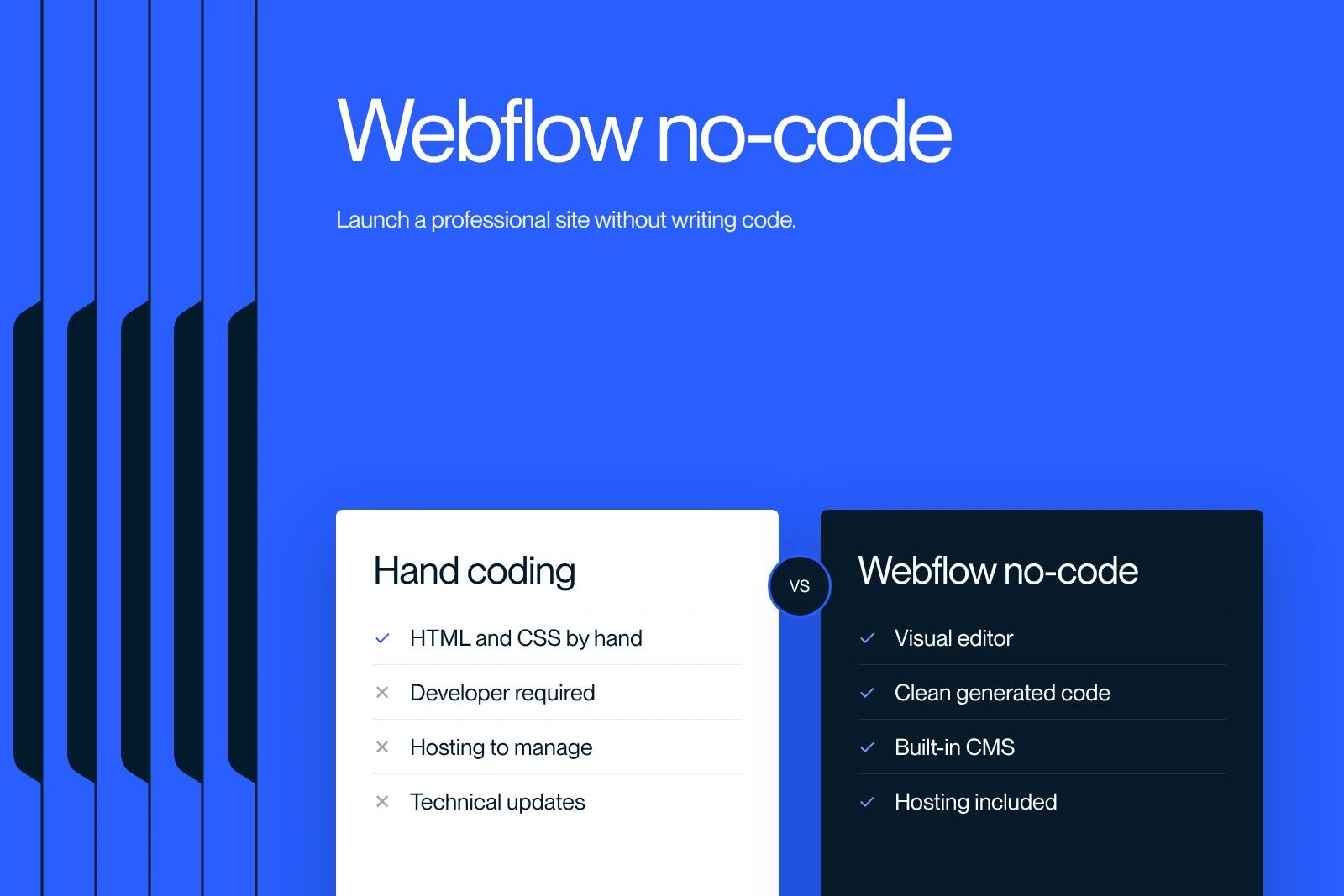
Dreaming of building a website without coding? Webflow opens the door to no-code. Speed, freedom and design: it's all there.
Explore this post with…
Webflow is the perfect tool if you want to build a high-quality website without diving into code. Well known in the no-code world, Webflow makes website design and development easier and gives you full control over your project without any coding skills. This visual platform helps designers, entrepreneurs and creatives build memorable websites that are SEO-friendly and tailored to their needs.
With Webflow, launching your website no longer requires a team of developers. Whether you run a small business, work as an independent creative, or simply want to share your ideas online, Webflow gives you every tool you need to quickly build websites that look good and work well. Here is how Webflow no-code can transform the way you build websites.
What is Webflow no-code?
Webflow no-code is a groundbreaking platform for designing complex, responsive websites without programming. It combines the flexibility of hand-coded development with the ease of use of a visual design tool.
With Webflow, you can design and build websites by drag and drop, and every action is instantly turned into clean, well-structured HTML, CSS and JavaScript.
The main strength of Webflow no-code is its "Designer" interface, a visual workspace where users can create sophisticated custom designs without getting lost in the complexity of coding. This interface gives full control over HTML5, CSS3 and JavaScript while generating the required code automatically.
Beyond its design features, Webflow no-code includes a powerful content management system (CMS). This CMS makes it easy to create, manage and update website content, and lets you import data from CSV files or through external APIs. This makes content management more efficient and more collaborative.
Even though it is called "no-code", it is important to point out that Webflow does generate code behind the scenes. Every element you add to the canvas becomes code, which means users are designing visually with code, without having to deal with the technical side.
This approach makes the build process simpler for beginners while keeping the quality and sophistication of the finished websites.
Why choose Webflow for no-code?

Webflow stands out as an ideal solution for no-code web development for several reasons. Ease of use and fast implementation are key advantages. The intuitive drag-and-drop interface lets users design complex, responsive websites quickly, with no coding skills required.
This approach greatly simplifies development and makes it possible to launch a professional website in a few days instead of weeks or months.
Choosing Webflow also means choosing clean, semantic code. While other no-code platforms can generate bloated or poorly performing code, Webflow ensures full compatibility with all browsers and devices, which improves the quality and performance of the website. Websites built with Webflow are therefore both visually appealing and optimized for search engines (SEO).
Webflow also offers full integration with a robust content management system (CMS), so content can be managed efficiently without a developer. This makes collaborative content management easier, a real advantage for companies and creative professionals who handle large volumes of content.
Webflow is also cost-effective. By reducing the need for developers and automating many processes, Webflow significantly lowers development costs.
Some estimates suggest that using Webflow can cut development costs by up to 80% compared with traditional methods.
Finally, access to an active community and to learning resources such as Webflow University and the community forums is a real plus. These resources provide training and support so users can get comfortable with the platform quickly, even with no prior coding experience. A supportive community and plenty of resources make learning and using Webflow even more accessible and rewarding.
How does Webflow no-code work?

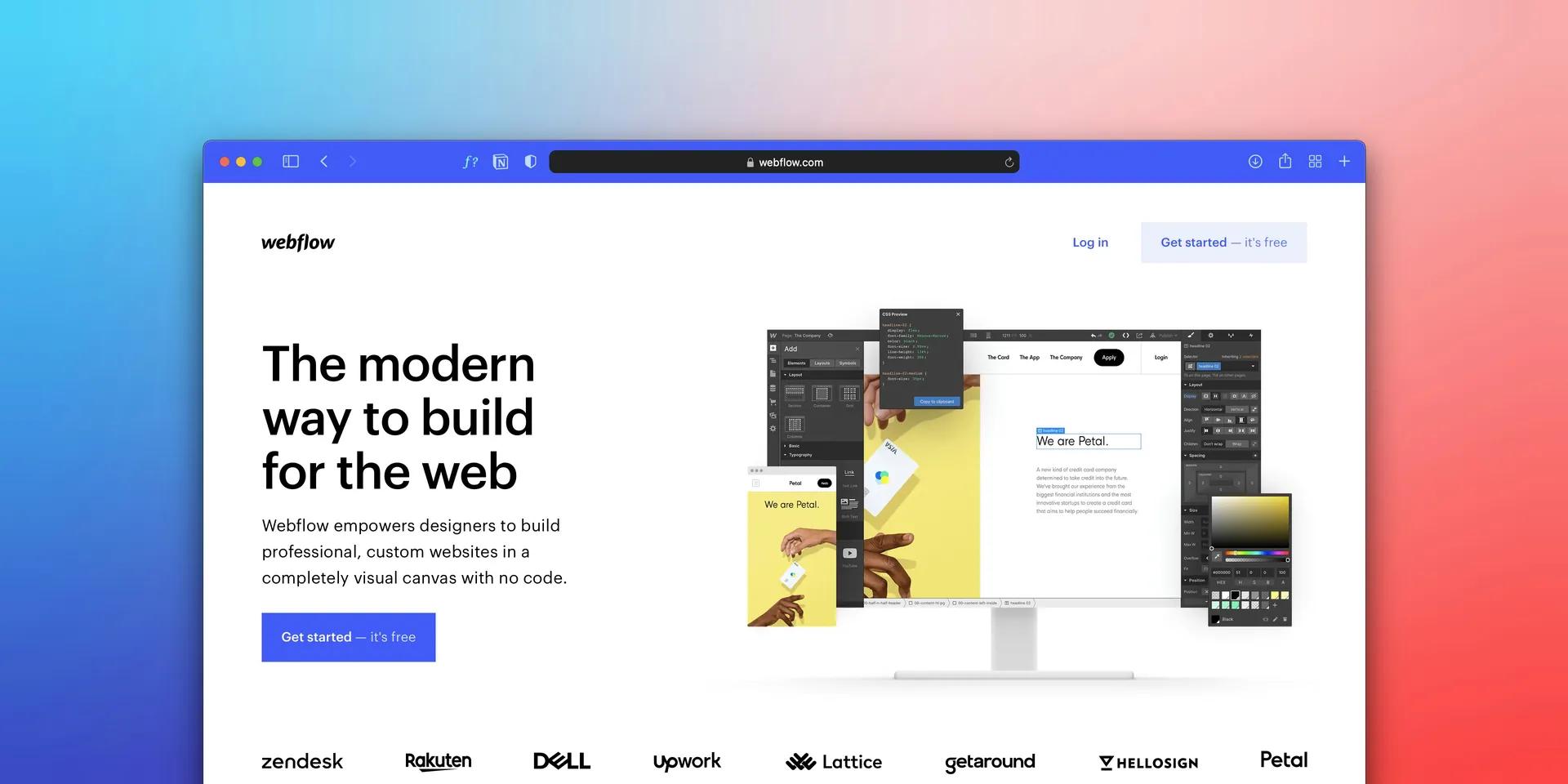
Webflow no-code runs on an intuitive visual interface that lets you build websites without writing a single line of code. The interface has three key areas: the Navigator, the Designer canvas and the Style panel, and each one plays an essential role in web design.
The Navigator, on the left, gives a hierarchical overview of the elements on a page, much like the DOM tree in traditional web development. It makes it easy to select, rearrange and manage page elements.
In the center, the Designer canvas is where users build and edit their pages visually. It works like a WYSIWYG editor and lets you add, move and customize elements with simple drag-and-drop actions.
Every visual change is automatically translated into HTML, CSS and JavaScript by Webflow in the background.
On the right, the Style panel offers advanced customization options for elements. Users can adjust CSS properties such as color, font and size without coding.
This panel gives complete control over the design, which is essential to create websites that look good and stay consistent.
Webflow also includes a powerful content management system (CMS) for managing content efficiently through dynamic data collections. This feature is especially useful for websites with a lot of recurring content, such as blogs or news sites.
Webflow also provides learning resources and online communities, including tutorials, courses and forums, to help users get the most out of the platform. This makes website building accessible to everyone, whatever their skill level.
Benefits of Webflow no-code for professionals

Webflow no-code brings major benefits to professionals, especially designers, marketers and entrepreneurs. It makes them more efficient and more flexible, and it drives innovation.
One of the biggest strengths of Webflow no-code is that it frees up developers' time. By letting non-developers build and update websites without writing code, Webflow significantly lightens the workload of development teams. Developers can then focus on more complex and innovative projects instead of fixing bugs or making minor updates.
Speed of deployment is another important advantage. With Webflow, professionals can design and launch websites very quickly, often in a few days instead of weeks or months. This speed lets companies adapt fast to market changes and keep a competitive edge.
For example, Nvidia saw its conversion rate rise by 54% and its click-through rate by 18% in just one month thanks to Webflow.
Webflow no-code also gives marketing and design teams more flexibility and autonomy. Professionals can make changes to their website without waiting for a developer.
This supports a more iterative and responsive way of working. Max Valiquette of Attentive, for example, pointed out that Webflow gave his team the freedom to make incremental changes to their marketing sites without waiting for a full rebrand.
Webflow no-code also helps cut production costs. By reducing dependence on developers and automating many processes, development costs can be lowered considerably.
Freelancers or in-house teams can handle most tasks without expensive outside resources.
SEO performance also improves with Webflow. Websites built on the platform have clean, semantic code, which boosts their visibility in search engines. Built-in SEO features make it easy to optimize pages for search engines, which is essential to attract and retain visitors.
Finally, Webflow no-code encourages collaboration and learning. Thanks to learning resources such as Webflow University and active communities, professionals can quickly learn how to use the platform.
This makes website building more accessible and more engaging, even for people with no programming experience.
The limits of Webflow no-code
Webflow no-code is known for its flexibility and powerful website-building tools. However, users should be aware of several significant limitations.
One of the main constraints is advanced customization. Despite the many options Webflow offers, making very specific changes or adding custom features that require custom code can be complex. Templates and built-in features can restrict what users can do, especially for growing companies that need distinctive features.
Performance is another notable limit. Websites built with Webflow may not match the performance of custom-coded websites, especially when handling large volumes of data or traffic.
The single, monolithic JavaScript file Webflow produces, which bundles the libraries and functions of every component, can slow the website down and hurt speed test results.
Scalability is also an issue. Webflow works well for mid-sized websites, but it can be hard to scale an application to millions of users or to implement advanced artificial intelligence (AI) or machine learning (ML) solutions, which often go beyond what no-code tools can do.
Security is a key concern, especially in industries that handle sensitive data such as finance or healthcare. No-code platforms, Webflow included, do not always offer the level of security or data control of custom solutions, which is a significant risk for data protection and regulatory compliance.
Finally, keep in mind the limits around mobile editing and the complex pricing structure. Webflow has no dedicated mobile app for editing content and design, so users have to make changes from a desktop or laptop. Choosing the right plan for a company's specific needs can also be a challenge because the options are complex.
How Webflow compares with other no-code tools

The no-code world is rich and diverse, with many platforms that each have their own features and approach. To better understand Webflow's strengths and limits, it helps to compare it with other well-known no-code solutions.
Webflow vs Framer: Framer is a web design tool built for creatives, similar to design software such as Figma. Unlike Webflow, Framer focuses on ease and speed, with fewer advanced options but a gentler learning curve.
Framer is a great fit for clean, simple websites or landing pages, while Webflow shines for sophisticated websites with unique interactions and flows.
Webflow vs Without Code: Without Code stands out with a fully visual approach that automates the handling of design elements and CSS classes. Users can focus on visual design, whereas Webflow requires you to set up CSS classes and attributes manually for each element.
Without Code is more intuitive and accessible for designers, while Webflow is better suited to users with some web development knowledge.
Webflow vs Adalo: Adalo stands out with an extremely intuitive drag-and-drop interface that even programming beginners can use. It offers a wide range of integrations and plugins, but it does not match Webflow on advanced features and customization. Adalo is ideal for building mobile apps and basic websites, while Webflow is the better choice for elaborate websites and large projects.
Webflow vs Bubble.io: Bubble.io is a no-code platform for building web and mobile apps without writing code. Like Webflow, Bubble.io stands out for its ability to handle complex workflows and interactions.
However, Bubble.io offers more flexibility for integrations and customization, with direct access to the code through a developer mode. If you are looking for a robust, highly customizable solution, Bubble.io is an excellent alternative.
In short, every no-code platform has its own strengths. Webflow stands out for building advanced websites, while tools like Framer, Without Code, Adalo and Bubble.io offer more accessible and faster solutions for different needs and different levels of design and development expertise.
No-code trends in 2025

In 2025, the no-code development landscape will change significantly, driven by several major trends that will transform how applications are built and deployed. Here is an overview of the most important no-code trends this year.
Wider adoption by large companies: Drawn by the promise of faster development and lower costs, large companies are turning more and more to no-code and low-code platforms. The market for these platforms is growing fast and is expected to reach a value of nearly $15 billion within the next five years.
The rise of citizen developers: The "citizen developer" is becoming more important. These people, without deep technical skills, can now build applications and tech services. By the end of 2025, they will play a central role in creating tech products and services.
Integration with AI, ML and IoT: Technologies such as artificial intelligence (AI), machine learning (ML) and the Internet of Things (IoT) will be increasingly built into no-code and low-code platforms. These advances will automate tasks, generate code and provide recommendations, making app development more accessible and efficient.
Specialized platforms: We will see new no-code and low-code platforms designed for specific industries or use cases, with specialized features and integrations that meet the unique needs of each field.
A focus on security and compliance: As these platforms handle sensitive data and critical business processes, security and compliance will become major issues. No-code platforms will add advanced security features to protect applications and data.
Better user experience: No-code platforms will focus on improving the user experience by optimizing usability, performance and support. This will make it easier for non-technical users to build and maintain applications.
Growing ecosystems and marketplaces: No-code ecosystems and marketplaces will keep expanding, with a wide selection of templates, plugins and integrations. Users will have more options and resources to enrich their applications and meet specific needs.
The FAQ below covers some key points and answers common questions about Webflow no-code.
Conclusion
In short, Webflow no-code is a major step forward for anyone who wants to build professional-quality websites without dealing with the complexity of programming. As a Webflow expert, I can tell you that with its visual design tools, its adaptability and its advanced integration options, Webflow is a great fit for web professionals and beginners alike.
If you are looking for a Webflow specialist, Synqro is a leading agency in France. Its deep Webflow expertise means tailored support for building or redesigning your website, optimizing your SEO and strengthening your online visibility. Feel free to reach out to Synqro to bring your web projects to life in an efficient, lasting way.
By choosing Webflow and teaming up with a trusted partner like Synqro, you get custom web solutions that work and match your ambitions. Start your project now and discover the benefits of no-code web development with Webflow.
Frequently asked questions
In Webflow, "no-code" means you can build websites without writing code by hand. Webflow does produce code behind the scenes, but it offers an intuitive visual interface that simplifies the process for people who are not developers.