Article
Webflow Enterprise: pricing, features and when to upgrade
Webflow6 min read

James BrunettoCo-fondateur & CEO
Webflow Enterprise is Webflow's offer for large organisations: security, governance, custom volumes and dedicated support. Its price is not public. Here is what it actually adds, how it compares with the other plans, and the signs that you need it, or not.
Explore this post with…
In short: Webflow Enterprise is priced on quote. It brings SSO, a 99.99% uptime commitment, custom roles, approval workflows before publishing and a dedicated contact at Webflow. Our take: most B2B sites do not need it. You upgrade for a specific reason, such as an IT requirement, an unusual content volume or several teams publishing on the same site.
What Webflow Enterprise adds
The points below come from Webflow's Enterprise and pricing pages, checked on 12 November 2026.
Security and compliance
- Single sign-on (SSO) and automatic user provisioning (SCIM), so site access follows the company directory.
- SOC 2 Type II certification and a public trust center, useful for answering security questionnaires.
- Audit log available through an API: logins, role changes, site activity.
- Custom SSL certificates and security headers, with DDoS protection from AWS and Cloudflare.
Uptime and hosting
Webflow commits contractually to 99.99% uptime and to incident response times. Hosting is the same as on other plans, on AWS with the Cloudflare network, but bandwidth is negotiated. The general setup is covered in our guide to Webflow hosting.
Governance and teamwork
- Custom roles and granular permissions, to limit what each person can edit or publish.
- Page branching, reviews and approvals before publishing, so several teams can work without overwriting each other.
- Shared design libraries across several sites in the same workspace.
Volumes and support
CMS items, collections, locales and bandwidth are set in the contract. On the support side, Webflow lists a dedicated Customer Success Manager, 24/7 support with a priority queue, and Solutions Architects for technical questions.

How much does Webflow Enterprise cost?
Webflow does not publish a price: the offer is shown as "Custom", and you go through the sales team. The price depends on the number of sites, volumes, security needs and support level. Be wary of figures circulating online: without a quote, no number is reliable.
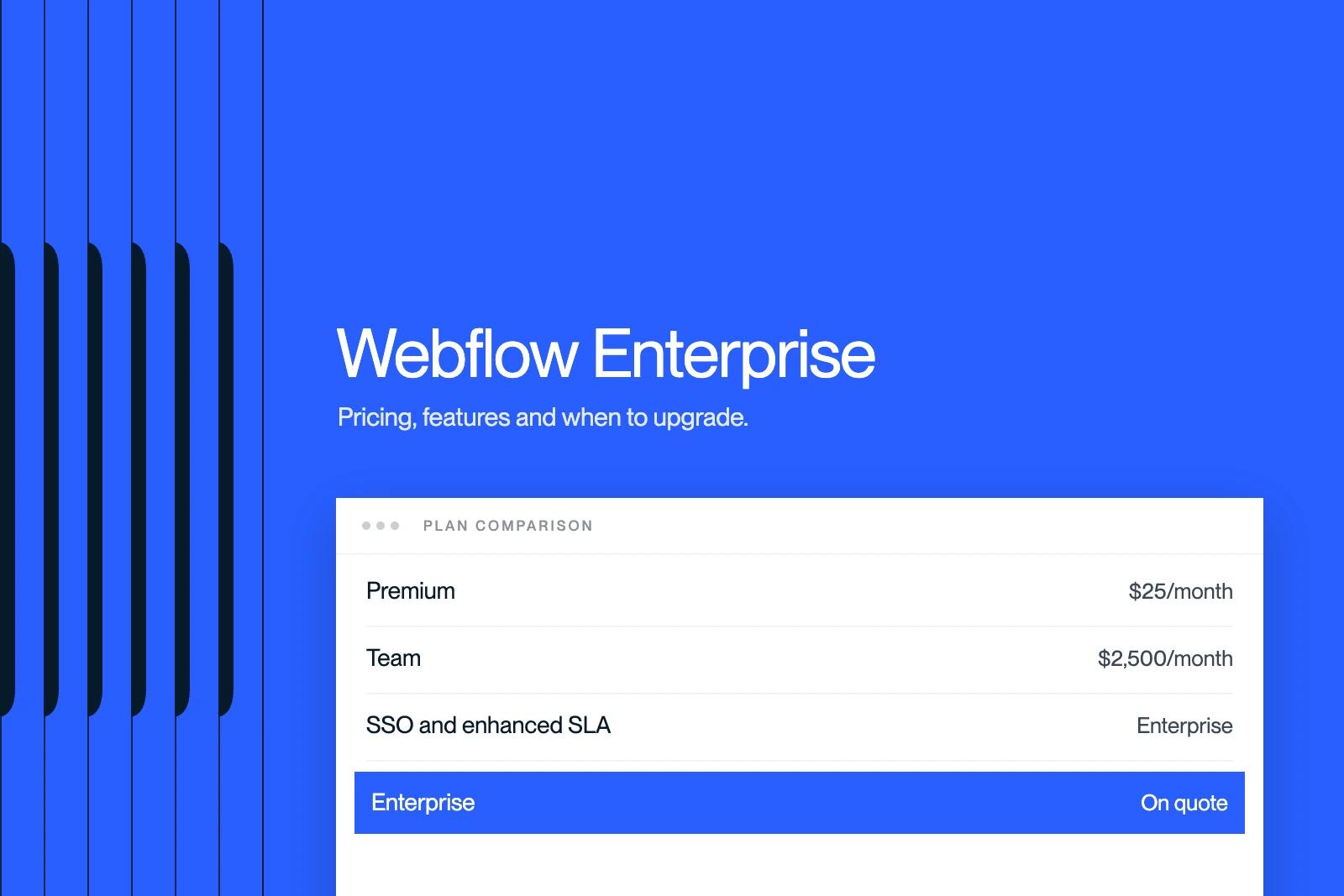
There is one public reference point. The Team plan, which sits between site plans and Enterprise, is listed at $2,500 per month on an annual contract. Enterprise is negotiated above that, with custom volumes.
Premium, Team or Enterprise: the comparison
| Criterion | Premium (site plan) | Team | Enterprise |
|---|---|---|---|
| Listed price | $25/month, billed yearly | $2,500/month, annual contract | On quote |
| CMS items | 20,000 | 20,000 | Custom |
| CMS collections | 40 | 100 | Custom |
| Bandwidth | Up to 2.5 TB/month | Up to 30 TB/year | Custom |
| Locales | Paid Localize add-on | 2 included | Custom |
| SSO, custom roles, enhanced SLA | No | Not specified | Yes |
Prices excluding tax, in US dollars, taken from Webflow's pricing page on 12 November 2026. Other plans are detailed in our article on Webflow pricing.
When to move to Webflow Enterprise
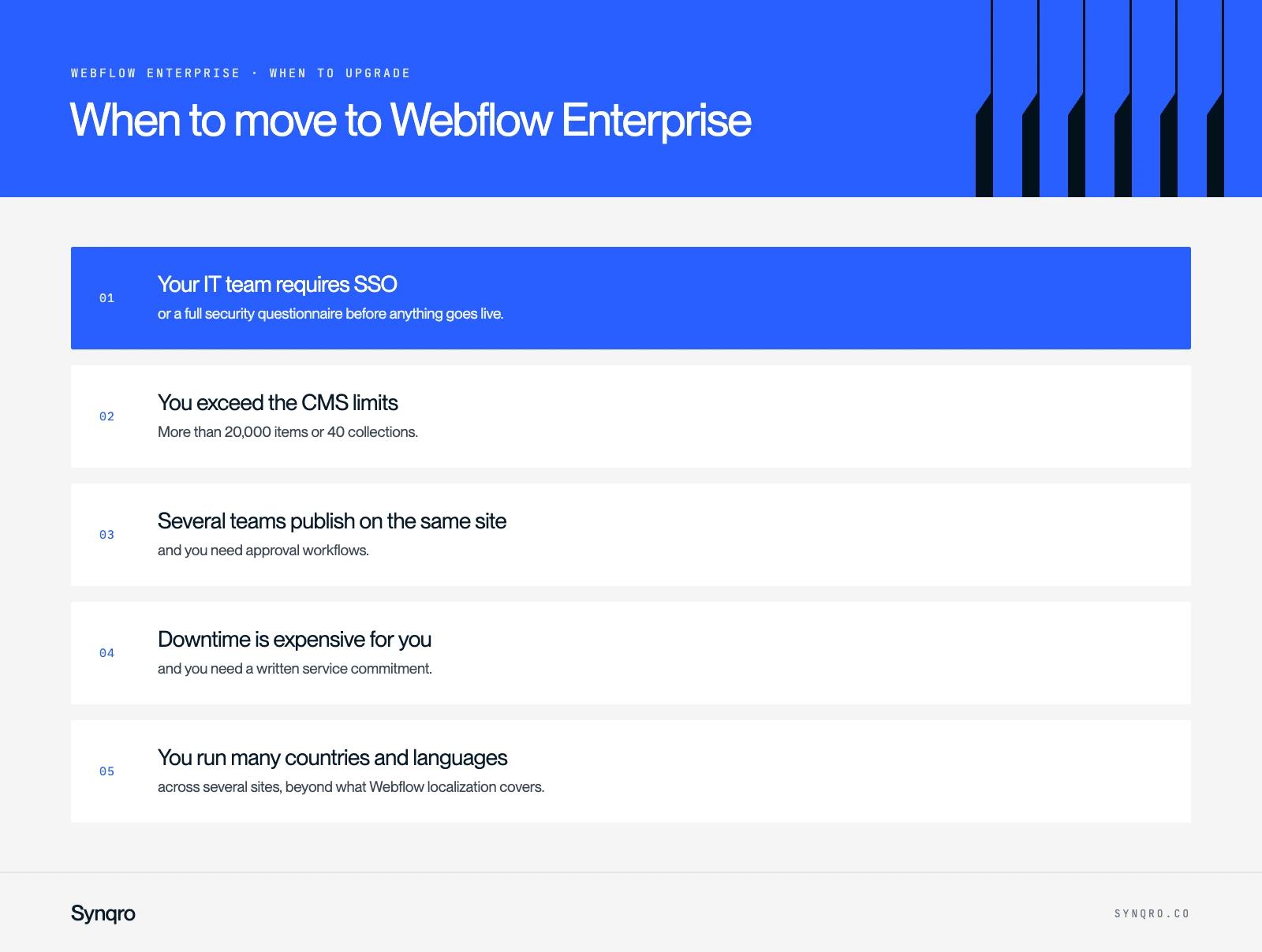
Five situations justify it. If none applies to you, a well-used Premium plan is enough.
- Your IT team requires SSO or a full security questionnaire before anything goes live.
- You exceed the CMS limits: more than 20,000 items or 40 collections. Before paying, check whether your Webflow CMS structure can be simplified.
- Several teams publish on the same site and you need approval workflows.
- Downtime is expensive for you and you need a written service commitment.
- You run many countries and languages across several sites, beyond what Webflow localization covers.
When it is not worth it
A B2B site with a few dozen pages, a blog and case studies runs very well on a Premium plan. The real levers are elsewhere: site structure, speed, content and conversion. Paying for Enterprise to "look serious" does not win a single extra lead.
Many large brands use Webflow without necessarily being on Enterprise for all their sites. Our article do large companies use Webflow gives examples.
Webflow Enterprise or a headless CMS?
For very large content volumes or application needs, the alternative is a headless CMS (Sanity, Contentful) with a coded front end. It is more flexible, but the marketing team loses visual editing and relies more on developers. Enterprise keeps Webflow's main strength: marketing publishes on its own.
| Need | Best fit |
|---|---|
| B2B site, blog, case studies | Webflow Premium |
| Security requirements and several editing teams | Webflow Enterprise |
| Highly structured content reused in an app | Headless CMS |
Preparing the conversation with Webflow
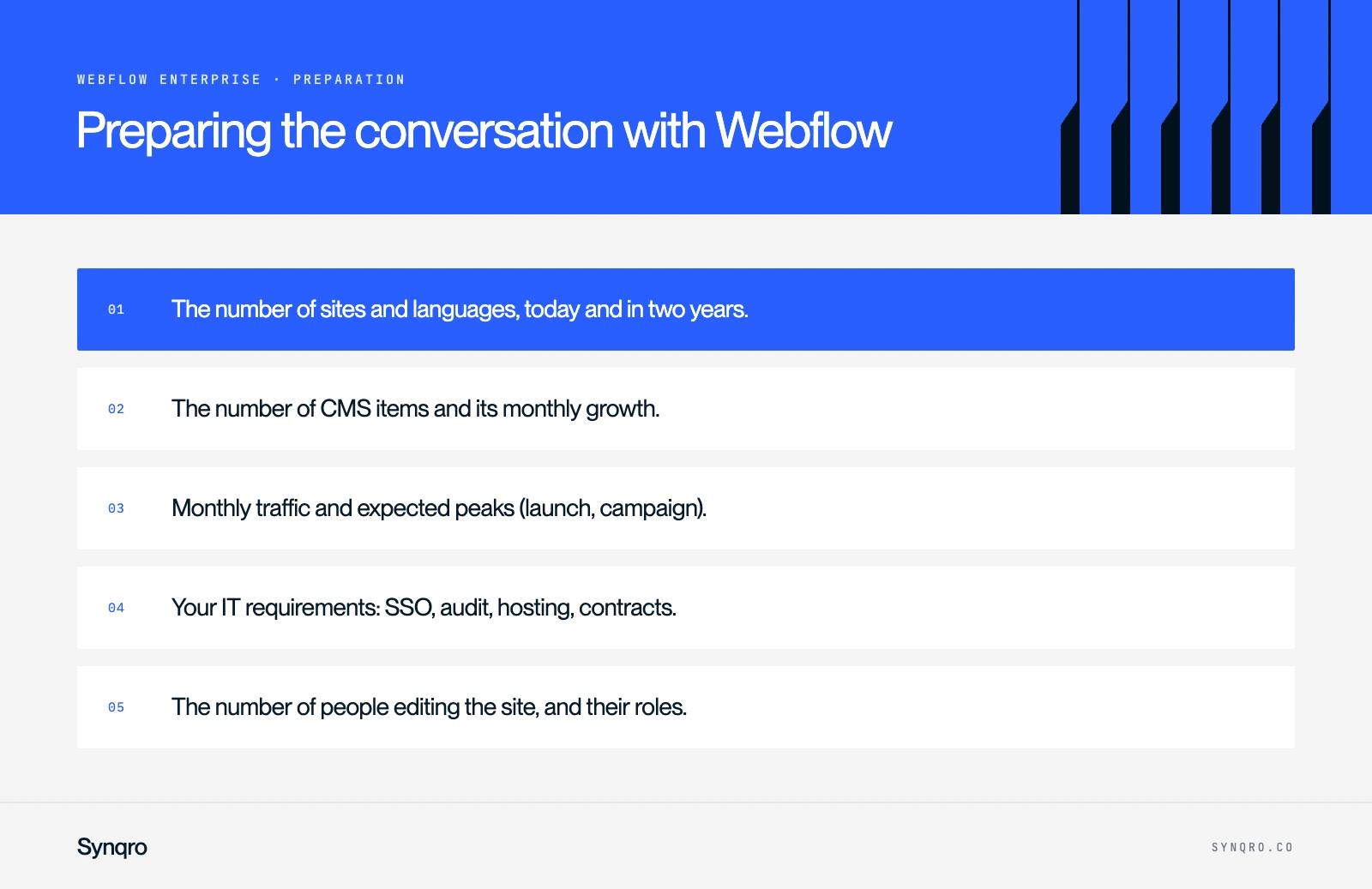
Before the first sales call, gather five pieces of information. They shape the quote.
- The number of sites and languages, today and in two years.
- The number of CMS items and its monthly growth.
- Monthly traffic and expected peaks (launch, campaign).
- Your IT requirements: SSO, audit, hosting, contracts.
- The number of people editing the site, and their roles.
If you are torn between Premium and Enterprise, an audit of your site and needs settles it quickly. It is work our Webflow agency does before every redesign, as for Qobra, whose traffic was multiplied by 16 on Webflow.
Frequently asked questions
It is Webflow's offer for large organisations. It adds SSO, custom roles, approval workflows, a 99.99% uptime commitment, custom volumes and dedicated support.