Article
Webflow website redesign: the complete guide
Branding13 min read

Guillaume SchluppConsultant SEO
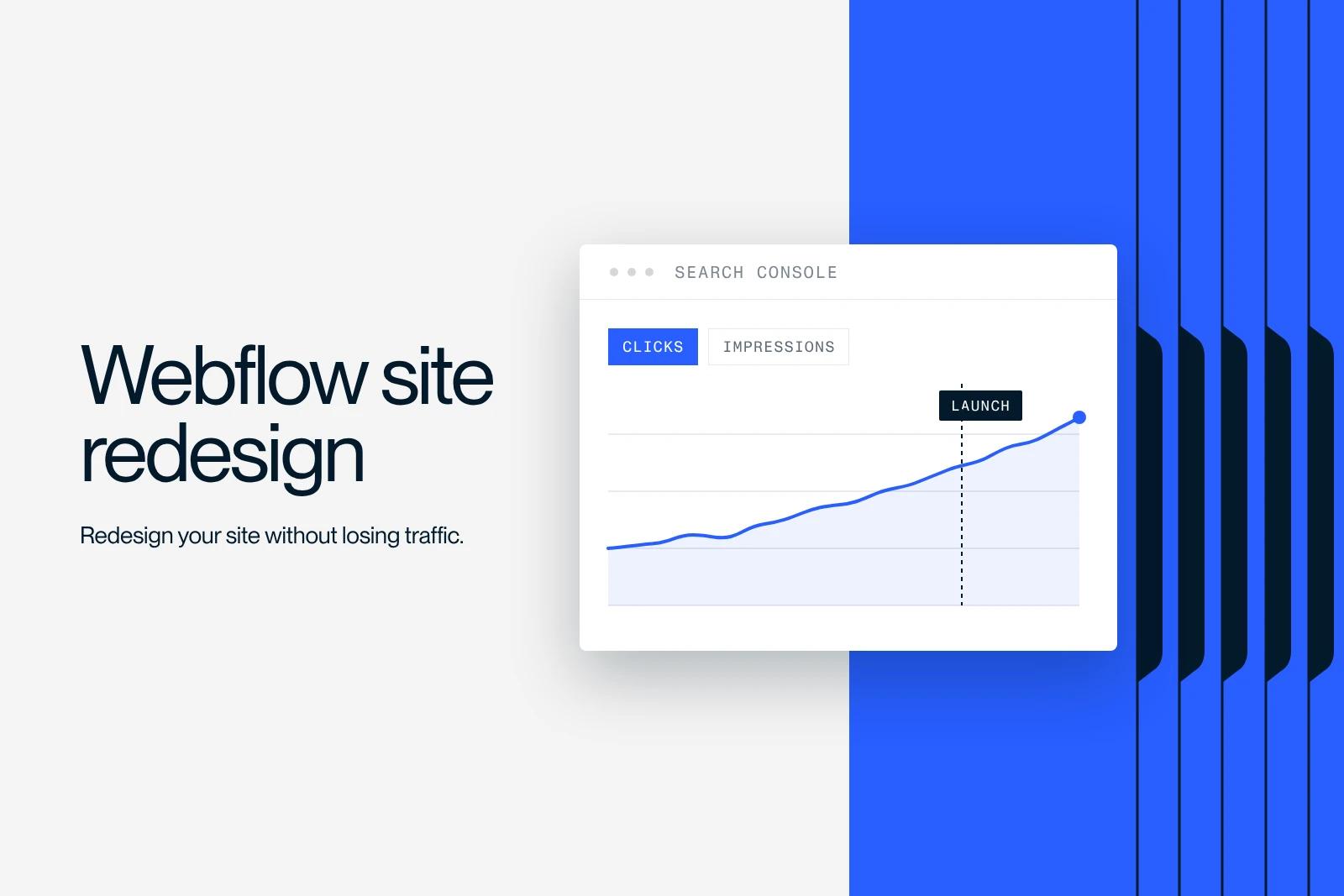
Get your Webflow website redesign right. Audit, design, SEO migration, launch: a complete guide by Synqro, a certified Webflow agency.
Explore this post with…
Why consider a website redesign on Webflow?
Is your current site slowing down your growth? Is performance poor? Does the design no longer reflect your brand? Then it is time to act. A Webflow website redesign addresses three major issues: user experience, technical performance and alignment with your business goals.
68% of online experiences begin with a search engine. If your site does not show up, or if visitors leave right after landing, you lose customers. Webflow offers clear advantages for this transformation: full control over the code, excellent native performance (Webflow sites get an average Lighthouse score of 90+ versus 55-70 for sites on traditional CMSs), and design flexibility without limits. To optimize your responsive design, our approach builds in best practices from the design stage.
For Synqro, a redesign is never just cosmetic. It addresses strategic issues:
- Improving load speed and Core Web Vitals
- Modernizing the visual identity and building trust
- Implementing an SEO-friendly architecture from the start
- Increasing conversions through better UX
A well-planned website redesign on Webflow lays solid foundations for your future digital growth.
How do you audit your existing site before a Webflow redesign?
Before launching a Webflow website redesign, you need to understand the actual state of your current site. This is the critical step that shapes the post-redesign strategy. A thorough audit identifies what works (to keep) and what needs to change.
The essential audit tools include Google Search Console to see your current keywords and Google Analytics to understand visitor behavior. Screaming Frog crawls your entire site to detect technical errors. Lighthouse evaluates your Core Web Vitals. Hotjar tracks user journeys and identifies drop-off points.
Here are the key points of a pre-redesign audit:
- SEO audit: ranking keywords, backlinks, 404 errors, existing redirects
- Performance: PageSpeed, Core Web Vitals, load time, image weight
- UX/CRO: bounce rate per page, average visit duration, drop-off points, conversion rate
- Technical: URL structure, markup, canonicals, sitemap, robots.txt
- Content: writing quality, keyword density, H1-H6 hierarchy
This analysis takes 2 to 3 weeks for a large site. It produces a strategy document that guides every decision in the redesign. Without this audit, you risk losing 30% of your organic traffic in the 3 months following the redesign.
What steps should you follow for a successful Webflow redesign?
A Webflow website redesign follows a strict methodology in 8 key steps. Skipping a single step exposes your project to delays, cost overruns and SEO problems. Synqro applies this process to every redesign.
Step 1: Strategic planning and requirements document
Clearly define the goals of the redesign, the target audiences, the required features and the information architecture. This phase lasts 1 to 2 weeks. It produces a detailed requirements document that serves as the reference for the whole project.
Step 2: Design and prototyping in Figma
Create the wireframes and mockups in Figma before touching Webflow. Validate the design with stakeholders. This step secures visual and functional agreement before costly development.
Step 3: Content migration and SEO structure
Migrate your existing content, clean it up and restructure it for search engines. Create a URL mapping document to ensure correct redirects. This phase is critical for a website redesign on Webflow: a poor URL migration destroys your SEO equity. To go further, see our complete 11-step SEO optimization guide.
Step 4: Webflow development and technical implementation
Build the site in Webflow following best practices: semantic structure, Schema markup, image optimization, CSS/JS minification, lazy loading. This phase lasts 4 to 8 weeks depending on complexity.
Step 5: SEO and Core Web Vitals optimization
Test every page with Lighthouse, Google PageSpeed Insights and Screaming Frog. Optimize the Core Web Vitals (LCP, FID, CLS) until you reach scores of 90+. This step requires technical expertise and time.
Step 6: Quality testing and UAT (user acceptance testing)
Test every feature, every browser, every device. Validate forms, analytics and redirects. No bug should go unnoticed.
Step 7: Launch preparation and 301 redirects
Set up the 301 redirects from your old site to the new one in Webflow. Prepare real-time monitoring for the first 72 hours after launch.
Step 8: Post-launch monitoring and adjustments
Track organic traffic, Core Web Vitals, crawl errors and conversions every day for 4 weeks. Adjust quickly if there is an abnormal drop.
A complete Webflow website redesign generally takes 12 to 16 weeks from planning to a stabilized launch.
How do you preserve and improve SEO during a Webflow redesign?
This is clients' biggest fear: losing search rankings built up over years. The fear is justified, but the loss is avoidable if you follow a rigorous SEO strategy before, during and after the redesign.
Before the Webflow website redesign:
Export your entire current SEO profile. Create an Excel spreadsheet with each URL, its number of backlinks (via Ahrefs or Moz), its organic traffic (via Google Analytics), its ranking keywords (via Google Search Console) and its average ranking. This inventory is your insurance against traffic loss.
During the Webflow website redesign:
Follow this strict URL hierarchy: if possible, keep the same URLs. Otherwise, create a 1:1 mapping between the old and new structure. Set up the 301 redirects before launch, not after. 301 redirects retain 90-95% of SEO authority. Keep the same H1s, titles and meta descriptions unless an improvement is clearly justified.
Implement Schema markup (Article, Organization, LocalBusiness depending on your industry). Webflow makes this implementation easier through its custom fields system.
After the Webflow website redesign:
Check Google Search Console daily for the first 30 days. Look for crawl errors, non-indexed URLs and ranking drops. React to any problem within 48 hours. Run a full crawl with Screaming Frog one week after launch to validate the new site's structure.
A redesign that follows this SEO protocol protects most of its organic traffic. A redesign that ignores it can lose a large part of it in the months after launch.
What budget should you plan for a Webflow website redesign?
Budget raises a lot of questions. A Webflow website redesign costs from a few thousand to several tens of thousands of euros depending on the complexity, scope and duration of the project.
Many factors influence the price:
- Site size: 50 pages vs 500 pages (content migration 10x more expensive)
- Technical complexity: built-in e-commerce, dynamic CMS, custom API
- Custom design: template vs fully custom design
- Included services: SEO, branding, copywriting, post-launch training
At Synqro, a website redesign costs between €3,000 and €20,000 excl. VAT. The price mainly varies with three points:
- Design: a reworked template or a fully custom design
- Brand: identity kept as is, or branding redone at the same time as the site
- SEO and GEO: a site prepared for search and AI engines, with or without an acquisition strategy
This budget includes the SEO audit, design, Webflow development, technical optimization, testing and post-launch monitoring. It does not include post-redesign marketing strategy or advertising.
A cheap redesign that sacrifices SEO quality will cost more in lost traffic. A good Webflow website redesign generates an ROI of 300-500% within 12 months through additional conversions and preserved organic traffic.
What mistakes should you avoid in a Webflow website redesign?
Mistakes are expensive. Avoiding them from the start saves you months of catching up and thousands of euros in lost traffic. Synqro has identified the 7 most common pitfalls in a Webflow website redesign.
Mistake 1: Starting the redesign without a prior audit
You do not know what you have, so you lose it. A pre-redesign SEO audit takes 3 weeks but saves 30% of traffic on average.
Mistake 2: Forgetting 301 redirects
The old URLs disappear and external links point to 404 pages. You immediately lose 40-60% of organic traffic. The 301 redirects must be in place before launch, validated with Screaming Frog.
Mistake 3: Breaking the URL hierarchy
Moving from /services/design to /graphic-design "for SEO" is tempting but dangerous. Every URL change creates friction. Keep the same structure if it works.
Mistake 4: Ignoring Core Web Vitals
You launch on Webflow but your LCP is at 4 seconds and your FID at 300 ms. Google penalizes this immediately. Core Web Vitals must reach the "Good" thresholds (LCP < 2.5 s, FID < 100 ms, CLS < 0.1) before launch.
Mistake 5: Migrating content without cleaning it up
You copy and paste 500 pages from an old CMS into Webflow. No content is improved, no image is optimized, no alt text is added. Use the redesign to improve every page by 15-20%.
Mistake 6: Not testing the redirects
You create the redirects in Webflow but do not test them. 50 URLs redirect to 404 pages. Use a tool such as Screaming Frog to validate every 301 redirect.
Mistake 7: Neglecting post-launch monitoring
You launch the new site and disappear. Three days later, you discover 100 crawl errors. Monitoring in the first month is as critical as development. Assign a dedicated person for 4 weeks to follow the metrics in real time.
Why is Synqro the right partner for your Webflow redesign?
Handing your Webflow website redesign to an inexperienced agency is a risk. Handing this strategic transformation to Synqro means choosing 7 years of focused expertise, 150+ successful projects and a proven methodology.
Synqro is not just a Webflow agency. We are a Webflow Premium Partner. We are also a full-stack SEO agency, able to handle content strategy, technical work and link building. And we are a branding agency, able to refresh your visual identity during the redesign.
When you start a Webflow website redesign with Synqro, you get:
- A thorough SEO audit before the redesign (full analysis of Google Search Console, Analytics, Screaming Frog)
- A modern, high-performing design aligned with your branding (Figma design, unlimited iterations)
- Expert Webflow development, optimized for performance and SEO (Lighthouse scores of 90+, Core Web Vitals in the green)
- A secure SEO migration (content audit, URL mapping, 301 redirects, validation)
- Post-launch monitoring that keeps traffic stable (4 weeks of reports, priority technical support)
- Ongoing support and training for your internal team
For Elevo, more than 200 CMS resources were migrated, and the domain was only switched over once the redirects had been tested in staging. See our case studies and work to explore our projects in detail.
A Webflow website redesign is too important to improvise. It is a strategic investment that shapes your digital growth for the next 3-5 years. Choosing Synqro means minimizing risk and maximizing opportunity. Contact us to start your transformation.
Frequently asked questions
A complete redesign takes 12 to 16 weeks from planning to a stabilized launch. For a small, simple site (fewer than 50 pages), plan for 8 to 10 weeks. For a large site or e-commerce (500+ pages, multiple integrations), plan for 18-24 weeks. Synqro handles tight deadlines without sacrificing quality, but quality always comes before speed.