Article
Core Web Vitals: The Complete Guide to Optimizing Your Site (2026)
SEO6 min read

Guillaume SchluppConsultant SEO
Core Web Vitals are three Google metrics that measure what your real visitors experience: loading speed (LCP), responsiveness (INP) and visual stability (CLS). Optimizing them improves browsing comfort, conversion rate and search rankings at the same time. This guide explains what each signal covers, how to measure them with the right tools, and how to optimize them, especially on a Webflow site.
Explore this post with…
What are Core Web Vitals?
Core Web Vitals are a set of three metrics defined by Google to measure what a visitor actually experiences on a page: loading speed, responsiveness and visual stability. They are part of the "page experience" signals Google uses to assess page quality.
In 2026, Core Web Vitals are made up of three metrics:
- LCP (Largest Contentful Paint): the time it takes to display the largest visible element on the page. It reflects perceived loading speed.
- INP (Interaction to Next Paint): how long the page takes to respond after an interaction. It replaced the old FID metric in March 2024.
- CLS (Cumulative Layout Shift): how much the layout shifts unexpectedly during loading. It measures layout stability.
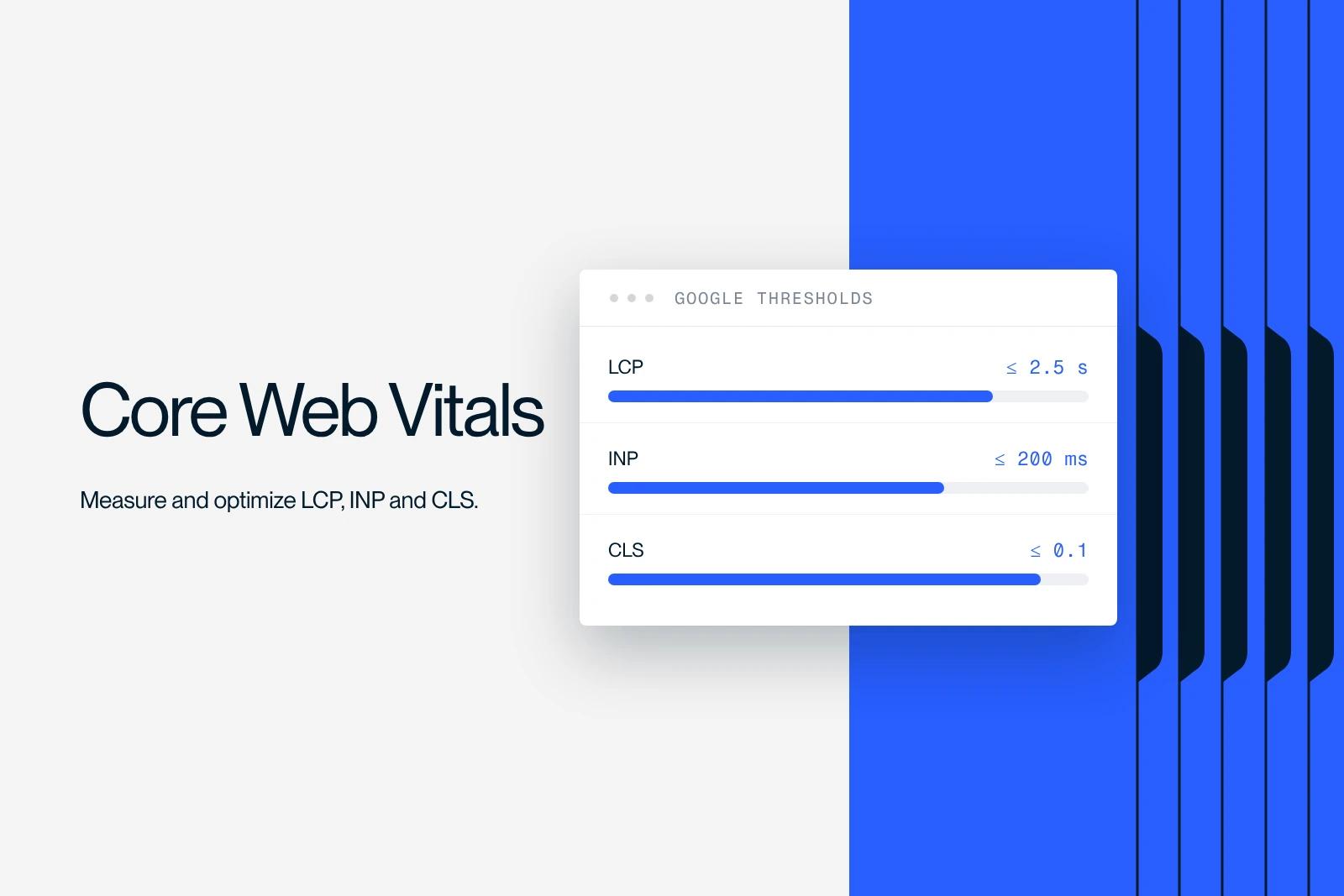
Google sets clear thresholds, assessed at the 75th percentile of your real visitors:
| Signal | Good | Needs improvement | Poor |
|---|---|---|---|
| LCP | 2.5 s or less | 2.5 to 4 s | over 4 s |
| INP | 200 ms or less | 200 to 500 ms | over 500 ms |
| CLS | 0.1 or less | 0.1 to 0.25 | over 0.25 |
Why Core Web Vitals matter for your SEO
Core Web Vitals are one ranking signal among many. They are not the strongest, but they carry weight on highly competitive pages. Google uses them to break ties between pages with comparable content quality, and their impact shows most on mobile.
Beyond rankings, this is a business issue. A slow or unstable page drives visitors away before they even read your offer. Improving your Core Web Vitals means pulling two levers at once: organic visibility and conversion rate. AI answer engines also take this into account indirectly, since they favor reliable, well-built sources.
How to measure your Core Web Vitals
Measuring Core Web Vitals means telling two types of data apart: field data (your real visitors) and lab data (a simulated test). Both are useful, but Google relies on field data for rankings.
The tools to know:
- PageSpeed Insights: combines field data (from the CrUX report) and lab data for a given URL.
- The Core Web Vitals report in Google Search Console: tracks all your pages over time, grouped by issue type.
- Lighthouse (in Chrome): a detailed lab audit, handy for diagnosing a page in development.
- The CrUX report: real-user experience data aggregated by Google.
The right habit: use Search Console for the big picture, then diagnose page by page with PageSpeed Insights and Lighthouse.
How to optimize each signal
Optimizing Core Web Vitals means treating each signal with its own levers, because the causes of a poor LCP have nothing to do with the causes of a poor CLS.
Improve LCP (loading): optimize the page's main image or block, compress your visuals and serve them in modern formats (WebP, AVIF), preload the main element, and limit render-blocking resources (heavy scripts and stylesheets).
Improve INP (responsiveness): reduce the JavaScript that runs on load, defer non-essential scripts, and cut down on third-party scripts (chat, pixels, marketing tools) that hog the main thread.
Improve CLS (stability): reserve space for images and iframes by setting their dimensions, avoid inserting content above content that is already visible, and manage font loading to prevent text jumps.
Optimizing Core Web Vitals on Webflow
Webflow starts with an edge on Core Web Vitals: its hosting runs on a fast CDN and the code it generates is clean. That does not remove the need for optimization, because performance depends mostly on what you add on top.
What makes the difference on a Webflow site:
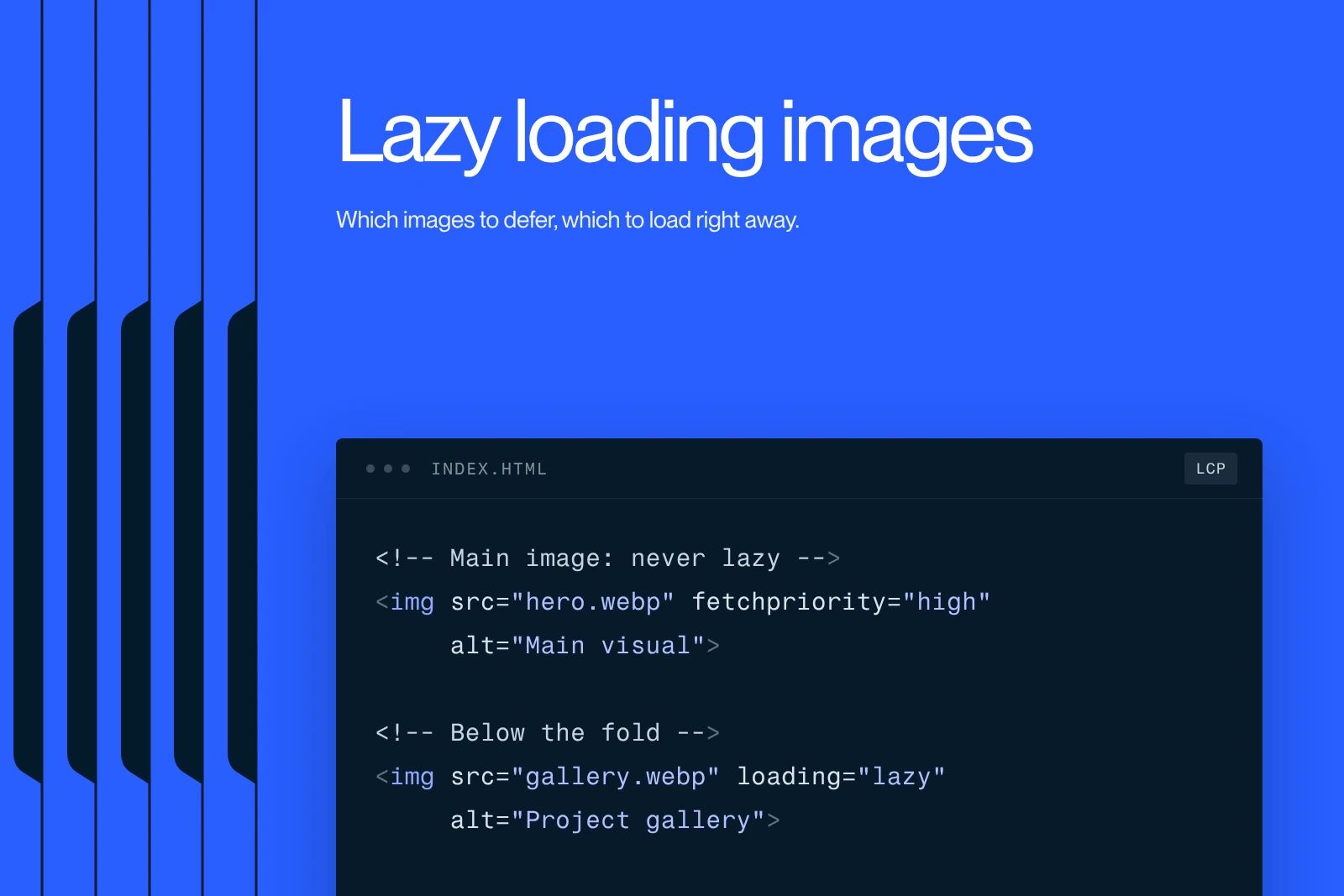
- Compress and resize images before uploading, and let Webflow handle lazy loading for images below the fold.
- Set explicit dimensions on media and reserve space for embeds to avoid layout shifts.
- Limit heavy interactions and animations on critical elements, since they weigh on INP.
- Keep custom code and third-party scripts under control. They are often the main cause of slowness on an otherwise well-built site.
- Handle fonts with preloading and progressive display to stabilize text rendering.
To go further on performance, see our guide to reducing bandwidth usage on Webflow and our 11 steps to optimize SEO on Webflow.
The role of an agency in technical performance
On demanding projects, Core Web Vitals optimization is part of a broader technical audit. For a luxury resort hotel facing technical roadblocks, the work covered more than fifty technical fixes and the rollout of a lasting organic strategy, with display performance as one of its components.
The goal is not a perfect score at any cost. It is to reach the "good" threshold on your key pages, then hold that level over time. That is exactly what a Webflow agency specialized in SEO manages, by connecting performance, content and conversion.
Conclusion
Core Web Vitals reflect a simple idea: a fast, responsive and stable site serves both your visitors and your rankings. Measure them with Search Console and PageSpeed Insights, treat each signal with its own levers, and aim for the "good" threshold on your key pages before chasing perfection. If you want a fast Webflow site that ranks well from day one, talk to our team about your project.
Frequently asked questions
The three Core Web Vitals are LCP (Largest Contentful Paint), which measures how fast the main visible element loads, INP (Interaction to Next Paint), which measures how responsive the page is to interactions, and CLS (Cumulative Layout Shift), which measures visual stability. INP replaced FID in March 2024.