Article
How to create a website mockup in Figma: Synqro's guide
Webflow13 min read

James BrunettoCo-fondateur & CEO
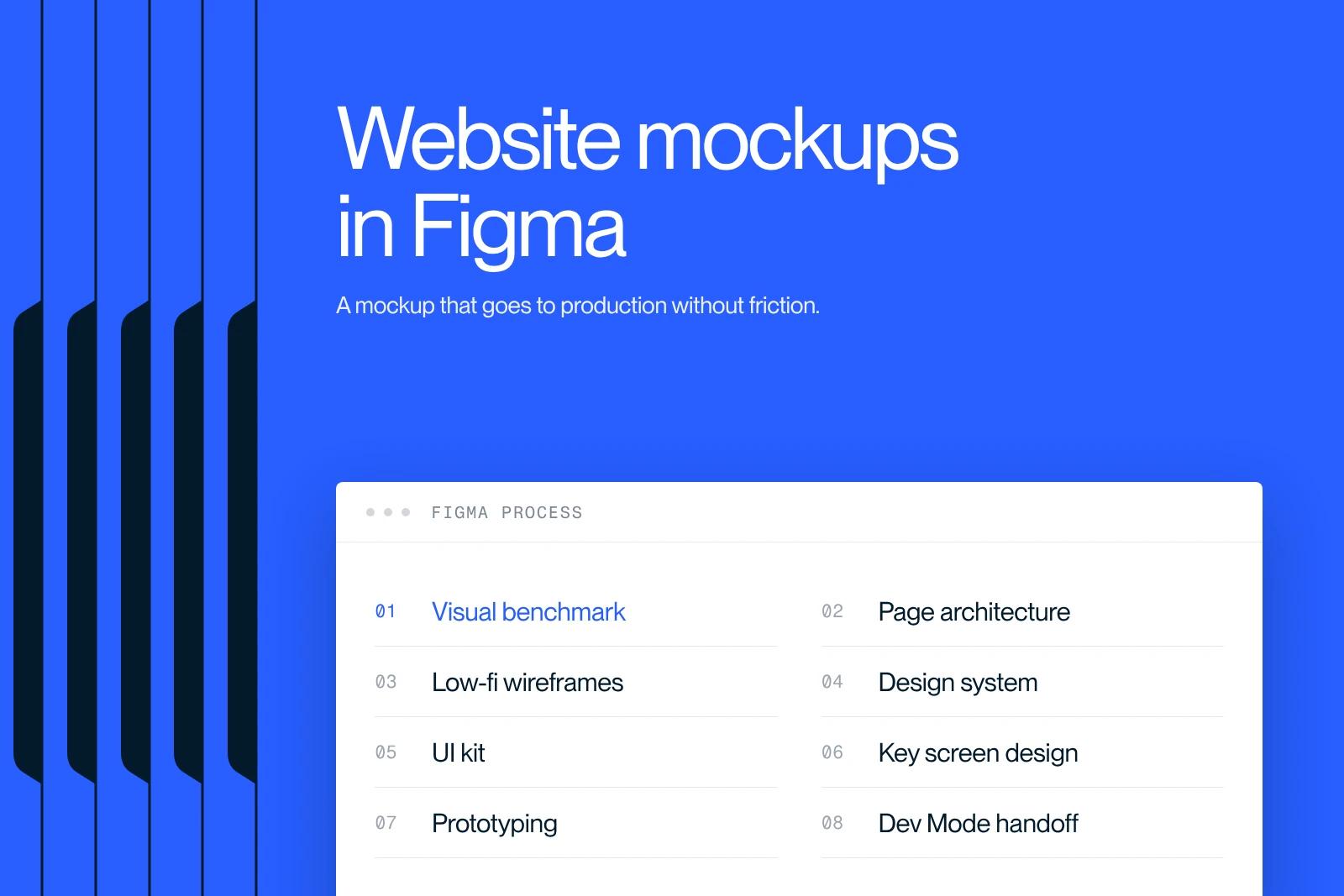
A Figma mockup is a visual representation of a website or a web or mobile interface, created in Figma. It serves as the final reference before development.
In 2026, Figma holds 88% of the market for team interface design tools according to the UX Tools Survey 2025, ahead of Sketch and Adobe XD.
This guide details the method Synqro applies to Figma website mockups, based on more than 150 B2B projects: every step, every file, every component. The goal: a mockup that goes into production without friction.
Explore this post with…
What is a Figma mockup?
A Figma mockup is an interface design file, created in the Figma app, that represents the final visual version of a website, mobile app or SaaS product before it is developed. It contains the screens, components, typography, colors and prototyped interactions.
A Figma mockup is different from three other deliverables that are often confused with it:
- The wireframe: a gray, unstyled structure that validates the architecture and functional areas.
- The prototype: a mockup made clickable to simulate the user journey.
- The device mockup: a visual rendering of a design placed inside a device (smartphone, screen), used for client presentations or pitches.
A Figma mockup is built in 7 steps: benchmark, wireframe, design system, UI kit, key screen design, interactive prototyping, then developer handoff. Allow 2 to 6 weeks for a B2B brochure site, depending on the depth of the design system. The average cost in France in 2026 is between €3,500 and €15,000 for a complete project.
Figma is an online interface design app launched in 2016. Adobe agreed to acquire it in 2022, and the deal was called off in 2023. The tool runs in the browser with no installation and relies on a real-time collaborative model similar to Google Docs. That native collaboration is what moved most B2B product teams to Figma between 2019 and 2024.
Why Figma leads for website mockups in 2026
Figma leads in 2026 because it combines design, prototyping and developer handoff in a single file accessible by link, which removes 3 to 5 rounds of back-and-forth per project according to our internal measurements on more than 150 B2B projects. No competitor offers this end-to-end integration with the same level of team adoption.
Three concrete reasons explain this dominance:
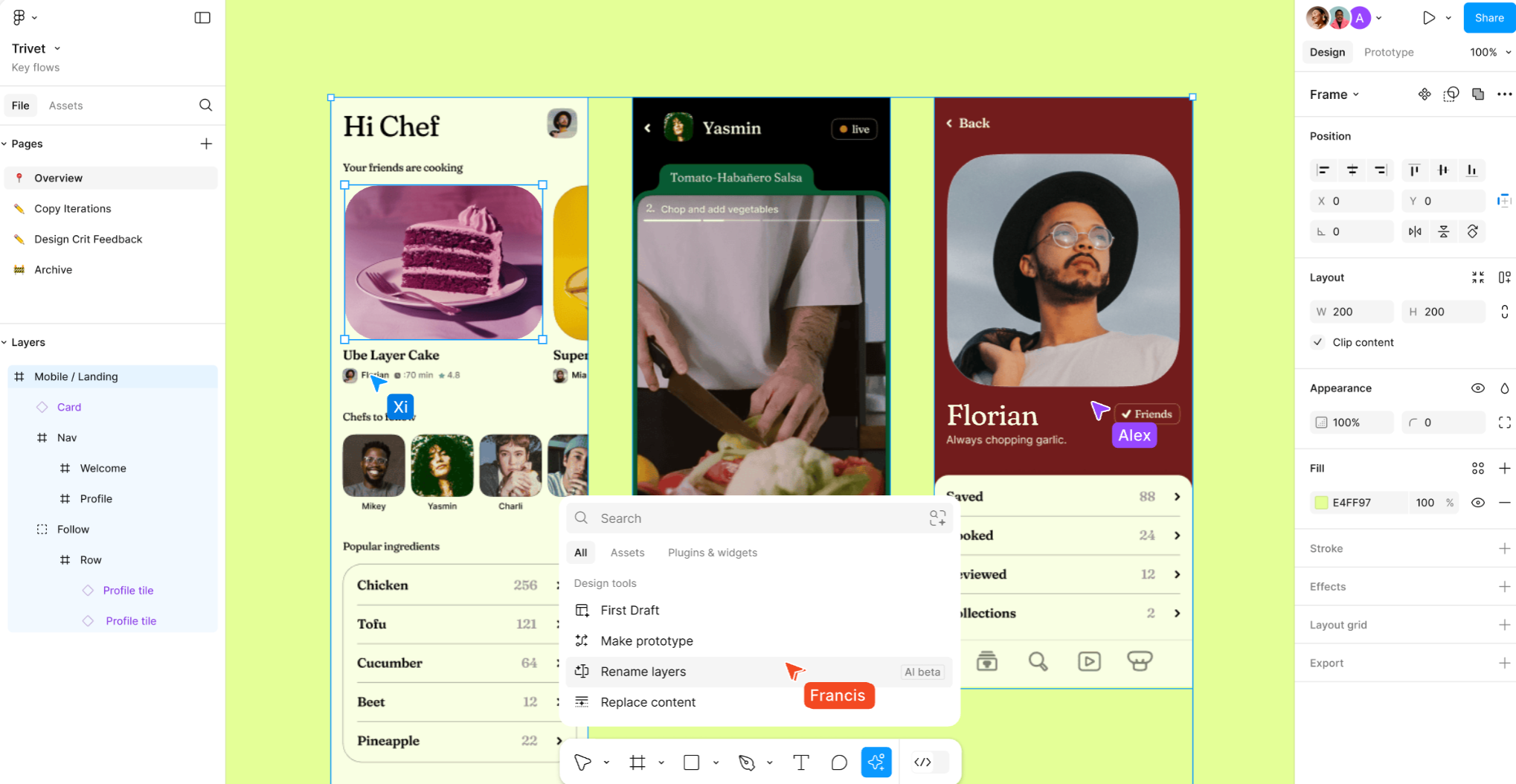
1. Real-time collaboration. Several designers, product managers and developers can edit or comment on the same file at the same time. Comments are pinned directly to an element. On our projects, this cuts review iterations by 40% compared with the Sketch + InVision workflow we used before 2020.
2. Native design systems. Figma has handled components, variants, auto layout and variables since 2023. A button defined once propagates automatically across every screen. This is the same logic as Webflow or React components, which makes the translation into code easier.
3. Plugin and AI ecosystem. Since 2024, Figma has included generative AI features (Figma AI, Figma Make) that speed up generating test content, arranging layouts and creating element variations. The marketplace has more than 5,000 plugins, including Unsplash, Iconify and Content Reel.
"Figma has blurred the line between design and development. A well-structured mockup today is already 30% of the code.", James Brunetto, CMO and co-founder of Synqro.
The 7 steps to a Figma mockup that makes it to production
Creating a Figma mockup that goes into production without friction follows a 7-step process: benchmark, architecture, wireframe, design system, UI kit, screen design and prototyping.
Synqro applies this workflow on every Webflow project and produces a file ready for the Webflow build:
- Visual benchmark. Collect 15 to 20 relevant references (direct competitors, analogies from other sectors, inspiration from outside the industry). Create a Figma moodboard on a dedicated page.
- Architecture and sitemap. List all the pages, their hierarchy and the planned content blocks. Without this step, the mockup drifts.
- Low-fi wireframes. Lay out the gray/black structure of each template type (home, service page, article page, contact). Get client approval before any design.
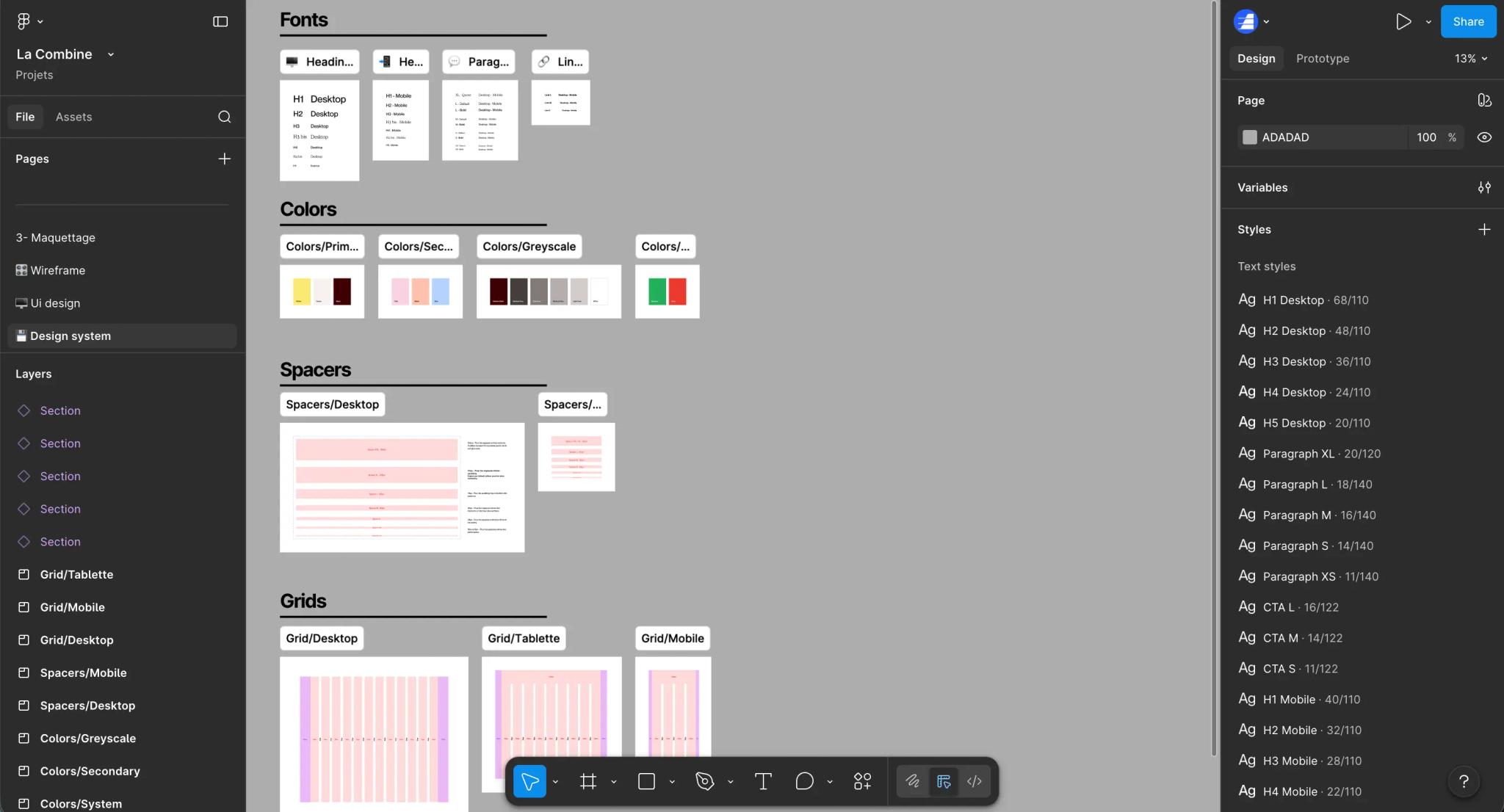
- Design system. Define the color palette, typography (3 levels max), spacing (4- or 8-pixel system), radii and shadows. All as Figma styles and variables.
- UI kit. Build the reusable components: buttons, cards, inputs, navigation, footer. Each component with its variants (default, hover, disabled) and its auto layouts.
- Key screen design. Assemble the screens from the components. Start with the home page, then the 3 most strategic templates. Never everything at once.
- Prototyping and handoff. Link the screens with clickable flows, annotate specific interactions (hover, animations, responsive). Turn on Dev Mode for the developer.
In practice at Synqro: On the Garden Reclaimer project, an e-commerce site with 3D design and custom product visuals, building a UI kit dedicated to product cards let us produce 24 product page variations in 3 days instead of the 10 days estimated at kickoff.
Result: a premium brochure site delivered with a complete design system, reused by the client team for future campaigns and product additions.
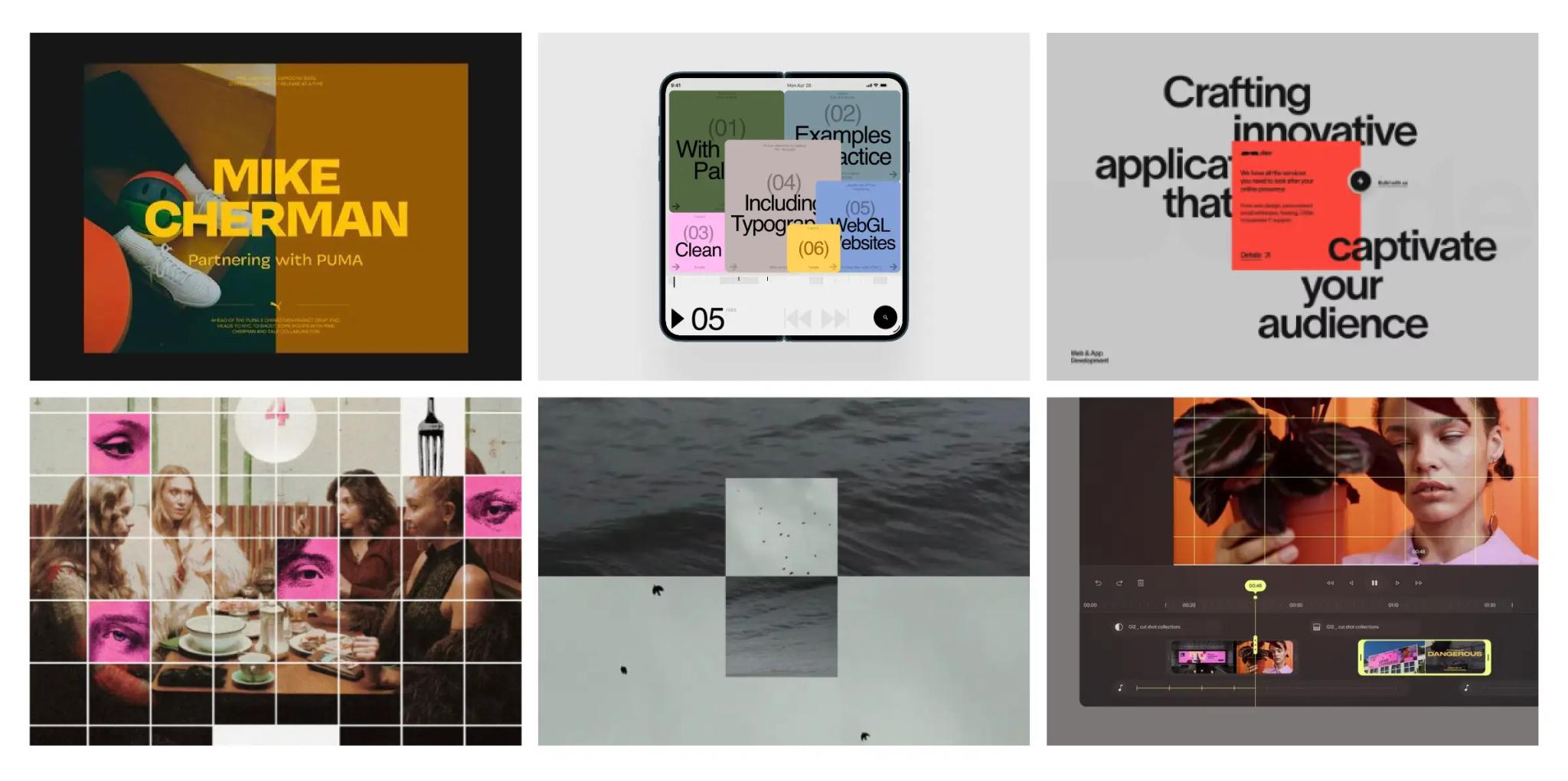
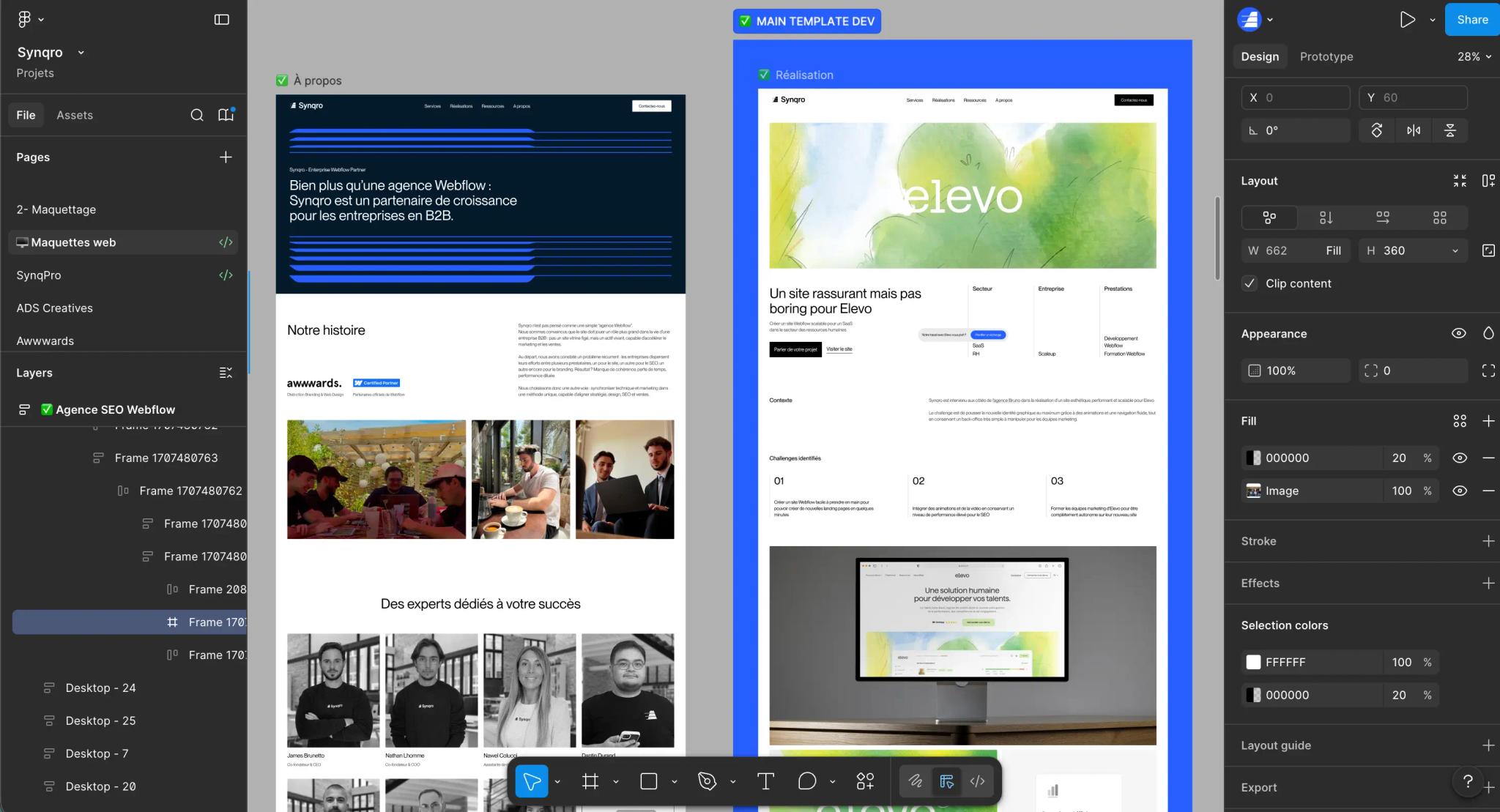
Example of an inspiration moodboard in Figma by Synqro
How to structure a Figma file to save time during the build
A Figma file that is well structured for the build rests on 4 rules: consistent naming, systematic auto layout, components with variants, and design token variables.
Applied together, these rules cut front-end development time on a Webflow or React site by 30 to 40% according to our internal measurements.
Naming layers and frames
Name each frame and component using front-end development conventions: kebab-case or PascalCase. Examples: card-product, button-primary, section-hero. A layer called Rectangle 23 is the sign of a sloppy mockup that will be expensive to build.
Auto layout on every block
Figma's auto layout applies logic close to CSS Flexbox: direction, gap, padding, alignment. A block without auto layout does not survive a change of content. Rule: auto layout enabled on 100% of components and sections.
Components and variants
Every element repeated more than twice becomes a component. A button with 3 sizes and 4 states should not produce 12 copies: 1 component, 2 properties (size, state), 12 variants available from a dropdown. This logic maps exactly to Webflow components and React components.
Variables and design tokens
Since Figma Variables (2023), you can define colors, spacing and numbers as reusable tokens. The benefit for the build: these tokens export to JSON and feed directly into a tokens.json file or the site's CSS variables.
How much does a Figma mockup cost in 2026?
A professional Figma mockup in France in 2026 costs between €3,500 and €15,000 for a complete B2B brochure site project. The price depends on the number of screens, the depth of the design system and the level of prototyping required.
💡 2026 pricing guide
Price of a Figma mockup in France
Agency and freelance rates · B2B market · Updated 2026
| Project type | Screens | Timeline | Average price |
|---|---|---|---|
| Landing page Entry level | 1 to 3 screens | 1 – 2 weeks | €1,500 – €4,000 |
| B2B brochure site Mid-range | 5 to 15 screens | 2 – 4 weeks | €3,500 – €9,000 |
| Premium brochure site + design system High end | 10 to 25 screens | 4 – 6 weeks | €8,000 – €15,000 |
| SaaS application (UI) Enterprise | 20 to 80 screens | 6 – 12 weeks | €12,000 – €40,000 |
Landing page
Entry level
€1,500 – €4,000
1 to 3 screens1 – 2 weeks
B2B brochure site
Mid-range
€3,500 – €9,000
5 to 15 screens2 – 4 weeks
Premium brochure site + design system
High end
€8,000 – €15,000
10 to 25 screens4 – 6 weeks
SaaS application (UI)
Enterprise
€12,000 – €40,000
20 to 80 screens6 – 12 weeks
📌 Figma license to budget for: $15/editor/month (Professional plan). 3 variables drive the price: design system maturity, number of responsive versions (×3 for desktop + tablet + mobile) and review cycles included in the contract.
Synqro · agence-synqro.fr
Three variables move the needle: the maturity of the design system (starting from scratch or from an existing one), the number of responsive variations to deliver (desktop + tablet + mobile triples the time) and the number of planned review cycles.
Figma license: a Figma Professional account costs $15 per editor per month, to budget separately for the internal team that will maintain the file after delivery.
The 5 mistakes to avoid in a Figma mockup
Five mistakes show up in 70% of the Figma mockups Synqro audits before a Webflow build. Each one adds between 1 and 5 days of avoidable development.
1. Designing without a design system. Producing screen after screen with inconsistent buttons, hard-coded hex colors and random text sizes. Consequence: the file has to be reworked before the build. We strongly advise against this approach because it doubles the total cost of the project.
2. Ignoring responsive design. Delivering only the 1440px desktop version. In 2026, 62% of global web traffic is mobile according to StatCounter. A mockup without mobile and tablet screens is incomplete. Synqro rule: at least 3 breakpoints delivered (1440, 768, 375).
3. Forgetting interaction states. Showing a default button without planning hover, active, disabled and focus. The developer then invents the states, which creates visual inconsistencies caught during QA.
4. Using local images. Dragging JPGs from the desktop without thinking about sizes, formats and ratios. Result: a mockup that looks great in a screenshot, and a slow site in production. Use optimized assets, in modern formats (WebP, AVIF), with consistent ratios.
5. Neglecting the developer handoff. Delivering the file without Dev Mode enabled, without annotating animations or specific behaviors. The developer guesses, then asks for approval again, then fixes. A well-run handoff cycle: 2 days. A sloppy one: 10 to 15 days.
In practice at Synqro: On the Koino project, an artificial intelligence consultancy, an art direction overhaul ran in parallel with SEO/GEO positioning on LLM agents. The Figma mockup was built with a complete design system and exportable tokens. Concrete result: the Webflow build was completed in 8 days instead of the 15 budgeted, with zero visual correction cycles after delivery.
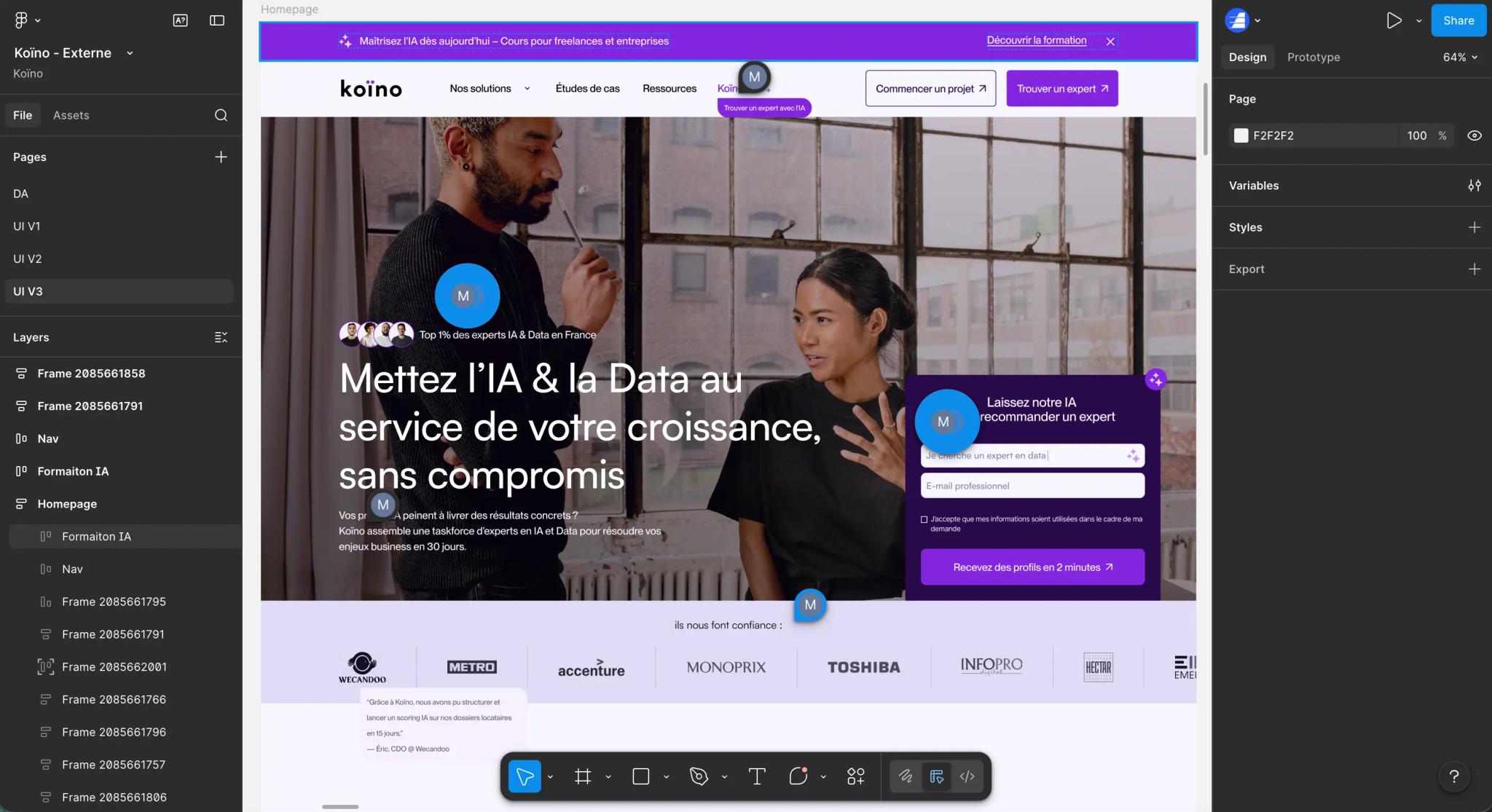
The Koino project in Figma
Figma vs Sketch, Adobe XD and Penpot: which tool to choose in 2026?
Figma remains the standard for website mockups in 2026, but three alternatives exist depending on the context: Sketch for native macOS, Adobe XD for teams already in the Creative Cloud ecosystem, and Penpot for open source projects.
🛠️ 2026 tool comparison
Figma vs Sketch vs Adobe XD vs Penpot
Comparison of mockup tools · B2B market · Updated 2026
| Tool | Price (2026) | Collaboration | Cloud | Use case |
|---|---|---|---|---|
| Figma | Free to $15/month | ✓ Yes | ✓ Native | B2B standard, SaaS, brochure sites |
| Sketch | $9/month | ~ Partial | ⊕ Hybrid | Long-standing macOS agencies |
| Adobe XD | Included in Creative Cloud | ✓ Yes | ✓ Native | Adobe teams, Photoshop integration |
| Penpot | Free (open source) | ✓ Yes | ⊕ Self-hosted | Open source projects, sensitive data |
Figma
Free to $15/month
✓ Collaboration ✓ Native cloud
B2B standard, SaaS, brochure sites
Sketch
$9/month
~ Partial collaboration ⊕ Hybrid
Long-standing macOS agencies
Adobe XD
Included in Creative Cloud
✓ Collaboration ✓ Native cloud
Adobe teams, Photoshop integration
Penpot
Free (open source)
✓ Collaboration ⊕ Self-hosted
Open source projects, sensitive data
📌 Our recommendation at Synqro: Figma remains the de facto standard for B2B projects in 2026. Penpot is a serious alternative for teams concerned with data sovereignty.
Synqro · agence-synqro.fr
For a Webflow and SEO agency like Synqro, choosing Figma comes down to 3 criteria: 88% of B2B clients already arrive with a Figma file, the plugin ecosystem outpaces the other tools, and export through Dev Mode aligns well with Webflow.
Conclusion
A successful Figma mockup in 2026 is a file designed for the build from the very first frame: design system in place, named components, auto layout on, exportable tokens. This rigor turns Figma into a production accelerator rather than a cosmetic layer. If you are starting a B2B website or redesign project, the team at Synqro, a Webflow and SEO agency, can audit your existing mockup or produce one from scratch. Let's talk about your project.
Frequently asked questions
Yes, Figma offers a free plan that lets you create 3 files and invite unlimited collaborators. For a professional project with several designers, the Professional plan at $15 per editor per month unlocks unlimited files, advanced components and team libraries. In 2026, 71% of B2B design teams use a paid plan according to the UX Tools Survey 2025.


