Article
Web accessibility: legal obligations, RGAA, WCAG and method
Webflow8 min read

James BrunettoCo-fondateur & CEO
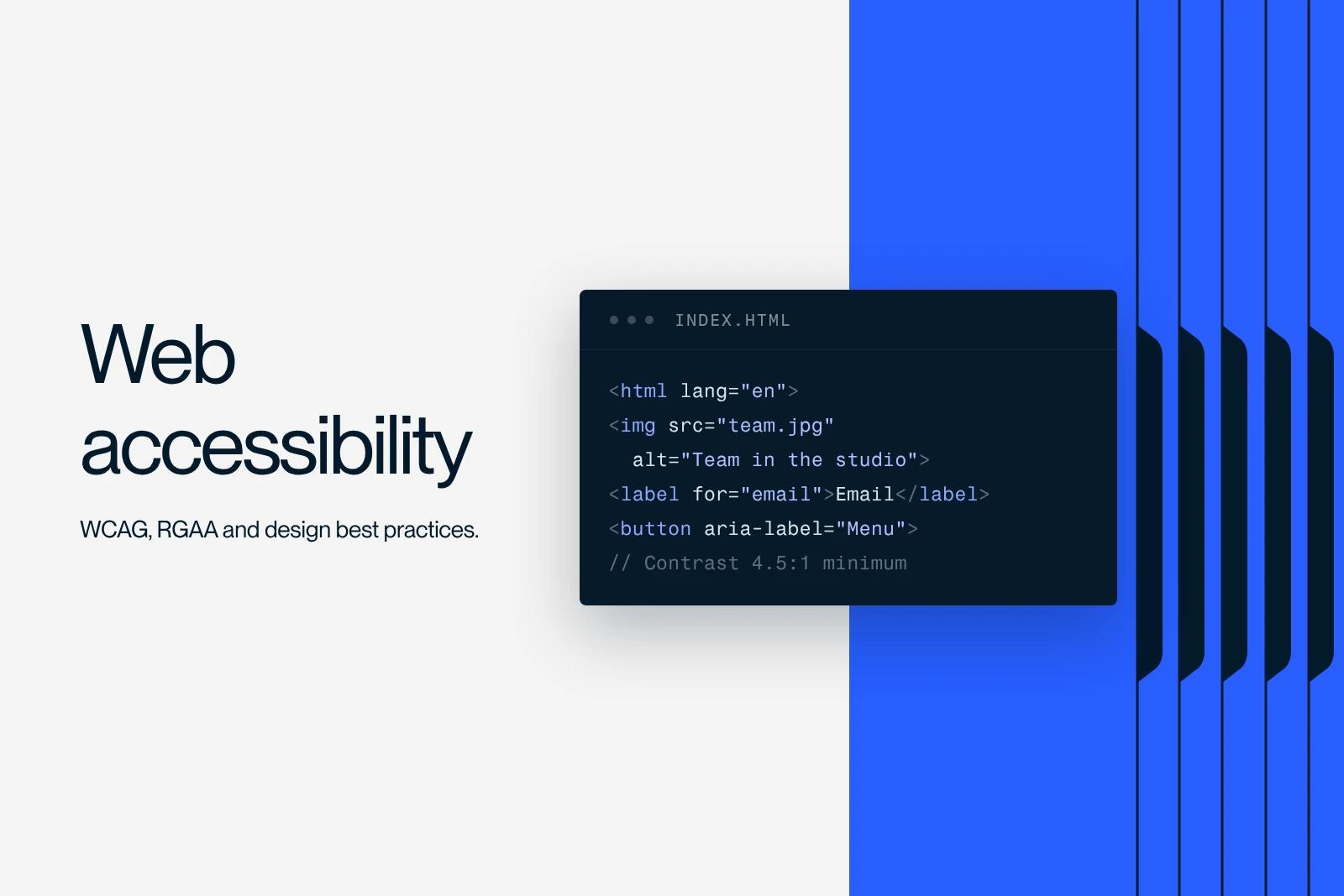
Web accessibility means designing a site that everyone can perceive, understand and use, including people who are blind, deaf, or have a motor or cognitive disability, and who browse with a keyboard, a screen reader or zoom. The international technical reference is the W3C's WCAG, adapted in France as the RGAA, the French government's accessibility standard.
It is also a legal obligation whose scope has widened: since June 28, 2025, European directive 2019/882 (the European Accessibility Act) applies to many private services, including online retail and banking services.
This guide covers who is affected, what the standards say, the most common mistakes and the method for making a site accessible.
Explore this post with…
What is web accessibility?
Web accessibility ensures that a site works whatever a person's abilities and whatever tools they use. According to the World Health Organization, about 1.3 billion people, or one person in six, live with a significant disability. Add to that temporary situations: an arm in a cast, a screen in full sunlight, a slow connection.
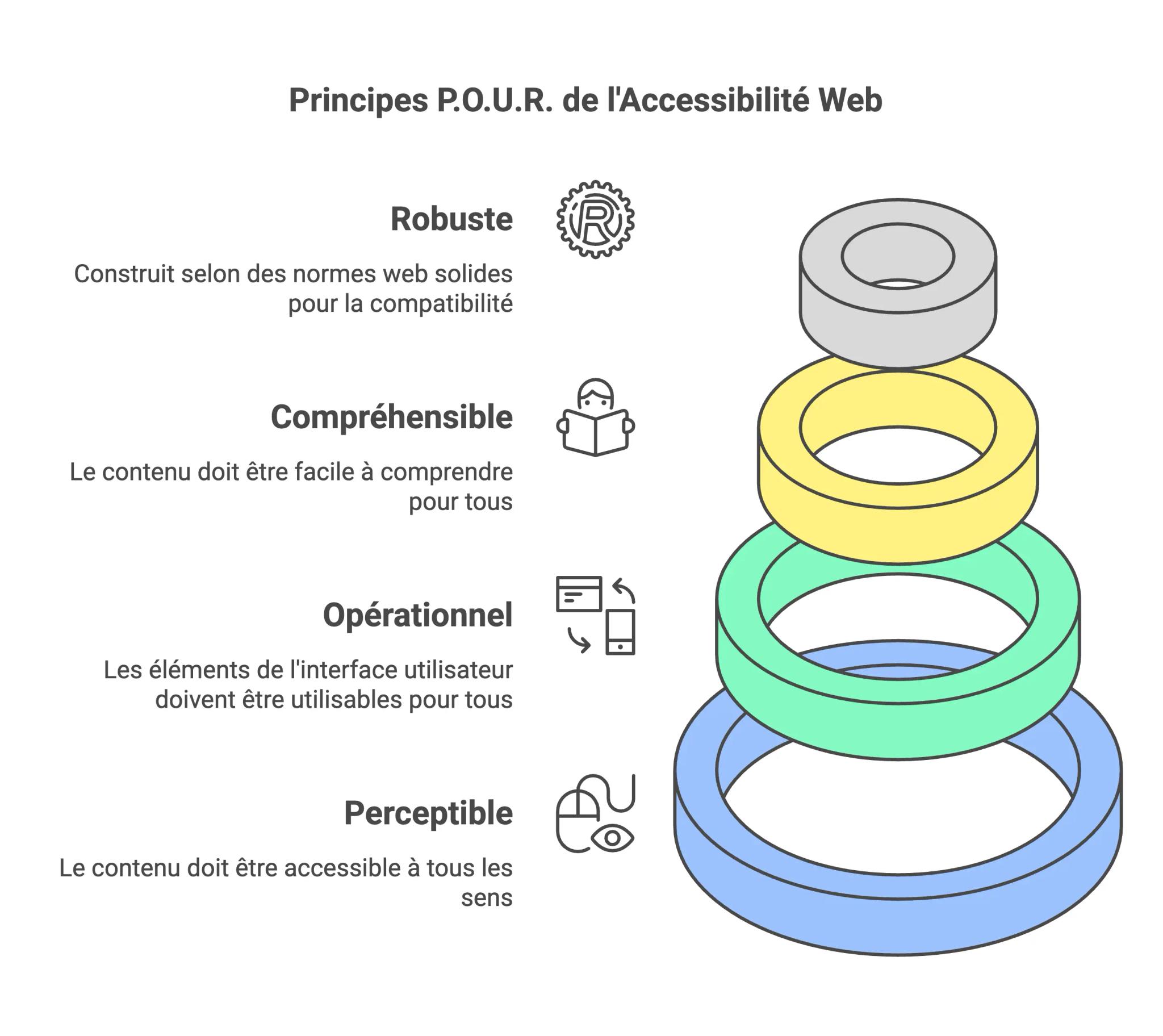
Accessibility rules rest on four principles, summed up by the acronym POUR:
| Principle | What it means | Examples |
|---|---|---|
| Perceivable | The information is available to at least one sense | Text alternatives for images, captions, sufficient contrast |
| Operable | The interface can be used without a mouse or precise gestures | Keyboard navigation, visible focus, enough time |
| Understandable | The content and how it works are clear | Declared language, form labels, explicit error messages |
| Robust | The code can be interpreted by assistive technologies | Semantic HTML, accessible names, ARIA used appropriately |
Web accessibility: who is required to comply in France?
Two regimes coexist. They do not target the same organizations.
1. The RGAA: public sector and large companies
Article 47 of the French law of February 11, 2005 requires accessible websites, apps and intranets from public bodies, private bodies entrusted with a public service mission, and companies whose average revenue in France reaches €250 million over the last three fiscal years, according to the scope published by DINUM, the French government's digital agency. They must publish an accessibility statement and a multi-year plan, and aim for compliance with the RGAA.
The current version is RGAA 4.1.2 (updated April 18, 2023). An RGAA 5 is being drafted, with publication announced for late 2026. DINUM states that this should neither suspend nor postpone work already under way.
On penalties, ordinance no. 2023-859 of September 6, 2023 allows Arcom, the French audiovisual and digital regulator, to impose up to €50,000 for failing to meet accessibility obligations and up to €25,000 for complementary obligations such as the statement, a penalty that can be repeated if nothing has been fixed six months after formal notice (Banque des Territoires, September 2023).
2. The European Accessibility Act: many private services since June 28, 2025
Directive (EU) 2019/882, transposed in France notably by decree no. 2023-931 of October 9, 2023, has applied since June 28, 2025. According to the DGCCRF fact sheet (July 2025), from the French consumer protection authority, it covers products (computers, smartphones, payment terminals, e-readers...) and services, including:
- e-commerce;
- consumer banking services (payments, credit, investment, electronic money);
- electronic communications and access to audiovisual media services;
- passenger transport (websites, apps, ticketing, real-time information);
- e-books.
Microenterprises providing services (fewer than 10 employees and annual revenue or balance sheet total below €2 million) are exempt. Transition periods run until June 28, 2030 for certain contracts and products already in service. Enforcement falls to the DGCCRF, working with Arcom, Arcep, the Banque de France, the ACPR and the AMF depending on the sector.
| Your situation | Applicable regime |
|---|---|
| Government body, local authority, public service delegate | Article 47, RGAA, statement and multi-year plan |
| Company with average revenue in France of €250M or more | Article 47, RGAA |
| E-commerce site, bank, transport, telecom (excluding microenterprises) | European Accessibility Act since June 28, 2025 |
| Brochure site of a service SME, with no online sales | No specific obligation, but strongly recommended good practice |
This table is a guide, not legal advice: if you are unsure about your situation, check the official texts or consult a lawyer.
WCAG, EN 301 549, RGAA: which standard to follow?
The W3C's WCAG (Web Content Accessibility Guidelines) are the global reference. The most recent version, WCAG 2.2, has been a W3C recommendation since October 2023. It adds criteria on focus visibility, the size of clickable targets and authentication, among others.
The European standard EN 301 549 incorporates the WCAG 2.1 level A and AA criteria. The RGAA is its operational French version, with concrete tests for each criterion. In practice, aiming for WCAG 2.2 level AA covers most of what the other frameworks require.
The most common accessibility errors
The WebAIM Million 2026 study ran an automated analysis of one million home pages in February 2026: 95.9% had detectable WCAG errors, with an average of 56.1 errors per page. The six most frequent errors:
| Error | Pages affected | Fix |
|---|---|---|
| Low-contrast text | 83.9% | A ratio of at least 4.5:1 for body text |
| Images without a text alternative | 53.1% | Descriptive alt, or empty alt if decorative |
| Form fields without a label | 51% | A visible label tied to each field |
| Empty links | 46.3% | Link text or an accessible name (icons) |
| Empty buttons | 30.6% | Text or aria-label on icon buttons |
| Missing document language | 13.5% | lang attribute on the html tag |
The good news: these six errors are simple to fix and account for most of the problems detected automatically.
How to make a website accessible: the method
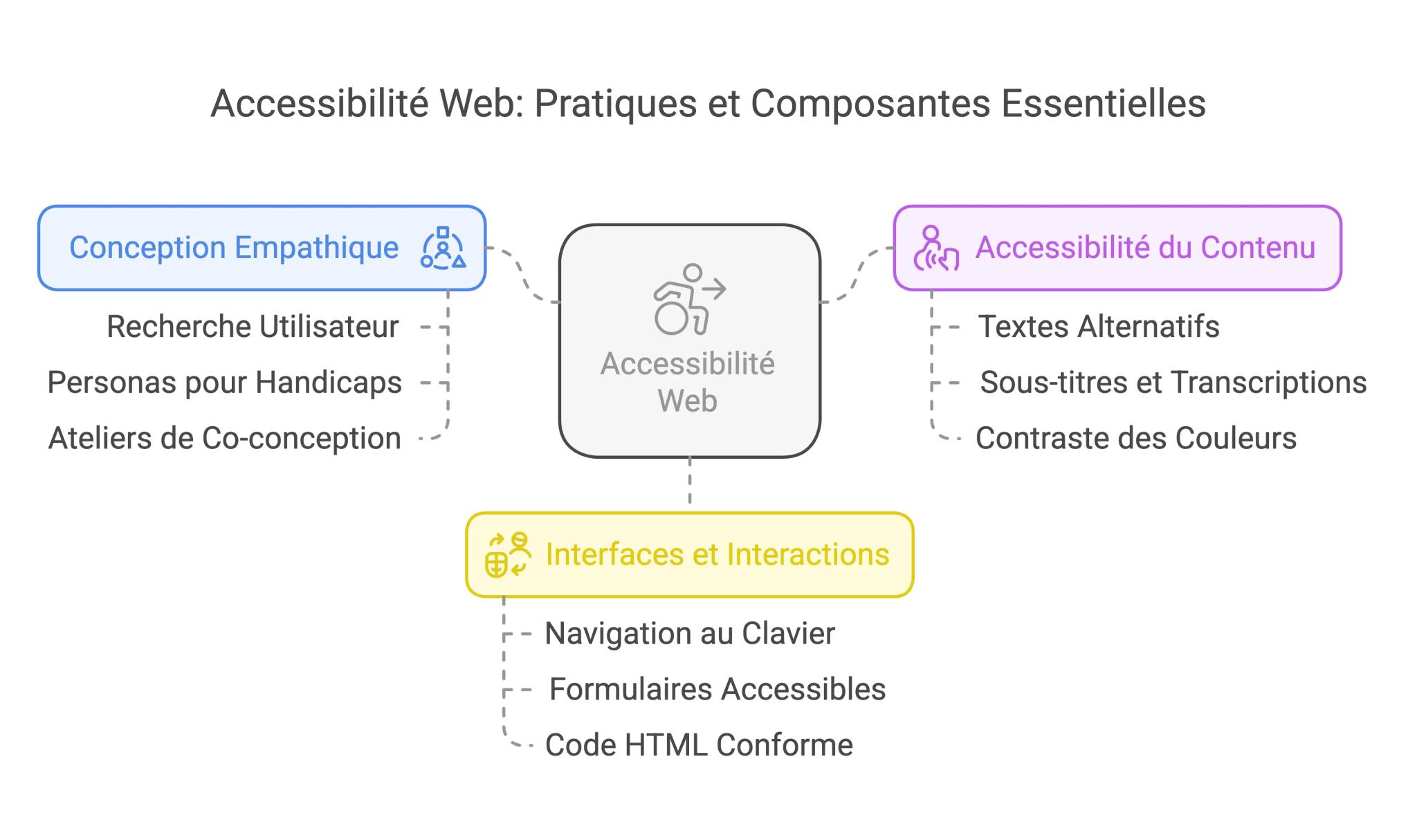
From the design stage
- Contrast checked in the mockup: 4.5:1 for body text, 3:1 for large text and interface elements.
- Information never conveyed by color alone (a field in error also gets a message).
- Clickable targets large enough and well spaced, a visible and designed focus state.
- Text that can be enlarged to 200% without loss: relative units help (see REM vs PX).
In the content
- Relevant text alternatives (details in our image SEO guide).
- Hierarchical headings with no skipped levels, links whose wording makes sense out of context (no "click here").
- Captions and transcripts for videos, plain language.
In the code
- Semantic HTML: real buttons, real links, lists, landmarks (header, nav, main, footer).
- Everything usable with the keyboard, in a logical order, with no traps (menus, modal windows, carousels).
- ARIA only when native HTML is not enough. Misused ARIA makes accessibility worse.
- Animations that respect the "reduce motion" preference (prefers-reduced-motion), and no flashing content.
Testing and auditing
Automated tools (WAVE, axe DevTools, Lighthouse) quickly spot the errors in the table above, but they only detect part of the problems. Add manual tests: browse the site using only the keyboard, listen to it with a screen reader (NVDA on Windows, VoiceOver on macOS and iOS), zoom to 200%. For a site subject to legal obligations, an RGAA audit by an expert is still necessary.
Are accessibility overlays enough?
No. Widgets or "overlays" that promise automatic compliance through a script do not fix the source code: a button with no name or a form with no labels remains inaccessible to a screen reader. They replace neither accessible design nor an audit.
Accessibility and SEO: shared benefits
Many best practices serve both: image text alternatives, heading hierarchy, explicit links, semantic HTML, video transcripts. Structured, clear content is also easier for search engines and AI assistants to understand. Accessibility is not a ranking factor in itself, but an accessible site is almost always a better-built site.
How we build accessibility in at Synqro
At Synqro, accessibility starts with the mockup: contrast checked in the brand guidelines, designed focus states, text sizes in relative units. During the Webflow build, we check the heading structure, text alternatives, and keyboard navigation of menus and forms. It is simpler and cheaper than fixing things afterwards. If you are planning a new site or a redesign, our Webflow team can build these requirements in from the scoping stage.
Frequently asked questions
It is a site's ability to be used by everyone, including people with disabilities who browse with a keyboard, a screen reader or zoom. It rests on four principles: perceivable, operable, understandable and robust.


