Article
Webflow: how to build a responsive website the easy way
Webflow8 min read

Guillaume SchluppConsultant SEO
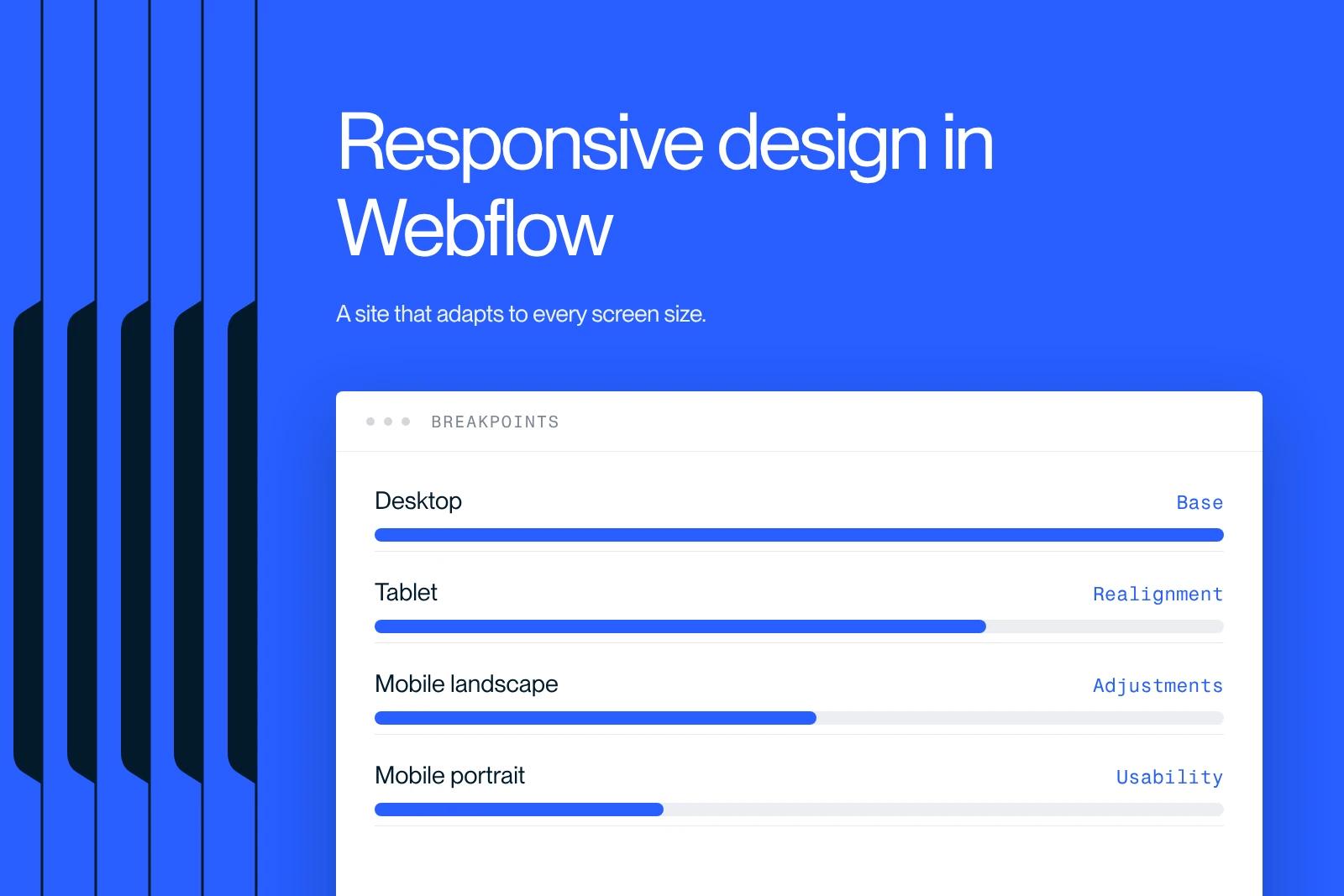
Webflow makes it easy to build a responsive website. It is a powerful tool for creating a site that adapts and for managing responsive layouts on every device.
Explore this post with…
At Synqro, a Webflow agency, we build sites optimized for responsive design, meaning for every screen size. Our priority: a smooth user experience through well-controlled responsive design in Webflow. In 2026, most brands expect platforms that adapt the layout without technical complexity. That is exactly what Webflow allows: building a consistent, fast site aligned with the standards of modern adaptive design.
According to StatCounter 2025, more than 58% of global traffic comes from mobile, which calls for a flexible architecture built on advanced responsive design. Choosing a Webflow site meets this requirement, because Webflow offers an intuitive visual environment for building a responsive website without unnecessary code.
Why is a responsive website built with Webflow essential in 2026?
A site must adapt automatically to different types of screens, from desktop to mobile, through effective responsive design. Webflow simplifies this with its predefined breakpoints. As soon as you open a project, the platform shows the desktop, tablet, mobile portrait and mobile landscape variants. Styles change dynamically depending on the size of the user's screen.
A well-built website with a responsive architecture in Webflow is a site whose display rearranges itself automatically depending on resolution, giving an optimal responsive experience.
This flexibility directly affects conversions through a high-performing adaptive layout: a 2024 Google report indicates that 53% of visitors leave a site if the mobile structure is slow or poorly adapted. Webflow provides a solid foundation, optimized for performance and usability.

Key benefits
- Adaptability: every layout readjusts.
- Visual consistency: standardized typography, spacing and styles.
- Compatibility: optimized display for every screen resolution.
- Time saved: responsive design management is built in.
How does Webflow simplify building a responsive website?
Webflow works as a no-code tool while generating clean, standards-compliant CSS for responsive development. The platform automatically carries desktop styles down to smaller formats, while allowing specific adjustments.
Webflow offers a visual system for managing styles, layout and interactions centrally for every device, without editing media queries directly.
This logic rests on three structural elements:
- Flexbox to organize each section,
- Grid to structure complex layouts,
- Global styles to keep everything consistent.
At Synqro, we see an average 30% reduction in responsive build time thanks to these features. Being able to preview each format avoids technical back-and-forth.
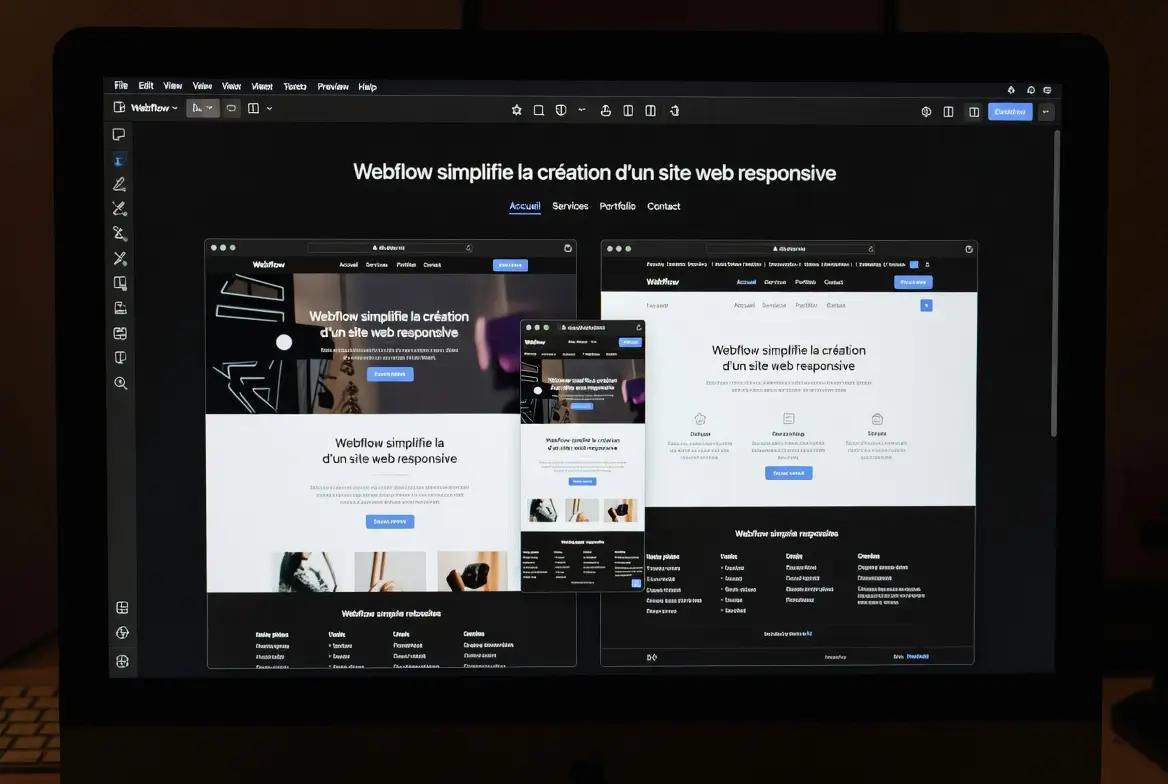
The essential levers
- Flexbox: fluid organization.
- Grid: structured layout.
- Global styles: design consistency.
- Per-device adjustments: greater precision.
Which breakpoints do you need to make your site responsive on every device?
Breakpoints are essential for structuring a site with optimal adaptive design. Webflow builds them in natively, which makes the build easier.
Webflow breakpoints let you adapt the design to the main screen resolutions, ensuring an optimal user experience on every device.
Built-in responsive HTML table
Key points
- Desktop: the main design base.
- Tablet: structural realignment.
- Mobile landscape: limited adjustments.
- Mobile portrait: maximum usability.
How do you optimize content in Webflow for high-performing adaptive design?
A responsive website is not just about breakpoints. The content must also adjust: images, typography, spacing and interactions, for optimized adaptive design.
Responsive optimization in Webflow means adapting each element to keep readability and performance consistent on every device.

Webflow makes it easier to:
- manage images in suitable formats,
- use viewport units,
- adjust margins by screen size,
- turn off heavy effects on mobile.
Synqro data shows that a site with optimized images reduces its total weight by 40% on average, which significantly improves load time.
The essential levers
- Compressed images: fast loading.
- Fluid typography: better readability.
- Dynamic spacing: consistent design.
- Adapted components: controlled mobile usability.
How does Webflow organize CSS styles for optimal responsive design?
Webflow applies a visual hierarchy with a responsive architecture similar to traditional responsive CSS design. Each style follows a logical cascade, which avoids inconsistencies.
Webflow ranks styles so you can apply, modify or override a component's appearance by screen type, while keeping a clean CSS architecture.
This approach includes:
- classes,
- combo classes,
- HTML tags,
- global styles.
Interactions can also be conditioned by viewport, which lets you limit animations on mobile, as Google Lighthouse recommends.
Key areas
- Visual cascade: control over styles.
- Advanced combinations: fine-grained control.
- Adapted interactions: mobile performance.
- Global styles: overall consistency.
Webflow or WordPress: which is better for responsive design?
For a responsive website, Webflow offers a more direct adaptive solution than WordPress, which often depends on themes and plugins.
Webflow is better suited to building a responsive site, thanks to native responsive design, advanced visual design and an optimized structure without plugins.
Comparison table
Why trust Synqro with your project?
Today, Webflow offers one of the most robust environments for building a site with advanced responsive design. At Synqro, we use these features to deliver strong performance on every screen size.
Want to build a responsive website with Webflow? Contact Synqro for a custom quote.
Frequently asked questions
A Webflow site becomes responsive through its built-in breakpoints and adaptive styles. Webflow automatically adjusts the layout for each screen. The approach is to design the desktop structure first, then adapt the tablet, mobile landscape and mobile portrait versions. Global styles keep the visuals consistent. Images should be optimized and spacing adjusted for smooth usability. We also use relative units to keep readability consistent. The result is a site optimized for every device and in line with modern performance requirements.


