Article
Webflow vs AI website builders: cost, SEO and limits (2026)
Webflow6 min read

James BrunettoCo-fondateur & CEO
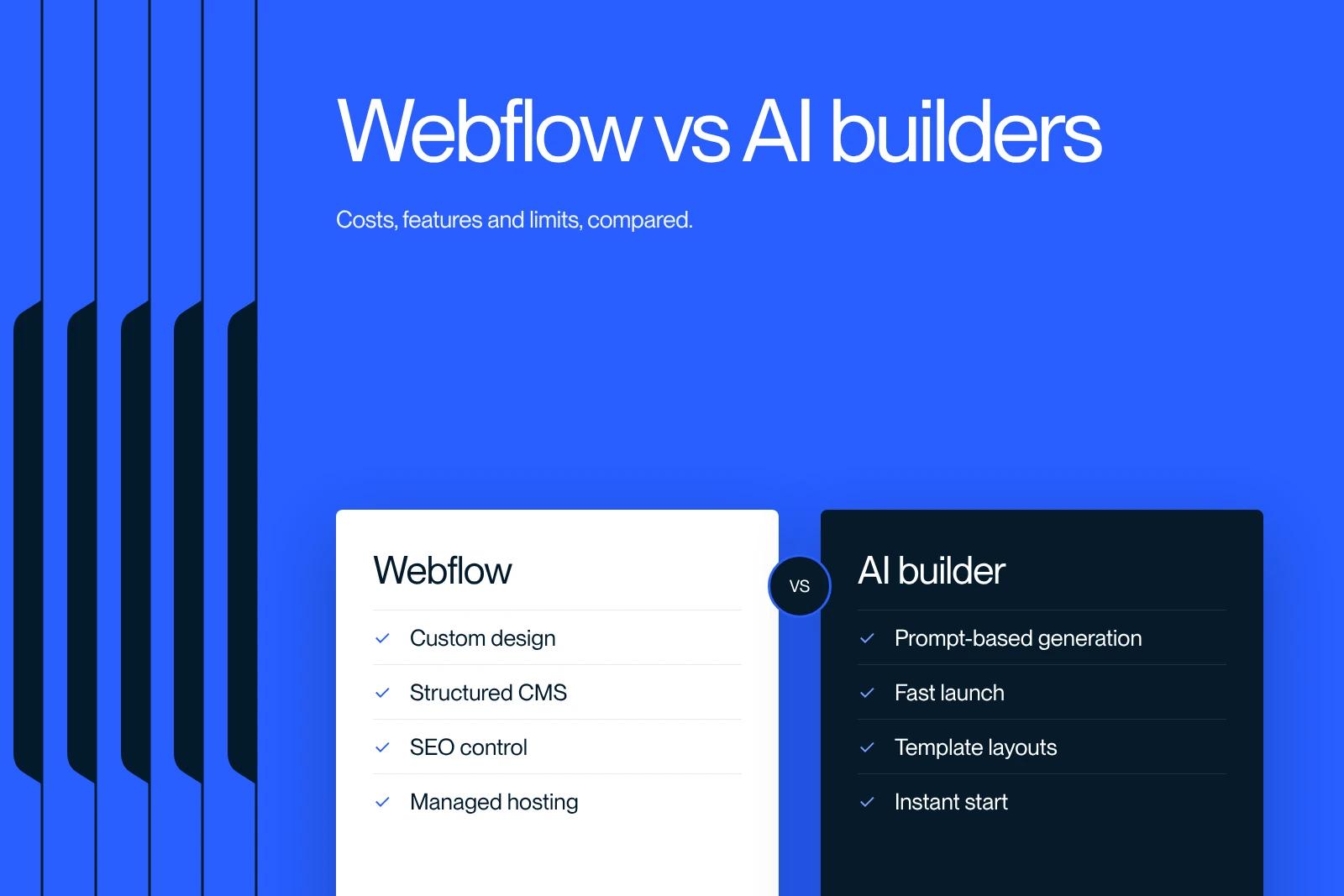
An AI website is generated automatically from a description, by tools such as Durable, Wix or Lovable. A Webflow website is designed and built page by page in a visual editor, with full control over design, CMS and SEO. The AI builder wins on speed and upfront cost, Webflow on differentiation, search visibility and the ability to evolve.
The line is blurring: Webflow itself now includes an AI site generator, and some AI tools produce exportable code. This comparison helps you choose for your project, with prices checked on the official pages in October 2026.
Explore this post with…
Webflow website vs AI website: what are we talking about?
Behind the phrase "AI website" sit three very different families of tools:
- All-in-one generators (Durable, Wix, Hostinger): you describe your business, and the tool produces a complete site on its own platform.
- Code generators (Lovable, Bolt, v0): the AI writes a web application from instructions, which developers can then take over in code.
- AI built into visual editors (Webflow, Framer): it generates a first version or sections, then you work in the editor.
A "classic" Webflow website is designed by a designer and then built in Webflow, with a style system, a structured CMS and hosting included. This is the approach we compare here with the first two families.

The comparison in one table
| Criterion | Custom Webflow website | All-in-one AI generator | AI-generated code |
|---|---|---|---|
| Time to launch | A few weeks | A few minutes to a few hours | A few hours to a few days |
| Design | Custom, aligned with the brand | Generic templates | Variable, depends on the instructions and the rework |
| Editing by the marketing team | Visual editor and CMS | Simple but limited | Often through a new instruction or in the code |
| SEO control | Full: tags, 301s, sitemap, structured data | Basic | Depends on the implementation, needs an audit |
| Reversibility | HTML, CSS, JS and CSV export | Varies by tool | Exportable code (GitHub with Lovable) |
| Scalability | High | Low | High with developers |
What an AI-generated website does well
- Putting a decent online presence live in a day, for a freelancer or a local business.
- Testing an offer or a name before investing in a real website.
- Producing a clickable prototype to align a team on the structure of a future site.
- For code generators, quickly building an internal tool or a small application.
The real limits of AI websites
Interchangeable content and design
Google does not penalize content because it was produced by AI: it assesses its usefulness, as explained in its official position published in February 2023. Its spam policies, however, target pages mass-produced without added value. A site generated in a few minutes says the same thing as its competitors, with the same structures: it has little chance of standing out, with Google or with your prospects.
Technical SEO you need to check
All-in-one generators often limit access to redirects, canonical tags or structured data. Applications produced by code generators are often rendered in JavaScript in the browser: Google can process them, but its JavaScript SEO basics list the pitfalls to avoid (content missing from the initial HTML, links that cannot be crawled, incorrect status codes). An audit is essential before you count on search visibility.
Less predictable maintenance
On a code generator, every change goes through a new instruction that can affect other parts of the site, and it uses up credits. On an all-in-one generator, whatever the tool does not offer is simply impossible. In both cases, read the terms of use on code ownership and export before you commit.
What Webflow adds, AI included
Webflow combines a visual editor that follows the logic of CSS, a CMS (up to 20,000 items and 40 collections on the Premium plan), managed hosting and full SEO control. The marketing team publishes on its own, without breaking the layout.
That said, Webflow does not set AI against custom work. Its Webflow AI page presents a site generator that works from a prompt, a conversational assistant, generation of React components you can edit visually, SEO and AEO suggestions, and an MCP server that connects Webflow to assistants such as Claude or Cursor. We cover that last point in our article on the Webflow MCP.
How much does each option cost?
| Option | Subscription checked (October 2026) | Additional costs to plan for |
|---|---|---|
| Webflow | Basic $15 per month, Premium (CMS) $25 per month billed annually | Site design, Workspace seats for the team |
| Durable | Free, Launch $22 per month, Grow $41 per month billed annually | Time spent customizing and writing |
| Code generators (Lovable and others) | Credit-based subscription | Extra credits, hosting, code review |
Sources: Webflow pricing and Durable pricing, in US dollars before tax. The subscription is only part of the equation: for a Webflow website, the main cost is design, covered in our article on the cost of a Webflow website.
Which option fits your situation?
- Choose an AI generator if you are a freelancer or a local business, with a very tight budget, little at stake in SEO and a need to be online right away.
- Choose Webflow if your site needs to generate B2B leads, rank on Google, reflect a distinctive brand and be updated by a team.
- Combine the two if you want to validate a structure or a message with an AI prototype, then build the long-term site on Webflow.
Our view at Synqro
What sites generated in a few minutes lack most is material specific to the company. At Synqro, we collect the client's real data before writing: brochures, figures, concrete cases, objections heard in sales meetings. That is what keeps content from being generic, and it is also what search engines and AI assistants can cite. We then run a quarterly review to reprioritize pages.
We deliver a complete website in 8 to 12 weeks, and a landing page in 2 weeks. To learn more about our Webflow services or about the platform's automation features, read our article on Webflow AI.
Frequently asked questions
It is a site generated automatically by artificial intelligence from a description of your business or from instructions in natural language. Depending on the tool, the result is a site hosted on a platform (Durable, Wix) or application code you can export (Lovable).


