Article
What Is a CMS? Definition and Key Features
Webflow14 min read

James BrunettoCo-fondateur & CEO
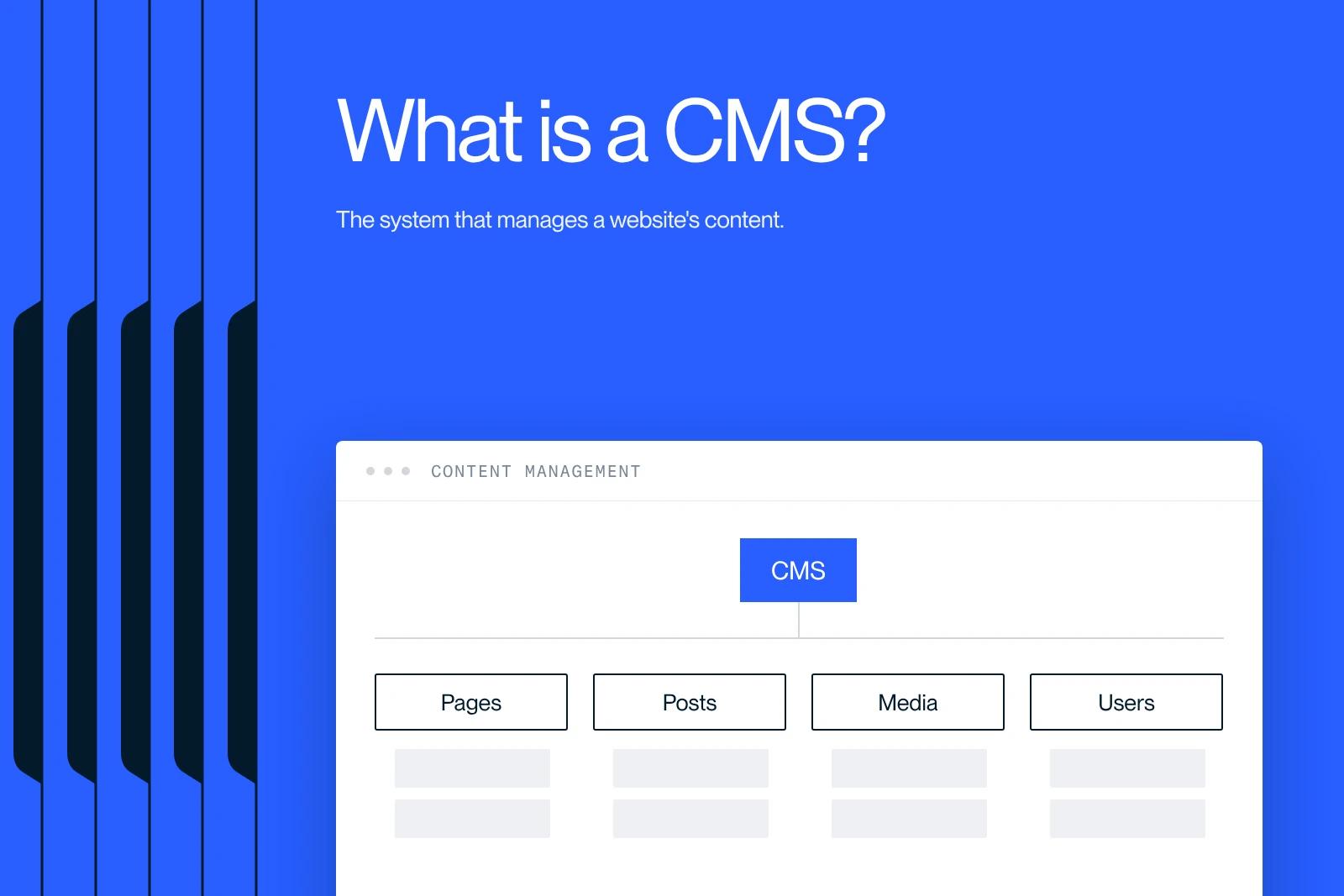
The CMS is the tool behind 90% of websites. Learn what it can do and how to choose the right one. It is the foundation of your digital strategy.
Explore this post with…
If you plan to build or manage a website, you have probably heard the term CMS (Content Management System). But what is a CMS, and why is it so useful? A CMS, or content management system, is software that lets you design, manage and edit your website content without advanced programming skills.
Built to make website management simpler, it frees you from technical details so you can focus on what really matters: the creation and publication of content.
In this article, we cover the definition of a CMS, its main features, the different types available, and their pros and cons. Whether you are an entrepreneur, a blogger or simply want an online presence, understanding the role of a CMS, and why some people consider Webflow the best CMS for design-driven projects, is a key step toward a successful web project.
CMS (Content Management System) definition
Origins and evolution of CMS platforms
Content management systems (CMS) have a rich history that goes back to the early days of the internet. In the 1990s, when most websites were static, updating content meant editing the HTML code directly. This is the context in which solutions like FileNet, founded in 1985, appeared, offering an integrated document management suite as early as 1995.
The real shift came with Vignette in 1995, which popularized the term "Content Management System" and made web publishing more accessible and more personalized. Other major players such as Interwoven, Documentum, FatWire and EPiServer also emerged at that time, bringing solutions built for business needs.
What is a CMS?
A CMS is software designed to create, manage and publish content on the web without advanced technical skills. It usually relies on two main components:
- The back end: the admin interface where users create, edit and organize content.
- The front end: the part visitors see, which displays the content in a defined layout.
Modern CMS platforms offer many features, such as:
- User management, to define roles and permissions.
- Template customization for a unique design.
- Plugins or modules to extend functionality.
- Search engine optimization (SEO) tools.
These tools let users focus on what really matters: creating and publishing quality content, without the technical complexity of building and maintaining a website.
Key features of a CMS

Content management (text, images, videos)
One of the most critical aspects of a CMS is how well it manages content. This includes the creation, editing and publishing of text, images, videos and other media types.
Modern CMS platforms offer intuitive content editors, such as the WordPress Gutenberg editor, which use a block-based approach for maximum flexibility when arranging page elements.
Media management is also a key feature, letting you upload, organize and edit media files directly in the CMS media library. This makes it easier to add visual and audiovisual assets to your content.
Customization and template management
Customizing your website design is an essential CMS feature. Users can choose from a variety of pre-designed templates or themes to give their site a unique look.
CMS platforms also often provide drag-and-drop tools that let you customize templates without coding skills.
These customization tools also make web pages responsive, meaning they adapt to different devices and screen sizes, which is essential for an optimal user experience.
Built-in SEO tools
CMS platforms often include search engine optimization (SEO) tools to help improve your site's visibility in search results. These tools let you set up metadata, page titles and descriptions, and optimize content for target keywords.
These built-in SEO features help increase organic traffic to your site and improve your rankings in search engines.
User and role management
User and role management is another important CMS feature, especially useful for collaborative teams. A CMS lets you create different user roles, such as administrator, editor, author, contributor and so on, each with specific access levels and permissions.
This ensures every team member can work on content without compromising the security or integrity of the site.
Extensions and plugins
A CMS offers a lot of flexibility through its plugins and modules, which add a wide range of features to the system. These extensions can include contact forms, full e-commerce solutions, marketing tools or specialized features built for specific needs.
The rich ecosystem of plugins and themes, especially for platforms like WordPress, allows almost unlimited customization and expansion of the system's capabilities. This means your CMS can adapt to the unique requirements of your project.
The different types of CMS
Open source vs proprietary CMS
CMS platforms fall into two main categories: open source CMS and proprietary CMS. Open source platforms such as WordPress, Joomla and Drupal offer a lot of flexibility and customization.
Because their source code is open, users can modify it and add features to meet their specific needs. This is especially useful for companies with unique requirements.
Open source CMS platforms are also often free, which makes them more affordable, especially for small businesses and startups.
Proprietary CMS platforms, on the other hand, such as Sitecore or Adobe Experience Manager, are developed and maintained by specific companies. They often offer a more polished experience and built-in features, but at a higher cost.
Proprietary CMS platforms usually come with dedicated customer support and can offer greater security and stability. However, they are less flexible for customization and can cost more in the long run.
Specialized CMS platforms (e-commerce, blogging, etc.)
Beyond the open source vs proprietary split, there are also specialized CMS platforms built for specific needs. For example, e-commerce platforms like Magento, Shopify or WooCommerce (a WordPress plugin) are optimized for building online stores.
These platforms include built-in features such as product management, payment processes and optimization for online sales.
Blogging CMS platforms, like WordPress (in its basic setup) or Ghost, are designed to make publishing written content simple. Bloggers and writers use them a lot, and they focus on ease of use, publishing features and search engine optimization.
There are also specialized CMS platforms for other kinds of sites, such as social networking sites, news sites or portfolio sites. They are built for the specific needs of their field and offer a targeted and effective solution for users.
Benefits of using a CMS to build and manage your website

Ease of use and accessibility
One of the main benefits of a CMS is how easy it is to use. Even without advanced technical skills, you get intuitive interfaces, often similar to word processors.
This means you can create, edit and publish content without coding knowledge, which makes managing a website accessible to everyone.
Most CMS platforms also include page builders and pre-designed themes, such as Elementor and Divi for WordPress. These tools make it easy to create modern, professional designs without much technical effort.
Customization options
CMS platforms offer great flexibility thanks to their wide choice of themes and extensions. You can pick a theme that matches the look you want and add features with plugins or modules, such as contact forms, image galleries or even online stores.
This customization lets you build tailored websites that fit each user's specific needs.
Open source platforms like WordPress also let you modify and adapt the source code, allowing almost unlimited customization to meet very specific requirements.
Lower costs and faster development
Another major benefit of a CMS is its ability to cut costs and development time. Most CMS platforms are free or very affordable, and installation takes only a few minutes.
Unlike a custom-built site, which can take several weeks or months of work and cost a lot, a CMS lets you launch a website quickly, often in just a few days.
With ready-to-use tools and a simple setup, a CMS saves designers and developers a lot of time, so they can focus on other essential parts of the project.
Drawbacks and limits of a CMS
Technical constraints and functional limits
Even though CMS platforms offer great flexibility, they also come with technical constraints and functional limits. One of the main drawbacks is site performance, especially for high-traffic sites or sites with complex content. These systems can be resource-hungry, which may require extra investment to ensure fast load times and keep the site up to date.
And while there are many customization options, they can be restricted by the rigid structure and predefined layouts of the available themes and templates. This can limit the creativity of developers and make it hard to build original or highly customized concepts.
Security issues
Security is another critical point when using a CMS. Because they are so widely used, CMS platforms are frequent targets for hackers. Vulnerabilities in the CMS code, plugins or themes can be exploited if the system is not updated regularly.
That is why you need to keep your CMS up to date and follow security best practices to protect your website and your data.
Reliance on updates and on community or vendor support
CMS platforms, especially open source ones, rely heavily on updates and on community or vendor support. This makes it possible to fix vulnerabilities and add new features, but it also means you have to update regularly to avoid security and performance issues.
This reliance can be a drawback for users looking for a more self-sufficient solution that depends less on external updates. The quality of support, whether from the community or the vendor, can also vary a lot, sometimes leaving users without proper help when facing complex technical problems.
How to choose the right CMS for your project
Identifying your project's specific needs
Before choosing a CMS, it is essential to identify your project's specific needs. Start by defining the main goal of your website: is it a blog, a brochure site, an online store or a complex application? Each type of site has unique requirements, and your CMS choice should match them.
For example, for an e-commerce site, platforms like Magento or PrestaShop are well suited to handling a large product catalog and secure transactions. Solutions like WordPress or Webflow, on the other hand, are ideal for brochure sites and blogs. If you prefer to outsource the build, consider working with a Webflow partner for startups that can maximize your return on investment.
Project complexity also matters. If you need advanced features such as a multichannel strategy, a multilingual platform or specific integrations with other tools, that will shape your choice. In some cases, a simple, easy-to-use CMS will do, while more ambitious projects need a robust and flexible solution.
Evaluating the community and support
Evaluating the community and support behind a CMS is a key factor. Open source platforms like WordPress have an active community and a large developer base. This means a wide range of plugins, themes and resources.
This active community can be a valuable resource for solving technical problems or finding custom solutions.
The level of support offered by the vendor or the community also matters. Some CMS platforms run by specialized companies offer professional customer support, which is essential for critical projects or companies that need fast, reliable help.
Learning curve and available resources
The learning curve and available resources are decisive when choosing a CMS. If you or your team have limited technical skills, go for a CMS with an intuitive interface and drag-and-drop features, like Wix or Squarespace. These tools make it easy to create and manage content without coding skills.
If you have an in-house technical team, or you are ready to invest time in learning, more advanced platforms like Drupal or Joomla offer more flexibility and customization. Their learning curve can be steeper, though. So weigh the benefits of that flexibility against the time and resources needed to master these systems.
Conclusion
In short, a CMS (Content Management System) is a powerful tool to create, manage and publish web content without advanced technical skills. These systems offer great ease of use, extensive customization options, and lower costs and development time.
However, keep in mind that they can come with some technical constraints, security issues, and a reliance on updates and on community or vendor support.
To choose the ideal CMS, you need to identify your project's specific needs, evaluate the community and the available support, and take into account the learning curve and the resources at your disposal. With these points in hand, you can pick a solution that fits your requirements and helps you succeed with your web project.
Take the time to explore the different CMS options and put in place the one that best fits your needs. With the right CMS, you can build and manage a professional, effective website that strengthens your online presence and your ability to reach your goals.
Frequently asked questions
The main components of a content management system (CMS) are:
Content Management Application (CMA): it lets you add, edit and manage content in an intuitive way.
Content Delivery Application (CDA): it stores the content and makes it available to online visitors.


