Article
Chrome extensions for Webflow: the 7 best in 2026
Webflow6 min read

Nathan LhommeCo-fondateur & COO
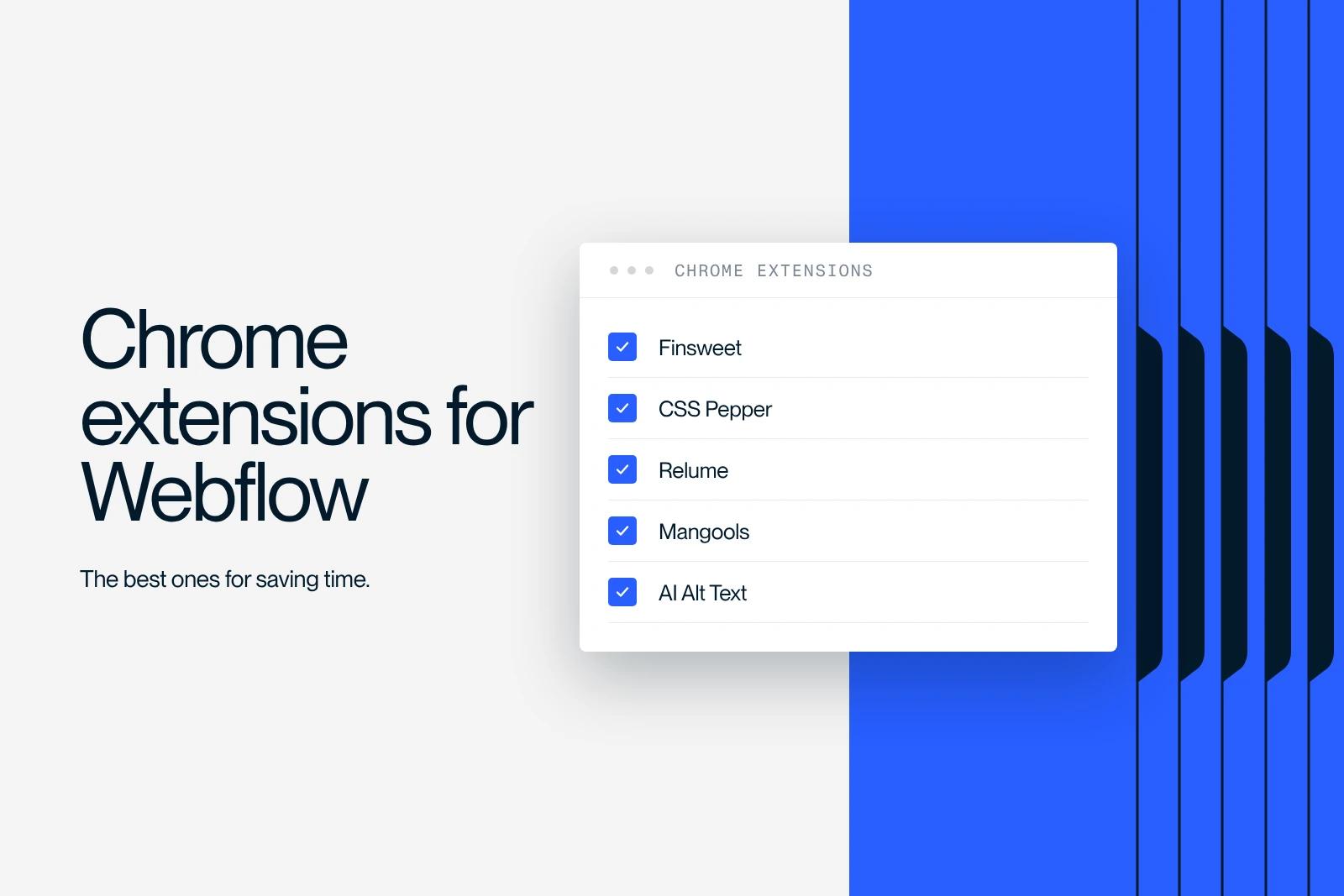
The best Chrome extensions for Webflow in October 2026 are Relume and Flowbase for importing components, CSS Peeper for inspecting a design, Mangools' SEO extension for audits, WAVE for accessibility, Wappalyzer for identifying a site's technologies and Auto Tab Discard for lightening the browser.
We checked all of them on the Chrome Web Store: available and updated in 2026. Two tools from the previous version of this article have changed form: the Finsweet extension became a Webflow app, and AI-generated alt text is now built into Webflow.
Explore this post with…
The 7 Chrome extensions for Webflow at a glance
Figures taken from the Chrome Web Store listings in October 2026. A recently updated extension is less likely to break after a Webflow or Chrome change.
| Extension | Use | Users | Last updated |
|---|---|---|---|
| Relume Chrome Extension for Webflow | Components and wireframes in the Designer | 20,000 | July 9, 2026 |
| Flowbase Chrome Extension | Components, icons, illustrations, class merging | about 7,000 | April 16, 2026 |
| CSS Peeper | Inspect a site's colors, fonts and assets | 500,000 | September 11, 2026 |
| SEO Extension (Mangools) | Metrics, backlinks, on-page audit | 50,000 | August 4, 2026 |
| WAVE Evaluation Tool | Accessibility audit | 700,000 | May 8, 2026 |
| Wappalyzer | Identify a site's technologies | 3,000,000 | September 29, 2026 |
| Auto Tab Discard | Suspend inactive tabs | 200,000 | October 12, 2026 |
1. Relume: components ready to paste into Webflow
The Relume Chrome Extension for Webflow gives you access to the Relume component library from the Designer and syncs components with the classes already in the project. It is useful for quickly putting together a wireframe or a first version of a page.
Watch out: a site built only from library blocks quickly looks like many others. Use it as a structural base, then apply your own art direction.
2. Flowbase: components, icons and class merging
The Flowbase Chrome Extension lets you drag components, illustrations and icons onto the Webflow canvas. Its most useful day-to-day feature: syncing and merging imported classes with the project's own, which limits duplicates.
Watch out: part of the library is reserved for paying Flowbase members. Check what is included before building a project on it.
3. CSS Peeper: inspect a design without opening DevTools
CSS Peeper shows a page's colors, fonts, spacing and images in one click, with a contrast check. Handy for analyzing an inspiration site or checking that your build matches the mockup. The advanced features (copying CSS, contrast scanner) are paid.
4. Mangools SEO Extension: a one-click audit
Mangools' SEO extension shows a page's metrics and checks the on-page basics: title, meta description, headings, links. According to the extension's official page, on-page and PageSpeed checks are unlimited without an account, while backlink data, keyword data and the full authority metrics require a Mangools account.
Typical use on Webflow: after publishing, open each page template and check that the title, meta description and H1 match what was entered in the page or CMS settings.
5. WAVE: check accessibility page by page
WAVE Evaluation Tool, developed by WebAIM, overlays icons on the page that flag errors: images without alt text, insufficient contrast, form fields without labels, headings out of order. It runs entirely in the browser, including on a staging page. It supports human review; it does not replace it. The rules to know are in our guide to web accessibility.
At Synqro, we run every page template through WAVE before a Webflow site goes live: the flagged errors (contrast, form labels, heading order) take a few minutes to fix at that stage, and much more effort afterward.
6. Wappalyzer: find out what a site is built with
Wappalyzer identifies a site's technologies: CMS (Webflow, WordPress...), analytics tools, animation libraries, cookie solutions. Useful to find out whether an inspiration site is built with Webflow, or to inventory a site's third-party scripts before a migration.
7. Auto Tab Discard: a lighter browser
The Webflow Designer uses a lot of memory. Auto Tab Discard suspends inactive tabs to free up memory, keeps their scroll position and any text you typed, and lets you exclude certain domains. Exclude webflow.com so the Designer is never suspended in the middle of your work.
What has changed since the first version of this article
Finsweet: from Chrome extension to Webflow app
Finsweet's Chrome extension still exists, but its publisher says most of its features now live in the Finsweet Extension app on the Webflow marketplace: merging combo classes, removing duplicate styles, class folders, exporting assets, importing SVGs, and migrating from px to rem (see our comparison rem vs px). The app has a free tier. That is why it no longer appears in this ranking of Chrome extensions.
AI-generated alt text: built into Webflow
The previous version recommended a third-party extension to generate alt text. That is no longer needed: according to Webflow's help article on alt text (updated January 30, 2026), the Assets panel offers a Generate with AI button for JPG, PNG, GIF, WEBP and AVIF images (not SVGs). Always review the suggestion: AI describes the image, not its role on the page. More tips in our article on image SEO optimization.
Using extensions well with Webflow
- Install only what you use: every extension has access to the pages you open and consumes memory.
- Read the permissions requested on the Chrome Web Store listing, and check the last update date.
- If the Designer behaves oddly, disable extensions one at a time: one of them is often interfering.
- After importing components, clean up unused classes in the Style selectors panel.
Synqro is a Webflow Premium Partner agency founded in 2019, with a production team in France. For a Webflow site built cleanly from the start, see how we work on Webflow projects.
Frequently asked questions
It depends on the need. To build faster, Relume or Flowbase. To check the quality of a published site, WAVE for accessibility and Mangools' SEO extension for the on-page basics.


