Article
No-code apps: definition, examples and tools in 2026
Webflow6 min read

Nathan LhommeCo-fondateur & COO
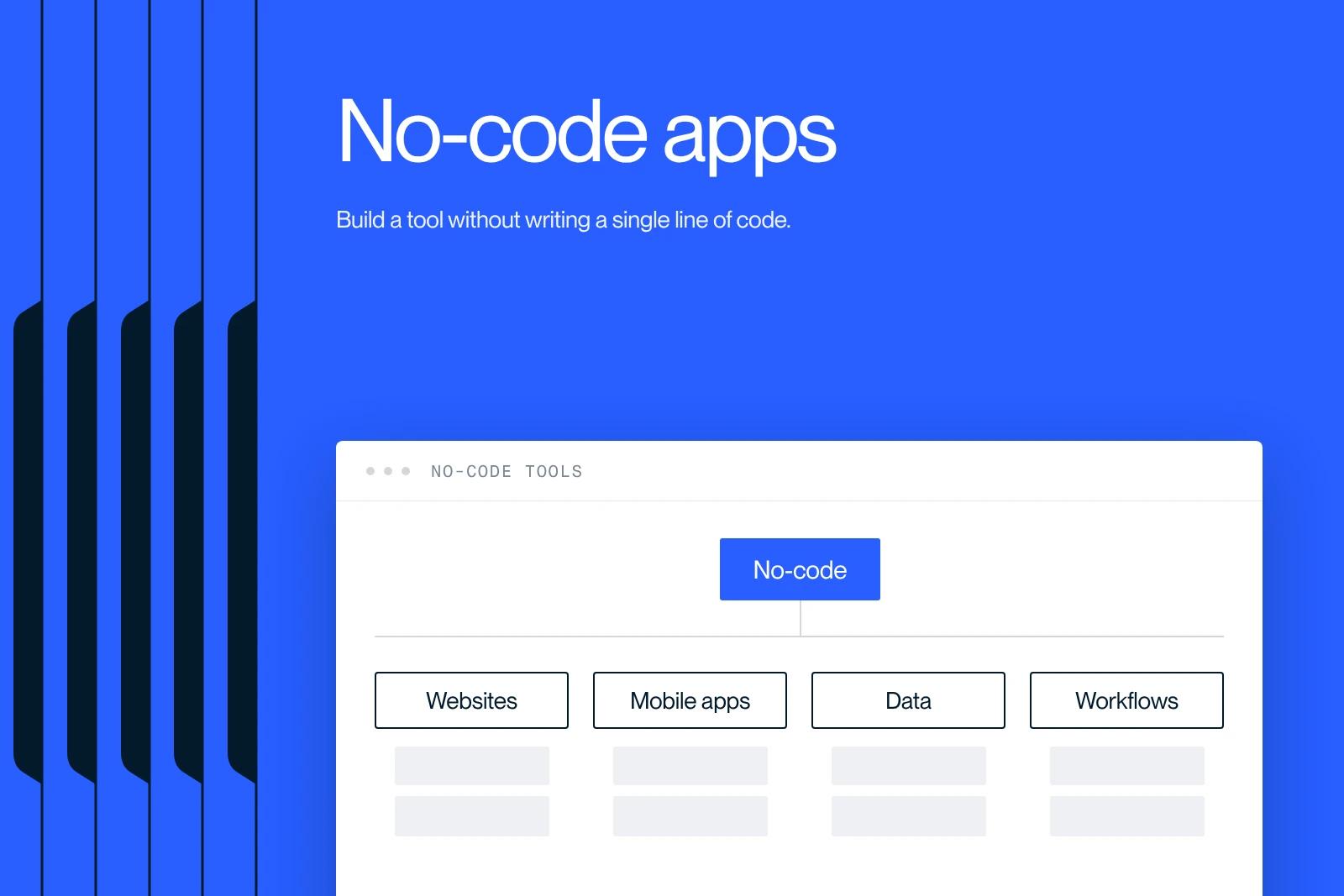
A no-code app is an application you build without writing code, using a visual drag-and-drop interface. No-code makes building websites, web apps, automations and databases accessible to non-technical people, while speeding up the work of product teams. This guide explains what a no-code app is, how it works, the main categories of tools with concrete examples, their benefits and limits, and how to choose the right platform in 2026.
Explore this post with…
What is a no-code app?
A no-code app is a software application built with a visual platform, without writing a single line of code. The user assembles ready-made components by drag and drop, configures the business logic in a graphical interface and connects everything to data, where programming used to be required.
The goal of no-code is to democratize software creation. A marketing team, a startup founder or a business unit can build a tool, a website or a working prototype without constantly relying on a developer. According to Gartner, most new enterprise applications now rely on low-code or no-code platforms, a sign that the approach has moved out of its niche to become a standard.
How does no-code work?
No-code rests on three building blocks that replace traditional code. The first is the visual interface: you build screens by moving blocks around, exactly as in a design editor. The second is logic without code: conditions, actions and workflows are configured in menus rather than in a programming language.
The third building block is data. Most no-code platforms include a visual database and connect to external services through APIs or connectors. That is what lets a no-code app manage users, store information and communicate with other tools, without custom development.
Categories of no-code tools
No-code is not a single tool but an ecosystem. Each family of tools meets a specific need. The table below sets out the main categories and their best-known examples.
| Category | Use | Example tools |
|---|---|---|
| Websites | Brochure sites, e-commerce, business blogs | Webflow, Framer, Carrd |
| Web apps | SaaS, business tools, internal portals | Bubble, Softr, Glide |
| Databases | Structuring and managing data | Airtable, Notion |
| Automation | Connecting apps and automating tasks | Make, Zapier, n8n |
| Mobile apps | Native iOS and Android apps | FlutterFlow |
| Internal tools | Dashboards and back offices | Retool |
Concrete examples of no-code apps
No-code covers a wide range of uses, from the simplest to the most advanced. A few telling examples show how far it reaches.
- A brochure or e-commerce site built in Webflow, with animations, a CMS and built-in hosting, without a front-end developer.
- A SaaS or an MVP built in Bubble to test a product idea before investing in custom development.
- A client portal set up in Softr or Glide on top of an Airtable base, to give secure access to data.
- An automation chain in Make or Zapier that connects a form, a CRM and an email tool with no human intervention.
- An internal dashboard built in Retool to run a business without tying up the technical team.
Benefits and limits of no-code
No-code offers real benefits, but it also has limits. Knowing them helps you pick the right use.
On the benefits side, three points stand out. Speed first: a project ships in days or weeks where traditional development would take months. Cost next, often lower at the start. Autonomy finally: business teams make changes themselves without depending on a developer.
- Speed: faster prototyping and launch.
- Controlled cost at launch, especially to validate an idea.
- Autonomy for teams to evolve the product.
- Limited customization: some very specific needs require code.
- Platform dependency: you inherit its rules, its limits and its pricing model.
No-code and Webflow: where does Webflow fit?
Webflow is the leading no-code tool for building professional websites. Unlike a web app builder such as Bubble, Webflow focuses on websites: marketing pages, blogs, e-commerce and brand experiences, with clean generated code and careful attention to performance.
Its strength lies in the balance between visual freedom and technical quality. You get a custom result, without the debt of themes loaded with plugins, while keeping editorial autonomy through the CMS. That is what our article on Webflow's no-code approach covers in detail.
In practice at Synqro: for Cashbee (fintech), which needed high-performance Webflow development for its app, we carried out a custom Webflow build. The result: a fast Webflow site delivered, proof that a well-used no-code tool meets high standards, even in a sector as demanding as fintech.
How to choose a no-code tool
The right no-code tool depends above all on what you want to build. Starting from the need, not from the trendy tool, avoids dead ends.
- For a professional website: go with Webflow or Framer.
- For a web app or a SaaS: look at Bubble, or Softr and Glide for simpler cases.
- To manage data: Airtable or Notion as the central base.
- To automate: Make, Zapier or n8n depending on how complex the scenarios are.
- For a native mobile app: FlutterFlow.
In many projects, these tools are combined: a Webflow site connected to an Airtable base and Make automations already forms a complete system, without a line of code.
Conclusion
No-code has changed how software is built: faster, at lower cost and with more autonomy. A no-code app is not a gadget. It is a real lever, provided you choose the tool that fits your need. For professional websites, Webflow remains a benchmark. Do you have a website or custom tool project? Our Webflow agency can support you from scoping to launch. See also our article on choosing the right website builder software. Let's talk about your project.
Frequently asked questions
A no-code app is an application built without writing code, using a visual drag-and-drop platform. You assemble components, configure the logic in menus and connect everything to data. The goal is to make software creation accessible to non-technical people.


