Article
Webflow vs Squarespace: Which One Is Better?
Webflow14 min read

Guillaume SchluppConsultant SEO
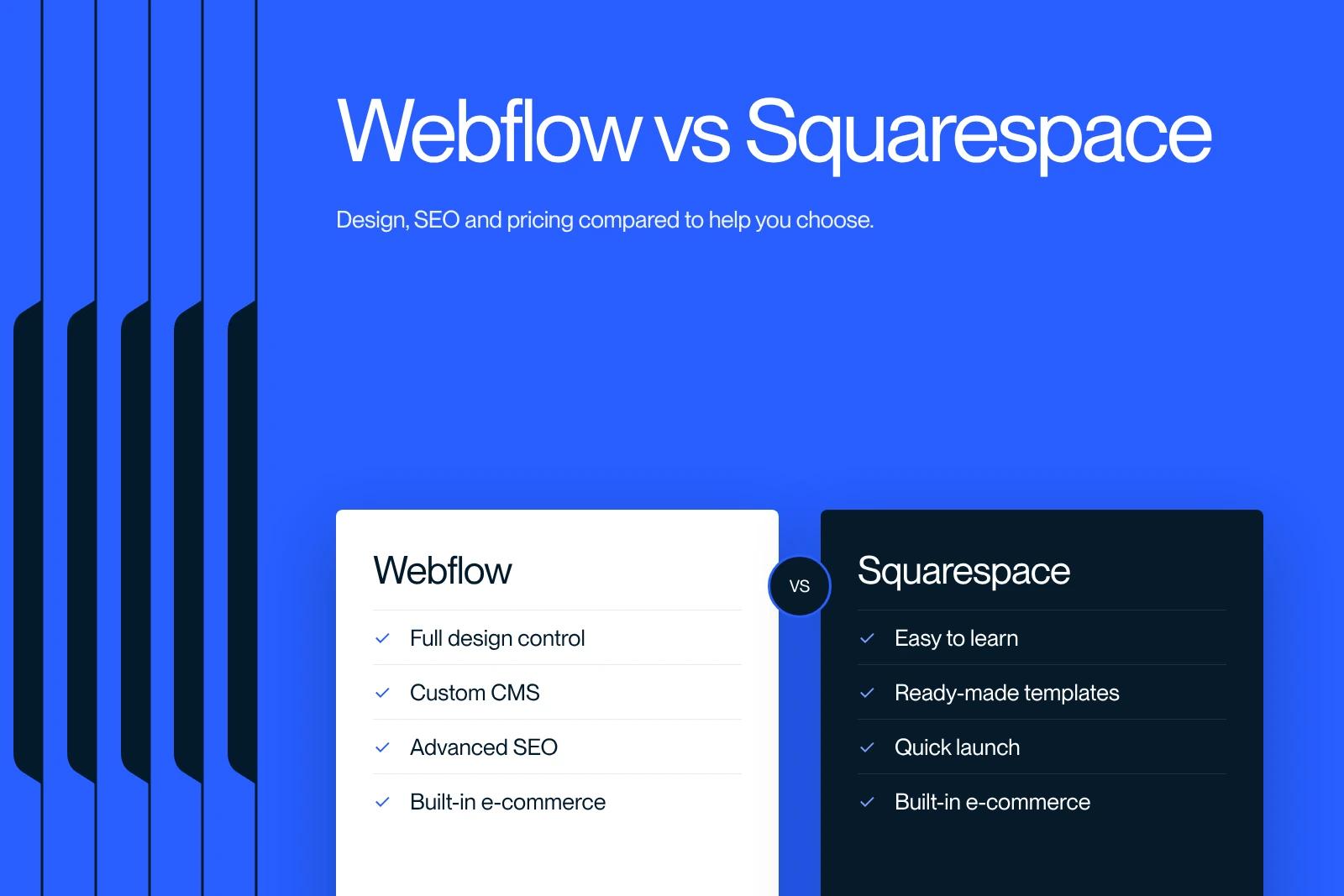
Webflow or Squarespace: compare these two website platforms for your project. Design, SEO, ease of use: which one should you pick? Make the right call.
Explore this post with…
Choosing between Webflow and Squarespace is one of the most common dilemmas for businesses and creators ready to build a professional website. Both platforms promise beautiful design, solid performance and ease of use, but the reality is far more nuanced.
At Synqro, a specialized Webflow agency and SEO consultancy, we help clients make this decision every week. Our hands-on experience with both platforms gives us a clear, data-backed view of which one really delivers. In this in-depth comparison, we break down every critical factor so you can make the right choice for your project.
Webflow vs Squarespace: a quick overview of both platforms
Before getting into the details, it helps to understand what each platform really is and who it suits best.
Squarespace is an all-in-one website builder designed to get you online fast. It provides polished templates, a drag-and-drop editor and built-in tools for blogging, e-commerce and appointment booking. It targets entrepreneurs, small businesses and creatives who want a website without worrying about code or technical complexity. Squarespace offers a smooth workflow: you pick a template, customize it and publish.
Webflow is a more advanced visual development platform that lets you design, build and launch responsive websites with pixel-level control over layout. Unlike Squarespace, Webflow generates clean, semantic HTML and CSS, which brings your site's performance closer to that of a hand-coded site.
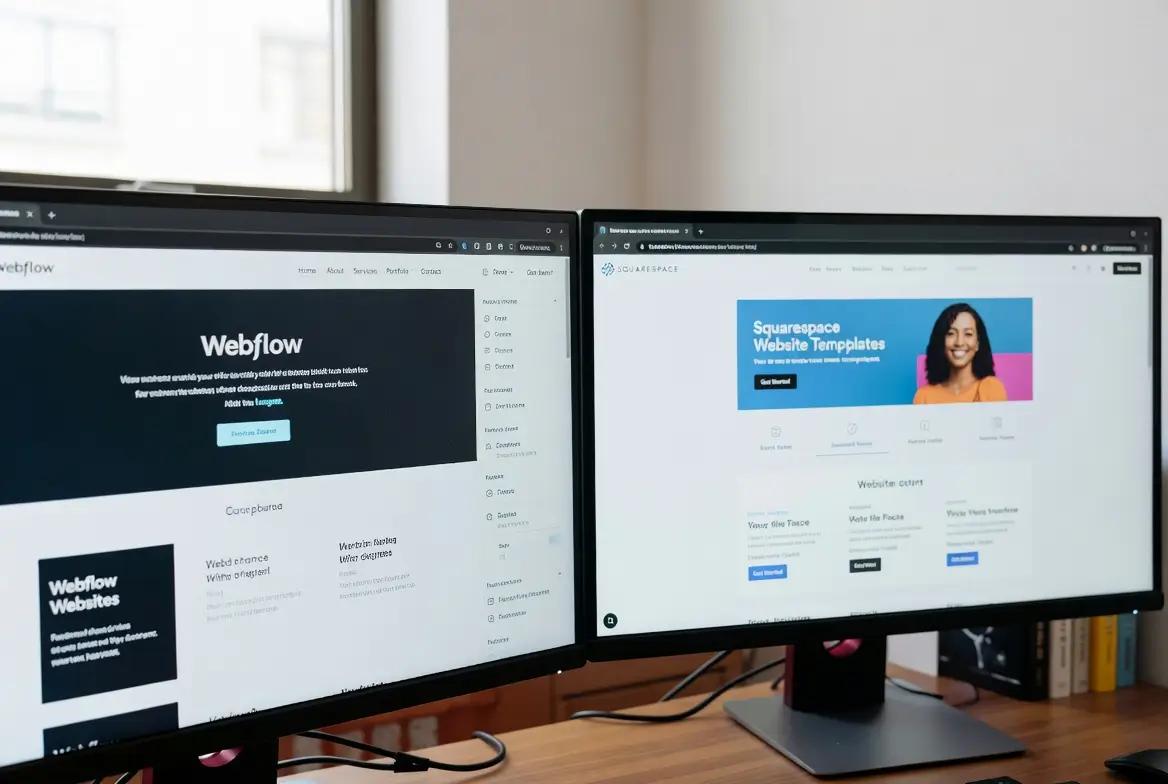
Key differences at a glance:
* Squarespace puts simplicity and fast setup first
* Webflow puts design freedom and control over code output first
* Both include hosting, but Webflow allows finer performance tuning
* Squarespace has a gentler learning curve, while Webflow rewards the investment with far greater flexibility
In other words, the gap between the two platforms comes down to how much creative and technical control you actually need.
Ease of use: which platform gets you online fastest?
Ease of use is often the deciding factor, especially for non-technical users. Here, the two platforms take fundamentally different approaches.
The Squarespace editor is intuitive from the first click. The interface is built on a block system where you can drag in sections, add content and restyle elements without ever seeing a line of code. Squarespace lets you go from zero to a live site in a single afternoon. For anyone who wants a quick launch with minimal friction, that is a real advantage.
Webflow, on the other hand, works more like a professional design tool. The interface feels closer to Adobe software than to a typical page builder, and you can visually adjust every CSS property. That means the learning curve is hard to ignore: new users often need a few weeks to feel comfortable. Once you master it, though, Webflow lets you create layouts that are simply impossible within the constraints of Squarespace templates.
Consider your situation:
* If you want to launch a simple portfolio or business site in a few days, Squarespace is easy to use and fully capable
* If you want to build a highly customized brand experience with unique interactions, Webflow offers the depth you need
* If you are looking for a middle ground, working with a Webflow agency like Synqro gives you Webflow's power without the steep learning curve
In the end, "easier" depends on your goals. Squarespace wins on initial simplicity. Webflow wins on long-term creative capability.

Design and customization: full control vs template convenience
Design quality has a direct impact on user trust, conversion rates and brand perception. This is where the Webflow vs Squarespace debate gets especially interesting.
Squarespace templates look polished out of the box. You get a large catalog of professionally designed layouts, and the styling options cover fonts, colors, spacing and basic animations. For many businesses, that level of customization is plenty. But as soon as you try to break out of a template's structure (moving elements freely, creating complex scroll-triggered animations or building a fully custom component), you quickly hit hard limits.
Webflow removes those limits entirely. It gives you full control over the HTML structure and CSS styling of every element. You can create sophisticated animations, build reusable design systems with symbols and components, and make every page unique without writing a single line of code. Webflow uses a class-based styling system that mirrors how professional developers work, so your site scales cleanly as it grows.
Here is a practical comparison:
| Feature | Squarespace | Webflow |
|---|---|---|
| Layout freedom | Limited to templates | Fully customizable, pixel-level control |
| Animations and interactions | Basic (fade, slide) | Advanced (scroll, hover, multi-step) |
| Responsive design control | Automatic with limited adjustments | Full control per breakpoint |
| Reusable components | Limited | Symbols and components system |
| Custom code injection | Basic embed blocks | Full custom code support |
As a result, Webflow is the better choice for brands that need to stand out with a distinctive digital presence. Squarespace works well when visual consistency matters more than originality.
Performance and SEO: which platform ranks better?
Performance and SEO capabilities matter a lot: a beautiful site nobody can find on Google is of little use. Let's compare how each platform handles search engine optimization and loading speed.
Squarespace includes built-in SEO tools that cover the basics: editable title tags, meta descriptions, URL slugs, automatic sitemaps and SSL certificates. It also generates clean markup and provides fields for image alt text. For a small business looking for basic SEO, these features are enough. However, Squarespace limits how deeply you can customize technical SEO. You cannot freely edit schema markup, precisely control canonical tags or optimize the site's rendering pipeline.
Webflow offers much more control over technical SEO factors. In Webflow, you get direct access to meta tags, Open Graph settings, custom 301 redirects and clean semantic HTML output. You can also minify code, lazy-load images and fine-tune your site for Core Web Vitals, all without plugins or third-party tools. On top of that, Webflow hosting runs on a global CDN included in every site plan.
Where Webflow pulls ahead on SEO:
* Clean, semantic code output that search engines parse efficiently
* Full access to robots.txt and sitemap customization
* Native support for custom schema markup
* Faster load times, depending on setup and asset optimization
* Better control over heading hierarchy and internal linking structure
Webflow and Squarespace both handle basic SEO well. But if organic search is a main growth channel for your business, Webflow is the clear winner. At Synqro, SEO is at the core of every Webflow site we build, and the platform's technical flexibility translates directly into better rankings.
Pricing: what does each platform really cost?
Price often drives the final decision, so let's compare what you get at each price point.
Squarespace offers four plans: Basic, Core, Plus and Advanced. In the United States, billed annually, they cost $19, $29, $49 and $99 per month after the increase announced in July 2026 (see the Squarespace pricing page; prices vary by country). Every plan includes hosting, SSL and a free custom domain for the first year with annual billing. Squarespace also offers a 14-day free trial.
Webflow's pricing model works differently. It separates site plans (hosting and publishing) from Workspace plans (design and collaboration). Since May 13, 2026, according to the Webflow pricing page, the Basic plan costs $15 per month and the Premium plan, which replaces the former CMS and Business plans, costs $25 per month billed annually. The free Starter plan lets you try the tool on a webflow.io subdomain. Every tier is covered in our Webflow pricing guide.
| Plan type | Squarespace | Webflow |
|---|---|---|
| Entry level | $19/month (Basic) | $15/month (Basic), or free Starter |
| Mid-tier with CMS | $29/month (Core) | $25/month (Premium) |
| E-commerce | Included from Basic ($19 to $99/month), transaction fees depending on plan | E-commerce plans from $29 to $212/month |
| Free trial | 14 days | Free Starter plan (unlimited) |
A few key observations:
* For standard business websites, prices are comparable between the two
* Webflow's e-commerce pricing goes higher, but its customization capabilities justify it for larger stores
* Squarespace bundles more features per plan, while Webflow charges separately for advanced CMS and e-commerce options
* You need to factor in design and development costs: Webflow projects often require professional expertise, while Squarespace projects can be handled in-house
In practice, the total cost of a Webflow project is usually higher upfront, but the long-term ROI from better performance, SEO and brand differentiation often makes it the smarter investment.
E-commerce capabilities: selling online with Webflow or Squarespace
If your project involves selling products or services online, the e-commerce features deserve close attention.
Squarespace excels at launching online stores quickly. It includes product management, inventory tracking, discount codes, abandoned cart recovery and integrations with payment processors. You can build a fully working store with Squarespace in a few hours, and the checkout experience is polished by default. Squarespace is especially well suited to creators selling digital products, subscriptions or small product catalogs.
Webflow approaches e-commerce differently. Its e-commerce engine gives you full control over every part of the shopping experience, from product page layouts to cart interactions and checkout flows. That means you can design a shopping experience that is entirely unique to your brand instead of relying on a standard template. However, Webflow's e-commerce features are still maturing compared to Squarespace's, and some options such as advanced tax calculations require third-party integrations.
Consider these factors:
* Squarespace offers a more complete, ready-to-use e-commerce solution
* Webflow gives you unmatched design control over product pages and the user experience
* Depending on the scale and complexity of your store, one platform will suit you better
* For highly branded, design-driven shopping experiences, Webflow clearly stands out
In short, if you want to sell quickly and efficiently, Squarespace delivers. If you want to build a fully customized premium storefront, Webflow provides the tools to get there.

Which one should you choose for your project?
After looking at all the key factors, the answer to the Webflow vs Squarespace debate depends entirely on your specific needs, resources and ambitions.
Choose Squarespace if:
* You need a professional site online within days
* Your budget is limited and you prefer a predictable monthly cost
* You value simplicity over deep customization
* Your content is mainly blog posts, portfolios or small e-commerce
* You do not need advanced SEO or in-depth performance optimization
Choose Webflow if:
* You want to build a truly unique, high-performing site
* SEO and organic growth are core priorities for your business
* You need full control over design, layout and interactions
* You are building a scalable site with a CMS that can handle complex content
* You are ready to invest in professional design and development for lasting results
At Synqro, we consistently recommend Webflow to serious businesses that want to stand out and compete for search visibility. Webflow is the best platform for teams that see their website as a strategic asset rather than a simple digital brochure. And you can always start building on Webflow, then bring in an expert agency to refine and optimize.
Want to build a powerful, SEO-optimized Webflow site that drives real business results? See the difference a specialized agency makes. Contact Synqro today to discuss your project and make the right choice for your digital future.
Frequently asked questions
Webflow is the better platform for SEO in most professional scenarios. It generates clean, semantic code that search engines crawl efficiently, and it offers granular control over meta tags, redirects, schema markup and page speed optimization. Squarespace covers basic SEO needs with built-in tools such as editable title tags and automatic sitemaps, but it lacks the technical depth that competitive industries demand. If organic traffic is a major growth channel for you, Webflow gives you many more levers to improve your rankings and show up consistently in search results.