Article
Webflow Pricing 2026: Every Plan Explained ($15 to $2,500)
Webflow9 min read

Guillaume SchluppConsultant SEO
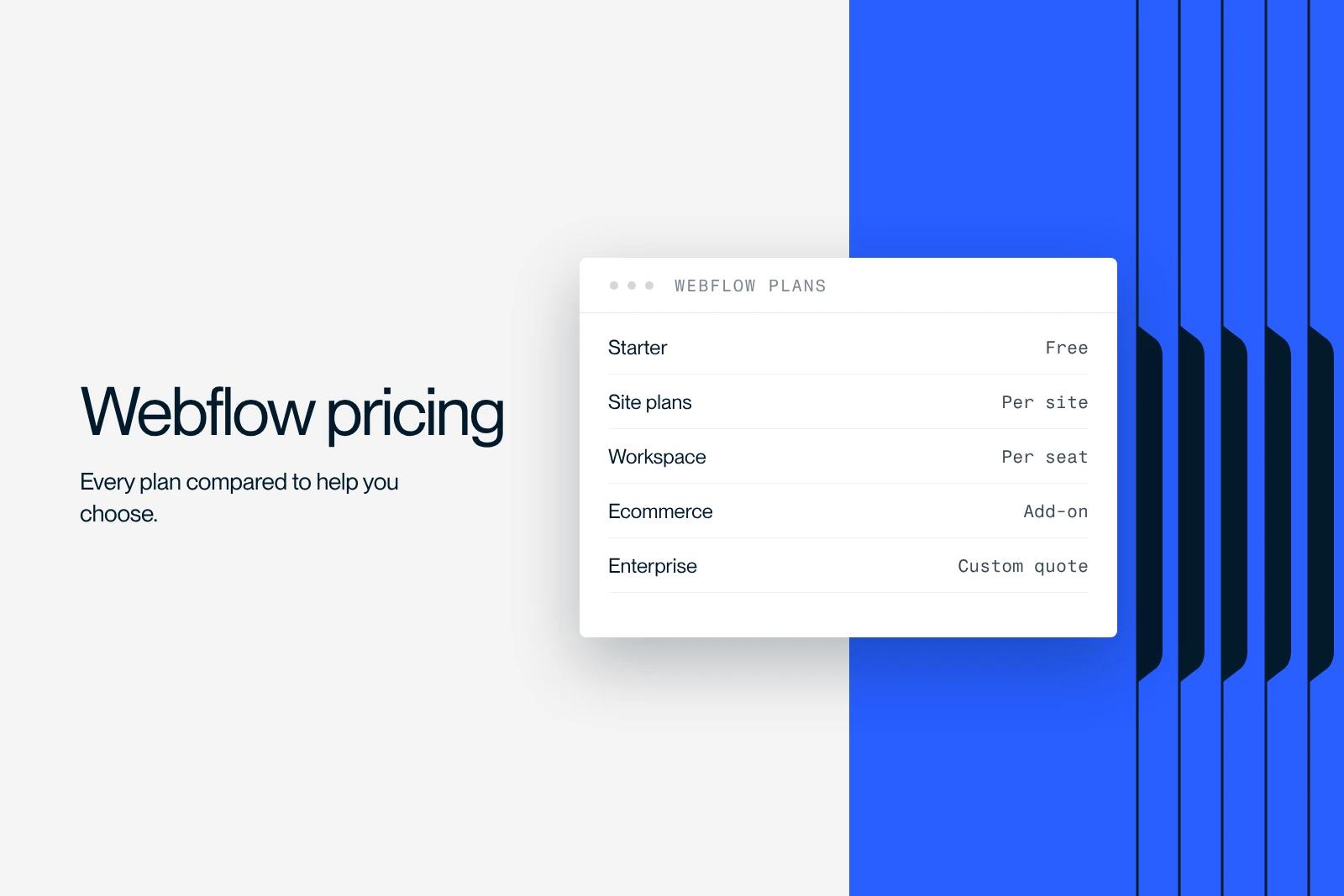
Webflow costs $0 to $25 per month for a typical site: $15 without a CMS (Basic plan) and $25 with a CMS (Premium plan), billed yearly. Ecommerce starts at $29 per month and the Team plan at $2,500 per month.
Since May 13, 2026, Webflow has merged its former CMS and Business plans into a single plan, Premium, and raised the Basic plan from $14 to $15 per month. Existing sites switch over at renewal, starting June 29 or November 16, 2026 depending on the case.
This guide uses the official prices taken from Webflow's pricing page in October 2026, with sample budgets and the cost of hiring help, so you can choose without overpaying.
Explore this post with…
Webflow pricing is made up of two separate bills: a Site plan, which pays for hosting and publishing a site, and a Workspace plan, which pays for access to the editor and collaboration. The amounts below come from Webflow's official pricing page, checked in October 2026. They are shown in US dollars, per month, billed yearly, unless stated otherwise. Depending on your country, taxes may apply.
How much does Webflow cost in 2026?
For a brochure site with no blog, plan on $15 per month. For a site with a blog or dynamic content, plan on $25 per month. An online store starts at $29 per month. The table sums up the Site plans.
| Site plan | Price (yearly) | Price (monthly) | Who it is for | Key limits |
|---|---|---|---|---|
| Starter | Free | Free | Trying out the tool | webflow.io domain, 2 pages, 1 GB bandwidth, 50 CMS items |
| Basic | $15/month | $25/month | Brochure site with no blog | Custom domain, 300 static pages, 10 GB, no CMS |
| Premium | $25/month | $39/month | Site with a blog, resources, CMS pages | 20,000 CMS items, 40 collections, 50 GB expandable to 2.5 TB |
| Team | $2,500/month | Annual contract only | Structured marketing teams | 1 site, 100 collections, Localize included, 10 seats |
| Enterprise | Custom quote | Custom quote | Large organizations | Custom limits, permissions and SLA |
These prices cover the platform only. Building the site is a separate budget: if you hire a Webflow agency, the quote covers design, development and SEO, while the subscription stays in your name. Both costs are broken down below.
What changed in Webflow pricing in 2026
Webflow announced a plan overhaul on May 13, 2026, detailed in the Webflow Help Center article on the May 2026 plans. The changes that affect your budget:
- CMS + Business merged: the two former plans become the Premium plan, at $25 per month billed yearly or $39 billed monthly.
- Basic costs more: $15 per month billed yearly (up from $14) and $25 billed monthly, with the static page limit doubled from 150 to 300.
- No more CMS item add-on: Premium includes 20,000 items, which makes paid item add-ons unnecessary.
- Less bandwidth for former Business sites: 50 GB included instead of 100 GB. Bandwidth add-ons are available beyond that.
- New Team plan: an annual offer between self-serve and Enterprise, with Localize, publishing workflows and page branching.
- AI credits: every Workspace plan now includes a monthly allowance of AI credits, with paid top-ups.
Ecommerce plans do not change. For existing sites, the switch happens at the next renewal or the next plan change, starting June 29, 2026. Sites in Freelancer and Agency Workspaces, as well as legacy pricing from 2022 or earlier, switch starting November 16, 2026.
Still on a former CMS or Business plan?
A site on monthly billing can switch to yearly billing before its switchover date to keep its current plan for one more year. Before deciding, estimate the new cost with Webflow's pricing change calculator. A former CMS plan gains capacity. A former high-traffic Business plan may pay more if its usage exceeds 50 GB.
Webflow Site plans in detail
- Starter (free): publishing on a webflow.io subdomain, 2 static pages, 50 form submissions and a CMS limited to 50 items. Useful for prototyping, not for a business website.
- Basic ($15/month): custom domain, 300 static pages, 10 GB of bandwidth, unlimited forms. No CMS: every page is built by hand.
- Premium ($25/month): everything in Basic, plus the CMS (20,000 items, 40 collections) and 50 GB of bandwidth, expandable up to 2.5 TB. This is the plan for a B2B site with a blog, case studies or pages generated from the CMS.
- Team ($2,500/month, annual contract): one site, 100 CMS collections, 10 seats and Localize included. It adds publishing workflows, page branching, single-page publishing and AEO agents. Additional sites are negotiated with Webflow's sales team.
- Enterprise (custom quote): custom limits, custom roles, granular permissions and negotiated service levels (SLA), with a dedicated Webflow team.
Workspace plans: how much does editor access cost?
The Workspace plan is paid per workspace. It sets the number of staging sites (unpublished), the collaboration features and code export. Seats are billed separately: $39 per month for a Full seat, $15 for a Limited seat, and free seats for reviewing.
| Workspace | Price (yearly) | Who it is for | What it adds |
|---|---|---|---|
| Starter | Free | Getting started | 2 staging sites, 1 Full seat |
| Core | $19/month | Small in-house team | 10 staging sites, code export, 1 shared library |
| Growth | $49/month | Marketing team | Unlimited staging sites, site-level roles, publishing permissions |
| Freelancer | $16/month | Freelancer | 10 staging sites, free guest access to client workspaces, client payments |
| Agency | $35/month | Agency | Unlimited staging sites, 3 free client seats per site, unlimited libraries |
One point that is often misunderstood: a site with a paid Site plan no longer counts toward the staging site limit. A small business that manages a single published site can therefore often stay on the Starter Workspace.
Webflow Ecommerce pricing
Ecommerce plans are Site plans in their own right: they replace Basic or Premium, they are not added on top. They include the CMS. To find out whether Webflow suits your catalog, read our guide to building an ecommerce site with Webflow.
| Ecommerce plan | Price (yearly) | Products | Webflow transaction fee | Also included |
|---|---|---|---|---|
| Standard | $29/month | 500 | 2% | 50 GB bandwidth |
| Plus | $74/month | 5,000 | 0% | 10 staff accounts, unbranded emails |
| Advanced | $212/month | 15,000 | 0% | 15 staff accounts, unbranded emails |
The 2% fee on the Standard plan comes on top of the payment provider's fees. The math is simple: above roughly $2,250 in monthly sales, the $45 monthly difference with the Plus plan is covered by the commission you avoid.
Add-ons: Localize, Analyze, Optimize and AI credits
- Localize Essential: from $9 per month, 1 to 3 regional variants (languages), 10,000 translated words per month.
- Localize Advanced: from $29 per month, up to 10 regional variants, 50,000 words per month, URL and asset localization, and automatic redirection based on browser language.
- Analyze: from $9 per month, depending on the number of sessions (2,000 to 500,000 per month).
- Optimize: from $299 per month for A/B testing and personalization, depending on page views.
- AI credits: 2,000 extra credits per month for $20 per month, on top of the allowance included in each Workspace.
What Webflow budget should you plan for your project?
| Project | Recommended combination | Annual cost (yearly billing) |
|---|---|---|
| Brochure site with no blog | Basic + Starter Workspace | $180 |
| B2B site with a blog | Premium + Starter Workspace | $300 |
| Bilingual B2B site | Premium + Localize Essential (1 language) | $408 |
| Small store | Ecommerce Standard | $348 + 2% of sales |
| Established store | Ecommerce Plus | $888 |
| Freelancer (work tool) | Freelancer Workspace | $192, excluding clients' Site plans |
These amounts cover the platform only. Add seats if several people need to design in the editor, and bandwidth if your site exceeds the included volume.
At Synqro, a Webflow Premium Partner agency that has worked with more than 150 companies since 2019, we always separate two budgets in our quotes: the Webflow subscription, paid every year, and the design and build of the site. A complete site that we deliver in 8 to 12 weeks costs €3,000 to €20,000 excl. VAT depending on the design, the branding work and SEO/GEO. The cost of a Webflow website depending on who builds it is covered in a dedicated guide.
Plan cost vs project cost: who bills what?
Many searches for Webflow pricing are really about the cost of a provider. The table separates what Webflow bills from what a freelancer or an agency bills. To compare quotes on the same basis, start from a website brief that sets the scope, the content to migrate and the deadlines.
| Cost item | Billed by | Frequency |
|---|---|---|
| Site plan (Basic, Premium, Ecommerce) | Webflow | Yearly or monthly |
| Workspace plan and seats | Webflow | Yearly or monthly |
| Add-ons (Localization, Analyze, Optimize) | Webflow | Monthly, turned on when needed |
| Design, development, SEO | Freelancer or agency | Once, per project |
| Maintenance and updates | Freelancer or agency | Retainer or time spent |
How to pay less for your Webflow subscription
- Switch to yearly billing: Basic costs 40% less ($15 instead of $25) and Premium 36% less ($25 instead of $39).
- Choose Basic if you have no blog: 300 static pages are enough for most brochure sites. You can move to Premium the day a CMS becomes useful.
- Do not pay for a Workspace you do not need: a site published with a paid Site plan can be edited from the free Workspace. The paid Workspace is mainly for teams and service providers.
- Keep an eye on bandwidth: compress images and host heavy videos elsewhere to stay under the Premium plan's 50 GB.
- Turn on add-ons only when needed: Localize, Analyze and Optimize are billed monthly. Only turn them on when you publish a language or launch a test.
Is Webflow expensive compared with WordPress or Framer?
WordPress is free, but you have to pay for hosting, plugins and maintenance time. Webflow includes hosting, the CDN, SSL and updates, with no plugins to monitor. The right calculation compares the total cost over three years, not the monthly subscription. We break down that calculation in our Webflow vs WordPress comparison, and the comparison with Framer in Framer vs Webflow.
Unsure between Basic and Premium, or need to migrate a former Business plan? Check your actual usage (pages, CMS items, bandwidth) in the site settings before renewal, then run the numbers in Webflow's calculator.
Frequently asked questions
A Webflow site costs $15 per month without a CMS (Basic plan) and $25 per month with a CMS (Premium plan), billed yearly. Billed monthly, plan on $25 and $39. Ecommerce starts at $29 per month.


