Article
WordPress to Webflow migration: guide and advice
Webflow13 min read

Guillaume SchluppConsultant SEO
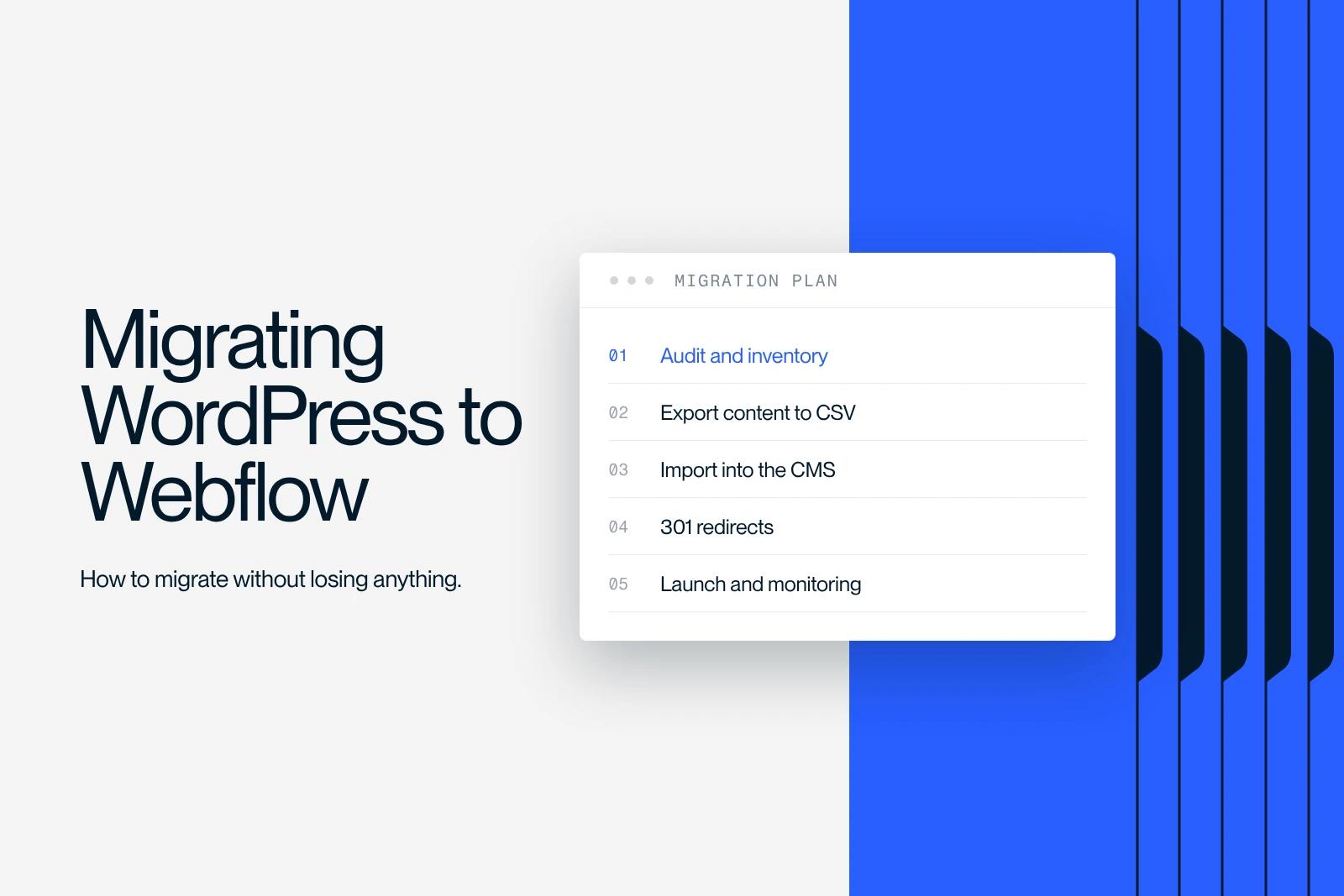
How to migrate a WordPress site to Webflow: a guide, plugin options and practical advice to get your migration right and benefit from what Webflow offers.
Explore this post with…
A WordPress to Webflow migration goes well beyond moving pages. You are changing your publishing logic, your technical structure and your editorial governance. If you want to migrate without losing visibility, you need to handle content, URLs and SEO signals in the right order.
At Synqro, we support marketing teams in Paris as a performance-focused Webflow agency in Paris, when they want a site that is faster, more consistent and easier to evolve. Our experience here is concrete: we secure the switchover, then stabilize performance (acquisition, conversion, speed) with a repeatable method.
Why migrate from WordPress to Webflow
The real question is not "should we change tools" but why migrate now. When WordPress becomes hard to maintain, every change costs more: plugin conflicts, dependence on a theme, inconsistent rendering and instability. A move to Webflow aims for more controlled production, with a more consistent framework for teams.
The main benefit is operational: you gain execution speed, design consistency and reliable releases. SEO becomes a result of that rigor: cleaner pages, a clearer hierarchy and more predictable performance.
What you are usually trying to improve:
- Reduce technical debt and dependence on plugins.
- Speed up the production of new pages and sections.
- Stabilize rendering and editing with clear governance.
- Strengthen marketing effectiveness with a faster, clearer site.

WordPress vs Webflow: what really changes for a website
In a WordPress vs Webflow comparison, the key point is control. WordPress is flexible, but that flexibility often depends on an ecosystem of plugins and varying configurations. Webflow favors a structured approach: components, styles, templates and editing rules. This difference directly affects the overall quality of a website.
The WordPress or Webflow decision therefore depends on your organization. If your needs rest on marketing workflows, acquisition pages, structured content and strong consistency, Webflow may be the better fit. If you depend on a very specific ecosystem, WordPress remains relevant, but it requires ongoing maintenance discipline.
Points to settle before deciding:
- Governance: who publishes, who approves, who keeps things consistent.
- Scalability: the ability to add sections without creating debt.
- Performance: speed, stability and rendering quality on mobile.
- Security: dependency management and the attack surface of plugins.
Scoping the migration: audit, inventory and risk of loss
Before any migration, you need to understand the old site: key pages, traffic pages, strategic content and historical URLs. This step reduces the risk of content loss and avoids switching over blind. The goal is simple: know what you keep, what you improve and what you remove cleanly.
A good audit covers the structure, page types, editorial templates and sources of duplication. On a WordPress site, inconsistencies often hide in categories, tags, pagination and URLs generated by parameters. This is where visibility is lost: you do not lose "SEO" by magic, you lose it because resources disappear or can no longer be found.
What you need to inventory from the start:
- Identify high-converting pages and high-traffic pages.
- List CMS content, media and technical dependencies.
- Map URLs: structure, variants, obsolete pages.
- Prioritize critical pages to prepare the next phase of the project.

CMS and content: export, import and an error-free CSV format
Moving content is often the most underestimated part. On WordPress, your content lives in a rich, sometimes inconsistent system. On Webflow, you need to rebuild a clean model in the CMS, then fill it. The starting point is the export, followed by normalizing the fields: titles, slugs, useful categories, images, links and long-form content.
For large volumes, the most reliable option is a clean CSV format. You map the columns to the fields of the content management system, then check consistency after the import. A user who publishes should find a simple logic: clear collections, consistent fields and stable templates. Avoid reproducing WordPress's complexity as is, or you will migrate the debt too.
Good practices for a controlled import:
- Define the collections in the CMS before loading the data.
- Clean the content (stray HTML, broken links, duplicates).
- Import a first test batch, then check the rendering.
- Check the consistency of slugs and media on each page type.
URLs and 301 redirects: protecting organic search
Preserving URLs is a search issue before it is a technical one. A successful switchover depends on guiding search engines to the right resources. If a page changes address, you need to set up a 301 to signal a permanent move. That is how you protect organic search and keep traffic flowing.
The principle is simple: every important URL must be redirected to its equivalent. When a page no longer exists, it should be redirected to the most relevant resource, not to a generic page. The classic mistake is creating approximate matches or forgetting deep URLs. The more precise the table, the more stable the transition.
Redirect rules to apply strictly:
- Build a URL-to-URL table for strategic pages.
- Avoid chains and loops in 301 redirects.
- Check that pages are redirected to the new pages that are relevant.
- Test before and after going live so you can fix issues immediately.
With or without a plugin: choosing the right migration approach
Choosing a plugin depends on your content volume and your standards. On a small site, rebuilding cleanly is often more reliable than exporting messy HTML. On a content-rich site, a plugin can speed up extraction, but it guarantees neither the Webflow structure nor the final quality. In other words: a plugin helps you retrieve content, not produce a consistent site.
In some cases, migrating without a plugin gives you better control over hierarchy, media and templates. This is especially true when the current WordPress site has piled up inconsistent blocks. So the question is: are you trying to "move" or to "clean up"? If the goal is performance and clarity, a controlled rebuild is often still the best option.
Criteria to decide quickly:
- Use a plugin if the content is massive and well structured.
- Prefer working without a plugin if the pages are inconsistent or unstable.
- Prioritize the quality of the Webflow model over extraction speed.
- Secure URL compliance and critical pages before the switchover.

Webflow development: template, structure and site performance
Webflow development is not just a "design" step. It is building a system: components, styles, reusable sections and editing rules. This is where Webflow becomes powerful, because the team can customize the rendering without weakening the structure. A good template makes the whole consistent and limits differences between pages.
On this subject, keep one rule in mind: page load time is a quality signal, but it depends on structural choices. A page can be beautiful and slow, or clean and fast. A high-performing site is a governed site: reusable sections, optimized media, controlled interactions and clean code. A good user experience comes from that discipline, not from visual effects.
What you need to standardize in the build:
- Define a single base template and strict variants for each need.
- Optimize images, fonts and interactions for site performance.
- Limit unnecessary scripts and control integrations.
- Structure components so you can publish quickly without breaking consistency.
After the migration: SEO, maintenance and content updates
Once the switchover is done, the real work begins. After the migration, you need to check indexing, errors and the stability of strategic pages. SEO signals are not "set" once: they stabilize through checks and fixes. This is where metrics (rankings, traffic, errors, coverage) become essential.
The post-switchover phase also covers maintenance and updates. On Webflow, maintenance is different: fewer plugin dependencies, but more editorial governance. It is also the right time to optimize content: titles, internal linking, weak pages and overlapping pages. The key word is "consistency", because Google follows consistency more than intentions.
What you need to check systematically:
- Analyze indexing and coverage for every key page.
- Monitor 404 errors, redirects and excluded pages.
- Update priority content to strengthen SEO.
- Stabilize internal linking to avoid losing signals.
Use cases: brochure site, editorial CMS and website project
Not all switchovers are equal. A simple brochure site is handled as a controlled rebuild. An editorial site requires solid CMS governance. A site with complex user journeys calls for stricter scoping. What they have in common is a clear goal: acquisition, brand image, conversion or editorial management.
For a Webflow project, success often comes from standardization: reusable sections, components, publishing rules. For an editorial site, the challenge is the collection model and field consistency. For a richer site, the issue becomes architecture and dependencies. In every case, the switchover should serve the website project: publish better, convert better and measure better.
Decision guidelines by type of site:
- Build a brochure website if the content is stable and the structure simple.
- Use the CMS for a blog, case studies and offer pages.
- Plan for more thorough technical scoping if the site has complex user journeys.
- Rank pages by business impact, not by history.

The Synqro method: migrating your site without losses
A successful migration relies on a method, not on generic "best practices". At Synqro, we start by securing the structure, then handle the content, then lock down URLs and signals. Our goal is for the migration of your site to produce a cleaner asset: clearer pages, smoother publishing and more stable performance.
In practice, we scope the move from a WordPress website to Webflow in three stages: audit, rebuild, validation. We act as Webflow experts on the risk points: content, CMS, performance and SEO. Then we make sure the site can be run by marketing teams, without constant reliance on fixes.
What we put in place for our clients:
- Scope priorities and reduce risk during the switchover.
- Align the CMS, structure and user journeys with business goals.
- Secure URLs to preserve search rankings and continuity.
- Deliver a healthy foundation that lets you iterate quickly, without debt.
Conclusion: a checklist for migrating your website cleanly
To migrate effectively, you need to think in terms of a system. It is not a copy, it is a governed rebuild. The end goal is not just to change tools, but to move to a site that is more consistent, faster and easier to run. If you want to migrate your website without surprises, you need to orchestrate content, structure, URLs and post-switchover checks.
Key points before you start:
- Secure the inventory of critical pages and content before taking any action.
- Model the CMS and check the import before publishing the new pages.
- Set up the redirects and test every important URL.
- Measure and fix after launch to stabilize SEO.
Frequently asked questions
Traffic loss rarely comes from the design; it comes from URLs and indexing. You need to redirect every important old page to its equivalent and check that the final pages return a 200. Then check coverage and errors in Search Console. If Google picks URLs other than the ones you expect, it is often an internal consistency problem (links, sitemap, structure).


