Article
SEO KPIs: the 7 metrics that matter and how to read them
SEO9 min read

James BrunettoCo-fondateur & CEO
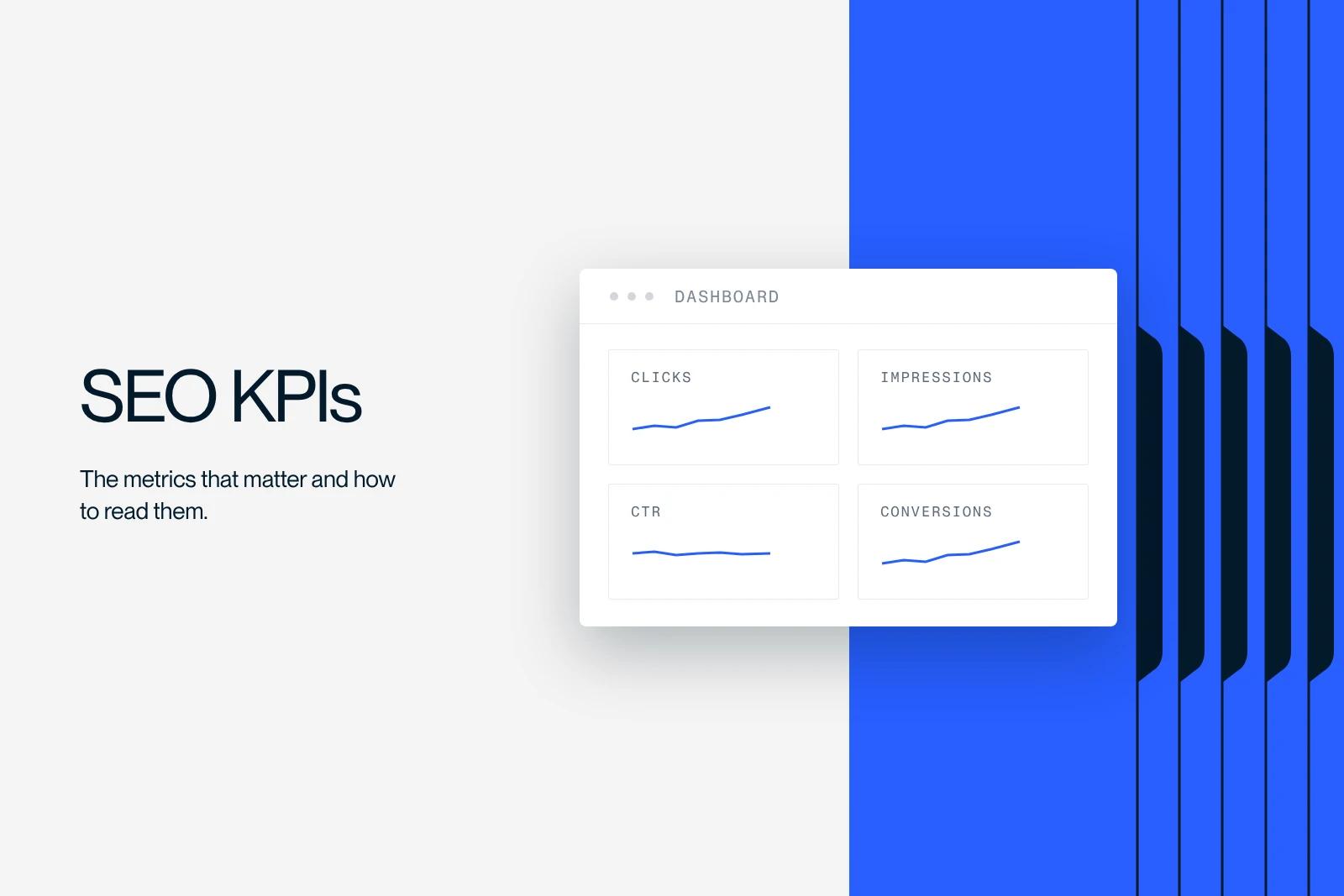
An SEO KPI is a metric that tells you what to do, not just where you stand. That test rules out most of the lists you will find on the topic: a metric that moves without leading to any decision is not a KPI, it is a statistic. Here are the seven we track, where to find them, and above all what to do when they move.
Explore this post with…
The one-page dashboard
Let's start with the big picture. The third column is the one that matters: if you do not know what decision follows from a metric, take it out of your report.
| Metric | Where to find it | What you decide when it moves |
|---|---|---|
| Organic clicks | Search Console, Performance report | Nothing on its own. Always cross-check with impressions before drawing conclusions. |
| Impressions | Search Console, same report | Rising with no clicks: a title or SERP problem. Falling: a coverage or demand problem. |
| CTR by query | Search Console, Queries tab | High impressions and low CTR on a relevant query: rewrite the title and meta description. |
| Average position | Search Console, by page and by query | Never decide on the site-wide average. Drill down to the query level or do not look at it. |
| Useful indexed pages | Search Console, Page indexing report | A gap between published pages and useful indexed pages: run a technical audit, do not add more content. |
| Conversions from organic search | GA4, with a defined key event | This is the only metric that justifies increasing or cutting a budget. |
| Core Web Vitals | Search Console, Core Web Vitals report | Outside the thresholds on mobile: fix the technical issues before publishing any new content. |
Clicks and impressions: never read them separately
Search Console defines impressions as the number of times your site appeared in search results, and clicks as the number of times a user clicked through from those results. CTR is simply the ratio between the two.
Read separately, these two numbers can tell you anything. Read together, they give you a diagnosis with three cases. Stable impressions and falling clicks: the way you appear in the results has gotten worse, or the SERP has changed above you. Falling impressions and stable CTR: you are losing coverage, which is a ranking or indexing problem. Impressions rising sharply and flat clicks: you are gaining visibility on queries that are not yours.
This third case is the most common and the most misread. A page that gains thousands of impressions without a single click does not have a title problem, it has a relevance problem: Google shows it for queries it does not answer. Rewriting the title will not change anything.
CTR by query, the only valid signal for a title
This is the only place where CTR helps you decide something. The Search Console documentation says it explicitly: look for queries with high impressions and a low click-through rate, because those are your opportunities to improve your titles and descriptions.
The key words are "by query". An average page CTR means nothing, because it mixes queries where you rank second with others where you rank fortieth. The method: filter on one page, sort the queries by impressions, and go through them line by line. If the query is relevant and the CTR is low, the title is the problem. If the query has nothing to do with the page, leave the title alone.
One caveat that Google itself points out: even if a query appears in your list, you will not necessarily see your site when you type that query yourself. Results vary by time, location, device and search history. Never diagnose based on a manual search.
Average position, and why it lies to you
Google defines average position as the average position of your site's topmost result. In the chart, it is an average for the whole site. In the table, it is the average for the URL or dimension shown.
This aggregation produces absurd results. A site that gains positions on a thousand worthless queries sees its average improve sharply without a single extra click. A site that loses its first position on its most profitable query may see its average move by two tenths. The site-wide average should therefore never appear in a management report.
What to track instead: your position on a short list of queries you have chosen, ten to thirty at most, reviewed every month. And if two of your pages compete for the same query, that is a topic of its own, covered in our guide to SEO cannibalization.
Indexing, the only metric to monitor continuously
All the others are read monthly. This one needs monitoring, because a drop is quick to fix if you spot it quickly, and very costly if you do not.
What matters is not the raw number of indexed pages, but the gap between the pages you want indexed and the ones that actually are. A two-hundred-page site with one hundred eighty pages indexed is in good shape. A two-hundred-page site with four hundred pages indexed has a duplication problem.
One thing to set aside: crawl budget. Google explicitly reserves this topic for sites with more than a million unique pages that change every week, or more than ten thousand pages that change every day. Below that, optimizing it is not necessary. If your agency talks to you about crawl budget on a hundred-page site, ask them why. The right answer to indexing problems on a normal site is a technical audit and clean internal linking.
Conversions, the only number that justifies a budget decision
Everything else explains. This one decides. And it assumes something many sites do not have: a key event correctly defined in GA4 that matches an action with real business value. A button click is not a conversion. A quote request, a subscription or a purchase is.
The classic measurement trap is attribution. A visitor who discovers an article through search, comes back directly three weeks later and then requests a quote will be counted as direct traffic in a last-click model. SEO did the work, another channel gets the credit. Always look at at least one conversion paths report before concluding that a channel produces nothing.
Core Web Vitals: a threshold KPI, not a growth KPI
This one is read differently from the others. There is nothing to optimize beyond the threshold, and everything to fix below it. The values, measured at the 75th percentile and updated on May 7, 2025: LCP is good up to 2,500 ms, needs improvement up to 4,000 ms, and is poor beyond that. INP is good up to 200 ms. CLS is good up to 0.1.
The right reading is binary: either you are in the green on mobile or you are not. Taking an LCP from 1,800 to 1,400 ms will not earn you any visibility. Going from 3,200 to 2,300 ms changes everything. What these three measures cover is explained in detail in our article on Core Web Vitals.
Five metrics to drop from your reports
A good dashboard depends as much on what you take out as on the right metrics. Here is what we always remove.
| Metric | Status | Why |
|---|---|---|
| Bounce rate | Not an SEO KPI | In GA4 it is the inverse of the engagement rate, whose criteria say nothing about how relevant a page is for a query. |
| Number of backlinks | An input metric, not an outcome | At Pubcon Pro Austin in September 2023, Google's Gary Illyes said links are not among the top three ranking factors. |
| Crawl budget | Irrelevant for almost every site | Google reserves the topic for sites with more than a million pages changing every week, or more than ten thousand pages changing every day. |
| Domain Rating and authority scores | Tool vendor metrics, not Google's | Useful for comparing two sites, worthless for managing your own. |
| Number of words published | A production metric | Measures your activity, not your results. Track it internally, never in a client report. |
The first row deserves emphasis, because it shows up in almost every article on the topic. In GA4, bounce rate is defined as the percentage of sessions that were not engaged, a session being engaged if it lasts more than ten seconds, includes at least one key event, or has at least two page or screen views. Read these criteria and ask yourself which one says anything about how relevant your page is for a query. None of them. A visitor who finds your opening hours in twelve seconds and leaves satisfied counts as engaged because of the duration, while another who finds the same information in eight seconds counts as a bounce.
The BMA Design & Build case
For BMA Design & Build, we handled UX/UI, development, training and SEO. In this kind of project, training matters as much as the rest: a team that knows how to read its Search Console fixes its own titles and does not wait for a monthly report to notice that a page has dropped. Synqro is a Webflow Premium Partner agency, and we would rather make a client self-sufficient on measurement than dependent on a dashboard they never read.
Build the report in one hour
The method we give our clients has four steps. One, open Search Console over sixteen months and note clicks, impressions and CTR. Two, list your ten to thirty priority queries and their positions, without using the site-wide average. Three, record the gap between published pages and indexed pages. Four, in GA4, pull the conversions from the organic channel over the same period.
These four readings fit on one page. If your SEO report runs to twelve pages and you do not know what decision to make when you close it, it is not a management report. To put what you pay in context, our article on SEO service pricing gives the market price ranges.
Get someone to read your numbers
A dashboard is only worth the decisions it triggers. Our Webflow SEO agency sets up these seven metrics and trains your teams to read them, and our Webflow expert team applies the fixes directly in the Designer. Let's talk about your project.
Frequently asked questions
Seven are enough to manage, and only one is enough to decide on a budget: conversions from organic traffic. The rest helps you understand why that number moves. A twenty-line dashboard does not get read, so it is useless.