Article
How to host your Webflow site: 2026 guide
Webflow6 min read

Guillaume SchluppConsultant SEO
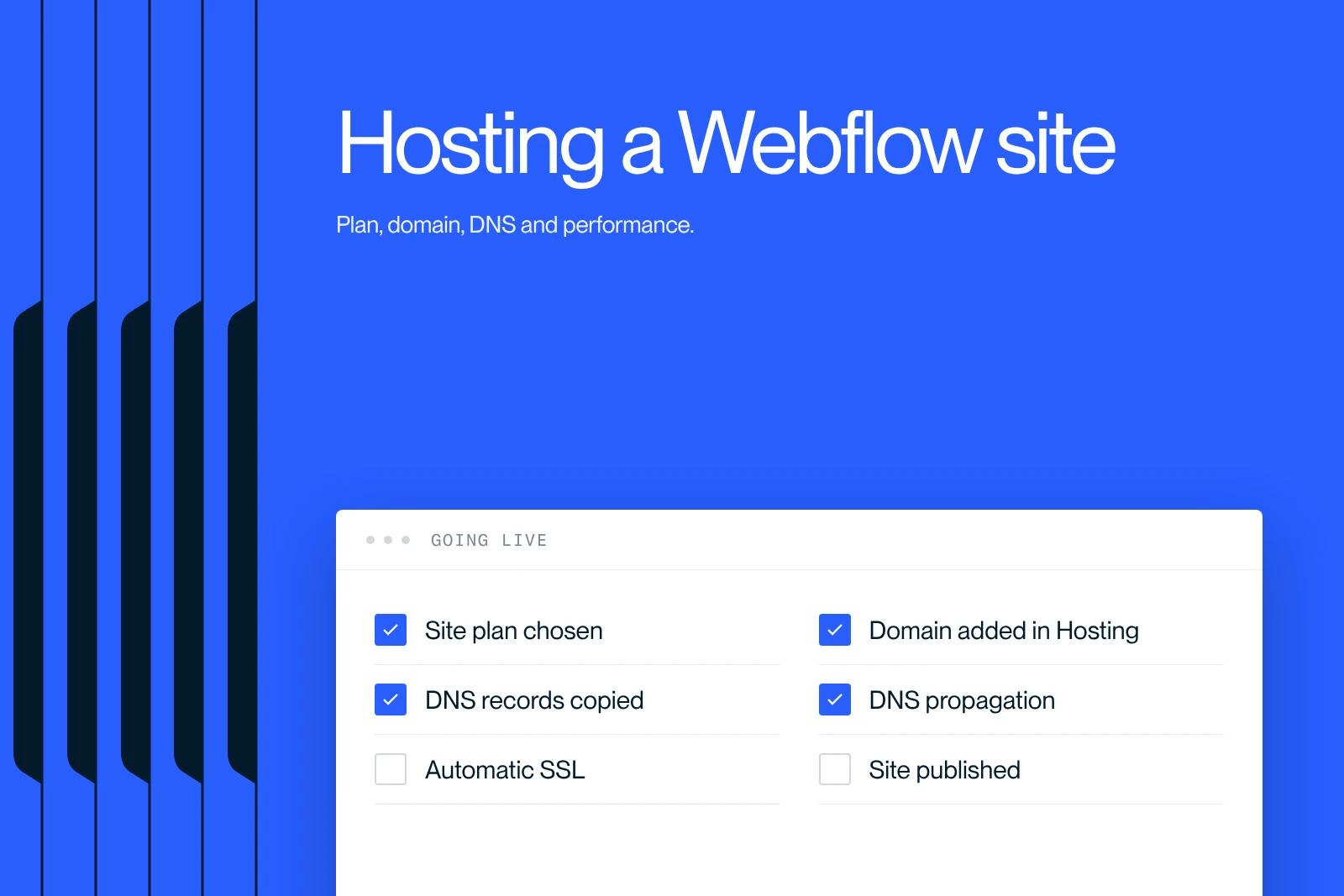
Learn how to host your Webflow site: choosing a plan, connecting your domain, and the optimizations that make a site fast, secure and reliable.
Explore this post with…
Hosting your Webflow site is a key step for performance, security and visibility. At Synqro, as an expert Webflow agency, we help companies, startups and brands deploy their Webflow projects every day. We know the platform's hosting mechanics well, which lets us offer a clear, practical guide you can act on directly.
How native Webflow hosting works and what it brings
Once the basics of your project are in place, you need to understand how the system is built. Webflow hosting does not rely on a traditional server the way WordPress or Joomla do. Webflow runs on managed hosting: everything is handled automatically, from security to updates.
The system rests on three foundations:
- A fast global CDN that optimizes page delivery.
- An automatic SSL certificate, enabled with no technical work.
- Native optimization of images, scripts and assets.
In other words, Webflow was designed to remove repetitive technical tasks. The platform also eliminates the risk that comes with manual updates or broken plugins. The flip side is that you cannot install Webflow on an external server the way you would an open source CMS. This approach keeps your environment secure and offers higher reliability.

Why host your Webflow site on Webflow Hosting
With the architecture clear, it is easier to see why native hosting remains the most effective option. Webflow Hosting is optimized to get the most out of the native features: interactions, CMS, animations, API.
The main benefits are clear:
- Faster load times thanks to a multi-region CDN.
- Stronger security with no extra configuration.
- Reliable stability, even under heavy traffic.
In practice, hosting your Webflow site directly on Webflow Hosting sharply reduces technical risk. Sites that need a custom backend may still need external integrations through an API or third-party services. Webflow also includes automatic backups, which limits data loss. That is why most companies choose this option to deliver the best user experience.
Next, you need the right site plan. Since May 13, 2026, according to Webflow's pricing page, three self-serve plans are available: Starter (free, on a webflow.io subdomain), Basic ($15 per month billed annually, no CMS) and Premium ($25 per month, with CMS). Premium replaces the former CMS and Business plans and suits most business sites with a blog. Large marketing teams move to the Team plan ($2,500 per month) or Enterprise. The details are in our Webflow pricing guide.
How to connect your domain to your Webflow site
Once the plan is chosen, it is time to connect your custom domain. Hosting your Webflow site requires a precise DNS configuration so that the records propagate correctly.
The key steps are simple:
- Add your domain in the "Hosting" section.
- Copy the DNS records Webflow provides.
- Paste them into your domain registrar's dashboard.
- Wait for DNS propagation.
The setup only asks you to follow the steps in order. The SSL certificate is configured automatically, with no extra work. Propagation can take several hours depending on the registrar, so a short delay before your site is reachable is normal.
Optimizing overall performance on Webflow hosting
Once your domain is connected, the goal is maximum performance. Even though Webflow is fast by default, several optimizations make it faster still.
The priority actions are:
- Compress images before uploading them.
- Reduce the number of external scripts.
- Use lazy loading for visuals.
- Clean up unused classes in the Webflow Designer.
In practice, optimizing these elements improves SEO, user experience and smoothness. A sound content architecture also speeds up the display of dynamic pages. Note that hosting your site on Webflow Hosting already gives you smart caching, which cuts down on manual work.
Can you host a Webflow site somewhere other than Webflow?
After the optimizations, the alternatives are worth covering. Some site owners want to host elsewhere, but the room to maneuver is limited. Hosting a Webflow site outside Webflow is only possible for exported static sites.
The compatible projects are:
- Simple marketing pages.
- Landing pages without a CMS.
- Sites that need no Webflow forms.
Exporting automatically disables the CMS, forms, complex interactions and every dynamic feature. You also lose the built-in CDN and SSL. That is why this option should remain the exception, not the rule.
Conclusion
You now have everything you need to host your Webflow site well: choosing the plan, configuring the domain, optimizing performance and weighing the alternatives. To go further, or to get help with your site's launch, you can contact Synqro for a quote or dedicated support.
Frequently asked questions
To host your Webflow site, select a hosting plan, publish the site and connect your domain. Webflow automatically enables security, the CDN and SSL. This approach gets a site live quickly and reliably.


