Article
Webflow Localization 2026: Pricing, Hreflang and Setup Guide
Webflow7 min read

James BrunettoCo-fondateur & CEO
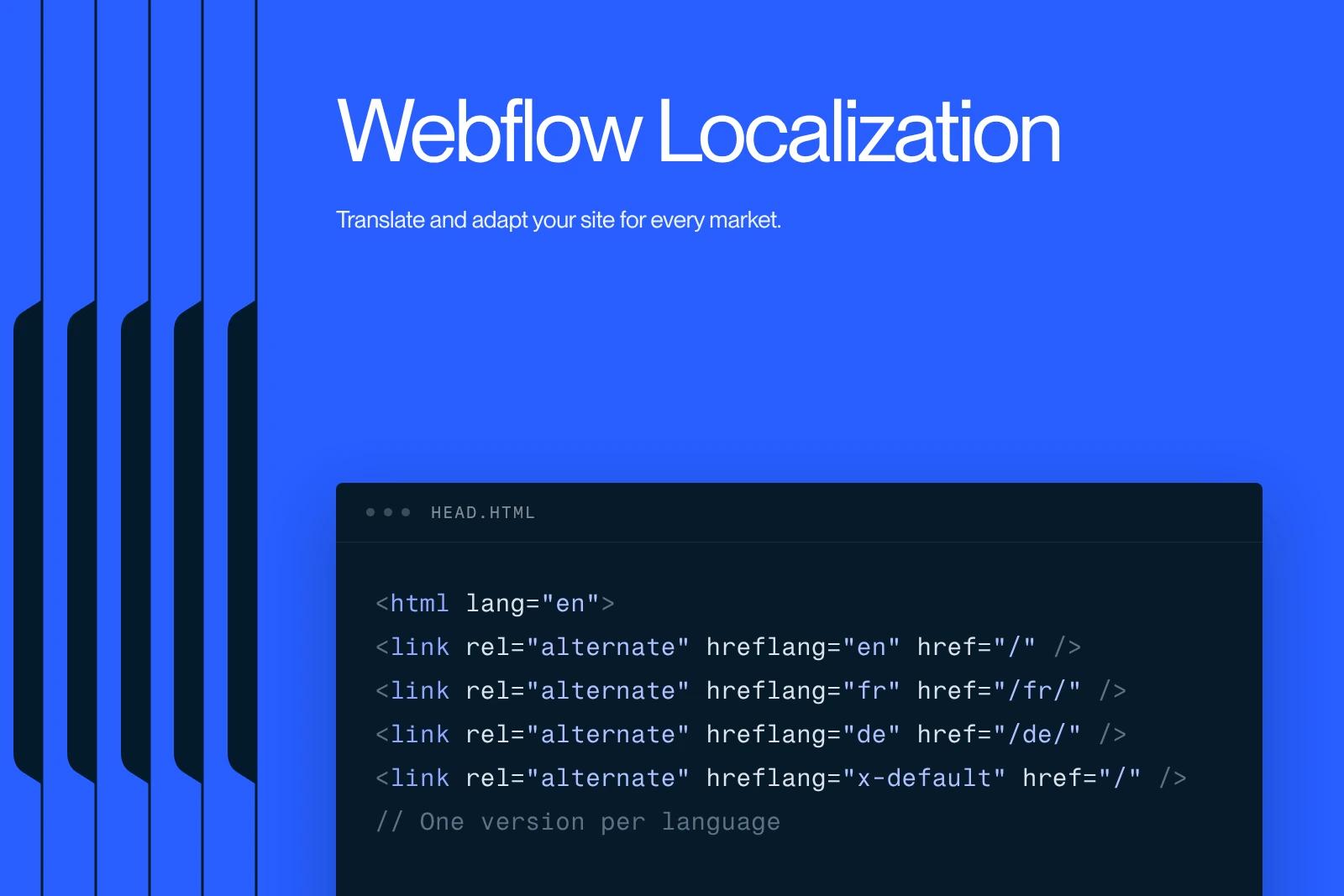
Webflow Localization, also called Webflow Localize, is Webflow's native tool for creating versions of a site in several languages. Each language gets its own subdirectory URLs (/en/, /es/), its own text, images and SEO settings, and automatically generated hreflang tags.
The add-on starts at $9 per month (Essential, 1 to 3 languages) or $29 per month (Advanced, up to 10 languages), on top of the Site plan.
Its main limit: it does not translate e-commerce features. This guide covers setup, multilingual SEO and the pitfalls to know, up to date as of October 2026.
Explore this post with…
A translated site serves two goals: speaking your customers' language and showing up in their local searches. Webflow Localization handles both without an external tool. The information below is based on Webflow's official overview of Localize (updated in September 2026) and on Webflow's pricing page.
What is Webflow Localization?
Webflow Localize lets you declare a primary language (primary locale) and secondary languages within the same site. Each secondary language inherits the content and styles of the primary one until you override them. You can undo an override at any time to go back to the inherited content.
What can be adapted per language:
- text on static pages and in components;
- the content of CMS Collections;
- images and their alt text;
- the visibility of an element (showing an offer in only one language);
- styles (for example a smaller font size for German, which runs longer);
- page settings, including the SEO title, meta description and slug.
How much does Webflow Localization cost in 2026?
| Plan | Price | Languages | AI translation included | Automatic locale routing |
|---|---|---|---|---|
| Localize Essential | From $9/month | 1 to 3 | 10,000 words/month | No |
| Localize Advanced | From $29/month | Up to 10 | 50,000 words/month | Yes |
| Team plan | Included ($2,500/month) | Per contract | Per contract | Per contract |
| Enterprise | On quote | Custom | Custom | Yes |
The price goes up with the number of languages added. It comes on top of the Site plan (Basic or Premium). Amounts taken from the Webflow pricing page in October 2026. When the word quota runs out, AI translation can continue using the Workspace's AI credits. For the rest of the pricing grid, see our article on Webflow pricing.
Example: a B2B site with a blog in English and French costs at least $34 per month (Premium $25 + Essential $9), or $408 per year. The real cost lies elsewhere: native proofreading and adapting keywords and slugs. It is often the first line item in a multilingual project handled by a Webflow agency.
How to enable Webflow Localization, step by step
- Check the primary language. It defines the root URLs and the declared language of the site. If it is set incorrectly, fix it before adding languages.
- Add the secondary languages from the Localize panel, with their subdirectory (for example /en).
- Define exclusions: pages, components or CMS fields not to translate (brand names, code, country-specific legal notices).
- Translate: Webflow's AI translation, manual entry or a translation app. Have every key page reviewed by a native speaker.
- Adapt slugs and SEO: slug, title and meta description in the target language, written from the market's real searches, not translated word for word.
- Add a language switcher (the Locale list element) to the navigation: it links to the equivalent page in the other language.
- Enable publishing for each language only once it has been reviewed. An unpublished language does not appear in the sitemap.
Changing the primary language of a site that is already indexed has SEO consequences. The procedure is detailed in our guide to switching a Webflow site's primary language to French.
Multilingual SEO with Webflow Localize
According to Webflow's article on localized SEO and locale routing (July 2026), here is what Webflow handles and what remains your job:
- Automatic hreflang: Webflow adds the hreflang tags for each variant in the page head and in the automatically generated sitemap. The option is set in the Localize panel, SEO tab.
- Custom sitemap: if you use one, the hreflang tags have to be added to it by hand.
- 301 redirects: they do not apply to localized slugs or language subdirectories. Every translated URL that changes needs its own rule.
- Automatic routing: with Advanced or Enterprise, Webflow can send visitors to their browser's language through a 302 redirect. Visitors with no recognized preference land on the primary language.
On that last point, Google Search Central's documentation on multilingual sites advises against automatically redirecting based on the visitor's assumed language. If you enable routing, keep the language switcher visible on every page and check in Search Console that each version is indexed.
Webflow Localization or Weglot: which should you choose?
| Criterion | Webflow Localize | Third-party tool (e.g. Weglot) |
|---|---|---|
| Integration | Native, in the Designer and the CMS | Script or proxy added to the site |
| Design control per language | Styles, images and visibility per language | Mostly text |
| Webflow E-commerce | Not supported | Solution documented by Webflow for stores |
| Billing | Webflow add-on, per language | Separate subscription, based on words and languages |
| Code export | Only the primary language is exported | Depends on the tool |
In practice: for a brochure site or a B2B site with a blog, Localize is the easiest option to maintain. For a Webflow store, Localize translates neither products nor categories; Webflow then points to a third-party integration, as in its article on international stores with Weglot.
Mistakes to avoid on a multilingual Webflow site
- Publishing machine translation without review: errors show quickly and erode trust.
- Translating keywords instead of researching them: the most searched query in a country is not always the literal translation of yours.
- Leaving slugs in the primary language: /en/nos-services helps neither the visitor nor SEO.
- Forgetting redirects for translated URLs: they are not covered by the primary language's rules.
- Publishing half-translated languages: a mix of languages on the same page blurs the signal sent to search engines.
At Synqro, a Dubai-based agency with a French-speaking team, we build each language version from the client's real data for that market (offers, figures, local references), rather than from a simple translation. If you are planning a multilingual site, list in your website brief the languages, the target markets and who will proofread each version.
Frequently asked questions
Yes. Webflow uses localization for the approach and Localize for the tool and the paid add-on. It is the native feature that manages the languages of a Webflow site.


