Article
Webflow SEO: A Strategy to Optimize Your Webflow Site
Webflow6 min read

Guillaume SchluppConsultant SEO
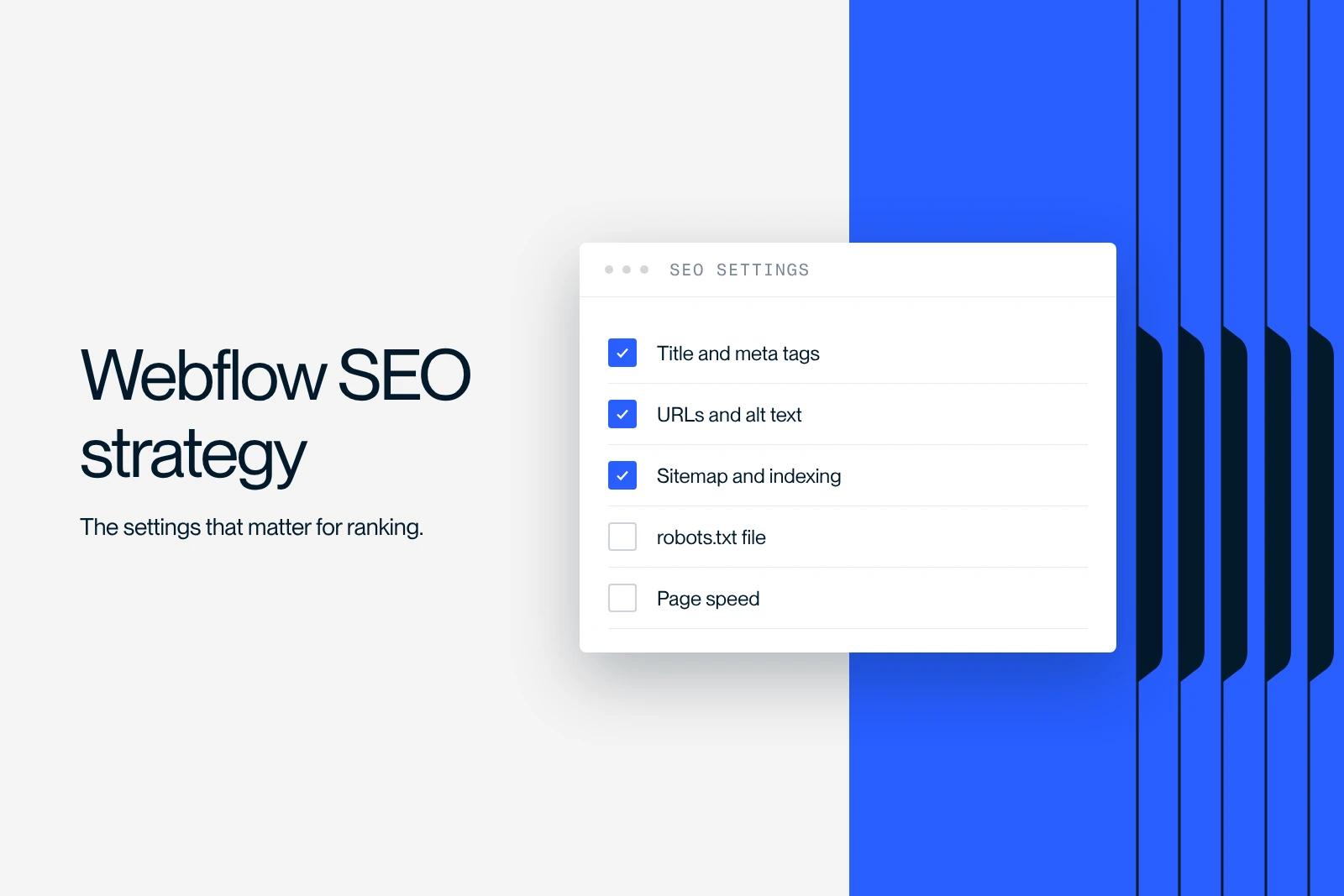
Webflow SEO: a strategy to optimize your Webflow site. How to configure Webflow's SEO settings for organic search and a high-performing site.
Explore this post with…
Webflow SEO is one of the most effective levers for improving a Webflow site's organic rankings. At Synqro, our Webflow expertise and our command of SEO strategies on Webflow let us optimize SEO settings in depth so the site is fast, high-performing and built for search engines. In other words, understanding how to optimize your site and how to configure Webflow's SEO is essential if you want to rank well and reach the top positions on Google from launch.
Why build a Webflow SEO strategy to optimize your site
Now that we have covered why organic search matters, let's explain why SEO is a strategic pillar and how to build a complete SEO strategy. Webflow lets you build a site without writing a line of code, but SEO on Webflow requires a methodical setup so that Google's crawlers understand the content.
The platform also includes SEO-friendly features natively, but how well they work depends directly on how you configure your site settings according to a clear optimization strategy. That is why a Webflow site must be structured around a solid SEO strategy.
The key points include:
- Optimizing the essential tags (title, meta descriptions)
- Structuring each page with strong SEO logic
- Configuring the URLs for each piece of content
- Generating a clean sitemap that can be indexed
This work ensures that Google's crawlers interpret each page correctly thanks to a well-defined SEO strategy. Note that search engines also evaluate user experience, load speed and content quality.
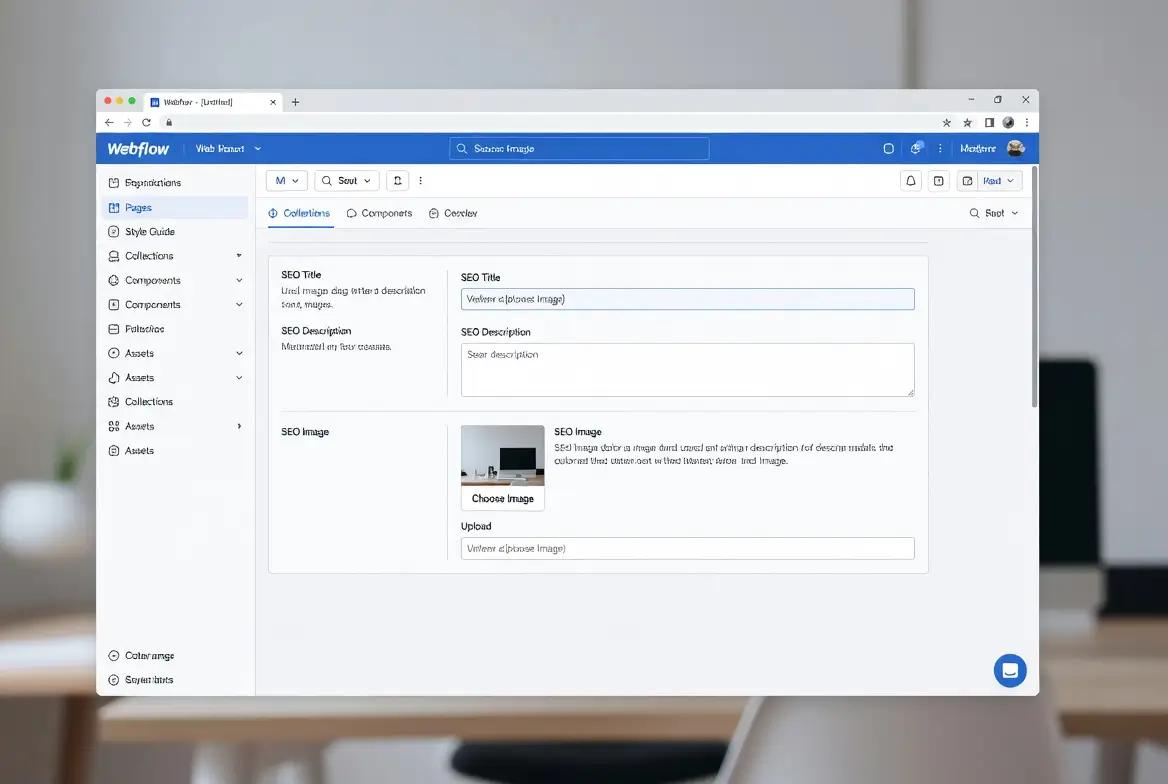
How to configure Webflow's SEO settings for an optimized site
SEO on Webflow truly performs when your site settings are configured correctly. In other words, each page must be optimized for a specific query to improve your website's rankings.
The priority steps include:
- Setting a unique page title
- Writing consistent meta descriptions
- Optimizing URLs so the content is easier to understand
- Structuring H1/H2 tags with keywords
This work ensures that Google's crawlers interpret each page correctly. The Webflow Designer also gives you clear tag management and precise control over the site structure.
Note that Webflow includes an SEO tab where you can configure your site settings globally.
Optimize tags, URLs and alt text
It is therefore essential to optimize the tags and URLs of your Webflow site with precision. A site optimized for SEO requires rigorous control of the fundamentals.
The elements to work on include:
- Title tags optimized for keywords
- Consistent meta descriptions that encourage clicks
- Clean URLs, without unnecessary parameters
- An alt attribute on every image to help Google understand the content
In other words, SEO on Webflow relies on a perfectly clear structure. Optimizing your SEO also requires a manual setup of each page to make the Webflow site readable for search engines. Note that keywords should be worked naturally into the page content, the headings and the alt text.
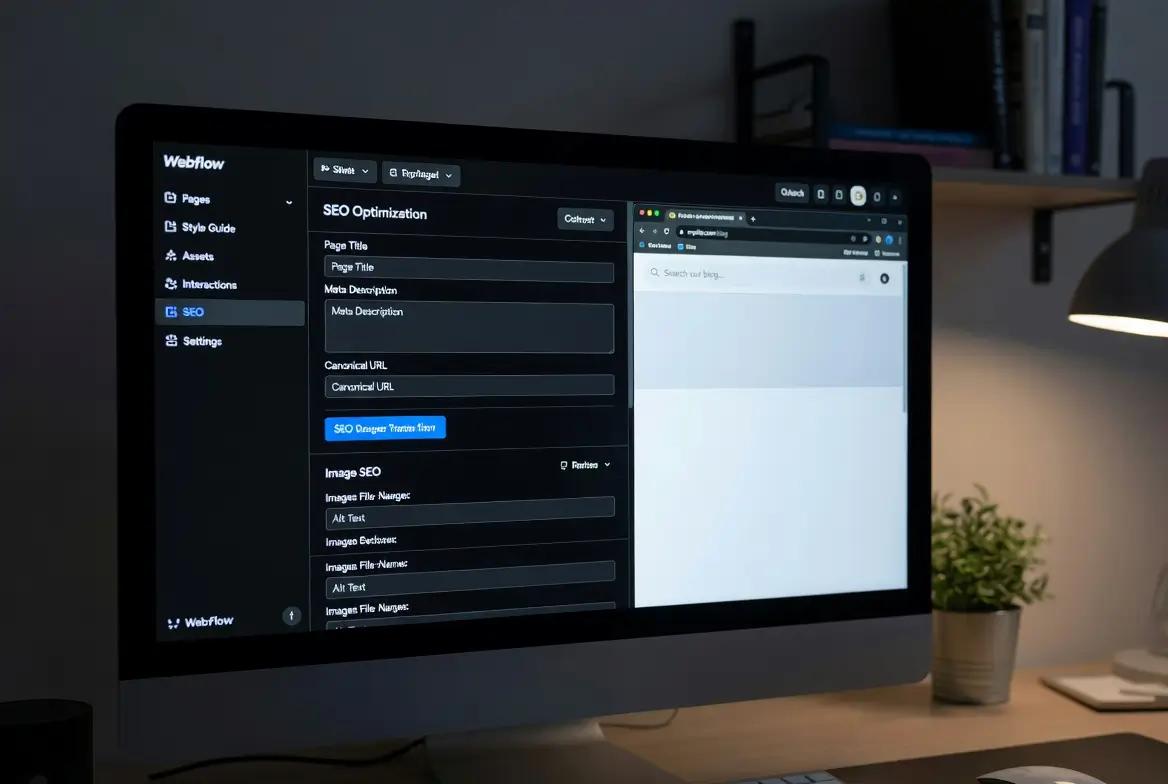
Manage the sitemap, indexing and robots.txt
Once the pages are optimized, you need to handle the technical side of indexing. Webflow can automatically generate a sitemap file that meets search engine requirements.
This step involves:
- Checking that the sitemap is enabled in your site settings
- Making sure important pages are allowed to be indexed
- Checking the robots.txt file so it doesn't block Google's crawlers
- Submitting the sitemap in Google Search Console
In other words, a Webflow site must have a working sitemap to improve its organic rankings. Webflow also lets you create 301 redirects if you move a page or change an old URL, so you don't lose rankings.
Note that managing indexing helps you avoid 404 errors and improve your search results.
Technical SEO strategy: performance and load speed
Even good content is not enough if the site is slow and lacks a technical SEO strategy. Load speed is a direct ranking factor. That is why optimizing your site also means improving the technical SEO of your Webflow site.
The actions to take include:
- Compressing images before uploading them
- Cutting unnecessary scripts
- Checking heavy files
- Enabling the SSL certificate to secure the site
In other words, SEO also relies on performance and on an overall performance strategy. Webflow lets you get a fast site without advanced no-code skills. Note that the structure of the generated code stays clean and SEO-friendly.
Comparison table of essential Webflow SEO actions
Conclusion
You now have a complete, structured view of Webflow SEO. To go further, optimize your Webflow site or build a site designed from the ground up for organic search, you can contact Synqro for hands-on support or a custom quote.
Frequently asked questions
Optimizing Webflow SEO means correctly configuring tags, meta descriptions, URLs and the sitemap. The work also includes content optimization, image compression and managing indexing in Google Search Console. Webflow makes these settings easy to configure, as long as you follow a solid SEO strategy and keep everything up to date to maintain good organic rankings.


