Article
Webflow vs Elementor: which website builder should you choose?
Webflow7 min read

Guillaume SchluppConsultant SEO
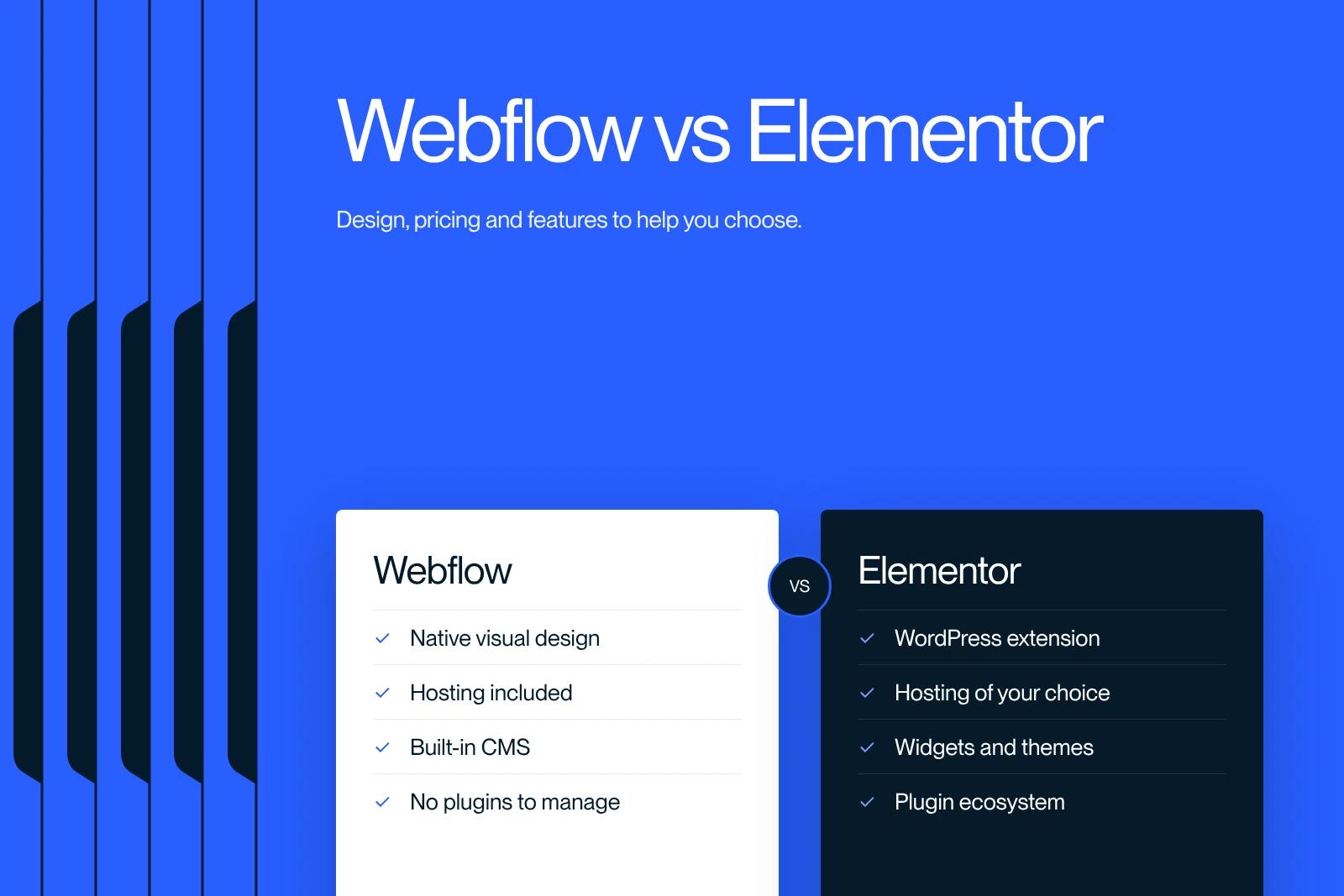
Webflow is an all-in-one SaaS platform (visual editor, CMS, hosting), while Elementor is a page builder plugin for WordPress, installed on the hosting of your choice. Webflow is a better fit for custom sites that a marketing team evolves without technical maintenance. Elementor is a better fit for those who want to stay in the WordPress ecosystem, with its plugins and a lower entry cost.
Both tools changed in 2026: Webflow overhauled its plans (Basic at $15 and Premium at $25 per month billed annually), and Elementor 4, with classes and variables, has been the default version for new sites since April 2026. Here is the up-to-date comparison.
Explore this post with…
Webflow vs Elementor: the fundamental difference
Comparing Webflow and Elementor means comparing two architectures. Webflow is a hosted service: you design, manage content and publish in the same place, and Webflow takes care of the servers. Elementor is a plugin you install on WordPress: you choose the host, the theme and the other plugins, and you are responsible for maintaining them.
The two ecosystems are not the same size. According to W3Techs (October 12, 2026), WordPress powers 40.1% of websites and Webflow 0.8%. Elementor shows more than 10 million active installations in the official WordPress plugin directory.
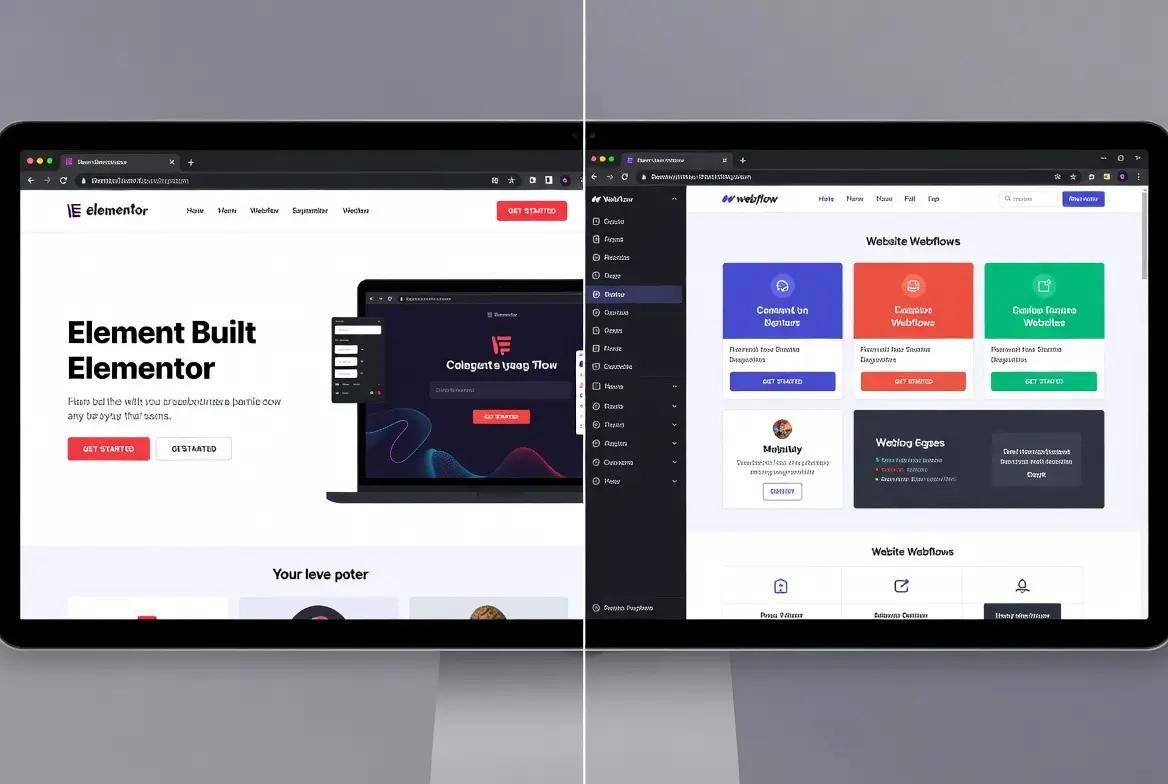
Webflow and Elementor compared in one table
| Criterion | Webflow | Elementor |
|---|---|---|
| Type | All-in-one SaaS platform | WordPress plugin (open source) |
| Hosting | Included, managed by Webflow | To choose and pay for separately |
| Software price | Starter free, Basic $15, Premium $25 per month (billed annually) | Free version, Pro plans from $60 per year |
| Design logic | Visual CSS properties, classes, variables | Widgets; classes and variables with Elementor 4 Atomic elements |
| Dynamic content | Native CMS: 20,000 items and 40 collections on Premium | WordPress content types, often extended with plugins |
| Maintenance | Handled by Webflow | WordPress, theme and plugins to keep updated |
| E-commerce | Webflow Ecommerce, from $29 to $212 per month (billed annually) | WooCommerce, with Elementor Pro e-commerce widgets |
| Reversibility | HTML, CSS, JS export (without CMS) and CSV | Complete WordPress site, can be moved to another host |
Prices taken in October 2026 from the official pages of Webflow and Elementor, in US dollars before tax. At Elementor, features such as popups, custom code and e-commerce are not included in the Essential plan; they start with the Advanced Solo plan.
Design: which one gives you more freedom?
Webflow exposes CSS properties directly in a visual interface: boxes, flexbox, grid, positioning, classes and variables. You can reproduce any mockup, as long as you think the way CSS works.
Elementor has historically worked with widgets whose options you configure. With version 4, Elementor introduces Atomic elements, a CSS-first architecture with native classes and variables. Version 3 widgets can still be used on the same page, but classes and variables do not apply to them. On an existing site, the transition is therefore gradual.
Performance and SEO: what really makes the difference
Google measures page experience with Core Web Vitals: an LCP under 2.5 seconds, an INP under 200 milliseconds and a CLS under 0.1 for at least 75% of visits. Neither tool guarantees these thresholds: the implementation is what decides.
- With Webflow, hosting, the CDN and the SSL certificate are managed by the platform. The points to watch are image weight, heavy animations and third-party scripts.
- With Elementor, performance depends on the host, the theme, the number of plugins and caching. Elementor says Atomic elements produce lighter HTML, with gains that vary when old widgets and new elements are mixed.
On the SEO side, both let you set title and meta tags, URLs, 301 redirects, the sitemap and structured data. On WordPress, part of these settings goes through a dedicated SEO plugin. To optimize speed metrics, see our guide to Core Web Vitals.
Getting started: which one is easier?
Elementor is more accessible at first: you drag widgets, set options, and a page exists within minutes. Webflow requires you to understand the logic of boxes and classes before you are productive. In return, a well-structured Webflow site stays consistent as it grows, and the team that edits content does not have to touch the layout.
In practice, you need to distinguish two profiles: the person who builds the site, for whom Webflow takes more learning, and the person who updates it, for whom Webflow's content editor is often simpler than the WordPress admin.
CMS and dynamic content
Webflow includes a visual CMS: you create collections (articles, case studies, job openings), their fields and their template pages without a plugin. The Premium plan allows 40 of them, for 20,000 items in total. WordPress has a more open content model with no ceiling of this kind, but custom fields usually go through an additional plugin, which also has to be maintained.
The real costs over three years
| Item | Webflow | WordPress + Elementor |
|---|---|---|
| Software | Site subscription (Basic or Premium) | Free WordPress, annual Elementor Pro license |
| Hosting | Included | Subscription with a hosting provider |
| Plugins | Rarely needed | SEO, custom fields, caching, security, often paid versions |
| Maintenance | Low | Updates, backups, security monitoring |
| Team | Workspace seats based on the number of editors | WordPress user accounts included |
Elementor costs less to start with. The gap narrows, or even reverses, once you add hosting, paid plugins and maintenance time. Run the numbers with your own quotes rather than an average. For a comparison at the CMS level, see our article Webflow vs WordPress.
Webflow or Elementor: which to choose for your project?
- Brochure or B2B site with custom design, autonomous marketing team, few technical resources: Webflow.
- Site already on WordPress, need for specific plugins or controlled hosting: Elementor.
- Very small budget, simple site, immediate start: the free version of Elementor on entry-level hosting.
- Online store with a large catalog: WooCommerce, or a dedicated platform such as Shopify. Webflow Ecommerce suits short catalogs sold in a single currency.
What we see at Synqro
At Synqro, we have worked on Webflow since 2019 and we are a Webflow Premium Partner. Some of our projects are migrations from WordPress to Webflow: the most common reason is not Elementor itself, but the maintenance load that builds up around it (plugins, updates, depending on a contractor for every change). When a client has a technical team comfortable with WordPress and specific plugin needs, we advise them to stay.
We deliver a complete site in 8 to 12 weeks. To assess your situation, see our Webflow services.
Frequently asked questions
Webflow is an all-in-one platform that includes a visual editor, a CMS and hosting. Elementor is a WordPress plugin: you need hosting, a theme and often other plugins. Webflow simplifies maintenance, Elementor gives you access to the entire WordPress ecosystem.


