Article
Website Structure: Definition, Example and 6-Step Method
Webflow7 min read

Nathan LhommeCo-fondateur & COO
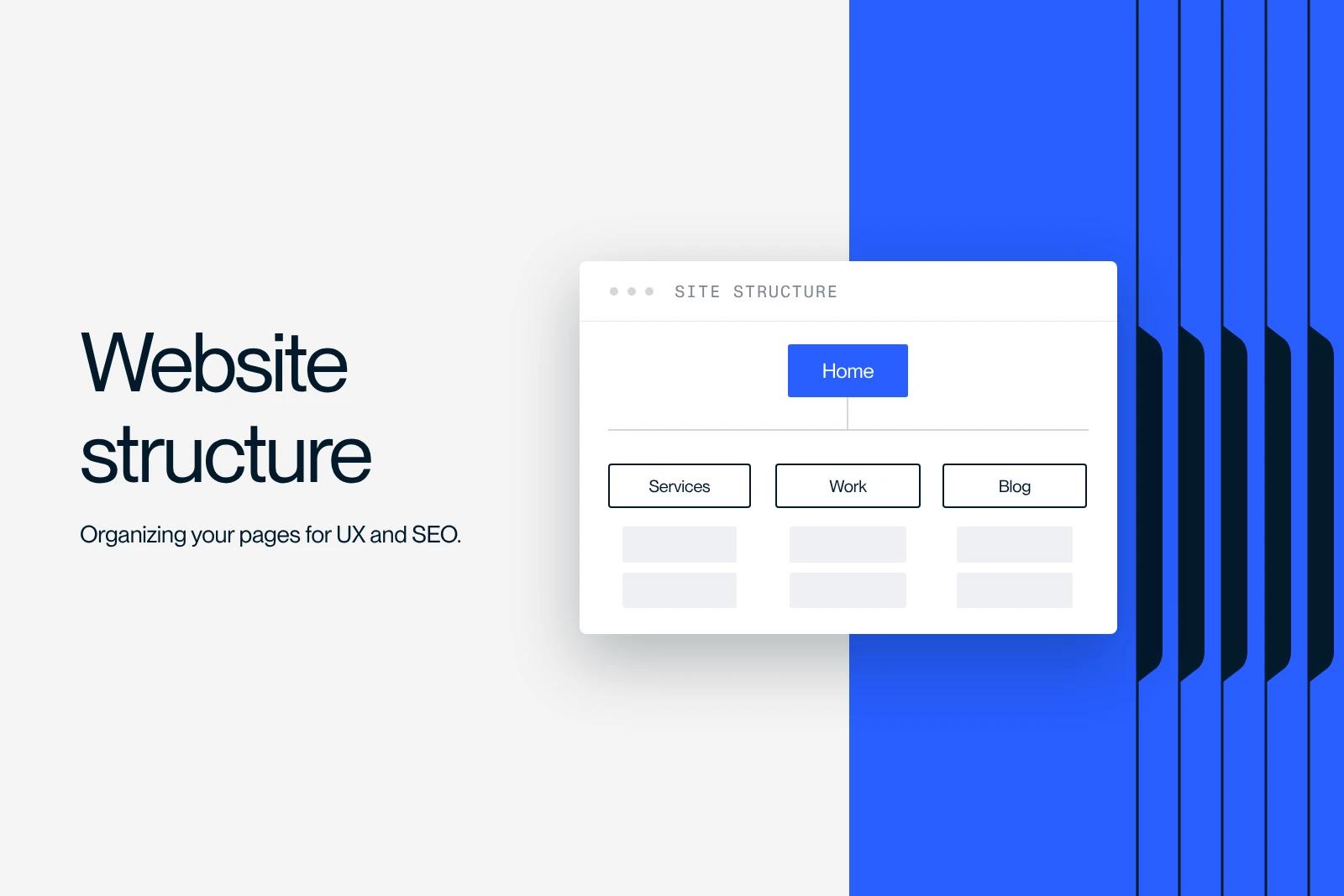
A website structure is the hierarchical organization of its pages: the homepage at the top, then the sections, then the detail pages, all connected by links. It decides what visitors find in two clicks and how Google understands the importance of each page.
A good structure follows a simple rule: one page per search intent, important pages close to the homepage, and internal links that reflect your topics.
Here is the definition, the three types of site structure, a complete example for a B2B website and the six-step method we use.
Explore this post with…
What is a website structure?
A website structure is the map of all the pages and how they relate to each other. It is drawn as a tree: the root is the homepage, the branches are the sections, and the leaves are the content pages.
It is often confused with three related ideas:
| Concept | What it is | What it is for |
|---|---|---|
| Site structure | The logical hierarchy of pages | Organizing content before designing the site |
| Navigation menu | The links visible in the header or footer | Giving access to the main sections |
| URL structure | The page addresses (/services/audit) | Reflecting the hierarchy in a readable way |
| XML sitemap | A file listing the URLs to crawl | Helping search engines discover pages |
The site structure comes first. The menu, the URLs and the sitemap follow from it.
Why site structure matters for UX and SEO
For visitors: a well-named section and a logical hierarchy save them from searching. They understand where they are and where to go next.
For Google: the search engine discovers pages by following links. According to Google's documentation on crawlable links, it only reliably follows <a> tags with an href attribute. A page that nothing links to (an orphan page) has little chance of being found and ranking well.
Site structure also influences the sitelinks shown under your result. Google explains that they are generated automatically from the site's link structure, and recommends a logical structure, informative titles and concise internal anchors.
Finally, one page per clearly defined topic gives clean answers, which answer engines like AI Overviews or ChatGPT can pick up more easily than a catch-all page.
The 3 types of site structure
| Type | Principle | Best for | Watch out for |
|---|---|---|---|
| Hierarchical | Homepage, sections, subsections | Brochure sites, B2B sites, e-commerce | Too many levels bury pages |
| Sequential | A step-by-step path | Checkout, sign-up, quote request | Few lateral links |
| Network (matrix) | Pages linked to each other with no strict order | Media sites, knowledge bases, wikis | Visitors can get lost |
In practice, most sites mix all three: a hierarchical base, a sequential path for conversion and cross-links between related content.
Example of a website structure for a B2B company
- Home (/)
- Services (/services): one page per service, each targeting its main query
- Industries (/industries): one page per target market, if the needs really differ
- Work (/work): one page per project
- Resources (/blog): articles grouped by topic, each topic linked to the matching service
- About (/about), Contact (/contact), legal pages
The pages that drive revenue (services, industries) are one click from the homepage. Articles link to the service they support, and each service links to two or three useful articles and projects.
How to build your website structure in 6 steps
1. Take inventory of your content
On an existing site, start from a crawl (Screaming Frog or similar) and the page export from Google Search Console. You will see which pages exist, which ones get impressions and which ones serve no purpose. On a new site, list your offers, your audiences and the questions customers ask.
2. Match a search intent to each page
Do your keyword research, then assign one main query per page. Two pages targeting the same intent get in each other's way: that is keyword cannibalization. It is better to merge them at the design stage.
3. Group pages by topic
Each section becomes a parent page that introduces the topic and links to more specific child pages. This is the principle of the semantic cocoon: links follow the logic of the topics.
4. Draw and test the tree
A spreadsheet, FigJam, Miro or Whimsical is enough. Have the sales teams approve the tree, then test it: ask a few users where they would look for a specific piece of information (card sorting or tree testing). Once the tree is approved, move on to the wireframe of the key pages.
5. Turn the tree into URLs and menus
Google's URL best practices are simple: readable words rather than IDs, hyphens rather than underscores, as few parameters as possible, consistent casing. An address like /services/seo-audit tells you right away where you are. The main menu shows the top-level sections, not every page.
6. Build internal linking and breadcrumbs
Link each page to its parent page, its sibling pages and the right conversion page, with descriptive anchors. Add breadcrumbs to deep pages: they show visitors where they are and reinforce the hierarchy. Our guide to internal linking explains how to audit it in an hour.
Is the 3-click rule mandatory?
No. The "3-click rule" is a usability convention, not a Google requirement. Google sets no maximum number of clicks. What matters: important pages should be easy to reach and receive links from relevant pages.
A good rule of thumb from the field: your service pages and converting pages one or two clicks from the homepage, your articles two or three clicks away through categories and contextual links.
The most common site structure mistakes
- Copying the internal org chart instead of the way customers search.
- A catch-all page called "Our services" that lists everything with no dedicated page per offer: none of them can rank for its query.
- Useless levels: a section that holds a single page, URLs four folders deep.
- Orphan pages: reachable only through the sitemap or a campaign.
- A redesign with no redirect plan: every URL that changes must 301 redirect to its equivalent.
How we build site structures at Synqro
At Synqro, the site structure is approved before the first mockup. We build it from the client's real data (brochures, offers, figures, questions from the sales team) and from keyword research, so that every page has a reason to exist. On a full website, delivered in 8 to 12 weeks, this is the step that prevents the most backtracking. If you are planning a new site, our Webflow team can build this structure with you.
Frequently asked questions
It is the hierarchical organization of its pages: the homepage, the sections, then the detail pages, connected by links. It serves as the plan for designing navigation, URLs and internal linking.


