Article
Internal linking: rules, common mistakes and a one-hour audit
Webflow9 min read

James BrunettoCo-fondateur & CEO
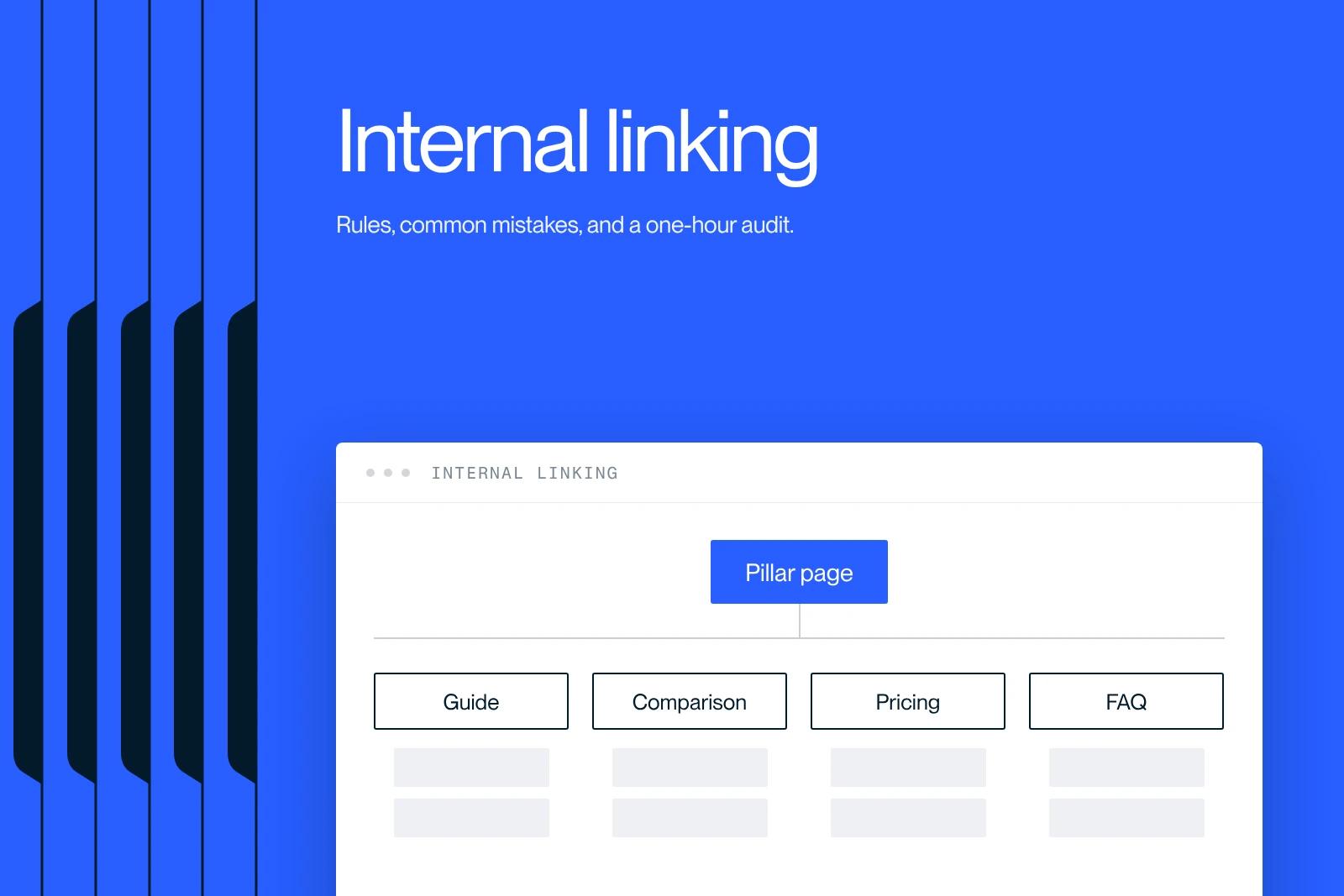
Internal linking is the set of links that connect the pages of the same website. It is the cheapest SEO lever and the fastest one to fix.
Explore this post with…
Internal linking is the set of links that connect the pages of the same website. It is the cheapest SEO lever, the fastest one to fix, and the one almost everyone lets decay on its own.
It is not about adding links at random. Useful internal linking answers three questions: which pages Google discovers, where the authority the site has built up goes, and what each page is supposed to be about.
The three roles of internal linking
Discovery. A page with no inbound link exists only in the sitemap. It may get crawled, but it will rarely be prioritized. The classic case is the article that gets published and then never linked from anywhere.
Authority distribution. A site's authority naturally concentrates on the homepage and on the few pages that earn external links. Internal linking is the only mechanism you have to pass it down to the pages that need to convert.
Meaning. The anchor and the text around it tell Google what the target page is about. Five links from articles on the same topic, with consistent anchors, describe a subject. Fifty links in the footer describe nothing.
What Google actually says, and what it does not
Two pages of Google's documentation settle debates that have dragged on for years.
On link format, the page on crawlable links, updated on December 10, 2025, is unambiguous: Google can generally crawl a link only if it is an HTML a element with an href attribute. Links carried by an onclick, by a framework attribute such as routerLink, or by a tag without an href are not reliable. Google says it may try to interpret them, which is not a guarantee.
On crawl budget, the documentation is just as clear in the other direction: the topic applies to sites with more than one million unique pages whose content changes weekly, or sites with more than ten thousand pages whose content changes daily. For everyone else, Google explicitly states that crawl budget optimization is not necessary. In other words, if your site has two hundred pages, stop justifying your linking decisions with crawl budget. The real stakes are elsewhere.
What Google does not say, on the other hand: the ideal number of links per page, the maximum acceptable click depth, or any rule about anchor distribution. Any figure-based claim on these points is an industry convention, not a documented rule.
The rules that hold up
| Rule | Why | How to check it |
|---|---|---|
| At least three contextual inbound links on every page you want to rank | A page with a single inbound link is treated as secondary | Count inbound links page by page, not outbound links |
| No internal link to a URL that redirects | Useless extra step, diluted signal, unreadable audit | Crawl the site and filter links whose target returns a 3xx code |
| A descriptive anchor, never a "click here" | Google asks for anchor text that is descriptive, concise and relevant | Reread the anchors out of context: can you tell where they lead? |
| Links in the body text, not only in the footer | Contextual links carry meaning, global links carry structure | Count template links and editorial links separately |
| One intent per page, with linking that follows | Two pages on the same query deprive each other of signals | Spot the duplicates, then merge or redirect |
| Links going down and back up | The pillar links to its subpages, which link back to the pillar | Check that every article in a cluster links back to its hub |
The mistakes we find everywhere
We regularly audit sites that have produced content for two years without ever touching their internal linking. The same flaws keep coming back.
Orphan and near-orphan pages. The most common case, and the easiest to fix. An article is published, shared once, then never connected to anything. It stays in the sitemap with nothing supporting it.
Links to redirects. After a redesign, old internal links keep pointing to old URLs. Everything works for the user, so nobody notices. On our own site, a recent audit found more than fifty internal links pointing to a redirected URL, a direct legacy of a change in site structure.
Broken links left in place. A link to an article that was moved back to draft returns a page not found. It is invisible in normal browsing, because nobody clicks, and perfectly visible to a crawler.
A sitewide link to a page that no longer exists. The worst scenario, because it multiplies. An element present across the whole site that points to a deleted page produces as many broken links as there are pages. We have seen a single link of this kind generate errors on more than three hundred pages.
Linking that ignores commercial pages. The blog links to the blog, and the pages that sell never get anything. Structurally, this is the most costly flaw, because it cancels out the entire commercial benefit of the content.
Anchors: write for the reader
Google asks for anchor text that is descriptive, reasonably concise and relevant to the target page, and explicitly advises against generic phrases like "click here" as well as strings of links packed next to each other. The practical test is simple: if you read the anchor alone, without the sentence around it, do you know where it leads?
The second rule, less well known, is about context. An anchor placed in the middle of a paragraph on the same topic is worth more than a perfect anchor dropped into a block of links at the end of an article. The surrounding text matters as much as the anchor.
Finally, avoid varying anchors artificially just to avoid repetition. The real problem with an anchor repeated fifty times is not the repetition, it is that it reveals linking placed mechanically rather than written.
Internal linking and cannibalization: the same problem
When two pages target the same query, internal linking always makes the problem worse. Links get split between the two, neither takes the lead, and Google picks one itself, often the weaker one.
The right sequence is always the same: identify the duplicates, decide which page survives, 301 redirect the other, then repoint every internal link to the page you keep. Skipping that last step is the classic mistake, and it leaves the redirect in your linking for years. The topic is covered in detail in our guide to keyword cannibalization.
Audit your internal linking in one hour
No need for an expensive tool or a complex methodology. Four passes are enough to produce an action list.
- Crawl the site and export the list of URLs with their number of internal inbound links. That is the data that matters, and the one reports show the least.
- Isolate pages with zero or one inbound link. That gives you your immediate to-do list. On a content site that has been running for two years, it often has more than a hundred rows.
- Filter links whose target returns a 3xx or 4xx code. These are mechanical fixes with no editorial decisions, so they are the fastest to push through.
- Cross-check with your commercial pages. How many contextual internal links does your main service page receive? If the answer is fewer than five, you have found your top priority.
This fourth pass is the one that changes results. It follows the same logic as a technical SEO audit, except that it requires no development skills.
Where to start
In order of decreasing return:
1. Fix broken links and links to redirects. No decisions to make, an immediate gain in clarity, and often a side effect on crawl speed.
2. Link to your commercial pages. Three to five contextual links from your most visited articles, with a descriptive anchor. This is the move that turns a blog that drives traffic into a blog that drives inquiries.
3. Rescue orphan pages. One inbound link from a relevant article is enough to put them back into circulation.
4. Deal with duplicates. This takes longer, because decisions have to be made, but it is what unlocks pages stuck between positions eleven and thirty.
In our work with Garden Reclaimer, the second point is what made the most visible difference: the content already existed, it simply did not link to any conversion page.
One last word on the temptation to go after external links before doing this work. Buying links for a site whose internal linking is inconsistent is like filling a leaky bucket. The right order is laid out in our article on link building: clean up the internal side first, then strengthen the external side.
Synqro is a Webflow Premium Partner agency that works with companies in Paris and across France. Want to know how many internal links your commercial pages really receive? It is the first thing we look at in an audit. See our SEO services or request an audit. You can also talk directly to a Webflow expert.
Frequently asked questions
The set of links that connect the pages of the same website to each other. It decides what Google discovers, how authority flows from one page to another, and which topic each page is supposed to cover.


