Article
Technical SEO audit: the complete checklist (2026)
SEO6 min read

Romain PetitExpert SEO Manager
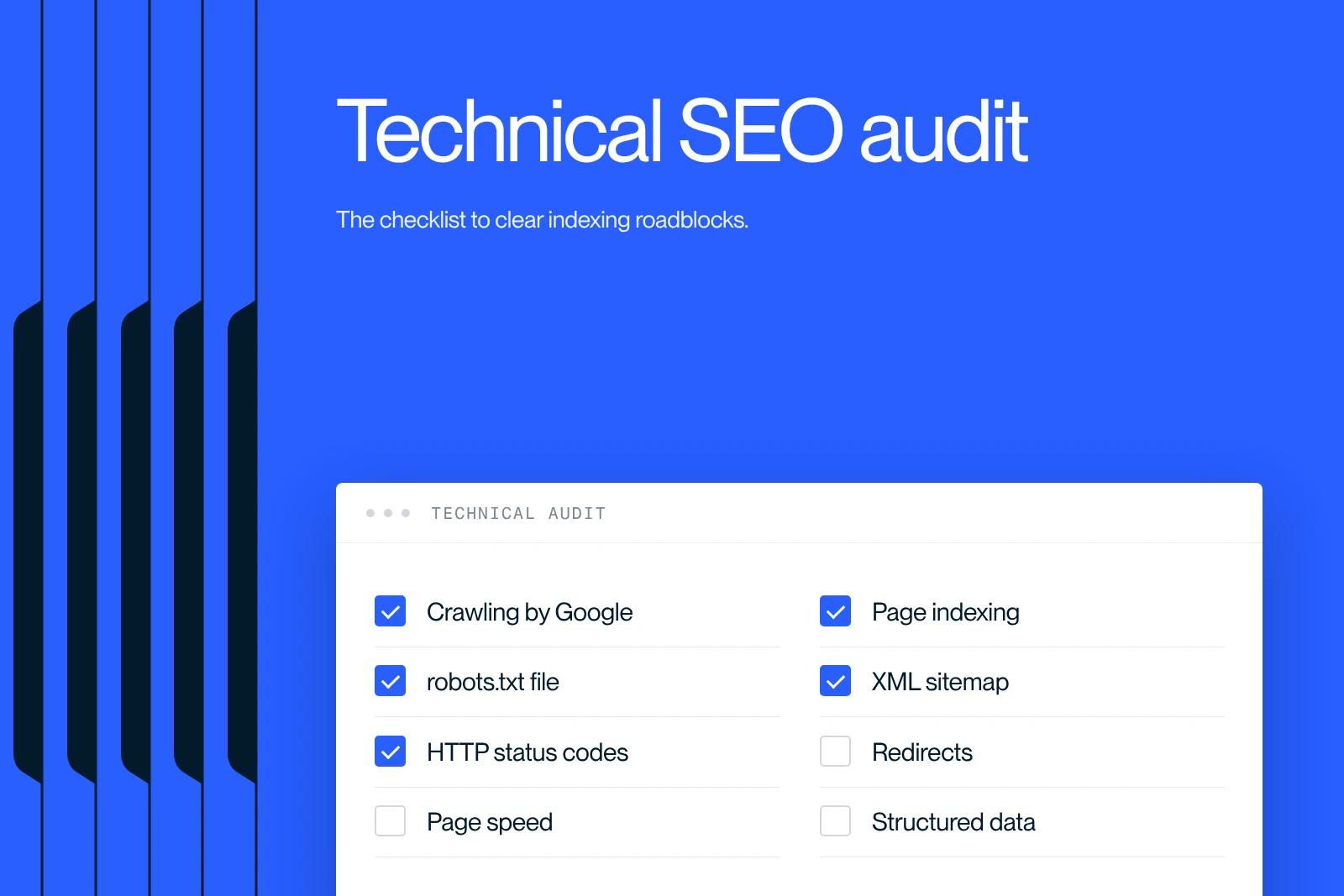
A technical SEO audit is a diagnosis of the technical elements that determine Google's ability to crawl, understand and index your site. It targets the invisible blockers (crawling, indexing, performance, architecture) that cap your results, even with good content. This guide details the method, the checklist of points to verify, the tools to use, and what is specific to a Webflow site.
Explore this post with…
What is a technical SEO audit?
A technical SEO audit is a full diagnosis of the technical elements that determine Google's ability to crawl, understand and index your site. It differs from a content audit (which looks at content) and a link audit (which looks at inbound links): here, we are talking about infrastructure.
The goal is simple: make sure no technical issue prevents your pages from being found, loaded and ranked. Excellent content on a technically flawed site will never reach its potential. The technical audit is therefore the foundation the rest of your SEO strategy rests on.
Why run a technical SEO audit
Running a technical SEO audit means finding the invisible losses: pages Google does not crawl, duplicate content competing with itself, or load times that drive visitors away. These problems are not visible to the naked eye, but they cap your results.
It is particularly useful in three situations: when a site launches, after a redesign or a migration, and after an unexplained drop in traffic. In each case, the audit lets you prioritize fixes by impact rather than working blind.
The pillars of a technical SEO audit
A technical SEO audit covers several families of checks, from the most structural to the most detailed. Here are the pillars to review.
Crawling and indexing. Check the robots.txt file, the presence and validity of the XML sitemap, meta robots tags (unintended noindex), and the indexing report in Search Console. This is the baseline: a page that is not crawled or indexed does not exist for Google.
Architecture and internal linking. A good site structure makes important pages reachable in a few clicks and spreads authority through consistent internal links. Find orphan pages and pages buried too deep.
Performance and Core Web Vitals. Speed and visual stability affect both experience and rankings. This part deserves its own treatment, detailed in our guide to Core Web Vitals.
Mobile compatibility. Google indexes the mobile version of your site first. Check rendering, readability and usability on small screens.
Security and HTTPS. A valid certificate and a clean redirect from HTTP to HTTPS are essential.
HTTP status codes and redirects. Track down 404 errors, redirect chains, and 302 redirects used instead of permanent 301s.
Duplicate content and canonicals. Make sure every page has a clear canonical URL and that variants (parameters, pagination) do not dilute your rankings.
On-page markup. Check that title tags and meta descriptions are unique, that the heading hierarchy is sound, and that relevant structured data is present.
The tools for running a technical SEO audit
A technical SEO audit relies on a combination of tools, each covering one dimension of the diagnosis. No single tool does everything.
- Google Search Console: the source of truth on indexing, performance and problems detected by Google.
- A crawler (such as Screaming Frog): simulates Google's visit to map URLs, status codes, tags and links.
- PageSpeed Insights and Lighthouse: for performance and Core Web Vitals.
- Server log analysis: to understand what Google actually crawls, useful on large sites.
The point is not to pile up data but to cross-reference it to isolate high-impact problems and prioritize them.
Technical SEO audits on a Webflow site
On Webflow, the technical audit focuses on points specific to the platform. The generated code is clean, but some settings remain your responsibility.
- Check the SEO settings of each page (title, description, index tag) and the status of draft pages.
- Check the automatic sitemap and the redirects configured in the project settings.
- Monitor the weight of images and third-party scripts, the main source of slowness.
- Make sure CMS collections do not generate duplicate content or low-value pages.
To go further, our 11 steps to optimize SEO on Webflow and our article on SEO mistakes to avoid give concrete checkpoints.
The role of an agency in a technical audit
A technical SEO audit run by an agency does not stop at producing a list of problems: it ranks fixes by impact and effort, then builds them into a roadmap. That is the difference between a report and an action plan.
On demanding projects, this diagnosis comes with a full technical overhaul. In an engagement for a luxury ski resort hotel, the work covered more than fifty technical fixes and the rollout of a lasting organic strategy. Following the right method also means measuring the right SEO KPIs afterwards to confirm the gains.
Conclusion
A technical SEO audit does not chase theoretical perfection. It identifies the concrete blockers that stop your site from being crawled, understood and ranked, then prioritizes them so you can act quickly on what matters. It is the foundation to lay before investing in content and links. If you want a clear diagnosis and a prioritized action plan for your Webflow site, tell our team about your project.
Frequently asked questions
It is a diagnosis of the technical elements of a site that determine how Google crawls, indexes and ranks it: crawling, performance, architecture, markup and security. It differs from a content audit and a link audit.