Article
Webflow blog: how to create a blog on Webflow, a simple guide
Webflow14 min read

James BrunettoCo-fondateur & CEO
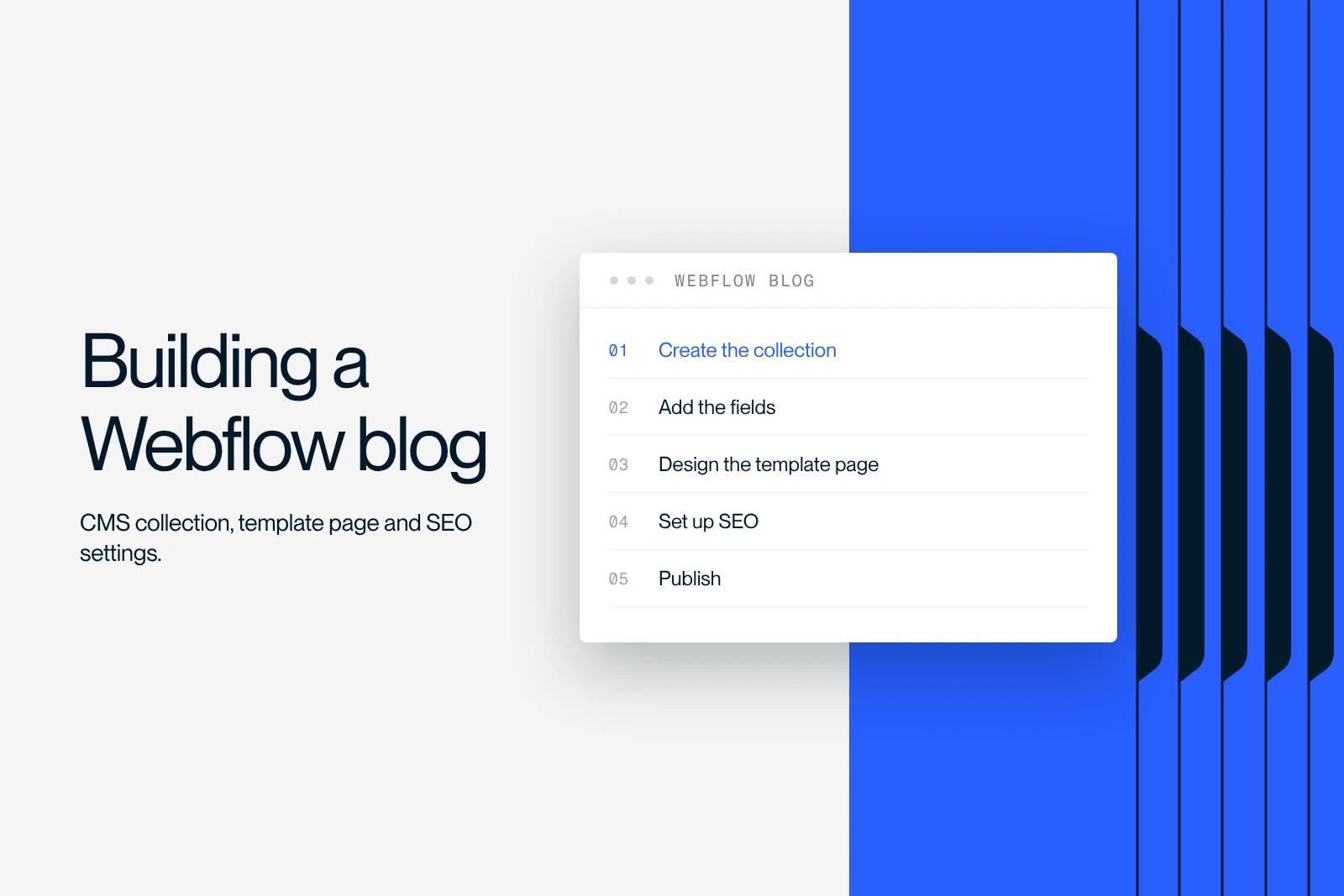
Webflow blog: how do you create one? A complete guide. Learn how to create a blog step by step, without code.
Explore this post with…
Creating a blog on Webflow is not just "adding a news section". It means building an editorial system that can publish quickly, keep a consistent design and improve SEO without depending on a heavy technical chain. In this guide, we explain a clear, repeatable method, suited to a company that wants to produce useful, measurable content.
At Synqro, a performance-driven Webflow agency, we design sites where the blog drives acquisition: architecture, CMS, templates, optimization and production process. If your goal is to build a lasting editorial asset, you need a structured approach, not a patchwork of options.

Creating a blog with Webflow: why add one to your site
A blog is first a way to capture existing demand. Where a service page answers a direct intent, an article answers a question, a hesitation, a need for explanation. On a website, this set of articles creates an editorial network of links that supports conversion without forcing the sale.
With a no-code approach, Webflow lets you set up a clean publishing model, without workarounds. The real benefit is not being "able to create", but being able to sustain regular, consistent, streamlined production. We recommend seeing your blog as a strategic building block: a traffic channel, a reassurance tool and a lever for credibility.
Points to settle before you start:
- Define the role of the blog in your acquisition and your positioning.
- Identify the topics that generate useful intent, not just volume.
- Decide whether the blog aims to educate, to prove, or to generate contact requests.
- Plan a realistic publishing pace that fits your resources.
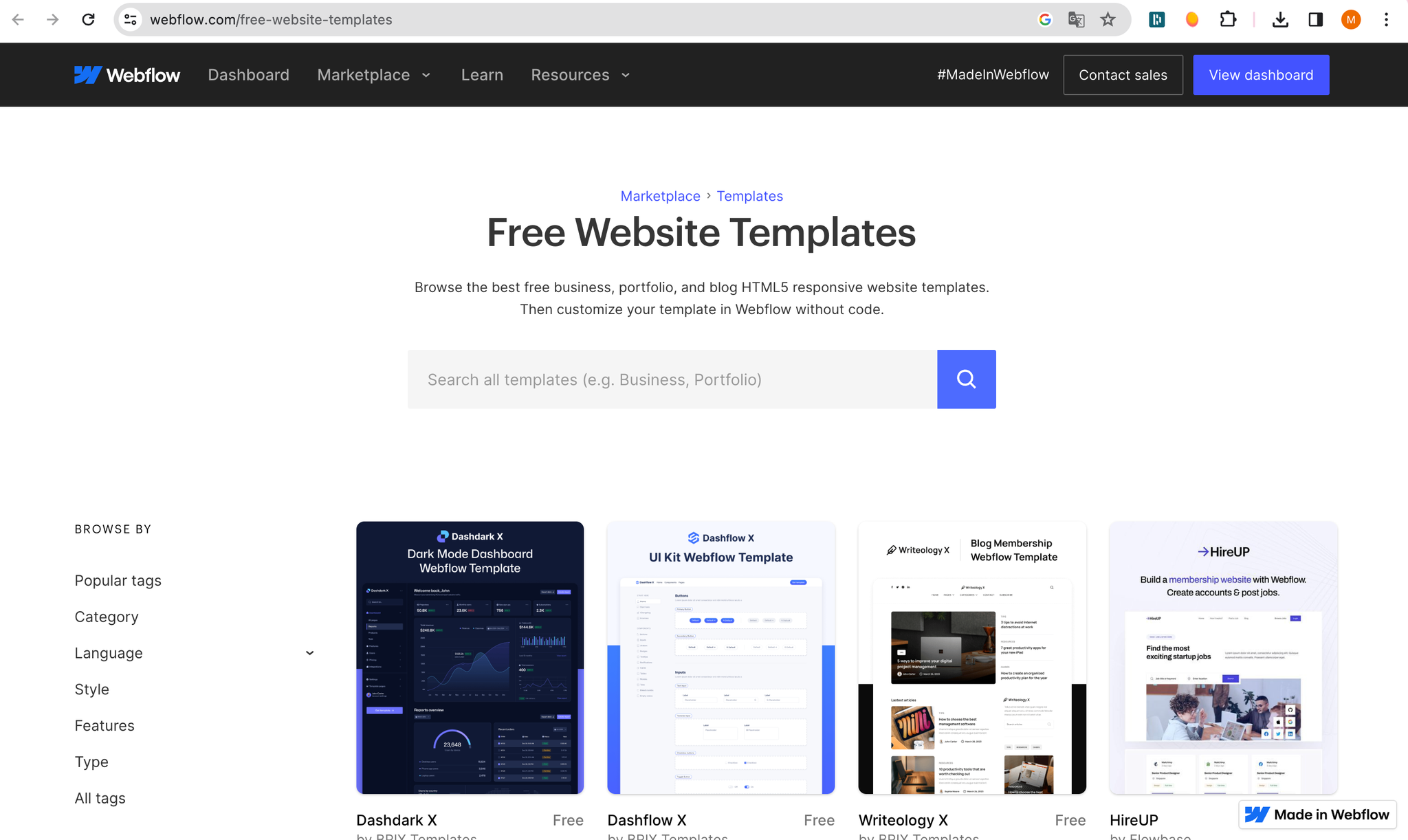
Webflow blog: CMS and collection basics
The Webflow CMS rests on a simple logic: you structure data in a collection, then display that data on dynamic pages. For a blog, the "Articles" collection holds the title, author, date, image, body text, categories and any information useful for sorting and navigation.
This logic is a production tool: it saves you from building a page by hand for every article. It also keeps the rendering consistent, which simplifies optimization and maintenance. In a no-code approach, the CMS is the centerpiece: it turns a static site into a living editorial system.
What to include in your base model:
- Create an "Articles" collection with text, image, category and slug fields.
- Plan a simple taxonomy (categories) before adding more.
- Add fields useful for optimization (excerpt, meta, author).
- Set up dynamic pages for the article and the listings.
How to create a blog: prepare the architecture, domain and pages
Before writing, you need to decide where the blog lives in your architecture. A clear directory makes things easier for users to read and helps them understand their journey. On a website, a consistent structure matters as much as the content: it avoids scattering and makes internal linking easier.
You also need to think about the domain: subdomain or subdirectory, consistent URLs, and stability over time. In most cases, keeping the blog on the same domain is more effective for consolidating authority. The goal is not to stack sections, but to organize pages that support your objectives.
Structural points to validate:
- Define where the blog lives (e.g. /blog) and its main listings.
- Plan a categories page and a search page if the volume grows.
- Make sure the navigation gives direct access to key content.
- Clarify the link between the blog, your offers and your proof pages.
Creating a blog on Webflow: setting up the blog posts collection
To create an effective blog, the collection setup must serve your actual production. A poorly designed field becomes a constraint: you lose time, you work around it, and then your structure degrades. The best approach is to start with a solid structure and add to it as needs arise.
Think "publishing": who writes, who approves, who puts it live. The CMS must make this flow easier, otherwise it will be underused. An often overlooked point: preparing fields for excerpts, calls to action and highlighting in the listings. That is what makes a blog useful to the business, not just "nice to look at".
Recommended fields for a clean base:
- Title, slug, date, author, main image and short excerpt.
- Rich text body, sections, quotes and elements of proof.
- Main category and tags if needed, without adding complexity too early.
- Fields dedicated to optimization (meta, description, indexing).
Design and templates: building a readable, responsive article page
An article page should guide reading, not clutter it. Editorial design rests on a typographic hierarchy, a good layout of sections and reusable components. The classic trap is to design a "mockup" page and then write on top of it. The order should be the reverse: plan a robust template that works with varied content.
The templates must handle the common cases: long text, subheadings, visuals, callout boxes, CTAs. This is also the time to anticipate the mobile rendering: a blog that is not responsive loses engagement and perceived performance. A consistent build gives a smooth reading experience and reduces maintenance debt.
Template principles to apply:
- Define a grid and consistent heading styles across all pages.
- Plan reusable components for quotes, CTAs and the table of contents.
- Limit arbitrary variations to keep visual consistency.
- Test the mobile rendering from the start, not at the end.
Publishing, editing access and frictionless content management
A blog must be easy to maintain. The goal is not to have "a perfect page", but to be able to publish without breaking the system. That requires a clear flow: creation, approval, publishing, then improvement. In Webflow, editing access is a key building block: it determines who can make changes and at what level.
For a company blog, governance prevents drift: modified styles, duplicated components, inconsistent content. A well-structured CMS reduces the need for manual fixes. It is also the condition for keeping up a publishing pace over time, especially when several people contribute.
Publishing best practices:
- Define a simple workflow: draft, approval, publishing.
- Lock key styles and limit uncontrolled changes.
- Prepare components so you do not "reinvent" every layout.
- Document an editing routine to produce faster.
SEO: structure, optimization, alt text and readability
Good editorial SEO rests first on structure. Each article must answer an intent and organize information in a logical hierarchy. Headings and subheadings are not decorative: they guide how readers on the web and search engines understand the page. Then optimization comes down to details: internal linking, media, performance and page consistency.
On Webflow, you can master the fundamentals without any plugin. Above all, you need to avoid the common mistakes: heavy images, missing excerpts, no anchors and pages that are too similar. Think about images too: filling in the alt attribute is a basic, as much for accessibility as for contextual understanding.
Actionable SEO checklist:
- Structure the article around a clear intent and logical sections.
- Work on internal linking to your business pages and pillar content.
- Fill in the alternative text (alt) and compress images.
- Stabilize performance: speed, page weight and consistent components.
Images, video and animation: enrich an article without hurting performance
An article works better when it illustrates. A well-chosen image speeds up understanding, a video can demonstrate, and an animation can clarify an interaction. But on a website, every media file has a cost. The rule is simple: enrich without weighing down.
In Webflow, media management is accessible, but it takes discipline. You need to compress, size correctly and avoid gratuitous effects. The goal is to improve the experience, not to add complexity. If you plan to produce a lot of content, standardize image formats and sizes from the start.
Media checkpoints:
- Add images at the right size and compress them every time.
- Limit animations to useful cases, without piling up effects.
- Host video properly and avoid heavy embeds.
- Check the overall page weight and visual stability on mobile.
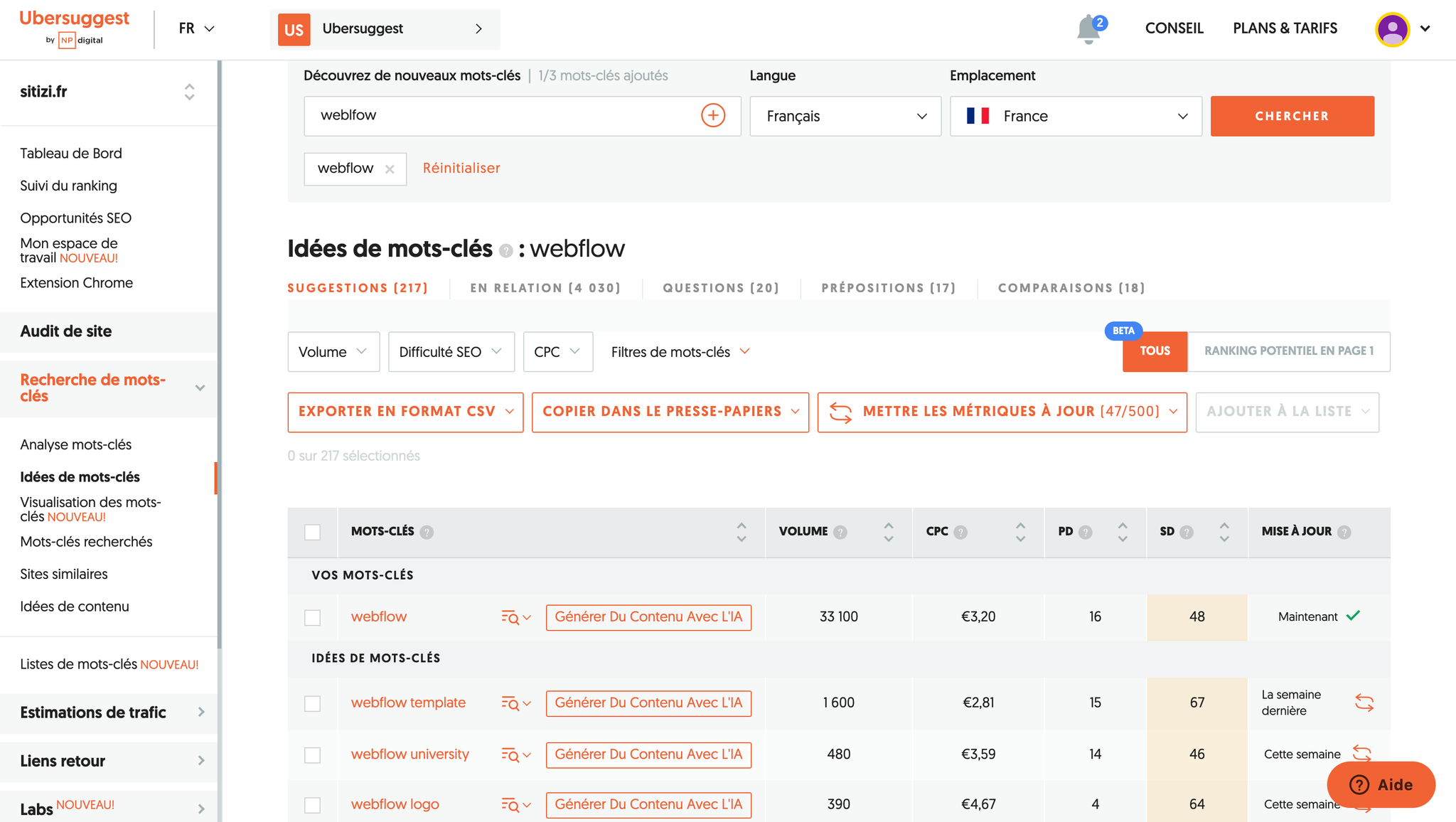
Webflow vs WordPress and other platforms: is Webflow the answer?
Comparing Webflow with WordPress should be about the ability to produce, maintain and evolve. WordPress gains flexibility through plugins, but that flexibility can increase debt: updates, security, performance, dependencies. Webflow simplifies the chain: a visual interface, components, a built-in CMS and built-in hosting.
For free, many tools let you "get started". But as soon as you want serious production, the question becomes: who governs, who maintains, who guarantees consistency. The right choice depends on the type of blog, the level of customization and your in-house capacity to manage a system.
Guidelines to decide:
- If you are aiming for consistency and fast production, Webflow is more powerful.
- If your stack depends on specific plugins, WordPress may still be relevant.
- On a free plan, test, but do not confuse testing with production.
- Prioritize governance before the tool, or you will pay for it in fixes.
The Synqro method: building sites and adding a blog to your Webflow site
A blog only pays off if it serves a strategy. At Synqro, we treat the blog as a system: structure, production, measurement. We start from your goal (leads, credibility, acquisition), then build the CMS model, the pages and the editorial components. Next, we secure the ability to publish: rules, styles, performance and iterations.
The decisive point is operational. The blog must be easy to feed, or it stops. We also plan the measurement: which pages bring in prospects, which topics are growing, which optimizations have an impact. The point is to avoid content "for the sake of content". You will be able to create a lasting blog if the structure serves production and the priorities are clear.
What we put in place:
- A clean CMS structure and a readable taxonomy, without unnecessary complexity.
- Reusable editorial components to streamline production.
- A publishing framework and optimization rules, without over-optimization.
- A measured, acquisition-focused continuous improvement plan.
Conclusion: create a lasting, simple, high-performing blog
Creating a blog on Webflow takes a method: structure before you write, produce before you embellish, measure before you accelerate. If your goal is to improve acquisition, the blog must be a coherent editorial system, not a series of isolated pages. Webflow can be a particularly effective solution, as long as you invest in structure and governance.
Key takeaways:
- Define a clear architecture and a CMS collection suited to your content.
- Build stable templates to publish without debt and stay consistent.
- Work on SEO through structure, internal linking, performance and optimized media.
- Keep a realistic pace and improve through measured iterations.
Frequently asked questions
Yes. Webflow is a no-code platform that lets you manage a CMS, dynamic pages and visual components without writing code. The limit is not technical but methodological: without a structure, you will publish slowly and inconsistently. The right lever is to prepare a stable article template, then feed it.


