Article
Webflow footer: build a clear, reusable footer
Webflow6 min read

James BrunettoCo-fondateur & CEO
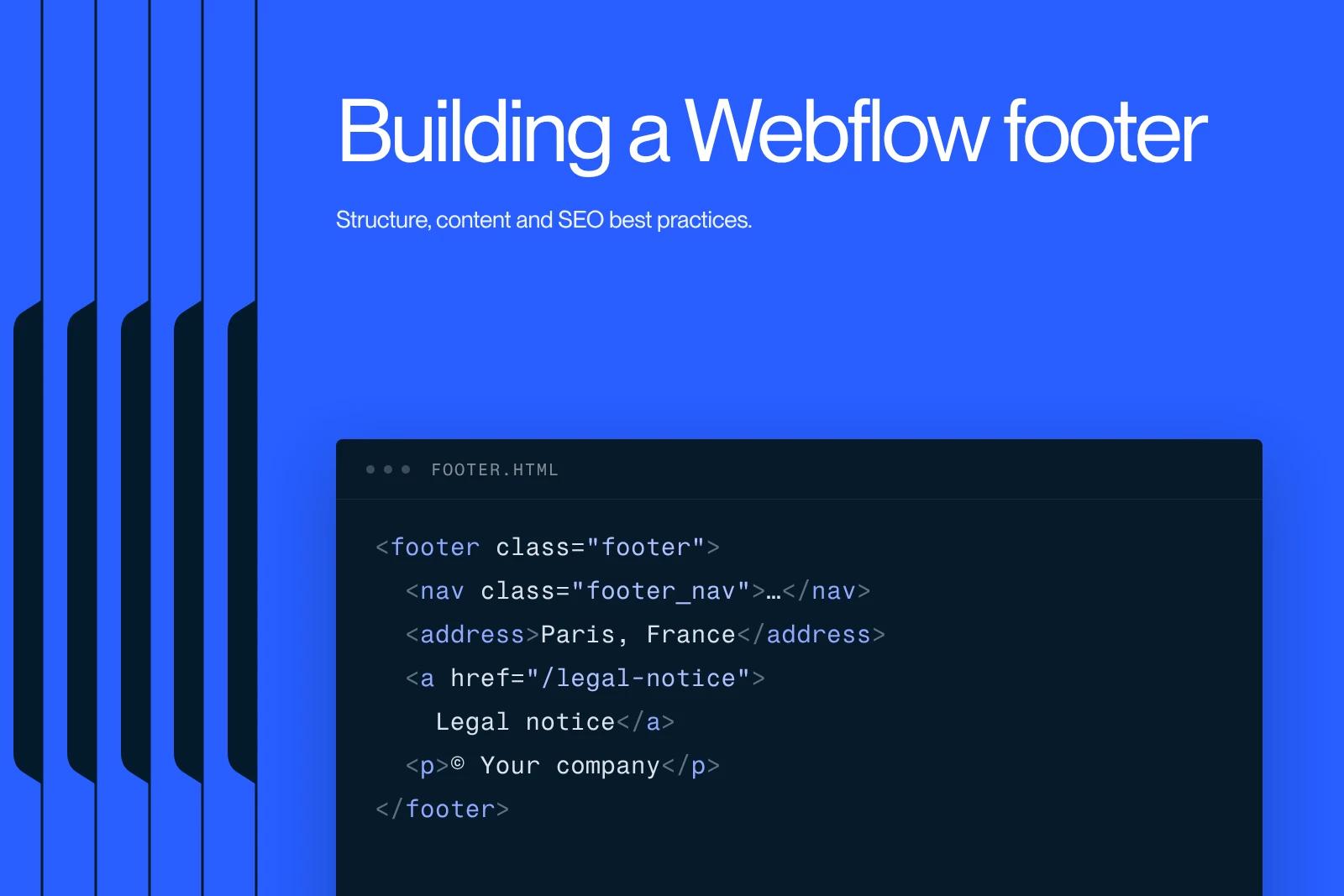
A Webflow footer is the section at the bottom of every page that brings together secondary navigation, contact details, legal links and a final call to action. To build one: add a Section, give it the Footer tag in its settings, lay out the columns with Grid or Flexbox, then turn it into a component so you can reuse it across the whole site.
A good footer stays short, readable on mobile and up to date. It does not replace the main navigation, it complements it.
This guide follows the current Webflow interface, where the former Symbols are now called Components.
Explore this post with…
What is a footer for?
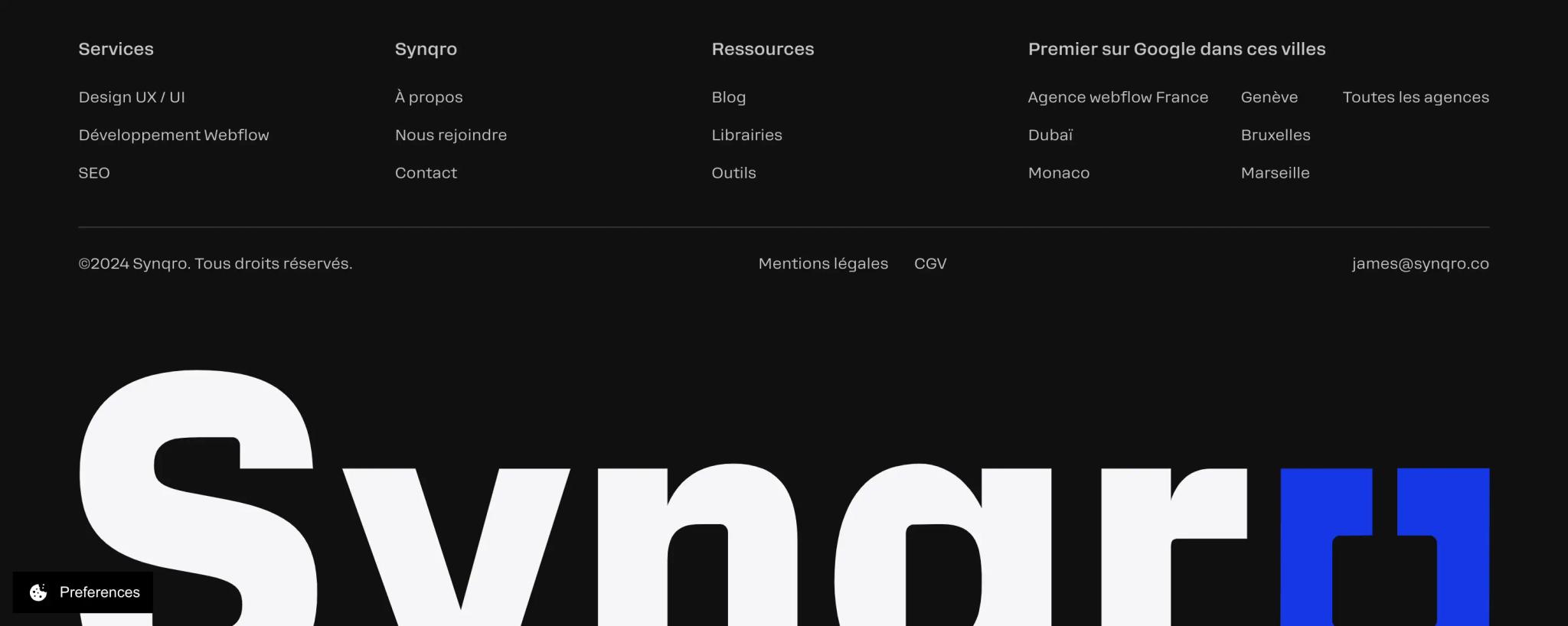
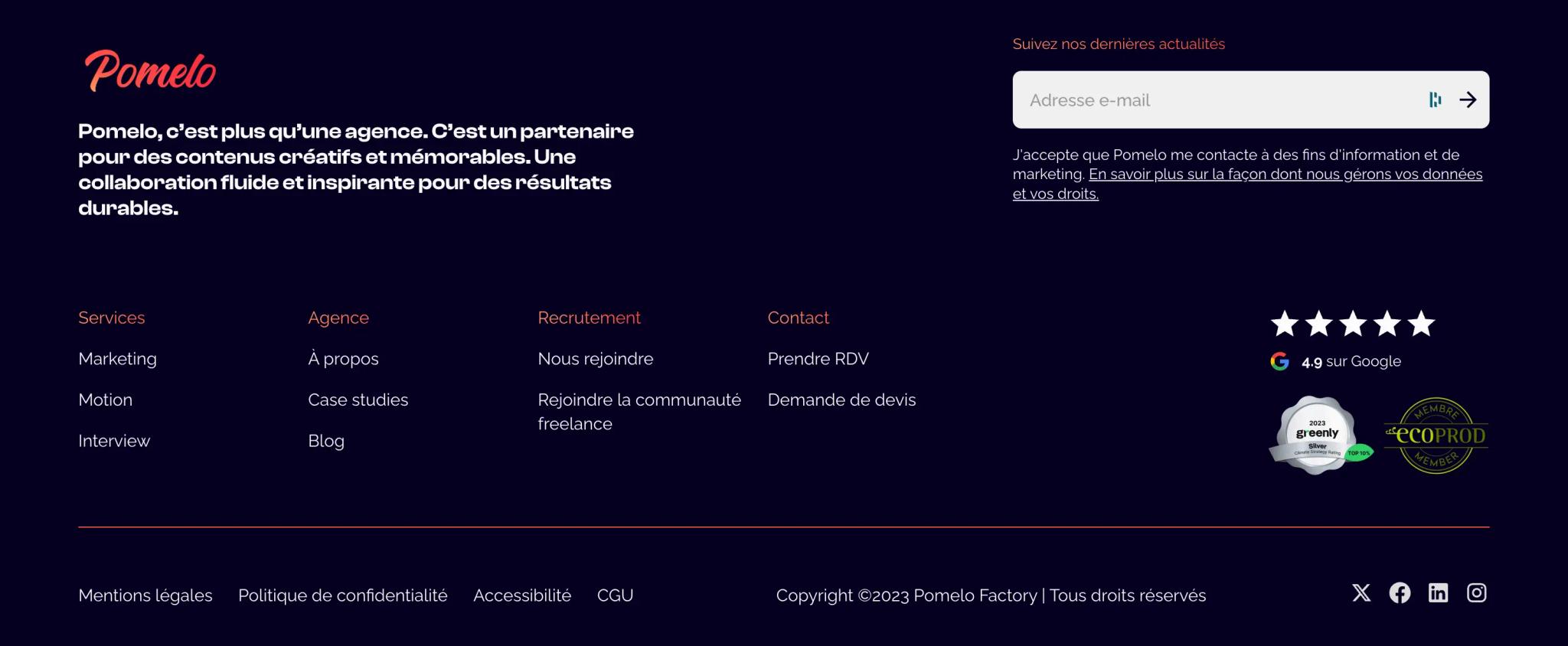
The footer is the last block on every page. It meets four needs: finding a page without scrolling back to the top, contacting the company, accessing legal information and, often, taking action one last time (contact, newsletter).
| Block | Content | Priority |
|---|---|---|
| Secondary navigation | Services, work, blog, about, contact | Essential |
| Legal information | Legal notice, privacy policy, cookie settings, terms of sale if you sell online | Essential |
| Contact details | Email, phone, address if you receive visitors | Recommended |
| Call to action | Contact button or newsletter sign-up | Recommended |
| Brand | Logo, positioning line, social networks | Useful |
Building a footer in Webflow, step by step
Webflow walks through the method in its official "Build a website footer" video (Webflow 101 series). Here are the steps, adapted to the current interface.
- Add a Section at the bottom of the page, from the Add panel (A key). In its settings, choose the Footer tag: browsers and screen readers then recognize the semantic footer element (MDN).
- Add a Container to limit the width, then a block set to Grid (for example 4 columns) or horizontal Flexbox.
- Fill in the columns: logo and positioning line, navigation links, contact details, call to action. Use Link Blocks or Text Links, not disguised buttons.
- Add a legal bar underneath: copyright, legal notice, privacy, cookies.
- Turn the whole thing into a component (right-click the section, then Create component). Then insert the component on every page and CMS template.
Why a component and no longer a Symbol?
Webflow renamed Symbols to Components on November 9, 2022. The principle is the same: a change to the component applies everywhere. Properties also let you vary a text or show a block depending on the page. Details in our guide to building Webflow components.
At Synqro, we build the footer as a component from the very first page we develop. The copyright year, the address or a new legal link are then changed only once, and the client's team can do it without touching the structure.
Making the footer responsive
- Tablet: switch the grid from 4 to 2 columns.
- Mobile: one column, with the call to action first.
- Touch targets: space the links at least a few pixels apart and give them vertical padding so people do not tap the one next to it.
- Contrast: light gray text on a dark background is often too faint. Check it with a contrast tool.
Legal notices in the footer
In France, a business website must display mandatory legal notices ("mentions légales"): company identity, registration, contact, hosting provider. The Service-public.gouv.fr page on business websites (the French government's official information portal) lists them and recalls the penalty: up to 1 year in prison and a €75,000 fine. The footer is where visitors look for this link.
Also add the privacy policy and a link to reopen the cookie choices. See our guide to making a Webflow site GDPR compliant.

The footer and SEO
Footer links are internal links like any others: they help Google discover key pages. Follow the rules in the Google Search Central documentation on links: real a tags with an href, and descriptive anchor text ("Webflow website design" rather than "Service 1"). For the rest of the strategy, see our article on internal linking.
Avoid the opposite: dozens of keyword-stuffed links ("plumber Paris 1", "plumber Paris 2"...). They do not help visitors and look manipulative. If you target a local area, show the name, address and phone number instead, identical to your Google Business Profile.
Keeping the footer at the bottom with Flexbox
On a very short page (404 page, thank-you page), the footer can ride up to the middle of the screen. The fix takes three settings:
- Select the Body, choose Body (All pages) in the selector, then Display: Flex, vertical direction.
- Give the Body a minimum height of 100vh (Min H), otherwise there is no space to distribute.
- On the footer, set the top margin to auto: it is pushed to the bottom on short pages and stays in its normal place on long ones.
Do not confuse this with position: sticky or fixed, which would keep the footer on screen while scrolling and hide the content. The differences are explained in our guide to Webflow positions.
Three footer models by type of site
| Type of site | Structure | Do not forget |
|---|---|---|
| Brochure website | 3 columns: brand, navigation, contact | Link to your work and to the contact page |
| SaaS website | Product, resources, company and legal columns | Demo button, link to documentation and security |
| Online store | Categories, help, legal, newsletter | Terms of sale, shipping, returns, payment methods |
Common mistakes
- A footer copied and pasted on every page instead of a component: the links end up drifting apart.
- A frozen copyright year or an address that is no longer correct.
- Social media icons without alt text: a screen reader just announces "link".
- Dead links after a redesign. A regular crawl (with Screaming Frog, for example) catches them.
Synqro, a Webflow Premium Partner founded in 2019, has supported more than 150 companies. If your Webflow site lacks a clean foundation (components, conventions, an up-to-date footer), our Webflow team can take it over.
Frequently asked questions
It is the section at the bottom of every page that brings together secondary navigation, contact details, legal links and often a final call to action.


