Article
Webflow review 2026: strengths, limits and pricing
Webflow6 min read

James BrunettoCo-fondateur & CEO
Our Webflow review for 2026: it is one of the best tools for a custom brochure or B2B website that is fast and easy for the marketing team to edit, as long as you accept a real learning curve and a subscription billed in dollars that keeps going up.
It is less suited to large online stores, complex applications and projects that must be hosted on their own servers.
This review is based on our daily use of Webflow since 2019 and on official Webflow information checked in October 2026.
Explore this post with…
Synqro is a brand, web and visibility agency and a Webflow Premium Partner that has supported more than 150 companies since 2019. This Webflow review comes from professional use, not a weekend test. The company figures come from Webflow's About page: launched in 2013, 3.5 million users, more than 300,000 customer brands and $335 million raised.
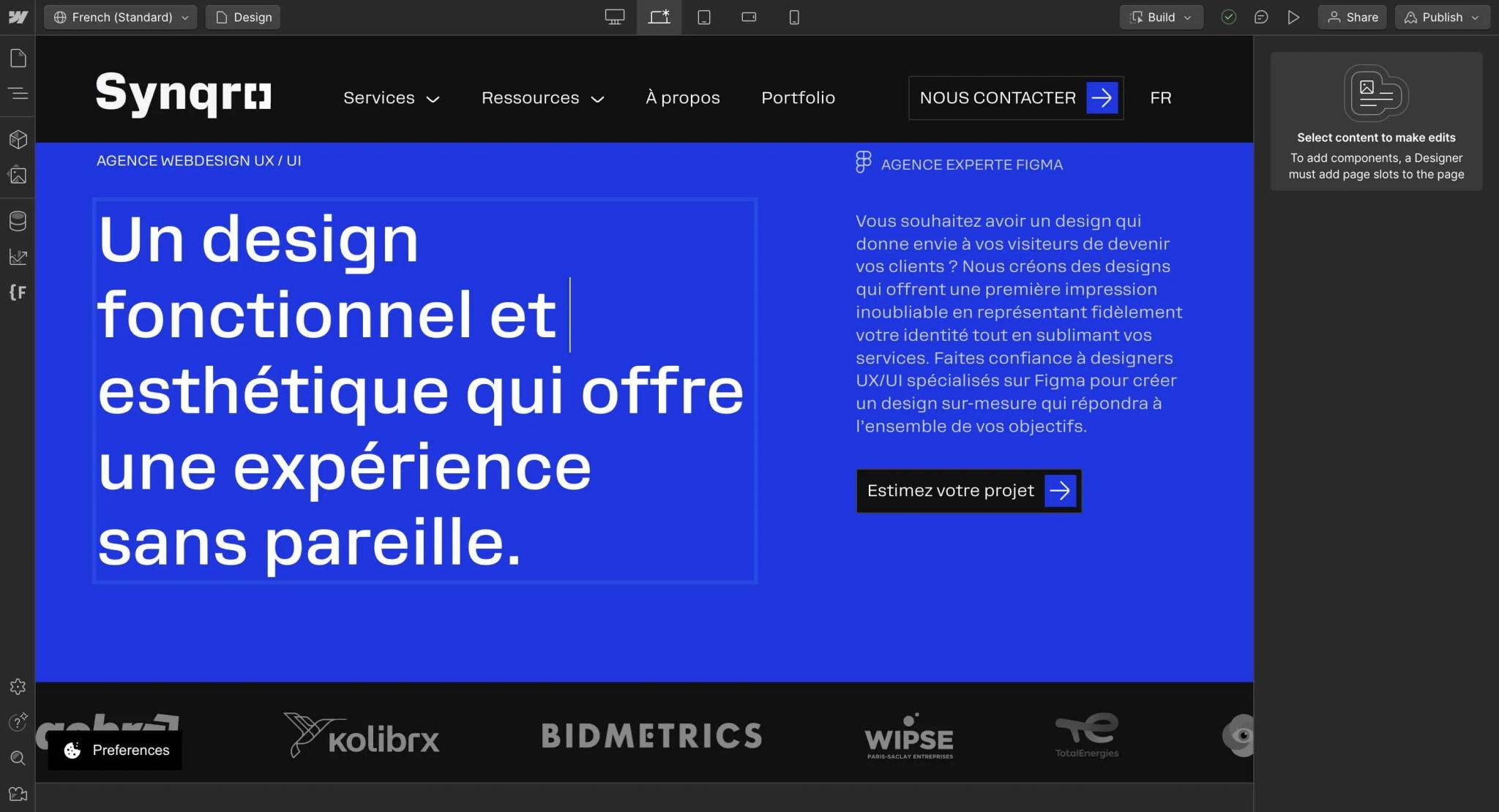
Our Webflow review at a glance
| Criterion | Our take |
|---|---|
| Design freedom | Excellent: no imposed theme, full CSS logic |
| Marketing team autonomy | Very good if the components and CMS are well designed |
| Technical SEO | Very good: tags, sitemap, 301s, hreflang, clean code |
| Maintenance | Very low: hosting and updates handled by Webflow |
| Learning curve | Demanding for a beginner |
| Ecommerce | Fine for a small catalog, limited beyond that |
| Price | Reasonable for a B2B site, going up in 2026 |
Webflow's strengths
- Design without compromise: every margin, grid and typeface is set just like in CSS. A Figma mockup can be reproduced faithfully.
- Zero plugins to maintain: hosting, SSL, CDN and updates are included. No plugin vulnerabilities to watch.
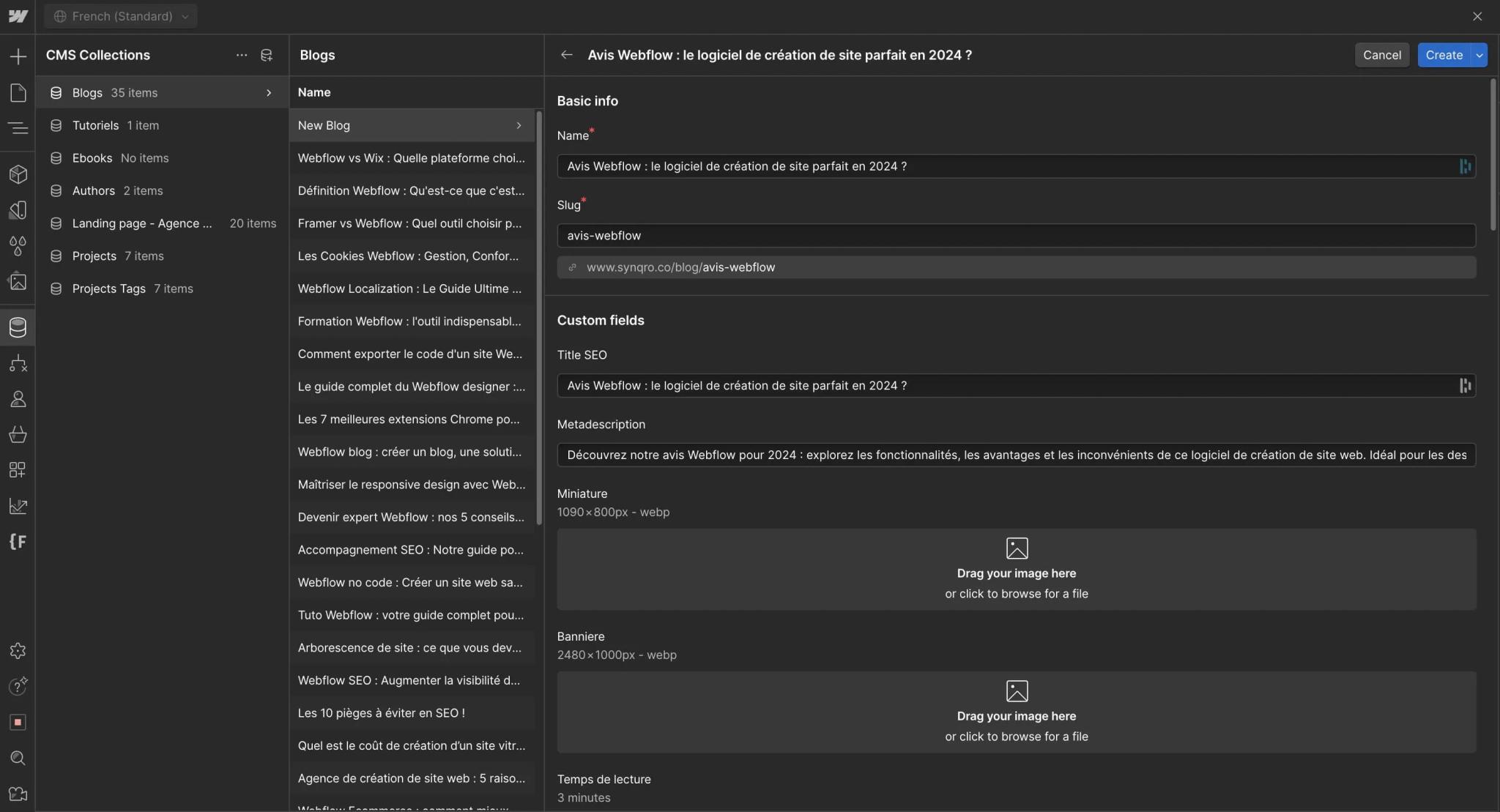
- A flexible CMS: custom Collections (articles, case studies, job listings) and up to 20,000 items on the Premium plan.
- Native SEO: title and meta tags, slugs, automatic sitemap, 301 redirects, hreflang with Localize, custom code for structured data.
- Reusable components: properties, variants and slots let a non-technical team assemble pages without breaking the layout.
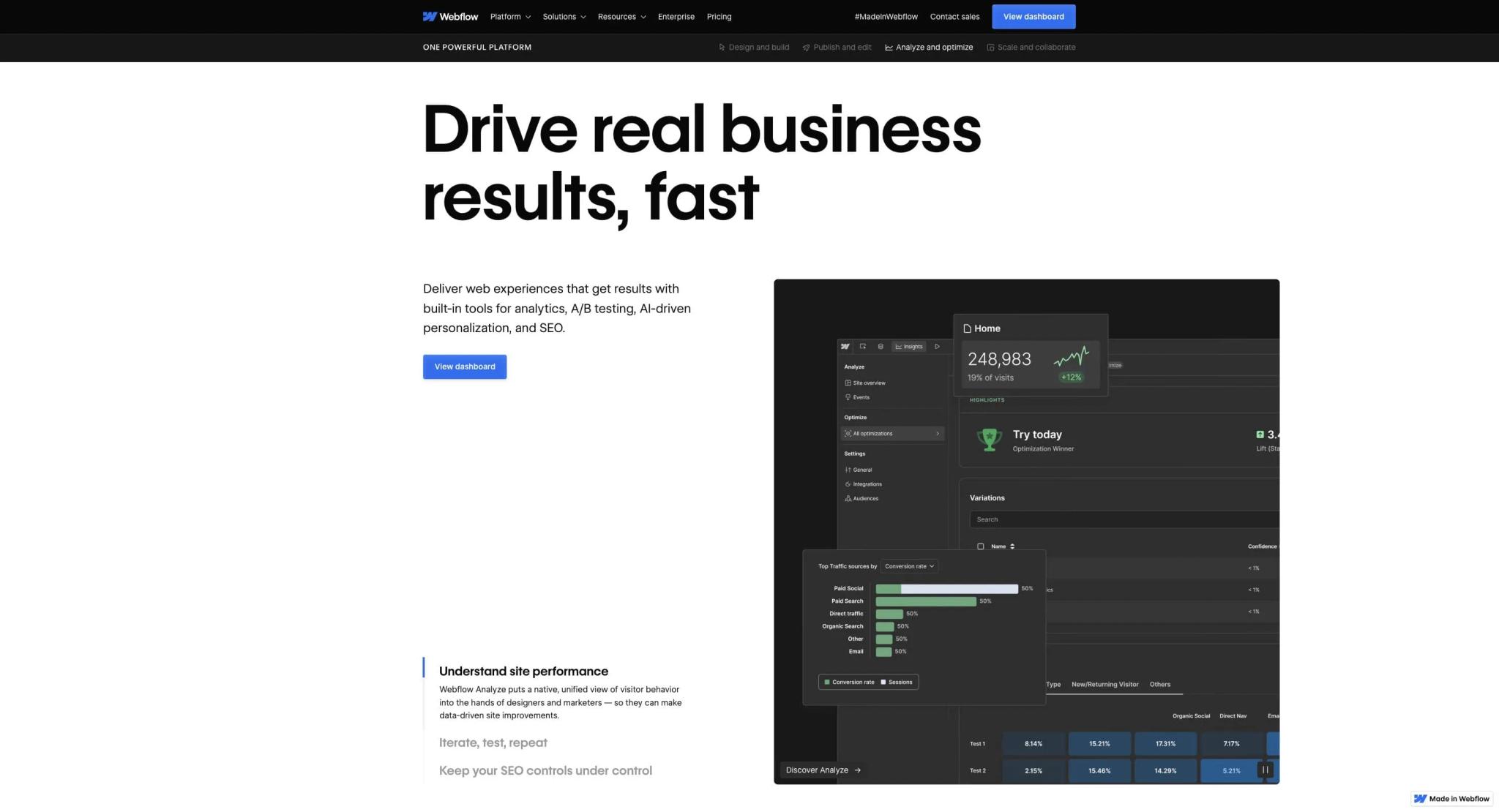
- A growing ecosystem: Localize for multilingual sites, GSAP-based interactions, Analyze and Optimize for measurement and testing, an MCP server for AI agents.
Webflow's limits
- A real learning curve: you need to understand the box model, flexbox and classes. A beginner moves more slowly than on Wix or Squarespace. If you would rather delegate, see our Webflow freelancer vs agency comparison.
- An English-only interface: the editor, the documentation and the official training are in English.
- Rising prices: the Basic plan went from $14 to $15 per month in May 2026, and former Business plans lose half of their included bandwidth.
- Limited ecommerce: 15,000 products maximum on the highest plan, and no product translation with Localize.
- Platform lock-in: code export gets you the design, but not the CMS, the forms or search.
What changed on Webflow in 2025 and 2026
- New plans (May 2026): the CMS and Business plans merged into a Premium plan at $25 per month, and a new Team plan for structured marketing teams.
- Built-in AI: AI credits included in every Workspace, AI translation in Localize, and an MCP server that lets AI assistants read and edit a site.
- More powerful components: variants, slots and code components shared through libraries.
- AI search positioning: Webflow now presents itself as a platform for being visible in AI answer engines too, with dedicated tools on higher plans.
How the MCP server works and its practical uses are covered in our article on Webflow MCP.
Is Webflow worth the price?
| Need | Plan | Price (yearly billing) |
|---|---|---|
| Testing and learning | Starter | Free |
| Brochure site with no blog | Basic | $15/month |
| Site with a blog or CMS | Premium | $25/month |
| Online store | Ecommerce Standard, Plus, Advanced | $29, $74 or $212/month |
| Freelancer | Freelancer Workspace | $16/month |
| Structured marketing team | Team | $2,500/month, annual contract |
Prices taken from Webflow's pricing page in October 2026. Our take: for a B2B site with a blog, $300 per year for hosting, security and the CMS is still reasonable, especially compared with the maintenance time of a WordPress site. The details of each plan are in our article on Webflow pricing.
Who is Webflow for?
| Profile | Is Webflow a fit? | Why |
|---|---|---|
| B2B small business or startup | Yes | Custom site, blog, autonomous team, little maintenance |
| Designer or freelancer | Yes | Deliver a mockup faithfully without a developer |
| Large multi-site company | Yes, with Team or Enterprise | Governance, roles, shared libraries |
| Large ecommerce store | Probably not | Product limit, no product translation |
| Complex business application | No | Application logic and data are out of scope |
| Small budget with no time to learn | Probably not | A simpler builder will be faster |
Webflow vs. WordPress, Framer and Wix
WordPress offers more plugins and a choice of hosting, at the cost of ongoing maintenance. Framer is faster for a simple, highly visual site, with a less advanced CMS. Wix is more accessible to beginners, but less flexible for custom design. Our comparisons cover each case in detail: Webflow vs WordPress, Framer vs Webflow and Webflow vs Wix.
What we have learned as an agency
At Synqro, we build brand websites and B2B websites on Webflow: a complete site in 8 to 12 weeks, a landing page in 2 weeks. What the tool really changes is what happens after launch: the client's team publishes its content on its own, and we spend our support time on SEO and GEO rather than technical maintenance.
A documented example: for Qobra, contact requests grew 3x and organic traffic 16x. That result comes from the content, SEO and conversion work, with Webflow as the foundation that makes fast iteration possible. If you are unsure whether to choose Webflow for your project, our Webflow agency can give you an honest opinion, including when another tool is a better fit.
Frequently asked questions
Yes for custom brochure and B2B websites that the marketing team wants to manage on its own. It is less relevant for large online stores and complex applications.


