Article
Why Choose Webflow for Your Website? Needs, Pricing, Limits
Webflow9 min read

Guillaume SchluppConsultant SEO
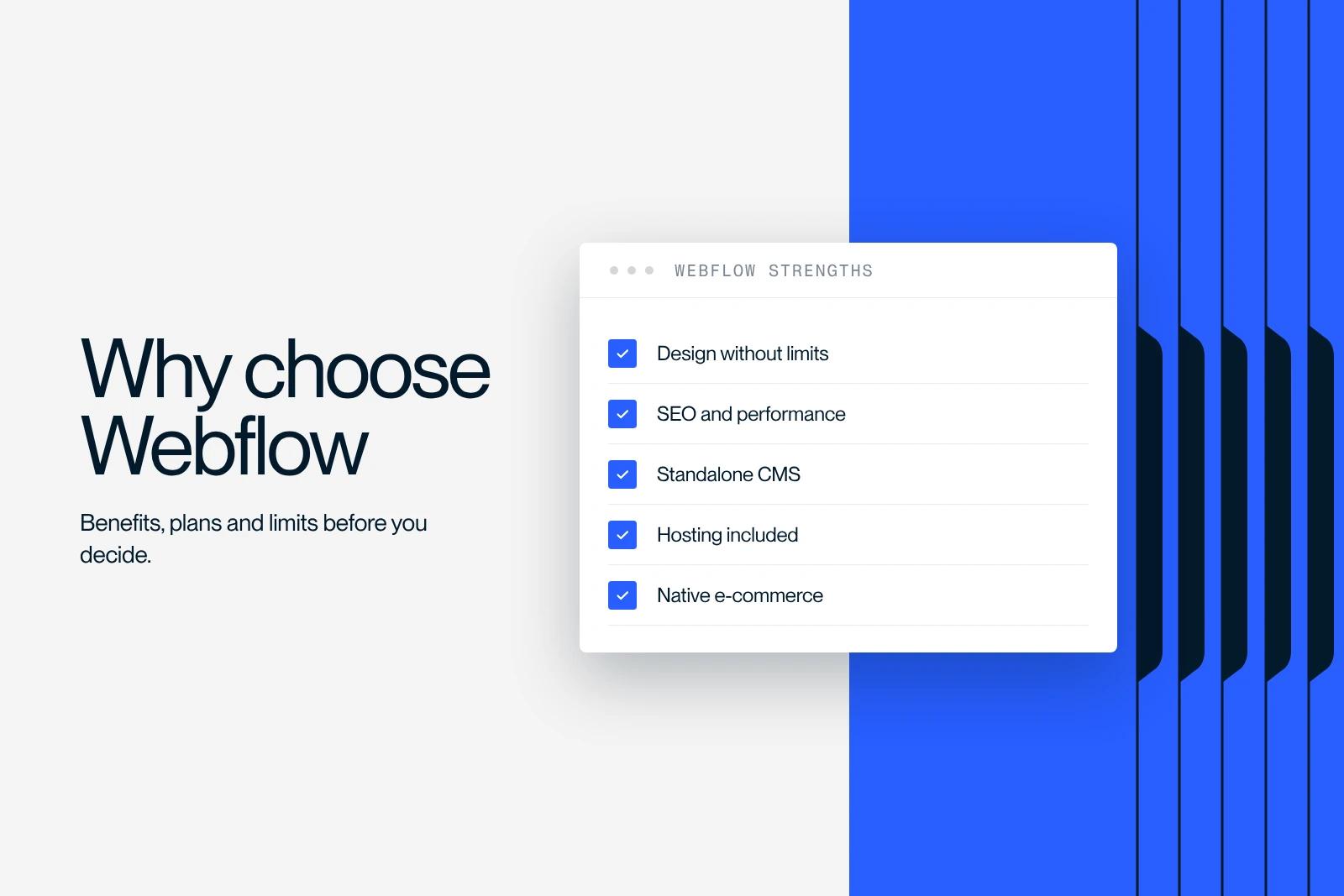
Why choose Webflow for your website? Discover the benefits, the pricing, the limits, and whether its CMS meets your business and e-commerce needs.
Explore this post with…
Choosing Webflow means picking a platform that is redefining how professional websites are built. As an agency specialized in Webflow, we at Synqro help dozens of clients with this strategic decision every year. And the same question always comes up: is it really right for me? The answer depends on your business, your resources and your ambitions. This article gives you the concrete facts to decide.
What Webflow really changes in website building
It is not just a website builder. It is a SaaS platform that combines an advanced visual editor, a built-in content management system and fast hosting, all in one tool. Unlike WordPress, you do not have to juggle dozens of plugins to get a professional result.
The concrete benefits for your team:
- Publish and edit content without touching a line of code
- Design complex layouts with pixel-perfect precision
- Handle animations, forms and responsive design natively
- Host your site on fast, secure infrastructure
On the other hand, Webflow takes time to learn. It is not a tool for absolute beginners. That is why working with a skilled Webflow agency often makes the difference between an average site and a site that performs.

Why choose Webflow over another solution
The question of choosing Webflow often comes up against WordPress, Wix or Squarespace. Webflow wins on several decisive points, summarized in this table.
| Criterion | Webflow | WordPress | Wix |
|---|---|---|---|
| Design customization | Full | Limited without code | Limited |
| Technical performance | Excellent | Variable | Average |
| Native SEO | Complete | Through plugins | Basic |
| Hosting included | Yes | No | Yes |
| Built-in CMS | Native and flexible | Native but heavy | Very limited |
| Learning curve | Moderate | Moderate | Low |
| E-commerce | Built-in (average) | Complete through WooCommerce | Basic |
Webflow also generates clean code, which directly improves organic traffic. SEO tags, structured data and technical customization options are available without any third-party plugin. That saves your marketing team a lot of time.
Webflow plans: which subscription fits your needs
Understanding Webflow plans is essential before you commit. The platform offers two types of subscriptions: Site plans (to host one project) and Workspace plans (for teams that build several sites).
Site plans cover a range of needs:
- Starter: free, to test the tool on a webflow.io subdomain, with no custom domain
- Basic: $15 per month, suited to brochure websites without a CMS (up to 300 static pages)
- Premium: $25 per month, for sites with a blog or dynamic content (20,000 CMS items). Since May 13, 2026, it replaces the former CMS and Business plans
- Team: $2,500 per month on an annual contract, for marketing teams that have outgrown the self-serve plans (Localize included, 10 seats)
- Enterprise: for complex projects with high performance and security requirements (DDoS protection, SLA, etc.)
These prices are in US dollars, excluding tax, billed annually, as listed in October 2026 on Webflow's official pricing page. E-commerce has its own plans: Standard at $29, Plus at $74 and Advanced at $212 per month. The limits of each plan are detailed in our Webflow pricing guide. We always recommend analyzing your real needs before choosing: the wrong plan means paying for resources you do not use, or stalling for lack of the right features.
Webflow's advantages for SEO and performance
Choosing Webflow also means choosing an environment built for search from the start. The platform lets you customize every meta tag, optimize images, set up redirects and manage structured data directly from the interface.
Key strengths for SEO and performance:
- Fast loading thanks to hosting on a global CDN
- Clean code generated automatically, with no unnecessary scripts
- Native responsive design: every site adapts to all screens with no technical work
- Customizable tags: title, meta description and Open Graph for every page
- Automatic image optimization to reduce file size without losing quality
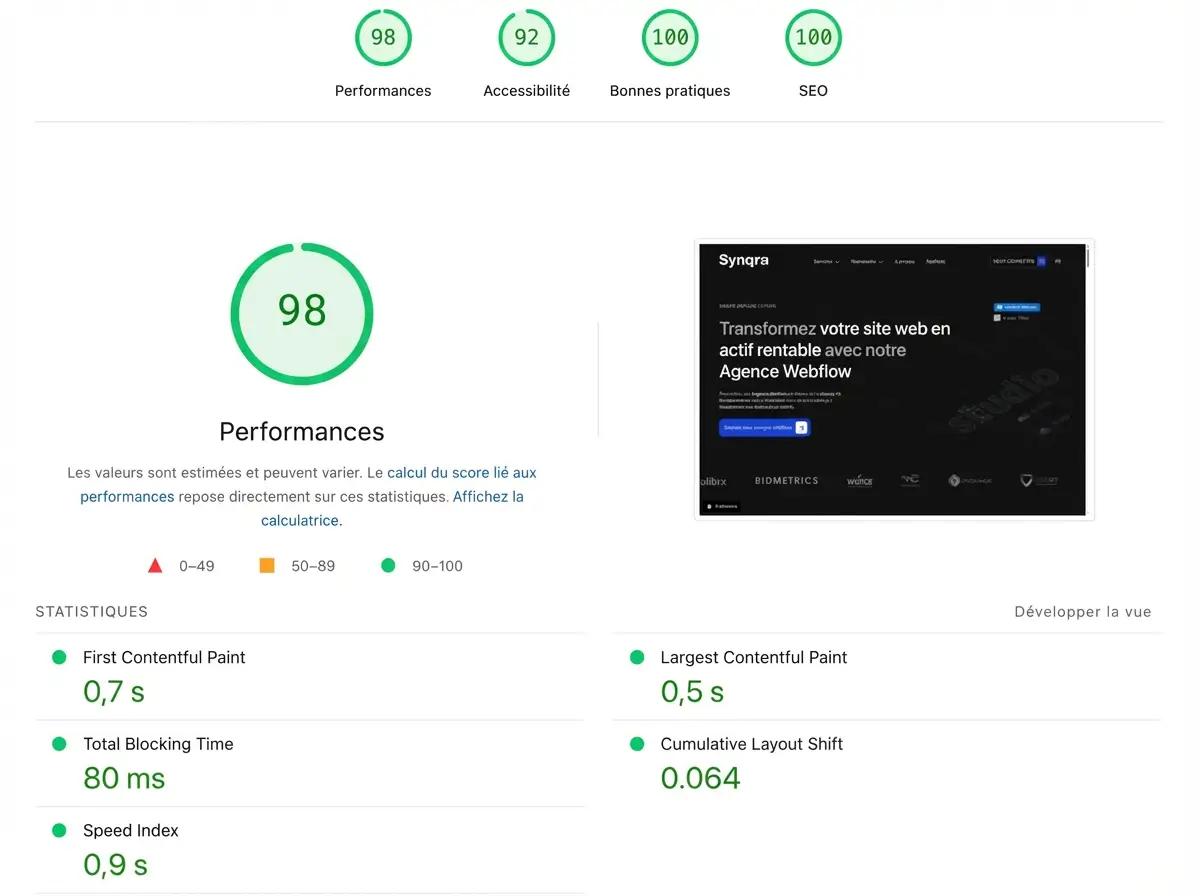
In practice, a well-built Webflow site starts with a Core Web Vitals advantage over WordPress sites weighed down by dozens of poorly optimized plugins.
Webflow and e-commerce: building a high-performing online store
Webflow offers a built-in e-commerce module for businesses that want to sell online. It lets you design and customize every step of the buying journey, from product pages to checkout, with the same freedom as a brochure site.
Features available in a Webflow store:
- Management of products, variants and categories
- Native Stripe integration for payments
- Full customization of product, cart and confirmation pages
- Automated transactional emails
The limits are real, though: Webflow e-commerce suits mid-sized stores, but it does not compete with Shopify for complex, very high-volume projects. If your business relies mainly on online sales and you manage thousands of SKUs, this question deserves a thorough review with your agency.
Webflow and its CMS: managing your content on your own
One of Webflow's major strengths is its flexible, visual content management system. Unlike other CMSs, Webflow lets you structure data around the logic of your project, not the other way around.
In practice, your team can:
- Create custom content Collections (articles, case studies, offers, videos, etc.)
- Publish and edit dynamic pages without technical help
- Connect data from third-party sources through integrations or the Webflow CMS API
- Let marketing teams edit content directly from the simplified Editor
The Webflow CMS also integrates easily with tools like Figma for design, or automation platforms like Make or Zapier for data flows. In other words, it fits your existing stack without forcing you to rebuild everything.
Webflow's limits: what to know before you choose
Choosing Webflow with your eyes open also means accepting its limits. They exist, and ignoring them would do you a disservice.
The main constraints to plan for:
- Learning curve: the interface is powerful but takes training to master
- Subscription cost: Webflow is paid every year, and the Team plan ($2,500 per month) or Enterprise is a significant investment
- Limited e-commerce: for very complex stores, Webflow shows its limits compared with dedicated solutions
- Ecosystem lock-in: unlike WordPress, you cannot host your site on your own server
- No native A/B testing: advanced testing requires third-party tools
These limits do not undermine the platform's relevance. They simply define the type of project Webflow is the right choice for, and the type it is not.

Why work with Webflow experts instead of building your site alone
Webflow gives you autonomy, but building a high-performing site takes design expertise, plus technical and SEO skills that few teams have in-house. This is where specialized agencies add real value.
Working with a Webflow agency like Synqro means:
- Getting a content and design strategy built around your business
- Avoiding the technical mistakes that hurt SEO and performance
- Launching faster with a team that knows the tool inside out
- Getting training so you can manage your site on your own after delivery
Many clients come to us after trying to build their site on their own. The result: months lost and a site that does not convert. That is why investing in a specialized agency often pays for itself within the first months after launch.
Want to choose Webflow for your next project? Contact Synqro for an audit of your needs.
Frequently asked questions
Webflow beats WordPress on performance, security and no-code design freedom. With Webflow, you do not have to deal with plugin updates, security holes or recurring technical conflicts. Hosting is included, the code is clean, and your team can publish content without a developer. WordPress is still relevant for some projects with very specific features, but for the vast majority of brochure sites, portfolios and corporate sites, Webflow offers a far better experience for both your visitors and your team.


