Article
Headless CMS: definition, real costs and when to avoid it
Webflow8 min read

James BrunettoCo-fondateur & CEO
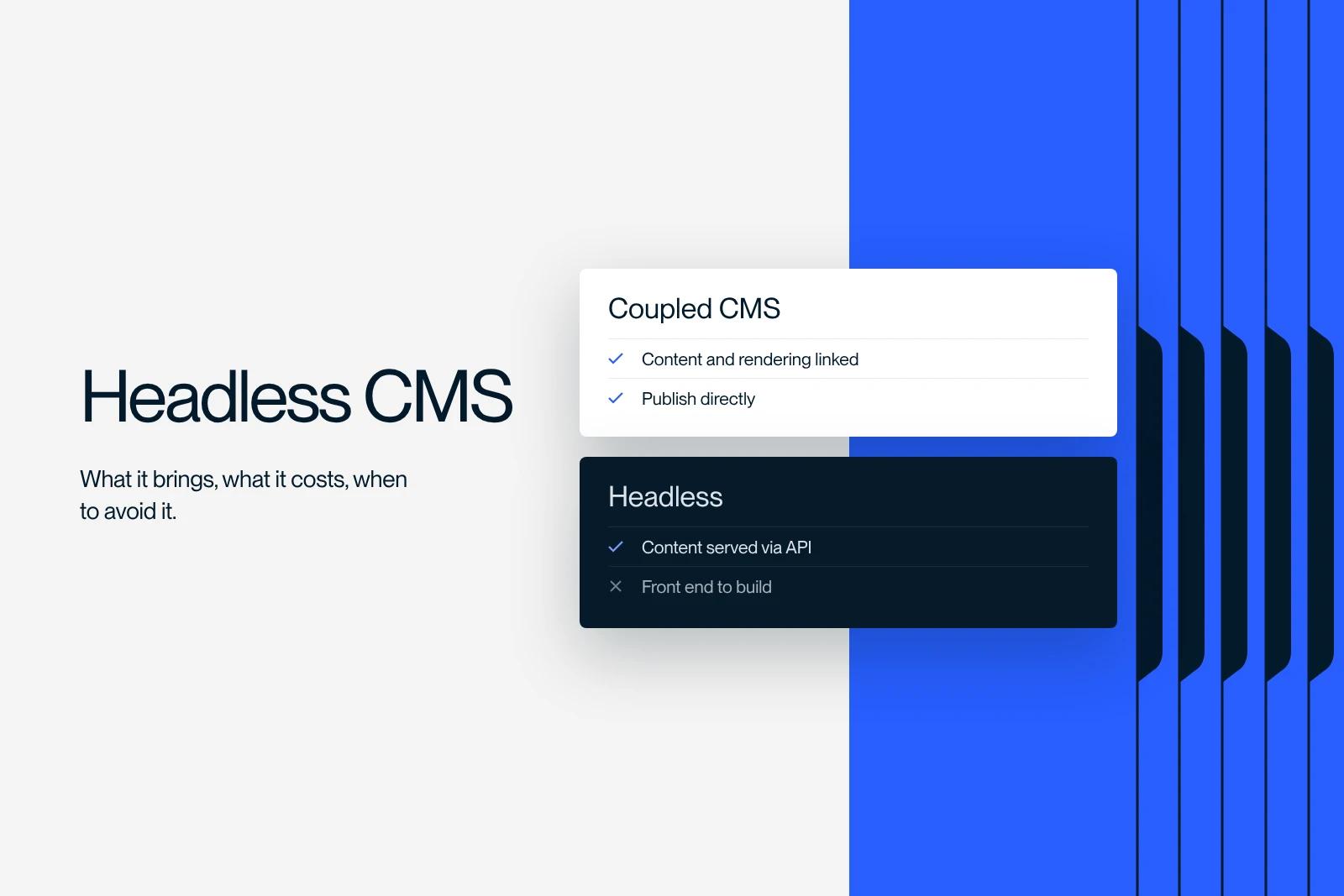
A headless CMS is a content management system that stores and structures information without deciding how it is displayed: it exposes the content through an API, and a separate frontend handles the rendering.
Explore this post with…
A headless CMS is a content management system that stores and structures information without deciding how it is displayed. It exposes content through an API, and separate frontend code handles the rendering. The word headless refers precisely to this missing presentation layer.
It is a powerful architecture, and often the wrong choice. This article gives the real costs, the SEO pitfalls and a grid to decide whether your project calls for it.
Headless vs coupled CMS: the real difference
A traditional CMS, called coupled or monolithic, manages content and its display in the same tool. You edit an article and you see the page. A headless CMS cuts this chain in two: on one side a store of structured content, on the other an application that queries it.
| Coupled CMS | Headless CMS | |
|---|---|---|
| Display | Handled by the CMS, templates included | Built and hosted separately |
| Publishing a page | An action in the editor | Depending on the case, editor then frontend deployment |
| Changing a page structure | An action in the editor | A code change |
| Multiple surfaces | One site, hardly more | Site, app, product, anything that reads the API |
| Technical SEO | Provided by default | Has to be written and maintained |
| Dependence on developers | Low after launch | Permanent |
The most important row in the table is the third one. It determines whether your marketing team works on its own or files a ticket for every change.
What headless actually brings
Reusable content. The real argument. If the same product sheet has to feed a website, a mobile app and an internal catalog, storing it once and exposing it through an API is the right answer. No other architecture does this cleanly.
Frontend freedom. Your developers choose the framework, the hosting and the rendering strategy. If your interface has requirements that no visual tool covers, this is decisive.
A clean separation of responsibilities. The content team cannot break the display, and the technical team does not depend on the editorial calendar.
These three benefits are real. All three assume a permanent development team. Without one, none of them materializes.
What it costs, license and everything else
Prices taken from the vendors' official pricing pages in September 2026. They cover the CMS license only.
| Solution | Free plan | First paid tier | Higher tier |
|---|---|---|---|
| Contentful | $0, 10 users, 25 content types, 2 locales, 100,000 API calls per month | Lite at $300 per month, 20 users, 3 locales, 1 million API calls | Enterprise on quote |
| Sanity | $0, 20 seats, 2 public datasets, 10,000 documents | Growth at $15 per seat per month, up to 50 seats, 25,000 documents | Enterprise on quote |
| Storyblok | $0, 1 space, 1 user, 100 GB of traffic, 100,000 API calls, 2 locales | Growth at $99 per month, or $90.75 billed annually | Growth Plus at $349 per month, then Premium and Elite on quote |
| Strapi Cloud | No free hosted plan | Starter at $35 per month per project, 100,000 API requests | Pro at $90, Business at $450 per month per project |
These amounts are not the project budget. You need to add four line items that comparisons consistently leave out:
- frontend development, which is a complete application project, not a theme to install;
- its hosting, with its own bill and its own monitoring, a topic we cover in our guide to web hosting;
- maintenance, meaning upgrades to the framework and dependencies;
- engineering time for each change, the most underestimated line item of all.
Compare this with a coupled CMS where hosting, security and rendering are included in the subscription. Our article on Webflow pricing gives the reference amounts on the coupled side.
Is Webflow headless? No, and that is the point
Webflow is a coupled CMS: the content and the template that displays it live in the same place. The confusion comes from its Data API, which lets you read and write collection items from outside. This API makes Webflow a programmable content source, not a headless CMS, because rendering stays with Webflow.
This API has its own limits, which are worth knowing before you build on it: 100 items per bulk request, one publish per minute, and 301 redirects reserved for Enterprise plans. We documented them while working on the editorial automation described in our article on the Webflow MCP.
On the capacity side, CMSWire reported on April 14, 2026 that Webflow had completed, on April 9, the migration of all customer sites to a redesigned CMS architecture, with 40 collections per page, 10 nested lists per page, 100 items per nested list and 3 levels of nesting. Some of the cases that historically justified moving to headless no longer do.
SEO on headless: the five pitfalls
Headless is not bad for SEO. It simply makes you responsible for everything a coupled CMS provided without you having to think about it.
1. Rendering. If pages are rendered only on the client, the content depends on JavaScript execution. Server-side rendering or static generation are not options, they are prerequisites.
2. Tags. Title, meta description, canonical, Open Graph tags: each one becomes a field to create in the CMS and then wire into the code. Forget one field, and an entire template ships without a title.
3. Structured data. None is generated by default. You have to produce it at render time and validate it. It is the same topic covered in our article on structured data, except that nobody gives you a starting point.
4. Sitemap and redirects. Two features to build. Redirects in particular become a table to maintain, when elsewhere they are one line of configuration.
5. Canonicals. This is the most expensive pitfall, because it is silent. A canonical injected in JavaScript and missing from the raw HTML can deindex entire pages without a single alert going off.
Our decision grid
Three questions are usually enough to decide.
Does the content feed more than one surface? If so, headless makes sense right away. If the content only serves one website, the main argument falls apart.
Do you have a permanent development team? Not an occasional contractor, a team. Without one, you are buying a dependency rather than freedom.
Who publishes, and how often? If it is marketing, several times a week, on page structures that change, a coupled CMS almost always wins. If it is a standardized flow of product sheets, headless is comfortable.
In practice, most of the brochure sites and B2B brand sites we come across belong on a coupled CMS, and some of them run on headless for reasons inherited from an old technical choice. That is exactly the situation we dealt with on the CADvision project: the issue was not the power of the tool, but how long a page took to go from idea to live.
An often overlooked third way
Between fully headless and fully coupled, there is a hybrid setup we use regularly: a coupled CMS for the brand site, fed through an API from the business system for content that comes from elsewhere. Marketing teams keep their autonomy over the pages, and data that has to stay in sync stays in sync.
This approach requires deciding clearly who owns each field, and never letting two systems own the same data. It is the only discipline to hold, and it avoids half of the redesign projects we see coming in.
Synqro is a Webflow Premium Partner agency that works with companies in Paris and across France. We support these headless versus coupled decisions as a Webflow expert. Torn between headless and coupled for a redesign? We audit what you have and decide on measurable criteria, not on technical preference. See how we work or tell us about your context.
Frequently asked questions
A CMS that stores and structures content but displays nothing: it exposes the content through an API, and separate frontend code, written by your developers, decides how it is rendered.