Article
Website redesign: 11 steps without losing your SEO
Webflow13 min read

James BrunettoCo-fondateur & CEO
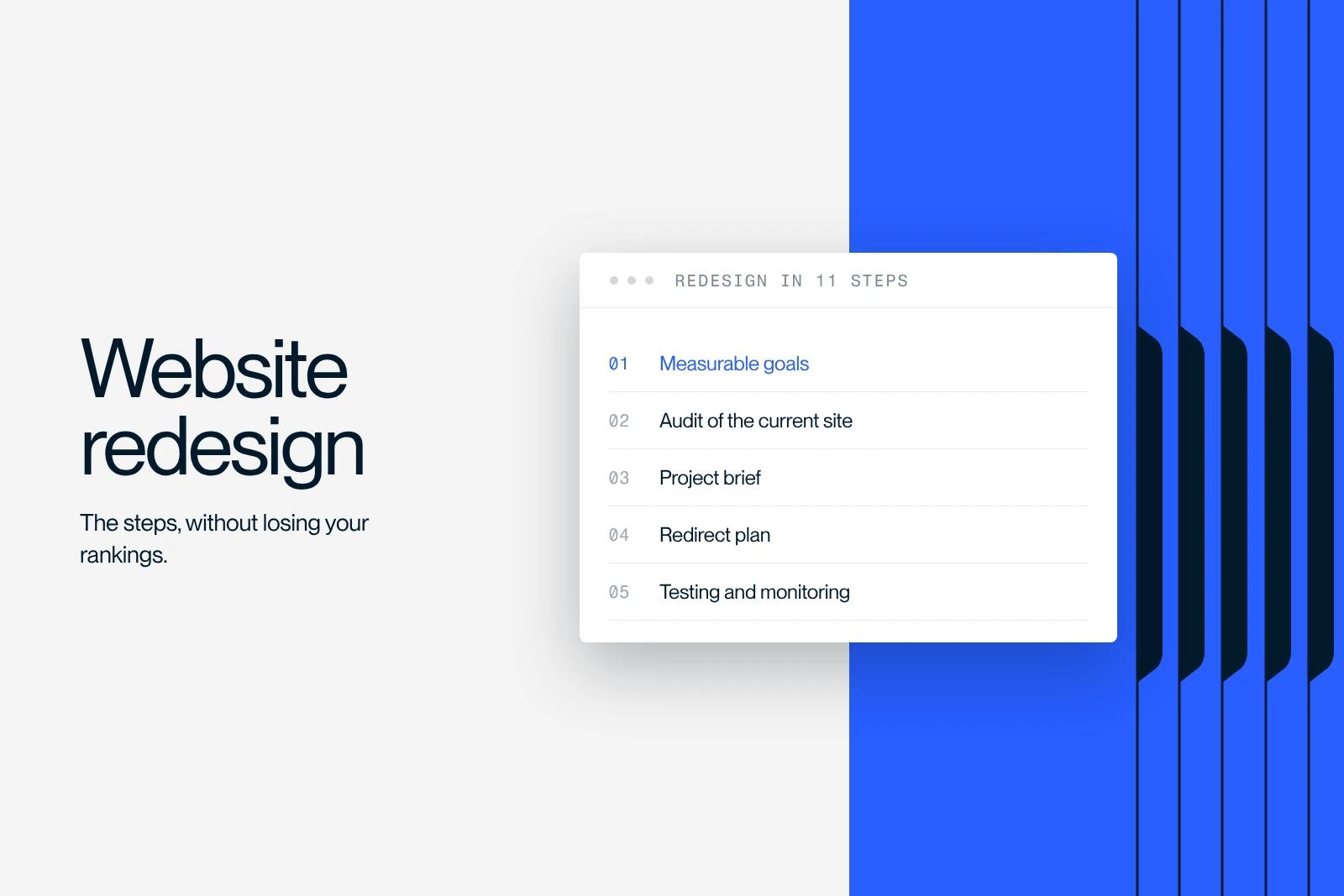
A website redesign is the rebuild of an existing site: new structure, new design, often new technology, while keeping the domain name and the search rankings already earned.
This guide walks through the 11 steps of the project, from setting goals to post-launch monitoring. With particular emphasis on the redirect plan, because that is where almost all traffic losses after a redesign happen.
Explore this post with…
Why redesign a site, and when not to
A website redesign is the rebuild of an existing site: new structure, new design, often new technology, while keeping the domain name and the SEO equity already earned.
There are few good reasons to start one. The site no longer converts. It can no longer be edited without a developer. It is so slow that it loses visitors. It no longer matches the company's positioning. Or the underlying technology is no longer maintained.
Bad reasons exist too, and they are expensive. "The site is three years old" is not an argument. "The new marketing director does not like blue" is not one either. If you cannot say which measurable problem the redesign has to solve, you will spend a budget on a new look and get the same results six months later.
A simple test before you start: list three numbers the redesign has to move. If you cannot, the project is not ready.
Step 1: set measurable goals
A redesign goal is stated in numbers, with a deadline. Not "modernize the image", but "raise the form conversion rate from 1.2% to 2% in six months". Not "improve SEO", but "lose no rankings on the ten queries that drive our revenue".
Pick three indicators at most. One for acquisition, one for conversion, one for your team's autonomy. Beyond that, no one tracks them.
Write down their current value before you touch anything. Without a starting point, you will never know whether the redesign worked.
Step 2: audit what exists before throwing it away
This is the step everyone rushes, and it is the one that determines whether you lose traffic or not.
What you absolutely need to capture
The complete list of your current URLs, with the traffic and rankings of each. This document is the basis of the redirect plan. Without it, the migration happens blind.
Your pages that actually generate traffic and leads. Often just a handful. They are off-limits, or to be touched with care.
Your backlinks and the pages that receive them. An external link pointing to a URL deleted without a redirect is lost authority.
The technical state: speed, Core Web Vitals, indexing, 404 errors, duplicate tags. A serious technical SEO audit takes a few hours and saves months of catching up.
What the audit should produce
One decision per page: keep, merge, rewrite, delete with a redirect. Written down in a table. It is your roadmap for everything that follows.
Step 3: look at what others do, without copying them
Benchmarking is for spotting your industry's conventions and identifying what sets you apart, not for averaging out your competitors.
Look at three things on their sites: their navigation structure, how they phrase their promise at the top of the page, and the proof they put forward. Note what appears everywhere, that is what your visitors expect. Note what no one does, that is where you have room.
For visual inspiration, it is better to step outside your industry. Our selection of the best websites analyzes about fifteen references on design, UX and performance.
Step 4: write a requirements document that actually helps
A good requirements document fits in ten pages and answers concrete questions.
The context and the problem to solve. The quantified goals from step 1. The audiences and their journeys. The intended site structure. The expected features, split between must-haves and nice-to-haves. The technical constraints and the tools to connect. The budget and the launch date. And the criteria that will define the project as a success.
What is almost always missing: the handover question. Who will manage the site after delivery, with what skills, and with what training planned. A site no one knows how to edit becomes obsolete within a year.
Agency, freelancer or in-house
A freelancer suits a simple site with a single point of contact. In-house works if you already have a designer and a developer, and time to give them.
An agency makes sense when the project spans several disciplines, strategy, design, development and SEO, and when you need a commitment to results on the migration. It is also what protects you the day the person who built the site leaves.
Step 5: plan with realistic timelines
A serious brochure website is redesigned in six to ten weeks. A content-rich site, with migration and editorial rework, takes more like three to four months. Projects that promise three weeks deliver a template filled in a hurry.
The item that always overruns is content. Design and development can be planned; writing and getting internal teams to approve copy cannot. Start the content in week one, not when the design is ready.
Build in a buffer. On a ten-week project, two weeks of slack is not a luxury.
Step 6: build the new site structure
Site structure is an SEO decision before it is a navigation decision.
Three rules hold up. No important page more than three clicks from the home page. One page per search intent, never two, otherwise your pages compete with each other. And menu labels that use your customers' words, not your internal vocabulary.
This is the time to deal with inherited duplicates. If two pages target the same query, merge them and redirect. You consolidate their authority instead of splitting it.
Plan your internal linking at this stage too, not afterward. Links between your pages are part of the structure, not decoration.
Step 7: design
A B2B website design has a job to do, not just an impression to make. At the top of the page, visitors must understand within seconds what you do, for whom, and what to do next.
What matters in practice: a clear visual hierarchy, a single main call to action per page, proof visible without scrolling three screens, and a mobile-first design since that is where most first visits happen.
Work with a component system rather than isolated pages. You gain consistency and future changes cost less. This is the logic of atomic design, and on Webflow it extends into the Client-First method for organizing classes.
For Garden Reclaimer, the redesign relied on custom 3D product visuals, because the product could not be understood from a photo. The design answered a comprehension problem, not a matter of taste.
Step 8: rework the content
The question to settle page by page: rewrite, or migrate as is.
Migrate as is a page that already performs and answers its intent well. Touching it means taking a risk with nothing to gain.
Rewrite a page that does not rank, whose subject has changed, or whose tone no longer fits. And use the opportunity to add what competitors cover and you leave out.
Delete a page that has no traffic, no inbound links and no commercial use. With a redirect to the closest page, never to the home page by default.
Watch out for the classic trap: redesigning the look and keeping the copy from 2019. Content often represents half the value of a redesign and ends up handled last, in a rush, by the person with the least time.
Step 9: build
The choice of technology follows from the needs, not from the provider's habits.
For a B2B brochure or marketing site that needs to change often and stay managed in-house, Webflow is hard to beat: no plugin maintenance, an editing interface marketing teams use without heavy training, and a result faithful to the mockup. The detailed comparison is in our article Webflow vs WordPress.
For a large e-commerce catalog, a dedicated platform is still a better fit. For a business application, neither one.
Whatever the tool, require three things: a documented naming convention, reusable components, and a handover with training. That is what decides whether you will be autonomous or locked in.
Step 10: the redirect plan, the step where everything is decided
If you only take care of one step, make it this one. Almost every traffic drop after a redesign comes from a rushed redirect plan.
The method is simple but leaves no room for approximation. You start from the exhaustive list of your old URLs, drawn up in step 2. For each one, you assign the equivalent new URL. You set up a 301 redirect, permanent, never a 302.
Three mistakes come up every time. Redirecting all deleted pages to the home page, which Google treats as a soft 404 and ignores. Chaining redirects, one old URL to another old URL to the new one. And forgetting URLs with and without a trailing slash, or in uppercase, which are different addresses for a server.
Test the plan before launch, not after. A crawl of your old URLs must return 100% 301s to pages returning 200.
For Qobra, the work on landing pages and interactive tools produced three times more leads and sixteen times more organic traffic. That kind of result assumes nothing was lost along the way.
Step 11: test, launch, then monitor
Before launch
Check the display on the browsers and screen sizes your audience actually uses, not just on your Mac. Check speed and Core Web Vitals. Test every form, including the notifications it triggers. Check analytics tracking and cookie consent. Run the redirect plan through the crawler.
Have the site reviewed by three people who did not build it. In ten minutes they will see what the team no longer notices.
Launch day
Publish outside peak hours. Submit the new sitemap in Search Console. Keep the old site accessible as a backup for a few days.
The following four weeks
This is the critical period. Check index coverage, 404 errors and the rankings of your ten priority queries every day.
A drop in traffic in the two to three weeks after launch is common, while Google recrawls and reassesses. A drop that persists beyond a month signals a real problem, almost always with redirects or indexing.
That is exactly what we avoided for Neoptim: the migration to Webflow happened without any loss of rankings, with a faster site at the end. That is not luck, it is the redirect plan.
How much a redesign costs
There is no official price list, and the rate cards published by agencies vary tenfold. What really moves the price is the number of pages, the share of custom work versus template, the volume of content to rewrite, the integrations to connect, and multiple languages.
A useful benchmark: content and SEO migration often weigh as much as design and development. A quote that does not price them is incomplete.
Be wary of very low proposals. They almost always exclude content rework and the redirect plan, which are the two items that decide whether you keep your traffic.
The most expensive mistakes
Launching without a redirect plan. This is by far the leading cause of traffic drops.
Changing URLs for no reason. Renaming pages that work to "tidy things up" costs you rankings for nothing.
Deleting content that ranked. An ugly page that brings in customers is worth more than a beautiful empty one.
Not measuring beforehand. Without a point of comparison, the redesign becomes a matter of opinion.
Forgetting training. A site the team cannot evolve goes stale as fast as the previous one.
Getting support
A successful redesign is not judged on launch day, but three months later, on traffic, inbound requests and your team's ability to keep the site alive without calling anyone.
Synqro is a Premium Partner Webflow agency, with more than 150 B2B projects since 2019 and a French-speaking team that works with companies in Paris and across France. If your project is in Paris, our Webflow agency in Paris page details the method and local work. And if the question is rather building a site from scratch, see our website design offer. If your brand needs a refresh too, see our branding agency page.
Frequently asked questions
Six to ten weeks for a serious brochure website, three to four months for a content-rich site with migration. The item that most often overruns is content production, not development.


