Article
Webflow: how it works, what it costs and who it is for
Webflow12 min read

James BrunettoCo-fondateur & CEO
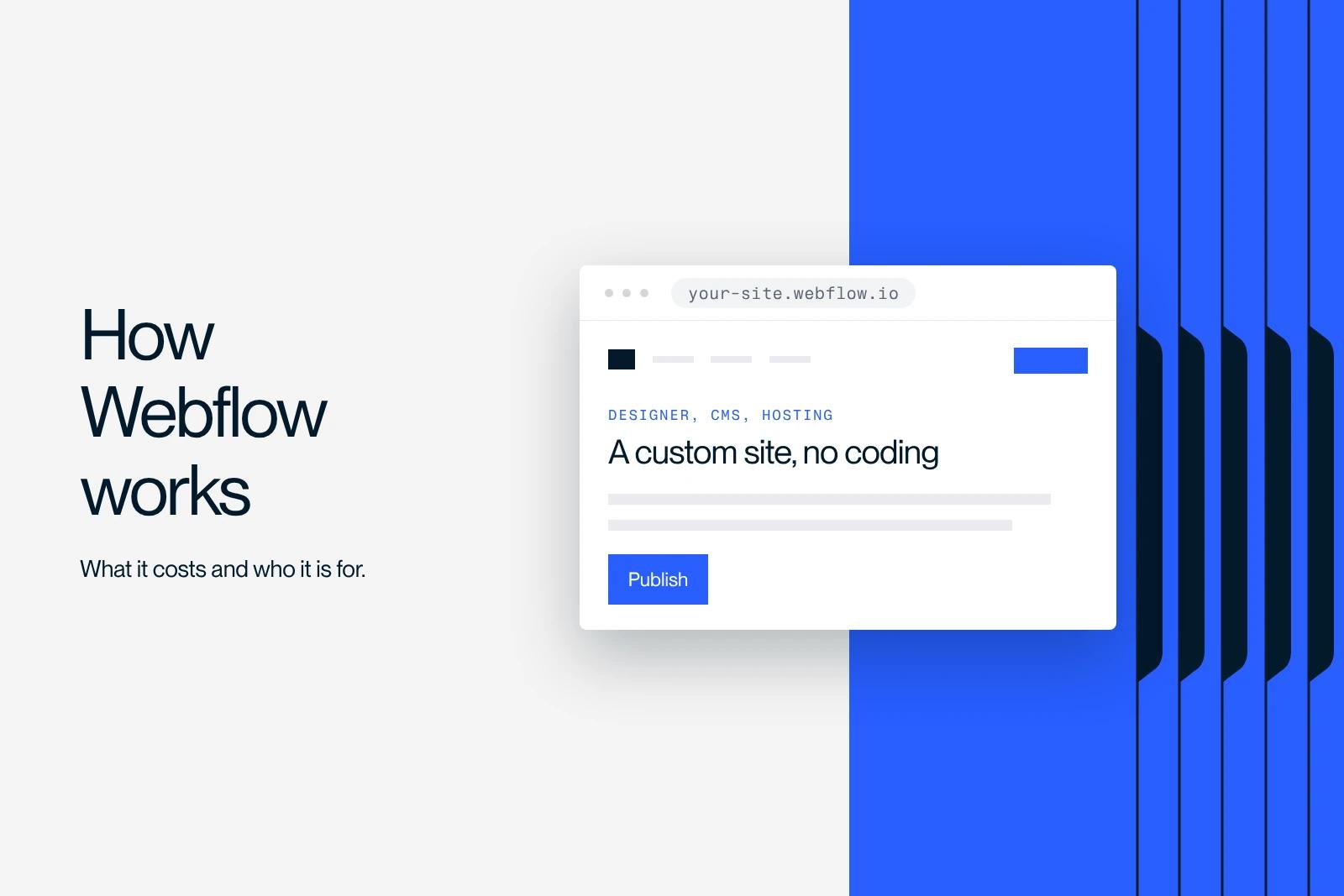
Webflow is a website building tool that brings together a visual editor that generates real HTML and CSS, a CMS and hosting. You build by manipulating blocks on screen, and the platform writes the code behind them.
This guide answers the questions people ask before choosing: how the tool works, what it really costs in 2026, what it brings to SEO, where its limits are, and when another platform will be a better fit.
Explore this post with…
What exactly is Webflow?
Webflow is a website building tool that combines three things that are usually separate: a visual editor that generates real HTML and CSS, a CMS to manage content, and hosting. You build by manipulating blocks on screen, and Webflow writes the code behind them.
The difference with a classic site builder fits in one sentence: on Webflow, you do not fill in a template, you draw the structure. Web concepts stay visible: div, flexbox, grid, position, breakpoints. That is what makes the tool powerful, and it is also what explains its learning curve.
What Webflow is not
Webflow is not a theme to customize. There is no imposed layout you have to put up with.
Nor is it no-code in the sense of having nothing to understand. You do not write code, but you work with its concepts. Someone who does not know what a margin or a container is will struggle.
And it is not a tool reserved for small sites. Sites with several hundred pages run on it, with dynamic content and integrations.
How Webflow works
The Designer
This is the workshop. It is where you build the page structure, create CSS classes, and set typography, colors and animations. The Navigator panel shows the element tree, and the Style Manager panel lists the classes.
On serious projects, class naming is not improvised. That is the whole point of the Client-First method, the most widely used convention in the ecosystem, which makes a project readable by someone who did not build it.
The Editor
This is the client view. It lets you edit text, replace images and publish an article without ever touching the design or breaking anything. That is what makes a Webflow site truly hand-off-ready: your marketing team updates the content, and nobody calls a developer to change a heading.
The CMS
Webflow's CMS works with collections. An Articles collection, a Clients collection, an Offers collection. Each collection has its fields: text, image, reference to another collection. You then design a template page, and Webflow generates one page per item.
This is the mechanism that lets you build a blog, a portfolio, a directory or a catalog without duplicating pages by hand.
Hosting
Webflow hosts the sites it produces on cloud infrastructure, with an SSL certificate and a global CDN included. You do not manage a server, plugin updates or security holes to patch in a hurry.
The downside, which we come back to below: you cannot host a Webflow site elsewhere and keep the CMS.
The real strengths
Output quality. What you design is what ships. There is no gap between the mockup and the live site, which changes a lot when the workflow runs from Figma to Webflow.
Production speed. A polished brochure site is built in a few weeks rather than a few months, because there is no back-and-forth between design and development.
Animations. The Interactions panel lets you trigger animations on scroll, hover or click without writing JavaScript. To go further, GSAP integrates cleanly.
Near-zero maintenance. No plugins to update, so no broken site on a Monday morning because an extension changed version.
Team autonomy. This is the most underrated argument. At Elevo and at KIS, the Webflow build came with training, and the in-house teams run their site without us.
The limits, without spin
Recurring cost. Webflow is paid every month, for life. Over five years, the bill exceeds that of shared WordPress hosting. On the other side, you save on maintenance, but the math is worth doing.
Learning curve. It is real. A complete beginner needs several weeks to produce something clean, and much longer to be comfortable with responsive design.
Lock-in. You can export the HTML, CSS and JavaScript of a static site. You cannot export the CMS or e-commerce. In practice, a site with dynamic content does not leave Webflow without being rebuilt.
Large catalogs. The CMS has item limits per collection and per site. For e-commerce with several thousand SKUs, Shopify is still a better fit.
Back office. There is no full native member area and no business application layer. All of that goes through third-party tools.
How much Webflow costs
There are two separate charges that add up: the site plan and the Workspace plan.
On Webflow's official pricing page, checked in October 2026, in dollars and billed annually, the site plans are Starter (free), Basic at $15 per month and Premium at $25 per month. Since May 13, 2026, Premium replaces the former CMS and Business plans, and a Team plan at $2,500 per month (annual contract) targets marketing teams. E-commerce plans start at $29 for Standard, $74 for Plus and $212 for Advanced. The plan-by-plan breakdown is in our Webflow pricing guide.
On the Workspace side, the agency and freelancer plans are $16 for Freelancer and $35 for Agency. The team plans are $19 for Core and $49 for Growth. Seats are billed on top: $39 for a full seat, $15 for a limited seat.
Add-ons come on top depending on your needs: Localize from $9 for multilingual sites, Analyze from $9, Optimize from $299.
Watch out for a detail that makes half of the French-language articles on the subject outdated: the plan names changed on May 13, 2026. The tiers are no longer Basic, CMS and Business, but Starter, Basic and Premium, as explained in Webflow's official announcement of the new plans. Existing sites switch at renewal, starting June 29 or November 16, 2026 depending on the case. Always check the official page, because pricing grids change.
For the budget of a full project, beyond the subscription, see our article on the cost of a Webflow website.
Webflow and SEO
Webflow is well equipped for SEO, but the tool does not do the work for you.
What the platform gives you
Title tags and meta descriptions editable page by page and on CMS templates, a free heading structure, clean URLs, an automatic XML sitemap, an editable robots.txt, 301 redirects in the settings, canonical tags, hreflang on multilingual sites, alt text on images, and fast hosting with a CDN that helps with Core Web Vitals.
What remains your job
Content, internal linking, HTML semantics, structured data, image weight and keyword strategy. No platform makes up for a site without content.
A concrete example of what happens when both are handled together: at CADvision, in the highly competitive 3D printing market, the SEO audit and strategy got transactional queries ranking. And at Qobra, combining targeted landing pages and interactive tools on Webflow delivered three times more leads and sixteen times more organic traffic.
The most common trap
Using an H2 because it has the right size. The heading hierarchy serves the understanding of the page, not the layout. Webflow lets you separate the two, but you still have to do it.
Webflow compared with the alternatives
The right choice depends on the project, not on what is fashionable.
Compared with WordPress, Webflow wins on maintenance, security and output quality. WordPress wins on ecosystem, long-term cost and unusual functional needs. Details in our comparison Webflow vs WordPress.
Compared with Framer, Webflow stays ahead on the CMS and fine-grained control. Framer is faster for a simple site. See Framer vs Webflow.
Compared with Shopify, there is no contest once commerce becomes the core business. Webflow e-commerce suits a small catalog, not a high-volume store. See Webflow vs Shopify.
Compared with Wix or Squarespace, Webflow requires more skills and delivers much more.
Who Webflow is the right choice for
Webflow is especially relevant for B2B brochure and marketing sites, startup or SaaS sites that change often, portfolios and agency sites, structured blogs and media, and companies that want to manage their content in-house.
It is less relevant for e-commerce with a very large catalog, a business application, a zero-budget site, or a project that depends on a feature only a WordPress plugin provides.
Learning Webflow
Webflow University is the reference: free, in English and of very high quality. The video courses cover the Designer, the CMS, e-commerce and interactions.
The official forum and the Slack and Discord communities solve most blockers within a few hours. In French, we maintain a free Webflow training and a beginner's guide.
The best accelerator is still to start from a real project rather than an exercise. You learn responsive design by running into real content.
Getting expert support
There is a difference between knowing how to use Webflow and delivering a site that holds up over time. The naming convention, the structure of the collections, internal linking, redirects during a migration, training the team that will take over the site: that is where the difference lies between a site that is delivered and a site that becomes a burden.
Synqro is a Premium Partner Webflow agency, with more than 150 companies supported since 2019 and a French-speaking team that works remotely or on site with its clients. If your project is in Paris, our Webflow agency in Paris page details our method and local work.
Conclusion
Webflow is not a shortcut to avoid learning anything. It is a tool that gives you control over output and content, provided you accept a learning curve and a monthly subscription.
The right reflex is to start from the project, not the tool. A B2B brochure site that has to change often and stay managed in-house: Webflow is hard to beat. A catalog of ten thousand SKUs or a business application: look elsewhere.
If you are still unsure about the platform or how to structure your project, talk to our team.
Frequently asked questions
Yes for building a simple site, no for building a clean one on the first try. Allow a few weeks to get comfortable, and longer to master responsive design.