Article
Webflow for SaaS: site structure, key pages and mistakes
Webflow6 min read

James BrunettoCo-fondateur & CEO
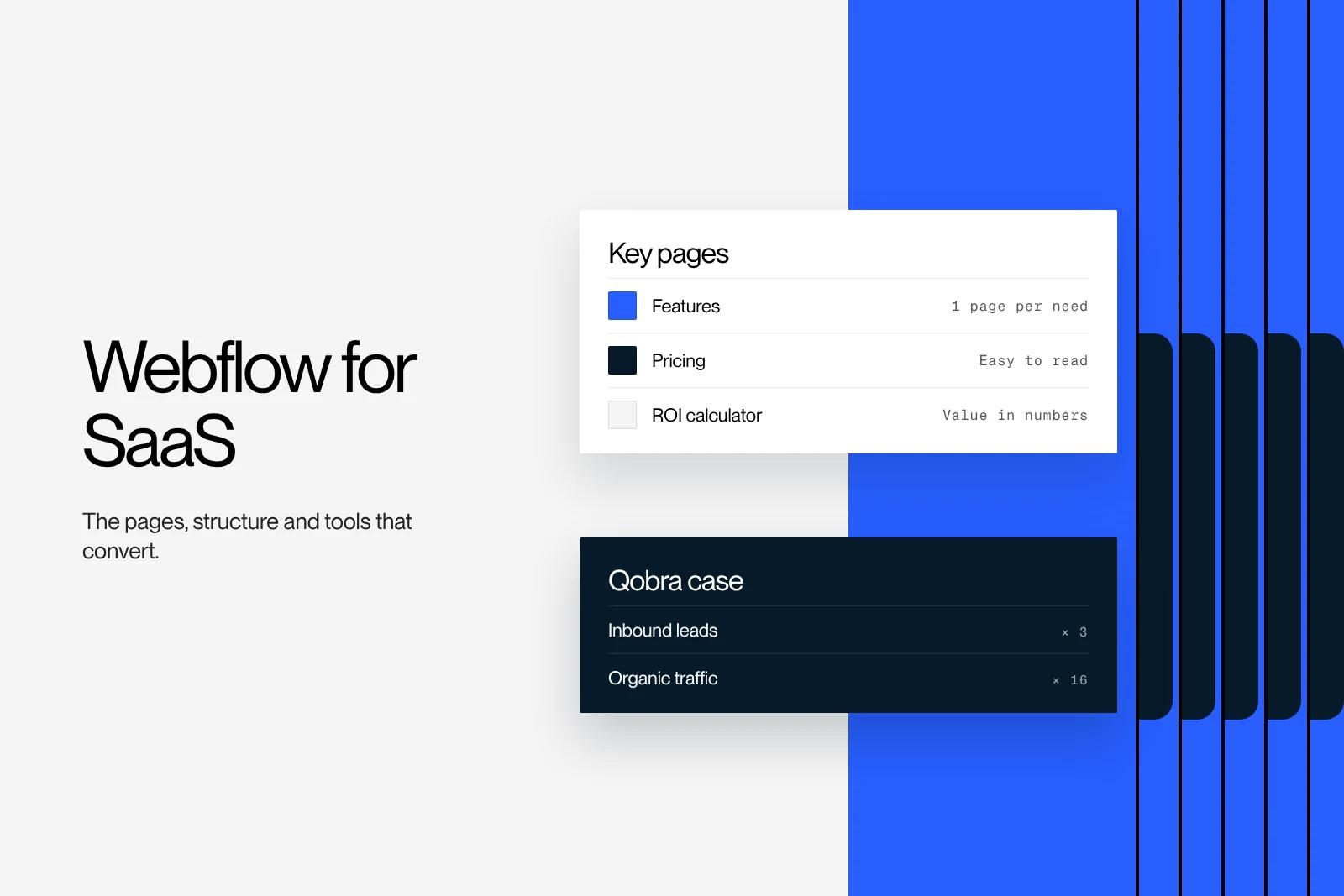
Many B2B SaaS companies build their marketing site on Webflow, because the marketing team can launch a page, a funnel or a campaign without waiting for the product developers. A good SaaS website is more than a homepage: it needs pages by audience and by use case, proof, clear pricing pages and tools that put a figure on the value. Here is the structure we recommend, what Webflow does well for a SaaS, its limits and the lessons from our projects.
Explore this post with…
In short: a B2B SaaS website is built like a product: a solid base at launch, then pages and funnels added as the offer grows. Webflow suits this well because marketing publishes on its own. For Qobra, two years of ongoing work, with an ROI calculator and funnels by audience, tripled leads and multiplied organic traffic by sixteen.
Why SaaS companies choose Webflow
A SaaS marketing site does not have the same constraints as the product. It changes every month: new feature, new audience, new campaign, new market. If every change goes through the product's technical team, marketing waits and campaigns go out late.
Webflow solves that problem. The marketing team edits and publishes on its own, from approved components. The site is hosted and secured with no plugins to maintain. And it stays flexible enough to handle interactive elements, CRM integrations and pages in several languages.
That is what we see on our projects. For Zeliq, a sales prospecting platform, we rebuilt the site on Webflow with a component library designed to evolve, then trained the design team to run it independently.
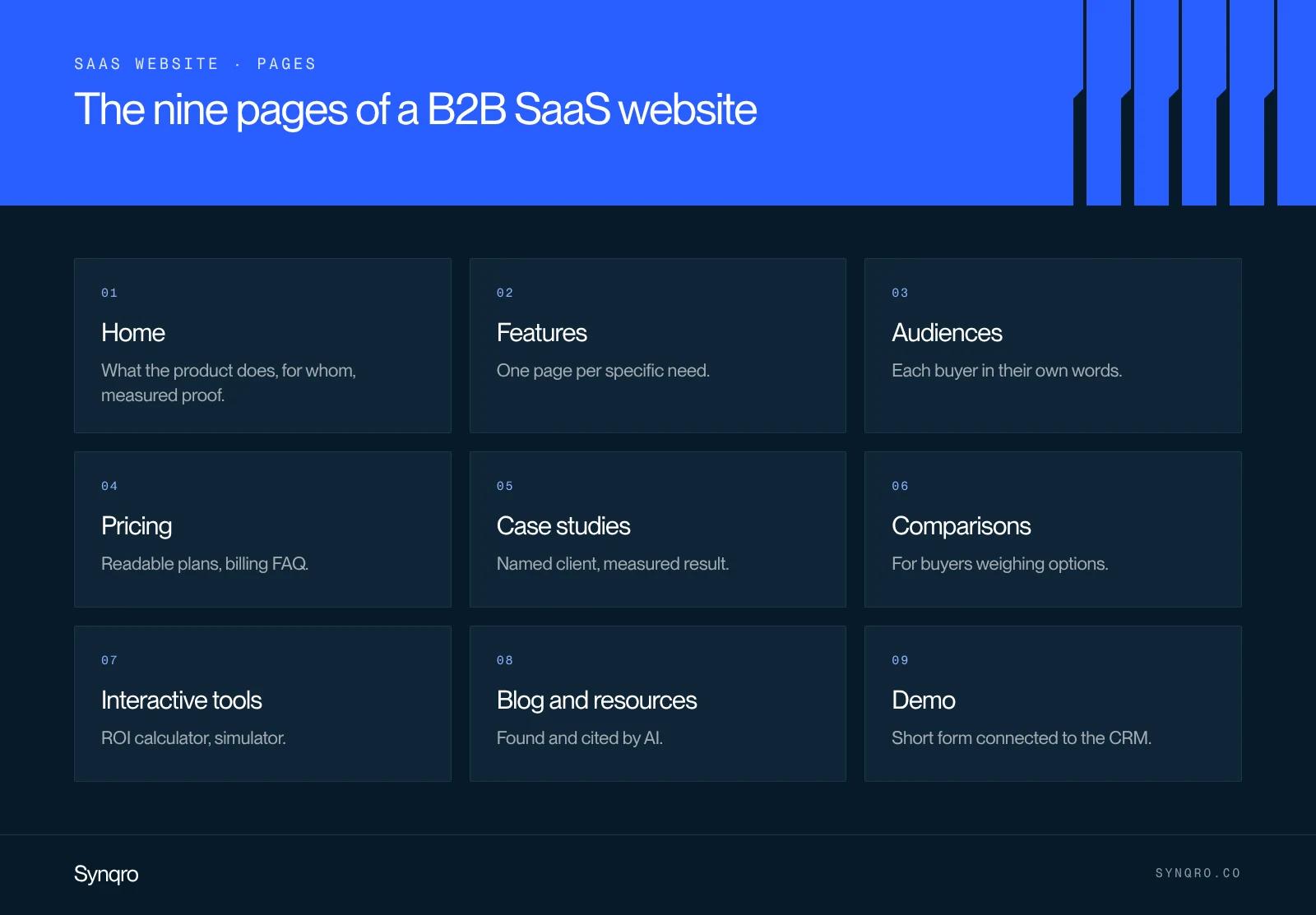
The pages of a B2B SaaS website that converts
| Page | Role | What it must contain |
|---|---|---|
| Homepage | Say in one sentence what the product does and who it is for | Promise, client logos, measured proof, call to action |
| Feature pages | Answer specific searches | Benefit, product screenshot, use case, link to the demo |
| Pages by audience or role | Speak to each buyer in their own words | Problems specific to the role, proof from the same industry |
| Pricing | Remove the first objection | Readable plans, what is included, billing FAQ |
| Case studies | Prove | Named client, context, measured result |
| Comparison pages | Capture buyers who are comparing | Honest table, cases where the competitor is a better fit |
| Interactive tools | Put a figure on the value | ROI calculator, simulator, assessment |
| Blog and resources | Get found and cited by AI assistants | Useful guides, data, named authors |
| Demo or contact | Convert | Short form connected to the CRM, meeting booking |
One mistake comes up often: a single "Product" page that stacks every feature. It ranks for no specific search and speaks to no buyer in particular. Several short pages, each focused on one problem, work better. Our guide to the SaaS landing page details the structure of a conversion page.
What the Qobra case taught us
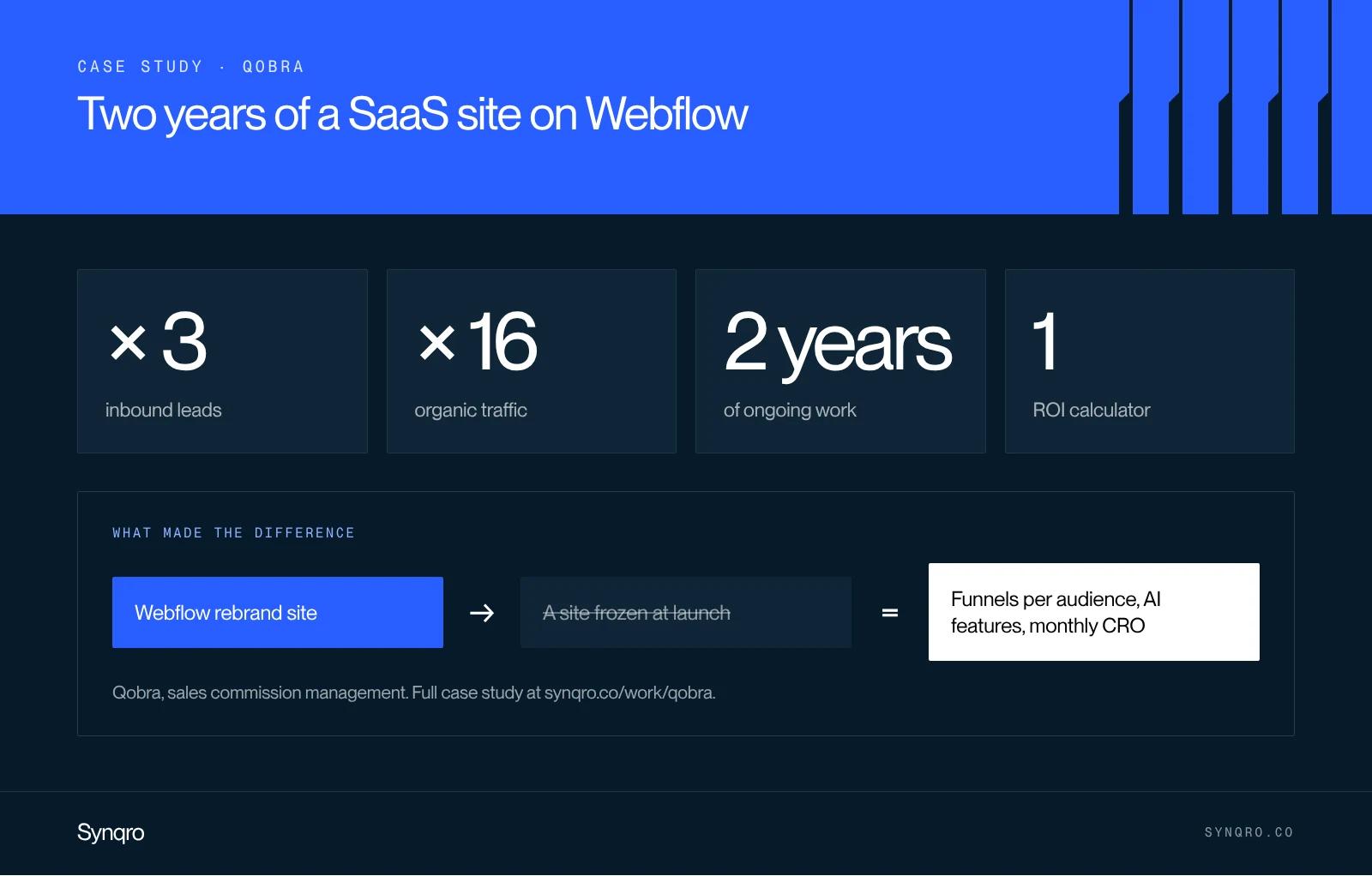
Qobra automates commission management for sales teams. We built its site on Webflow to support its rebranding, at a key moment in its fundraising. The work did not stop at launch. Four lessons from two years of collaboration:
- The site has to keep up with the product. When Qobra launched its AI features in 2026, we built a dedicated funnel for them. A site frozen at launch looks dated within six months.
- Putting a figure on value converts. The ROI calculator lets a prospect estimate what Qobra is worth for their company. It turns a promise into a number a sales leader can present to their CFO.
- One audience, one funnel. When Qobra opened up to a new audience, we designed dedicated journeys, with their own messaging, rather than adding a section to the homepage.
- Optimisation is continuous. New landing pages, journey tests, new features: conversion work happens month after month.
The result: three times more leads and sixteen times more organic traffic.
The same logic applies beyond pure SaaS. For Morning, which offers workspaces, optimising the site's critical journeys doubled the conversion rate, and the work continues every month.
Structuring the CMS of a SaaS website
A SaaS website publishes a lot: blog posts, case studies, integrations, changelog, industry pages. All of it should live in collections, not in pages built by hand. The foundation we set up:
- Features linked to use cases and audiences, to generate pages and cross-referenced lists;
- Case studies linked to industries and to the features used;
- Integrations, one page per connected tool, often heavily searched;
- Blog posts, authors and categories for the blog.
Limits and best practices are covered in our guide to the Webflow CMS. One point specific to SaaS: the Premium plan caps out at 40 collections and 20,000 items. That is more than enough for most software companies, but an integrations catalogue generated in bulk can get close.
The limits of Webflow for a SaaS
Webflow is not built for everything. You need to know that before you start.
| Need | Webflow | Alternative |
|---|---|---|
| Marketing site, blog, campaign pages | Very well suited | None needed |
| Application, client area, dashboard | Not suited | The product itself, in code |
| Large technical documentation | Possible but heavy | Dedicated documentation tool |
| Content shared with the application | Limited | Headless CMS |
| Several languages and markets | Possible, with the Localization add-on | Webflow Localization or headless |
| A/B testing on pages | Possible with Webflow's tools or a third-party tool | Dedicated experimentation tool |
The simple rule: Webflow for the site that sells, code for the product people use. The two connect through links, authentication handled on the product side and a shared CRM.
Common mistakes on a SaaS website
- Talking features before the problem. Buyers are looking for a solution to their problem, not a list of buttons.
- Hiding prices. A missing or vague pricing page sends buyers to a more transparent competitor.
- Forgetting measured proof. Logos and quotes are not enough, a measured result is more convincing.
- A demo form that is too long. Every extra field costs leads.
- Planning nothing for AI. Buyers now ask their questions to ChatGPT or Google's AI Mode. Clear, structured, sourced pages are more likely to be cited there.
If you are preparing a SaaS website, start with a website brief that lists your audiences and your lead targets. This is the kind of project we run as a Webflow agency, from the launch site to ongoing conversion work.
Frequently asked questions
Yes, for the marketing site: pages, blog, pricing, case studies, campaigns. The marketing team publishes on its own, without waiting for the product team. It is not built for the application itself, which stays in code.