Article
Website mockup: method, tools and mistakes to avoid
Webflow6 min read

James BrunettoCo-fondateur & CEO
A website mockup is a faithful visual representation of a site's pages before development: layout, colors, typography, images and real copy. It comes after the sitemap and the wireframes, is most often built in Figma, and is used to approve the design before a single line of code is written.
To get it right: start from the goals and the real content, structure each page as a wireframe, apply the brand guidelines, then adapt the mockup for mobile.
This guide covers the method, the current tools and the mistakes to avoid.
Explore this post with…
What is a website mockup?
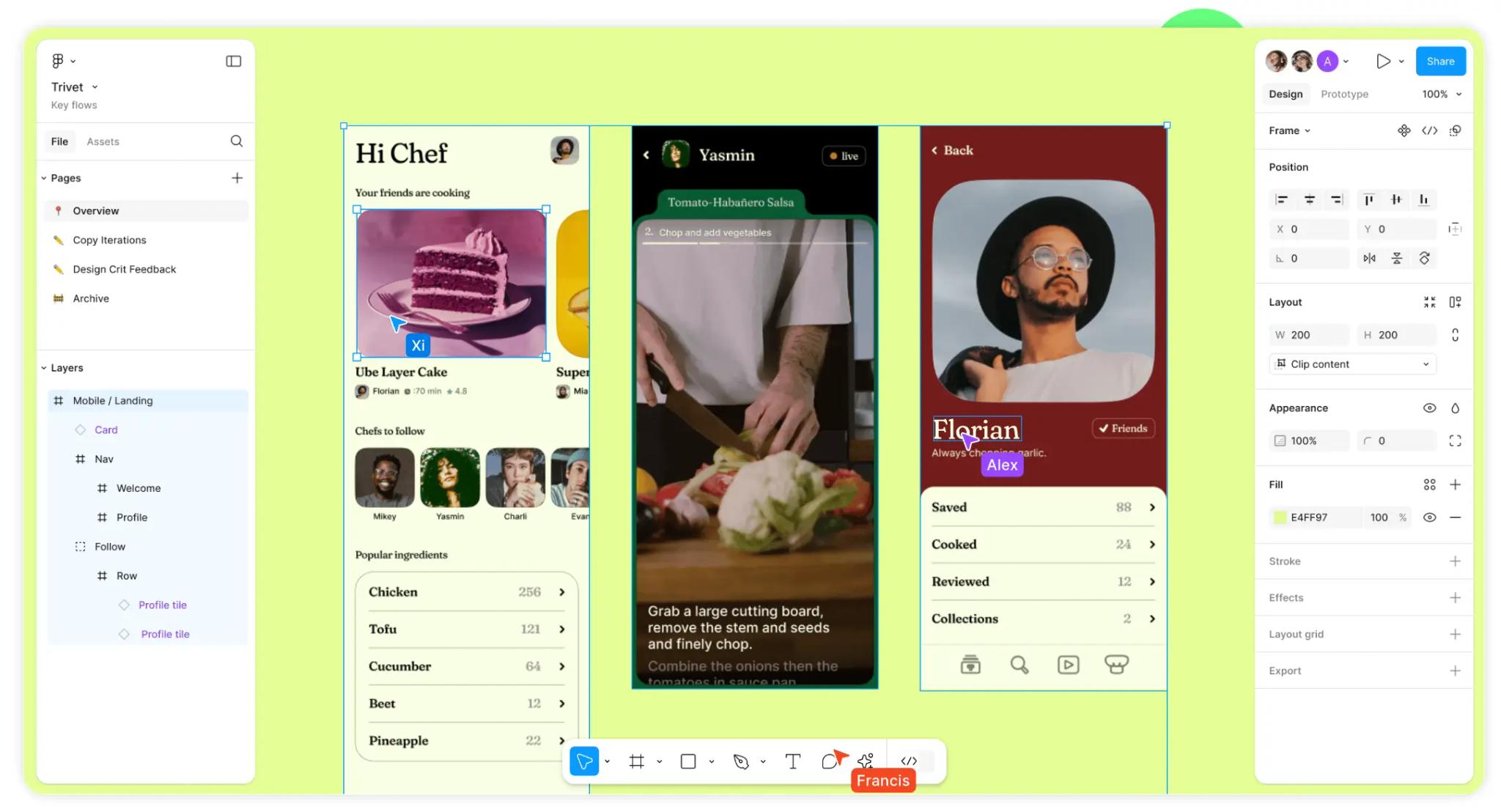
A website mockup is a detailed, static image of each page: it shows exactly what the site will look like, without working yet. It sits between the wireframe, which sets the structure, and the prototype, which simulates clicks and transitions.
| Deliverable | Content | Goal |
|---|---|---|
| Sitemap | List and hierarchy of pages | Approve the scope and navigation |
| Wireframe | Gray blocks, section order, placeholder copy | Approve the structure of each page |
| Mockup | Final design: colors, fonts, images, real copy | Approve the look before development |
| Prototype | Linked mockups with interactions | Test the user journey with users |
Why make a mockup before development?
Moving a block in Figma takes a minute. Moving it on a built, responsive site connected to a CMS takes much longer. The mockup is there to make decisions when they cost the least:
- get the design approved by the client and decision-makers on a concrete basis;
- spot missing content early (photos, figures, testimonials);
- give the developer precise rules (spacing, sizes, button states);
- plan for SEO from the design stage: one H1 per page, section headings that reflect visitors' questions, room for real copy.
Creating a website mockup in 6 steps
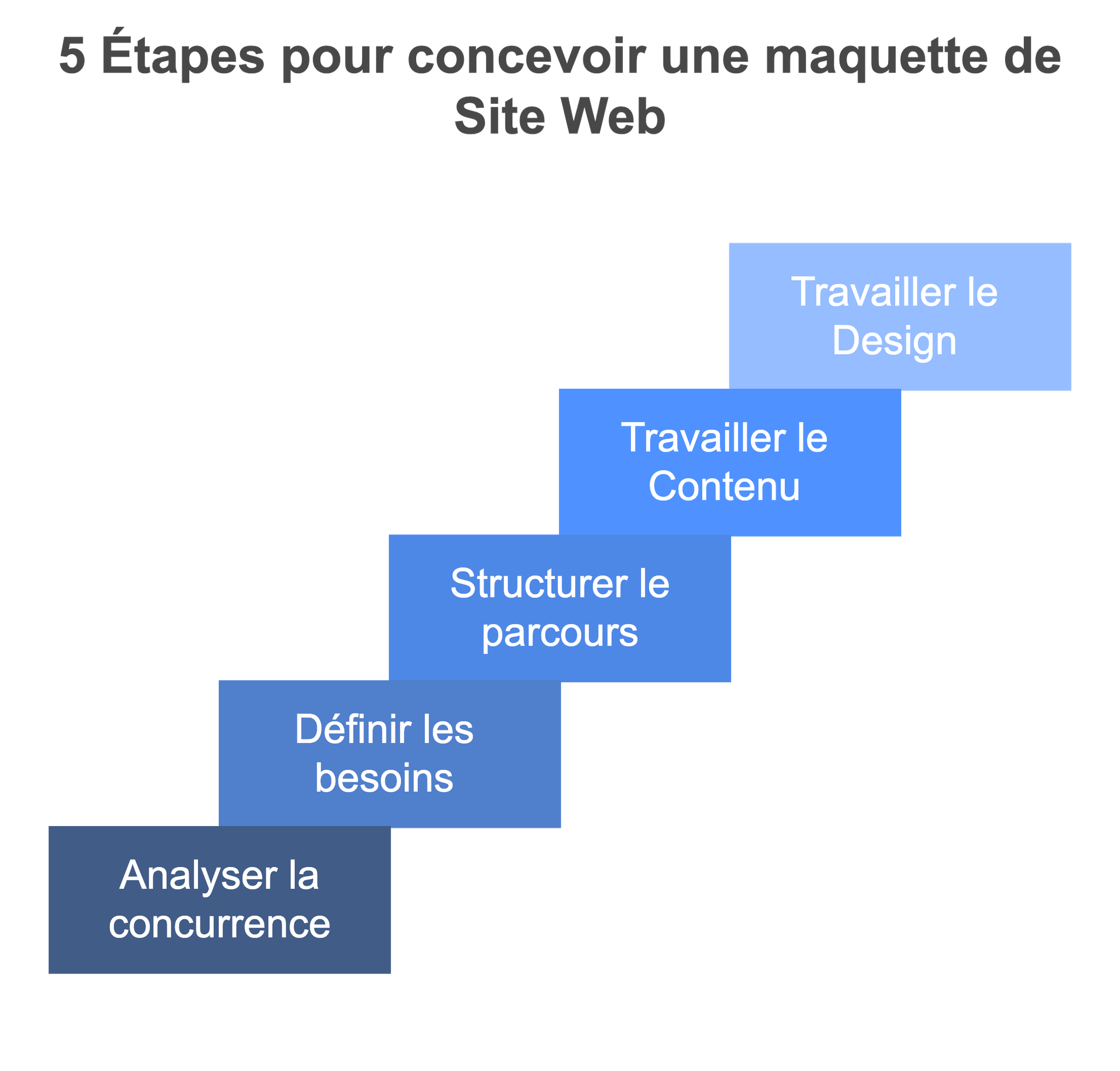
1. Define the goals and the audience
Who should come to the site, and what should they do? Request a quote, book a demo, buy, apply. One main action per page guides every design decision that follows.
2. Gather the real content
At Synqro, we collect the client's real material before we design: brochures, figures, references, questions asked in sales meetings. A mockup designed with Lorem Ipsum gets distorted as soon as the real copy arrives, longer or shorter than expected.
3. Build the sitemap
List the pages and their hierarchy: one page per major offer, references, a contact page. The main menu follows from it. The detailed method is in our article on website structure.
4. Draw the wireframes
For each page template, set the order of sections as gray blocks: promise, proof, offer, objections, call to action. Get this structure approved before adding any color. See our guide to the wireframe.
5. Apply the visual identity
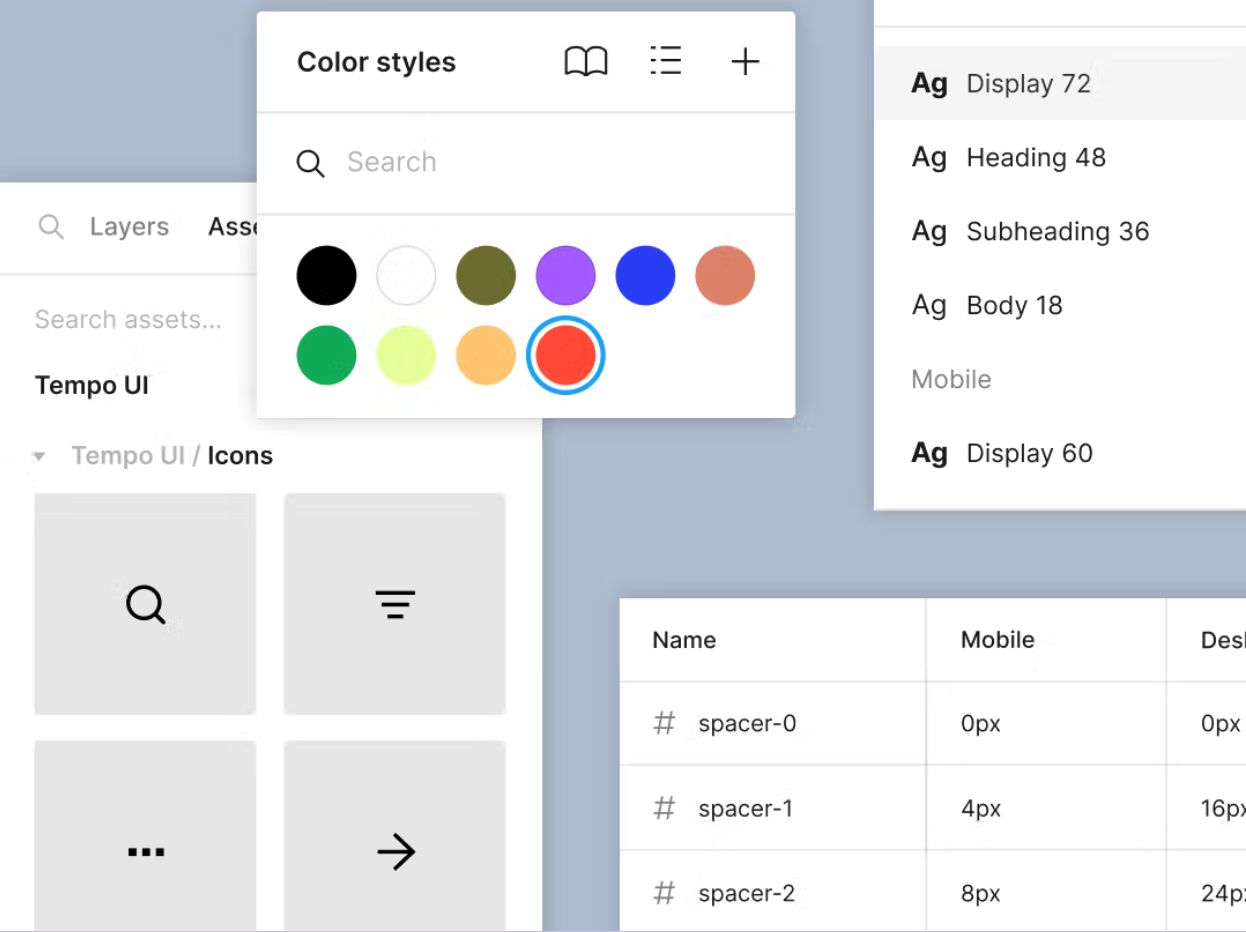
Create the styles first (colors, typography, spacing) and the base components (buttons, cards, fields), then assemble the pages. Check contrast: WCAG success criterion 1.4.3 requires a ratio of at least 4.5:1 for body text and 3:1 for large text.
6. Adapt for mobile and prepare the handoff
Mock up at least the desktop and mobile versions of the key pages. Specify the states (hover, active, form error) and behaviors (mobile menu, elements that hide). The developer should not have to guess.
Which tools should you use to make a website mockup?
| Tool | Strengths | Good to know |
|---|---|---|
| Figma | Real-time collaboration in the browser, components, variables, prototyping, Dev Mode | Industry standard; limited free plan |
| Sketch | The original interface design tool, symbol libraries | macOS app only |
| Penpot | Open source alternative to Figma, can be self-hosted | Smaller community and fewer plugins |
| Adobe XD | Interface familiar to Adobe users | In maintenance mode: no new features, avoid for a new project |
| Balsamiq, Moqups | Quick, sketch-style wireframes | For structure, not for the final mockup |
As for Adobe XD, Adobe says the tool "continues to be in maintenance mode": bug and security fixes only, with no new features (statement reported by Creative Bloq in February 2024). For a new project, go with Figma or Penpot.
Why Synqro designs its mockups in Figma
Our French-speaking team works remotely and our clients are in Paris, Dubai or elsewhere: a browser-based tool where everyone comments directly on the mockup avoids sending files back and forth. Figma also lets us build a system of components and variables that we then reproduce exactly in Webflow. The step-by-step is in our guide to creating a website mockup in Figma.
To go from mockup to site, Webflow offers an official plugin that transfers Figma elements to the Designer. It works well on cleanly built mockups (auto layout, named styles): see our article on the Figma to Webflow plugin.
Mistakes to avoid in a website mockup
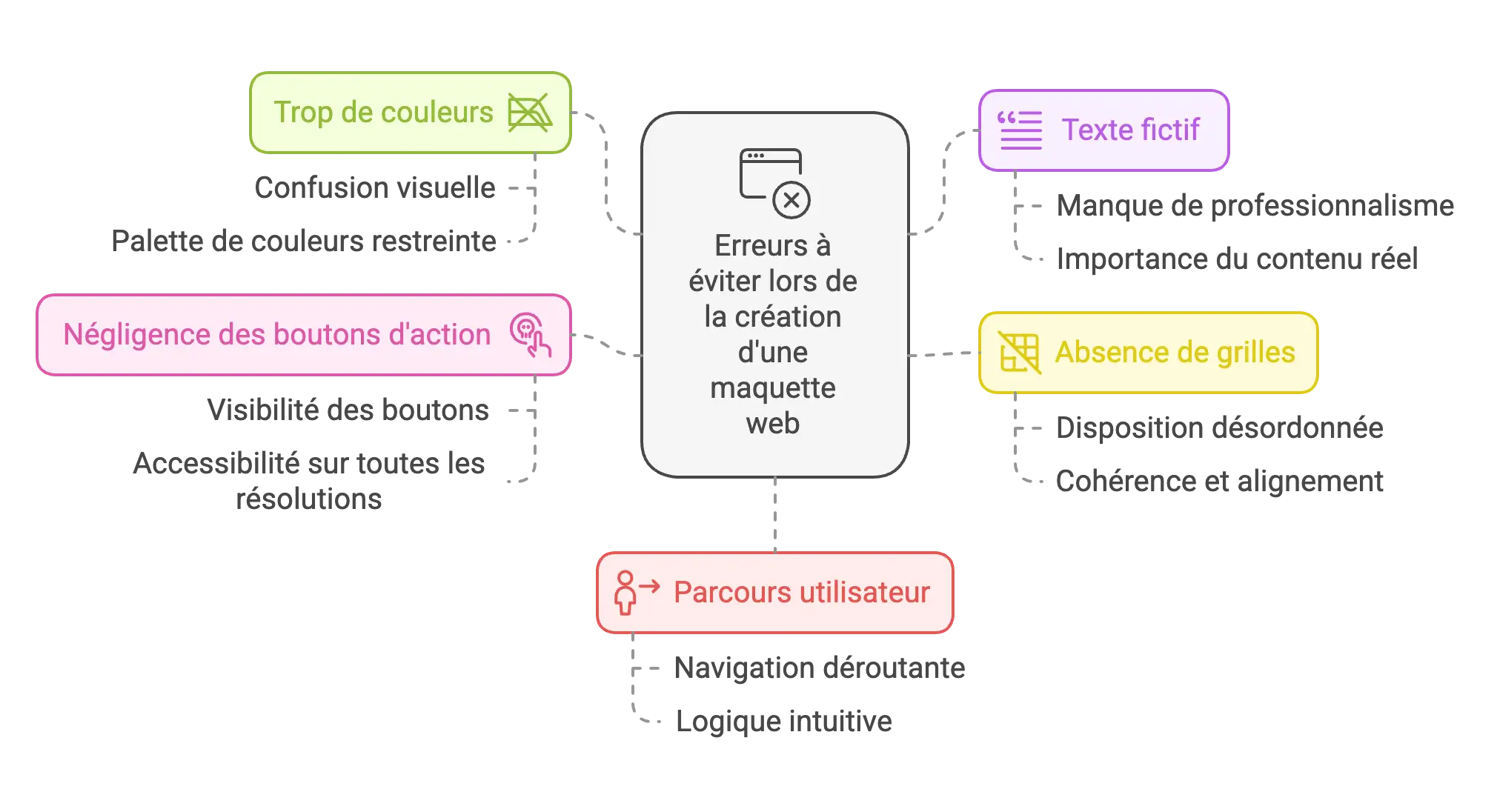
- Designing before you have the content: the real copy then breaks the layout.
- Forgetting mobile: the developer then invents the mobile version, rarely the way the designer would have wanted.
- Multiplying styles: eight heading sizes and five different grays make the site inconsistent and slow to build.
- Ignoring the grid: without reference columns and spacing, alignments drift from one page to the next.
- Understated call-to-action buttons: the main action must be visible on the first screen.
- Planning effects that cannot be maintained: check with the developer what the target tool can do, and what the team will be able to change on its own.
Synqro, a brand, web and visibility agency founded in 2019, has worked with more than 150 companies. With us, a complete site, from strategy to launch, takes 8 to 12 weeks, mockup included. To hand over design and build, see how we work on Webflow projects. If your identity needs a rethink before the mockup, our branding team handles it. The full timeline is covered in our article on how long a website takes to build.
Frequently asked questions
It is a faithful visual representation of a site's pages before development: layout, colors, typography, images and copy. It is used to approve the design before coding.


