Article
SEO playbook for beginners: step by step, from keyword to tracking
SEO8 min read

James BrunettoCo-fondateur & CEO
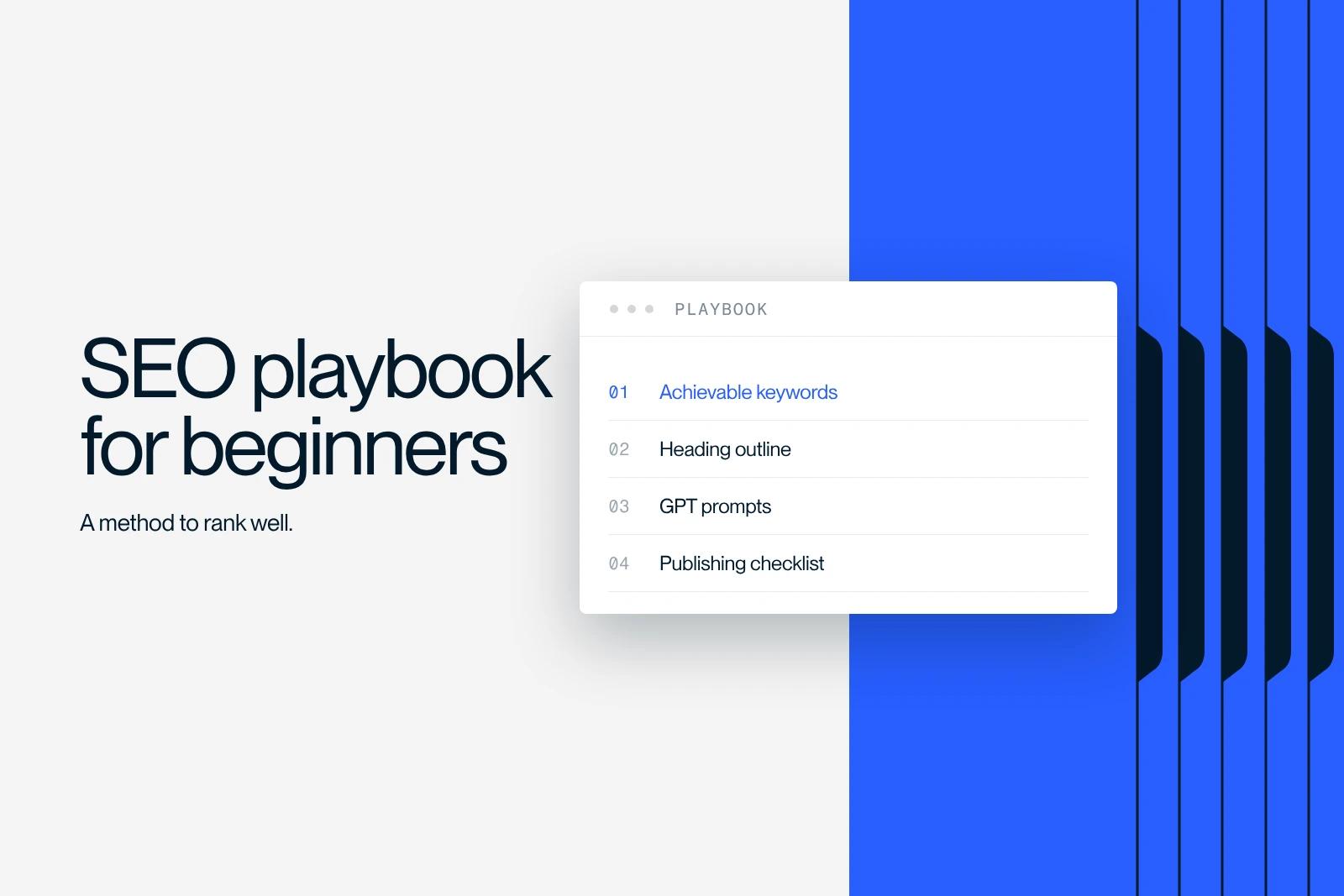
An SEO playbook is a set of instructions that turns a page idea into content that can rank on Google: choose a reachable keyword, read the results page, write, optimize, publish, get indexed, then track the results. This one is written for beginners, with templates and checklists.
Each step comes down to a few concrete actions. Apply them to a first page, then repeat the loop for every new topic.
Explore this post with…
SEO basics to know before you start
SEO (organic search optimization) means making a page findable and useful for a specific search. It rests on three pillars:
- Technical: a site that is fast, readable on mobile, crawlable and indexable. See our technical audit checklist.
- On-page: the page itself (title, meta description, headings, content, images, internal links). This is the core of this playbook.
- Off-page: what the rest of the web says about you, starting with links. Link building comes after the first two.
Remember the chain: crawling, indexing, ranking, click, conversion. If one link breaks, the next ones are useless. To go further, Google's SEO Starter Guide is still the best free read.
The four search intents
| Intent | Example queries | Format that usually wins |
|---|---|---|
| Informational | what is, how to, guide | Article, definition, tutorial |
| Commercial | best, comparison, review, vs | Comparison, reasoned selection |
| Transactional | price, quote, demo, buy | Service page, landing page, product page |
| Navigational | name of a brand or a tool | Home page or brand page |
Step 1: find reachable keywords
Start from three to five keywords close to your offer. Enter them into a tool such as Ubersuggest, Semrush or Google Ads Keyword Planner, then collect for each idea: estimated monthly volume, difficulty, related questions. Export everything to a spreadsheet.
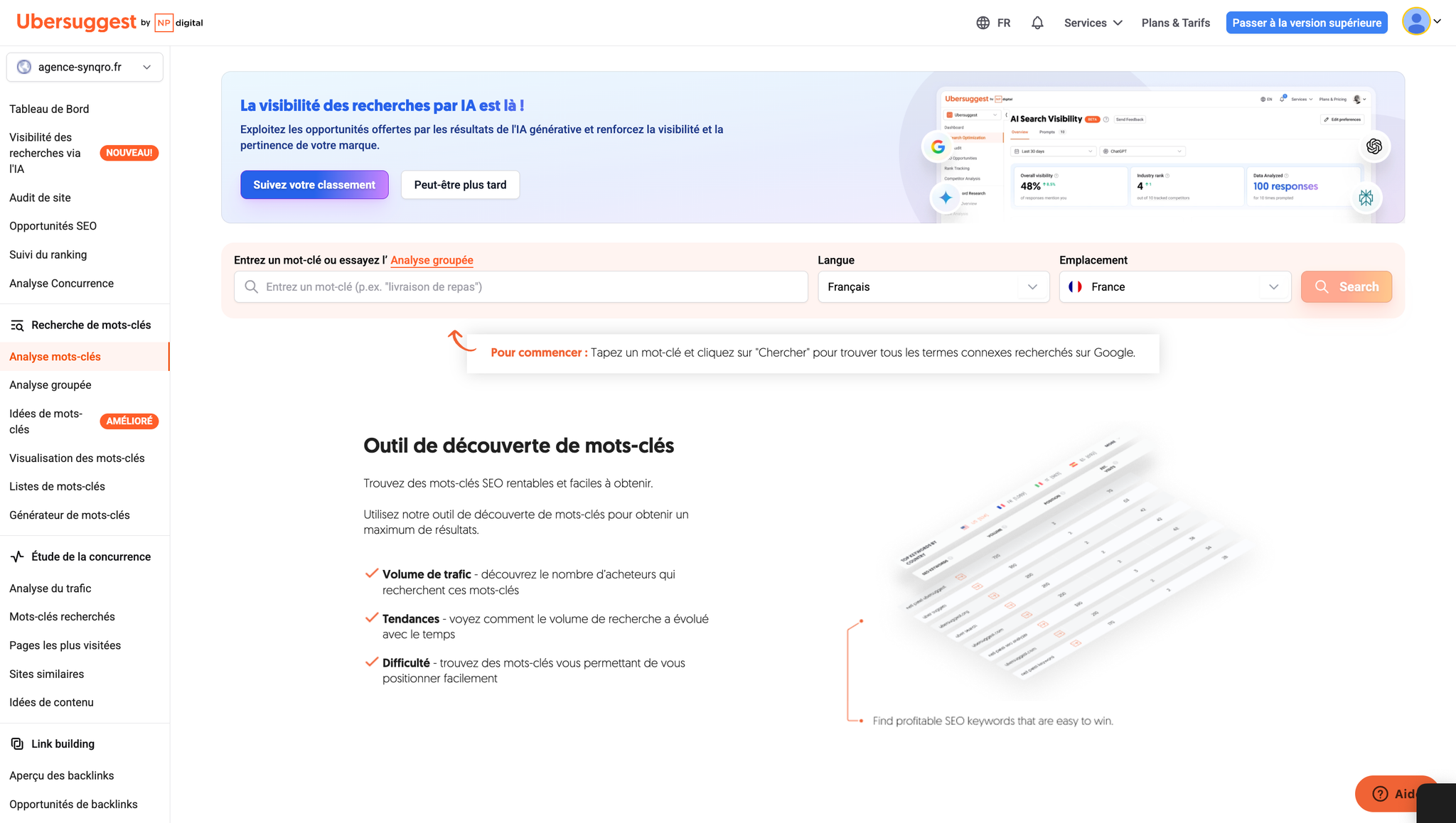
Two precautions. Volumes are estimates, useful for comparing, not for forecasting traffic. And difficulty is a score specific to each tool, calculated differently from one to the next: at the start, aim for keywords with a low to medium score.
Prioritize without a complicated formula
Add three columns to your file: intent, target page, priority. Give high priority to keywords that combine a commercial or transactional intent, an accessible difficulty and a direct link with what you sell. Volume comes next: a niche query that converts is worth more than a large volume with no purchase intent.
Group them into clusters
Organize keywords into groups: a parent page that covers the whole topic, then satellite pages on specific variants (free, for small businesses, comparison). Golden rule: one intent, one page. Two pages on the same query compete with each other, which is called keyword cannibalization.
Step 2: read the SERP and write the brief
Type the priority keyword in a private window and note:
- The dominant page type (guide, comparison, product page): that is the intent Google has settled on.
- The words that keep coming back in titles and the promises put forward.
- The criteria and objections covered by the best pages (price, security, ease of use).
- The special blocks: featured snippet, "People also ask", related searches. The questions will become your FAQ.
The brief then fits on one page:
| Brief section | What goes in it |
|---|---|
| Query and variants | The main keyword and three to five close variants |
| Intent and goal | What the reader is looking for, what the page should trigger (contact, trial, sign-up) |
| Angle | The problem addressed and what your page adds compared with the others |
| Evidence | Figures, screenshots, cases, external sources to cite |
| Outline | H1, H2, H3, then six to ten FAQ questions |
| Internal links and call to action | Pages to link to, pages that will link to this one, proposed action |
Step 3: write with AI without losing quality
Google does not forbid content written with AI. Its guidance on generative AI content (updated on October 1, 2026) sets three limits: producing pages in bulk without added value counts as scaled content abuse, models can invent facts that must be checked, and the same review applies to the title, the meta description and alt texts.
At Synqro, we first collect the client's real data (brochures, figures, cases) and give it to the AI along with the brief. That is what avoids the generic text anyone can produce with the same tool.
Useful prompts, in order
- Outline: provide the brief, ask for an H1 and two different H2/H3 outlines, pick one.
- Draft section by section: one section at a time, with your data, asking for concrete examples and short sentences.
- FAQ: paste the questions collected from the SERP, ask for two- to four-sentence answers that do not repeat the body text.
- Title and meta: five variants of each, keyword first when it reads naturally, a promise the page keeps.
Two instructions never to give: a keyword density ("5% of the text"), which produces stuffing, and "get past AI detectors", which has nothing to do with quality. Ask instead for synonyms, specific entities and sources.
Validate the draft
- Every figure has a verifiable source, or it comes out.
- The introduction answers the question in the first sentence.
- Each section brings an example, a step or a criterion, not a generality.
- The page says something competitors do not: your experience, your data, your opinion.
- Reading it aloud, you do not stumble on any sentence.
Step 4: optimize the page before publishing
| Element | Practical rule |
|---|---|
| Title | Keyword early, clear benefit. Google sets no limit but truncates the display: aim for about 50 to 60 characters |
| Meta description | One sentence that answers the intent, about 140 to 155 characters |
| H1 and subheadings | A single H1, H2s for each main part, H3s without skipping levels |
| Slug | Short, descriptive, words separated by hyphens |
| Images | Compressed file, descriptive name, alt text that describes the image |
| Links | Three to five internal links with descriptive anchors, one to three reliable external sources |
| FAQ and action | Six to ten real questions, a call to action visible at the top and bottom |
On title length, Google's documentation on title links confirms there is no limit and recommends descriptive, concise titles. The details are in our guide to the title tag and meta description. On Webflow, our app SynqPro checks these points directly in the Designer.
Step 5: broaden the semantic field
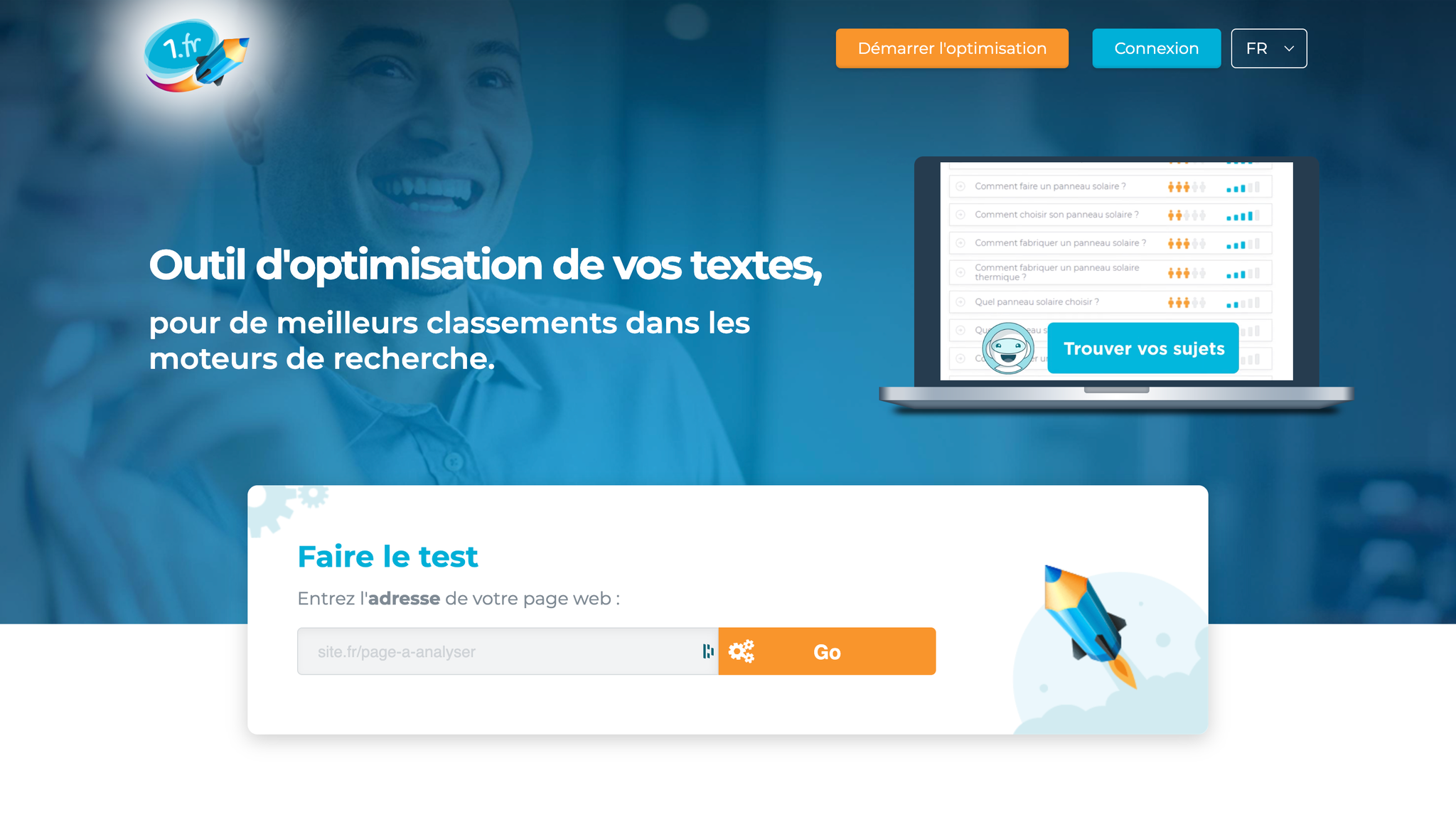
A good article answers the intent. A very good article also covers the concepts the topic calls for. A semantic analysis tool such as 1.fr compares your text with the search results and suggests the missing terms and themes.
- Analyze the near-final text against the target query.
- Keep only the truly relevant terms, and add them with an explanation or an example, not as a list.
- Read it aloud. If a sentence sounds forced, remove the term.
Do not chase a score: a clear, precise text beats a text that ticks every box.
Step 6: publish and get the page indexed
- Publish, then add links to the new page from two or three pages that already rank well.
- Check that the page is in the sitemap (Webflow generates it automatically if it is enabled).
- In Search Console, paste the URL into the inspection tool, then click Request indexing.
- Over the following days, check the Page indexing report.
The most common statuses, as named in Google's help page on the indexing report:
| Search Console status | What it means | What to do |
|---|---|---|
| Discovered - currently not indexed | Google knows the URL but has not crawled it yet | Strengthen internal links, check the sitemap, wait |
| Crawled - currently not indexed | Google visited the page without indexing it | Improve the page's value, avoid near-duplicates |
| Soft 404 | The page looks like an empty or missing page | Expand the content or return a real 404 code |
| Excluded by "noindex" tag | A tag asks for the page not to be indexed | Remove the tag if the page should appear |
Step 7: measure and iterate
Two free tools are enough: Search Console (impressions, clicks, click-through rate, position by query and by page) and Google Analytics 4 (engagement and key events, the new name for conversions). Our article on SEO KPIs explains how to read them.
| Situation in Search Console | Priority action |
|---|---|
| Average position between 8 and 20 | Expand the content, complete the FAQ, add internal links from strong pages |
| Position between 4 and 8 | Rework the title, meta description and introduction to win clicks |
| Top 3 but few clicks | Make the title's promise more specific and more appealing |
| Several URLs on the same query | Merge or differentiate the pages |
These thresholds are rules of thumb, not Google rules. Change one thing at a time and note the date in a log so you know what moved the curve.
Recommended pace: small adjustments every week, expansions every month, and a review every quarter to reset priorities, as we do at Synqro. The same good practices (direct answer, sources, clean data) also help you get cited by AI engines: that is the topic of our guide to GEO and generative AI.
A 7-day SEO action plan
| Day | Action |
|---|---|
| 1 | Choose a cluster: one parent page and two satellites |
| 2 | Read the SERPs, write the three briefs |
| 3 and 4 | Write the drafts with your data, then check every fact |
| 5 | Optimize each page with the step 4 checklist |
| 6 | Publish, link the pages to each other and from your strong pages |
| 7 | Broaden the semantic field, request indexing, note the date in the log |
When to get support
This playbook is enough to launch your first pages. When the number of topics grows, or pages stall despite the loop, an outside view saves time. Synqro has supported more than 150 companies since 2019; our SEO and GEO support ranges from €1,000 to €5,000 excl. VAT per month depending on scope.
Frequently asked questions
It is a set of instructions that describes, step by step, how to produce and improve a page for search: keyword research, brief, writing, optimization, indexing and tracking. It is used to get consistent quality from one page to the next.