Article
Webflow Alternatives: 7 Tools Compared, October 2026 Pricing
Webflow13 min read

James BrunettoCo-fondateur & CEO
The best Webflow alternative depends on what you are building: Framer for a landing page or a startup site, WordPress for a blog or a very specific project, Shopify for selling online, Webstudio for open source, Wix or Squarespace for a small site, Hostinger on a tight budget. Every price below was checked on the official pricing pages on October 21, 2026. At Synqro, we have built on Webflow since 2019 and we say at the scoping stage when another tool is a better fit. Here is the comparison, a "which alternative for which need" table, and the cases where staying on Webflow is the right call.
Explore this post with…
In short: Webflow costs $15 a month (Basic) or $25 a month (Premium, with CMS) billed yearly since its 2026 plan overhaul. Framer is the most direct alternative ($10 then $30 a month), WordPress the most versatile and most widely used (39.6% of all websites), Shopify the right answer as soon as sales come first ($29 a month), Webstudio the only truly open source option. For a B2B site of 20 to 300 pages with a blog, custom design and an autonomous marketing team, we stay on Webflow.
Why look for a Webflow alternative?
A Webflow alternative is a tool that handles a site's design, hosting and content management in its place. In the requests we get, four reasons come up.
- Price. In 2026, Webflow simplified its plans: Basic at $15 a month (300 static pages, no CMS) and Premium at $25 a month (CMS, 40 Collections, 20,000 items), billed yearly (webflow.com/pricing, checked October 21, 2026). Workspace plans for the team come on top: Core at $19 a month, Growth at $49, Freelancer at $16, Agency at $35. For one site that is cheap; for an agency running thirty, the total adds up.
- Learning curve. Webflow follows the logic of CSS: boxes, flexbox, grid, classes. That is its strength for a designer or a developer, and a hurdle for a founder who wants to do everything alone.
- Feature limits. 20,000 items and 40 CMS Collections on Premium, 500 to 15,000 products depending on the Ecommerce plan, and no native member areas since User Accounts were sunset on January 29, 2026 (Webflow points to Memberstack or Outseta instead).
- Hosting. The CMS, forms and ecommerce only run on Webflow's servers. Code export exists for HTML, CSS and JS, but it requires a paid Workspace (Core, $19 a month) and only covers static pages.
7 Webflow alternatives: comparison table
Prices in US dollars before tax, taken from the official pricing pages on October 21, 2026, billed yearly where that option exists. Wix shows US dollar prices "for reference only" and bills in your local currency: check the grid for your region.
| Tool | Model | Entry price (October 2026) | Best for | Main limitation |
|---|---|---|---|---|
| Webflow (reference) | Visual SaaS | Free, then Basic $15 and Premium $25 a month | Custom brochure and B2B sites | CSS logic to learn, hosting locked in |
| Framer | Visual SaaS | Free, then Basic $10 and Pro $30 a month | Landing pages, startup sites | CMS capped: 1,000 items on Basic, 2,500 on Pro |
| WordPress + Elementor | Open source + plugin | WordPress free, Elementor Pro from $60 a year, hosting extra | Blogs, very specific projects | Maintenance and security are on you |
| Wix (and Wix Studio) | All-in-one SaaS | Free with ads, then Light $17.77 and Core $29.77 a month | Freelancers, small sites | Less control on large projects |
| Squarespace | All-in-one SaaS | Basic $19, Core $29 a month (yearly) | Portfolios, creatives, small stores | Customization limited to templates |
| Webstudio | Open source (AGPL-3.0) | Free on staging, Pro $15 a month (yearly), self-hosting possible | Technical teams | External CMS to connect, smaller community |
| Shopify | Ecommerce SaaS | Basic $29 a month (yearly), $39 monthly | Online stores | Content pages are more constrained |
| Hostinger Website Builder | Host + AI generator | $2.49 a month on a 48-month term, then $10.99 on renewal | Tight budget, simple site | Generic design, little control |
Framer: the most direct alternative
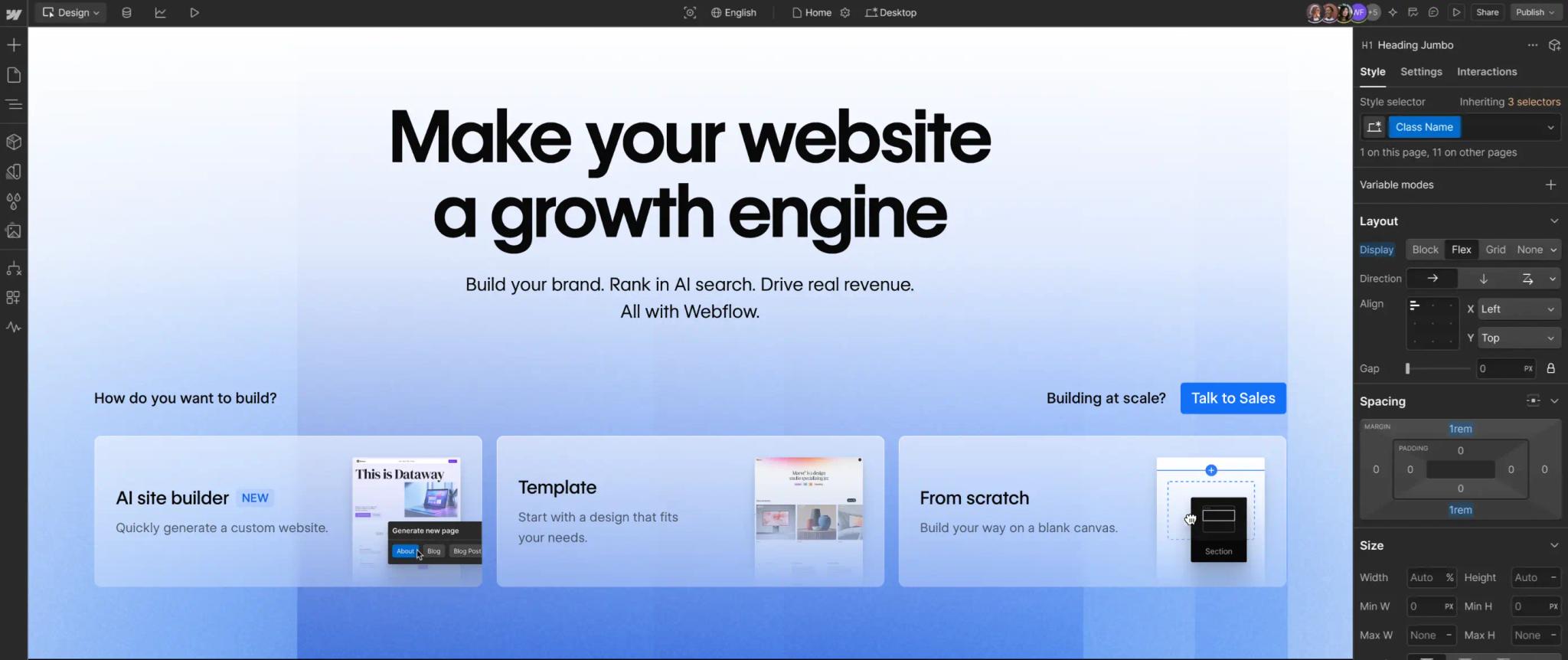
Framer is a design tool that grew into a full website builder: visual editor, native animations, hosting included, one-click publishing. It is Webflow's closest competitor, and the one we recommend most often when Webflow is too heavy for the project.
Prices from framer.com/pricing: Basic at $10 a month (30 pages, 2 collections, 1,000 CMS items), Pro at $30 a month (150 pages, 10 collections, 2,500 items, expandable for a fee). The free plan does not allow a custom domain. Localization costs $20 per locale per month.
Our take: Framer wins on a landing page, a launch site or a highly animated 10 to 30 page site. For a B2B site with a blog, resources, case studies and several templates, Webflow's CMS remains more comfortable. The details are in our Framer vs Webflow comparison.
WordPress with Elementor: the most versatile
WordPress is an open source CMS that powers 39.6% of all websites according to W3Techs as of October 21, 2026, against 0.8% for Webflow. Paired with Elementor (Pro from $60 a year), it offers a visual editor and an unmatched plugin ecosystem: WooCommerce, multilingual, SEO, membership.
Strengths: hosting of your choice, open code, any developer can step in. Limitations: updates, backups and security to manage, performance that depends on the host and the number of plugins. Count $50 to $200 a month for agency maintenance.
Our take: WordPress is the right answer for a high-volume blog or media site, and for functional needs Webflow does not cover (complex member area, directory, intranet). For a B2B brochure site, the three-year cost of ownership is rarely in its favor. We run the numbers in Webflow vs WordPress.
Wix and Wix Studio: for small sites
Wix (4.2% of websites according to W3Techs) targets freelancers and small businesses: ready-made templates, booking, a small store, up and running in a few hours. The free plan shows ads on a Wix subdomain; paid plans start at $17.77 a month (Light) and $29.77 (Core), shown in US dollars for reference.
Wix Studio, the agency-oriented version, adds a freer editor and multi-site management tools. It remains less precise than Webflow on code control and content structure.
Our take: a good choice for a solo business or a local shop that wants to run everything alone. For a B2B site that needs to rank on competitive queries and grow with a marketing team, the tool shows its limits within a year.
Squarespace: for portfolios and creatives
Squarespace (2.4% of websites according to W3Techs) has the most polished templates on the consumer market, with store, booking and newsletter built in. Prices from squarespace.com/pricing: Basic $19 a month, Core $29, Plus $49, Advanced $99 billed yearly ($25 to $139 monthly).
Our take: ideal for a photographer, an architect, a restaurant or a small store that wants a beautiful site without a designer. Content structures and customization stay within the templates: it is not a tool for a 50-page site with several layouts.
Webstudio: the open source alternative
Webstudio follows Webflow's visual logic (every CSS property, components, variables) with a core released under the AGPL-3.0 license on GitHub, where the project had 8,900 stars in October 2026. It connects to a headless CMS (Sanity, Strapi, Notion, Airtable, WordPress) rather than shipping its own.
Webstudio Cloud is free to test (staging publishing only), $15 a month billed yearly for the Pro plan with a custom domain, $35 for Team. Self-hosting is possible, but it takes a developer for deployment and the CMS.
Our take: the only alternative that truly settles the question of code ownership and hosting. It is built for technical teams. On the open source question at Webflow, see Is Webflow open source?
Shopify: when ecommerce comes first
Shopify (5.3% of websites according to W3Techs) does not compete with Webflow on brochure sites, but it is the right alternative as soon as online sales dominate: large catalog, multiple currencies, subscriptions through apps, logistics. Prices from shopify.com/pricing: Basic $29 a month billed yearly ($39 monthly), Grow $79, Advanced $299.
Webflow caps at 500 products on its Ecommerce Standard plan ($29 a month), 5,000 on Plus ($74) and 15,000 on Advanced ($212), with a 2% transaction fee on Standard. A hybrid setup, brand site on Webflow and checkout on Shopify, is still possible and it is often what we propose to brands that sell a short catalog.
Hostinger: on a tight budget
Hostinger sells hosting with an AI website generator: $2.49 a month on a 48-month commitment for the Premium plan, then $10.99 a month on renewal, prices checked on hostinger.com on October 21, 2026. The site is generated from a description, then edited in a simplified editor.
Our take: the cheapest way to get a presentable site online in an hour. It works for a market test or a solo business. It does not work for a brand that has to stand out or a team that will evolve the site for years: the design stays generic and control over technical SEO is limited.
Which Webflow alternative for which need
This is the table we use in scoping workshops when a client is hesitating. It does not replace a conversation, but it rules out the wrong paths fast.
| Need | Our recommendation | Why | Webflow still makes sense if |
|---|---|---|---|
| High-volume blog or media | WordPress, or Ghost (Starter $18 a month) | Fast editing, taxonomies, plugins, multiple authors | Under 20,000 posts and a team that wants custom design |
| Ecommerce | Shopify | Catalog, multi-currency, logistics, apps | Under 500 SKUs and a brand that matters more than the catalog |
| SaaS website | Webflow or Framer | Marketing pages, blog, case studies, CRM integrations | As soon as the site passes 30 pages or several languages |
| Agency (client sites) | Webflow or Wix Studio | Reusable components, multi-site management, handover to the client | Your clients want to edit alone without breaking the design |
| Tight budget | Hostinger, Wix free or Framer Basic | Under $15 a month, online in a few hours | You can pay a builder once and $25 a month after |
| Multilingual site | Webflow (Localize $9 or $29 a month) or WordPress | Locale management, URL per language, hreflang tags | Up to 10 locales; beyond that, WordPress with a plugin |
| Code ownership | Webstudio or custom code (Astro, Next.js) with a headless CMS | Open source license, host anywhere | You accept Webflow hosting in exchange for simplicity |
Webflow CMS and hosting alternatives: the headless route
Two questions come up often: "what is a Webflow CMS alternative?" and "what is a Webflow hosting alternative?". The answer is the same: separate content from presentation. A headless CMS (Sanity, Contentful, Strapi) stores the content; a site generator (Astro, Next.js) builds the pages; a static host serves them. Cloudflare Pages, for example, has a free plan with 500 builds a month and unlimited bandwidth.
Our own site, synqro.co, is built this way: content in Sanity, pages generated by Astro, hosting on Cloudflare. This setup needs a developer on the team for every structural change; we do not recommend it to a marketing team on its own. To understand what Webflow's CMS covers before leaving it, read our Webflow CMS guide.
When staying on Webflow is the right choice
Webflow remains our first choice in one specific case, which is also the most common among our clients: a brochure or B2B site of 20 to 300 pages, with a blog and resources, a custom design and a marketing team that wants to publish without a developer. Hosting, security and updates are part of the subscription, there are no plugins to maintain, and the site stays editable without breaking the design.
On the Qobra project, a commission management SaaS, the Webflow site built for the rebrand was optimized for two years by the client's team and ours: ROI calculator, funnels per audience. Result: three times more inquiries and sixteen times more organic traffic. None of the tools above would have made that work simpler, and several would have made it more expensive.
Every plan and what it includes is detailed in our Webflow pricing guide.
Leaving Webflow without losing your rankings
Changing tools does not cost you rankings; changing URLs without redirects does. The method: export CMS Collections to CSV, inventory every URL, build a page-by-page mapping, write 301 redirects, check your tags and monitor Search Console for several weeks. Our 6-step Webflow migration guide details the method, which works in both directions.
We applied it to ourselves in October 2026 when moving from agence-synqro.fr to synqro.co: 485 redirects written and tested before the switch. That is the amount of work to expect for a site of a few hundred pages, whatever the destination tool.
Synqro's point of view
We are a Webflow Premium Partner, the highest tier of the partner program, and we have worked with more than 150 companies since 2019, including Qobra, Zeliq and Circul'R. We have no interest in sending you elsewhere. We still do it regularly: to Shopify for a large-catalog store, to Framer for a launch landing page, to WordPress for a media site. The most expensive mistake we see is not the choice of tool, it is choosing a cheaper tool upfront without pricing maintenance and changes over three years.
Unsure? Our Webflow agency page describes what we deliver and when we recommend something else. We are based in Dubai with a French-speaking team and work with companies in Paris, across France and internationally, remotely or on site.
Frequently asked questions
Framer for a landing page or a startup site, WordPress for a blog or a very specific need, Shopify for selling online, Webstudio for open source. There is no best alternative in the abstract, only a best answer to a need.
For a B2B site of 20 to 300 pages with custom design and an autonomous marketing team, we stay on Webflow.


