Article
Webflow Migration: 6 Steps to Migrate Without Losing SEO
Webflow13 min read

James BrunettoCo-fondateur & CEO
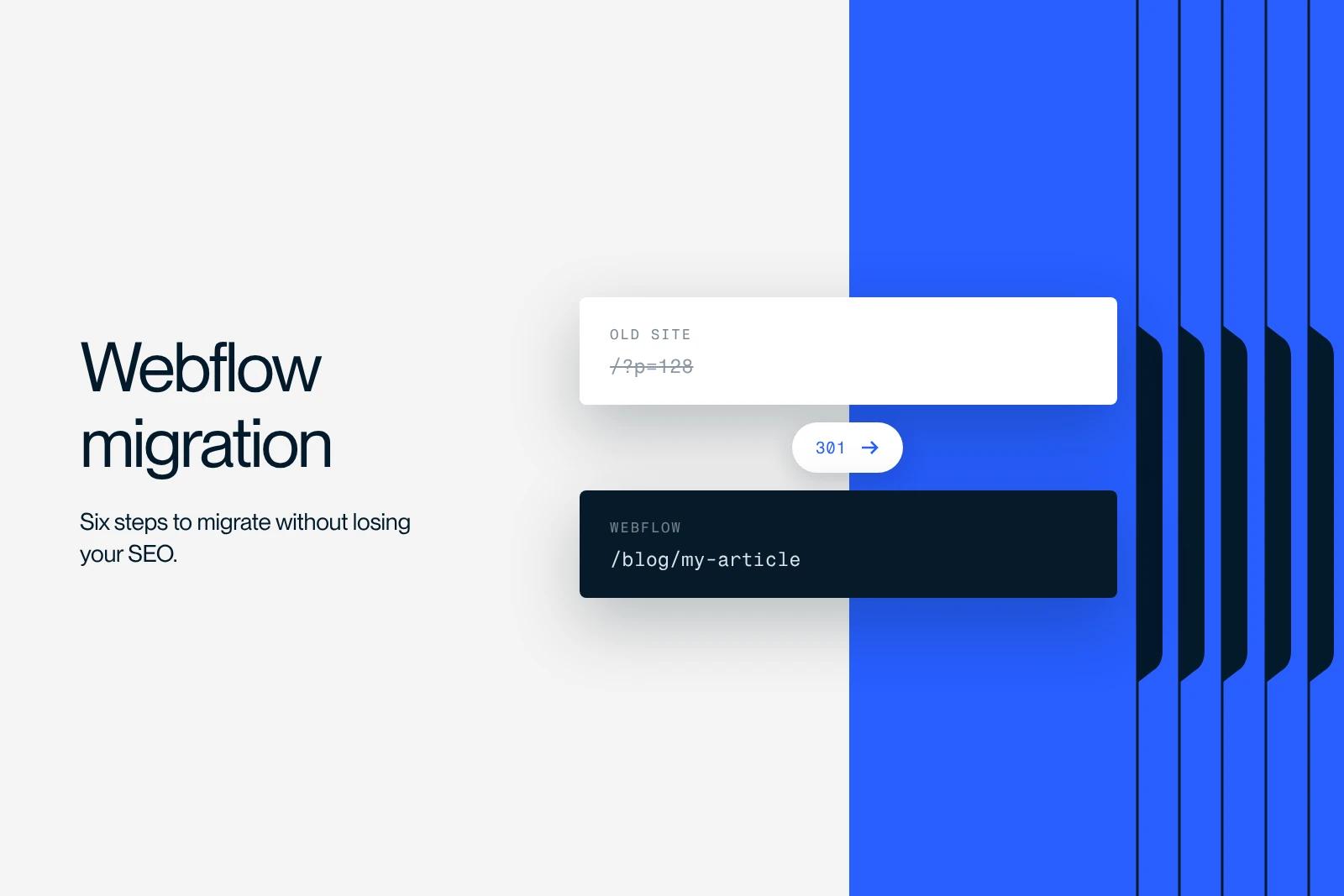
A Webflow migration is the transfer of an existing website to Webflow while keeping its domain, its content and its search rankings.
This guide walks through the six steps of the project, from the URL inventory to monitoring the thirty days after the switch. It also details what changes depending on whether you are starting from WordPress, Wix or a custom-built site.
Explore this post with…
What a Webflow migration actually means
A Webflow migration is the transfer of an existing website to Webflow while keeping its domain name, its content and its search rankings. In practice, the word covers four very different operations, and mixing them up is the first source of trouble.
Changing platforms
This is the most common case. You leave WordPress, Wix, Squarespace or a custom-built site to rebuild on Webflow. Everything changes: the code, the CMS, sometimes the URL structure. It is also the riskiest case for SEO, and the one that requires the most complete redirect plan.
Changing domains
You move from old-name.com to new-name.com, often because of a rebrand. Technically, it is simple. Strategically, it is the operation that loses the most traffic, because the authority built up on the old domain transfers slowly and never completely. Only do it if you have no choice.
Changing hosting
You keep the site as it is and change servers. On Webflow, the question hardly comes up, since hosting is built into the platform, which is actually one of the reasons to switch. Our guide on hosting a Webflow site explains how it works.
Merging subdomains
You have blog.yoursite.com and shop.yoursite.com, and you bring them under yoursite.com/blog and yoursite.com/shop. This concentrates authority on a single domain instead of spreading it out. It is often the migration that pays off the most for the least effort.
When to migrate, and when to wait
Moving to Webflow makes sense when you hit a concrete wall. You can no longer edit a page without calling a developer. Your site is slow and you cannot fix the Core Web Vitals. You spend more time maintaining plugins than producing content. Or your marketing team waits three weeks to publish a landing page.
The switch does not make sense just because Webflow is trendy. If your current site works, your team knows how to update it and it handles the load, migrating costs a budget and a risk for an uncertain gain.
A useful test: if you cannot name three tasks that the migration will make possible and that are not possible today, the project is not ready. To weigh the decision on features and budget, our Webflow vs WordPress comparison sets out the criteria, and our article on Webflow details what the platform can and cannot do.
Step 1: scope the project and freeze the scope
A successful migration starts with a decision of discipline: migrate first, improve later.
The temptation is always the same. Since you are rebuilding the site, you might as well change the site structure, rewrite all the copy, add three features and redo the design. The result: on switch day, you have changed thirty variables at once. If traffic drops, you will never know which one caused it.
Put the scope in writing. What changes, what does not, and what will wait for the next version. Also record your current numbers: organic traffic, rankings on your ten priority queries, conversion rate, number of indexed pages. Without this baseline, you will have no way to tell whether the migration went well.
Involve the three people who matter early: the person who manages the content, the person who holds the technical access and the DNS, and the person who will publish on the new site after delivery.
Step 2: inventory the existing site, URL by URL
This is the most thankless step and the most decisive one. You need the complete list of your current URLs, with the traffic, rankings and inbound links of each one.
Three sources cross-check each other. A full crawl of your site to get every URL, including the ones you forgot. Google Search Console for traffic and real queries. And a backlink tool to spot the pages that receive external links, because those are the ones you must not break.
For each URL, you decide: keep it as is, merge it with another, rewrite it, or delete it with a redirect. This spreadsheet becomes your migration plan and your redirect plan. Nothing should be decided along the way.
Do not forget what does not show up in a standard crawl: downloadable PDF files, images that rank on Google Images, blog category pages, paginated pages and URLs with parameters.
Step 3: secure your SEO before touching the site
A technical SEO audit of the old site keeps you from carrying its flaws into the new one. Use it to record the title tags and meta descriptions page by page, the heading structure, the structured data in place, and any issues with duplicate content or misconfigured canonical tags.
Two points almost always slip through the cracks, and they are costly.
Metadata. On many sites, titles and descriptions have been refined for years. If nobody exports them before the switch, they get rewritten in a hurry by whoever fills in the CMS, and you lose click-through rate on hundreds of pages without noticing.
Backlinks. Identify the pages that receive valuable external links. They should keep their URL if possible, and get a direct redirect otherwise. An external link that lands on a 404 is authority that disappears.
Step 4: rebuild in Webflow
Rebuilding is not copy and paste. It is the moment you decide whether the new site will be easy to keep alive or not.
Structure the CMS before creating a single page. One collection per content type, fields that match how you actually work, and slugs identical to the old ones wherever possible. Every slug you keep is one less redirect and one less risk.
Adopt a class naming convention from the start. The Client-First method is the standard on Webflow, and it makes the difference between a site your team can edit and a site where nobody dares touch a class.
Carry over the SEO elements field by field: titles, meta descriptions, image alt text, heading structure. On Webflow, structured data is added through embeds, so plan it in the template rather than page by page.
Use the rebuild to set up real internal linking. It is the cheapest opportunity you will ever get to do it, since you are touching every page anyway.
Finally, keep the new site on noindex while it sits on the staging domain, and make sure you have removed it before going live. Forgetting to remove it is the most common and most painful mistake of a migration.
Step 5: the redirect plan and the switch
This is where everything is decided. Almost every traffic drop after a migration comes from an incomplete or poorly executed redirect plan.
The rule is simple. Every old URL that disappears gets a permanent 301 redirect to the new page closest in topic. Not to the homepage, which Google treats as a soft error and ends up ignoring. Not as a 302, which does not pass authority the same way. And never as a chain, from one old URL to another old URL to the new one.
Webflow manages redirects in the project settings, and accepts regular expressions to handle whole families of URLs at once. Our guide on 301 redirects in Webflow covers the syntax and the pitfalls.
Three checks before switching. Run the full list of your old URLs through the crawler: you should get 100% 301s landing on pages that return 200. Test the variants with and without a trailing slash, and in uppercase, which are different addresses for a server. And check that the sitemap only contains final URLs, never redirects.
On switch day, publish outside peak hours, submit the new sitemap in Google Search Console, and keep the old site available as a backup for a few days.
Step 6: measure for thirty days
The migration does not end at launch. It ends a month later.
Monitor four things every day in the first week, then every week after that. Index coverage in Google Search Console, which tells you whether Google is taking in the new site. 404 errors, which reveal forgotten redirects. Rankings on your ten priority queries. And Core Web Vitals, which should improve if the migration was done well.
A traffic drop of ten to twenty percent in the two to three weeks that follow is normal, while Google recrawls and reassesses everything. Traffic usually comes back and exceeds its original level between the second and third month.
A drop that lasts beyond a month is not normal. Nine times out of ten, it comes from one of the same three causes: missing redirects, a noindex left in place, or metadata lost along the way.
At Neoptim, the migration to Webflow happened without any loss of rankings and with a faster site at the end. That is not luck: it is the URL spreadsheet from step 2, followed through to the end.
Migrating from WordPress, Wix or a custom-built site
The six steps apply to every migration, but each starting platform has its own specifics.
From WordPress, the difficulty lies in the volume of content and the plugins. A WordPress site that is several years old builds up hundreds of articles, nested taxonomies and URLs generated by SEO plugins that have to be reproduced or redirected one by one. Our dedicated guide to migrating from WordPress to Webflow details the content export and how to rebuild the collections.
From Wix, the problem is the export. Wix does not offer a complete, clean export of your content, and its URL structure is unusual. The details are in our guide on migrating from Wix to Webflow.
From a custom-built site, everything depends on the quality of the existing database. It is often the simplest case technically, and the most complex one on the human side, because you have to find out who still understands how the site works.
If your site is already on Webflow and you want to rebuild it, that is not a migration but a redesign, and our Webflow website redesign guide covers the topic. For a redesign outside Webflow, see our article on website redesign.
Timeline and budget
A brochure website of about twenty pages takes four to six weeks to migrate. A site with a large blog and several CMS Collections, more like two to three months. A multilingual site or one with business integrations, longer.
The item that overruns is never development. It is content migration and approval by internal teams. Start it in the first week, not once the design is approved.
On budget, there is no reference price list, and published rate grids vary enormously. What moves the price is the number of pages, the volume of content to migrate, the integrations to reconnect and multilingual needs. A quote that does not price the SEO migration and the content migration separately is incomplete, because those are precisely the two items that decide whether you keep your traffic. You also need to account for the Webflow subscription itself, detailed in our article on Webflow website cost.
Mistakes that cost you rankings
Migrating without a URL inventory. Without the spreadsheet from step 2, the redirect plan is built from memory, and memory always forgets the same pages.
Changing URLs for no reason. Renaming slugs that work just to look tidier costs you rankings for nothing.
Mass redirecting to the homepage. It is the easy way out, and it cancels the benefit of the redirect.
Forgetting to remove the noindex. The site is perfect, nobody finds it, and it sometimes takes several weeks before anyone notices.
Changing everything at once. Migration, design overhaul, new site structure and new copy in the same batch: if traffic drops, you will not know why.
Stopping monitoring after launch. The following month is when problems show up and when they are still easy to fix.
Getting expert help
A successful migration is judged on a single criterion: three months later, your organic traffic is at least back to its previous level, and your team publishes faster than before.
Synqro is a Webflow agency and Premium Partner, with more than 150 B2B projects delivered since 2019 and a French-speaking team that works with companies in Paris and across France. At Qobra, the work done after the switch delivered three times more leads and sixteen times more organic traffic, which means nothing was lost along the way. If your project is based in Paris, our Webflow agency in Paris page details our method and local references. And to go further on SEO once the migration is done, see our Webflow SEO strategy.
Frequently asked questions
Four to six weeks for a brochure website of about twenty pages, two to three months for a site with a large blog and several CMS Collections. The item that overruns is content migration, not development.


